

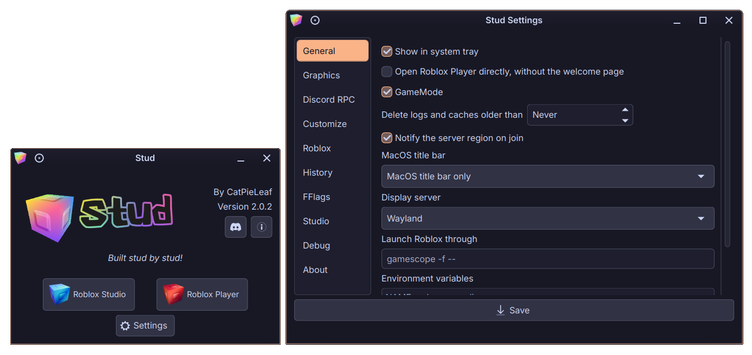
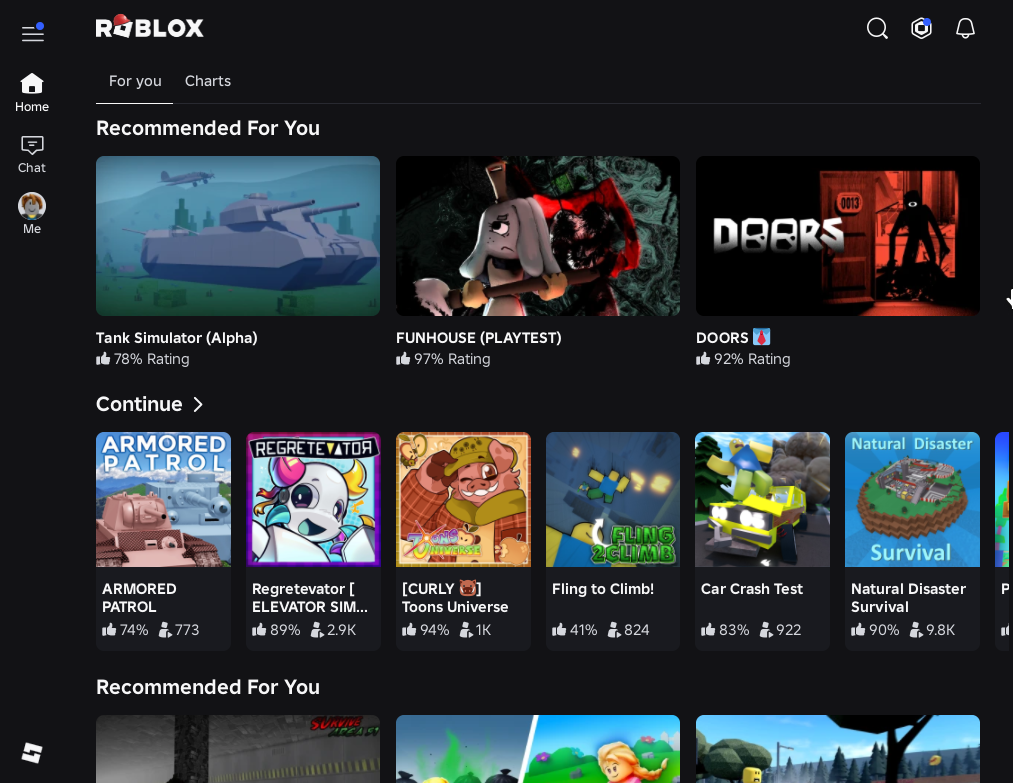
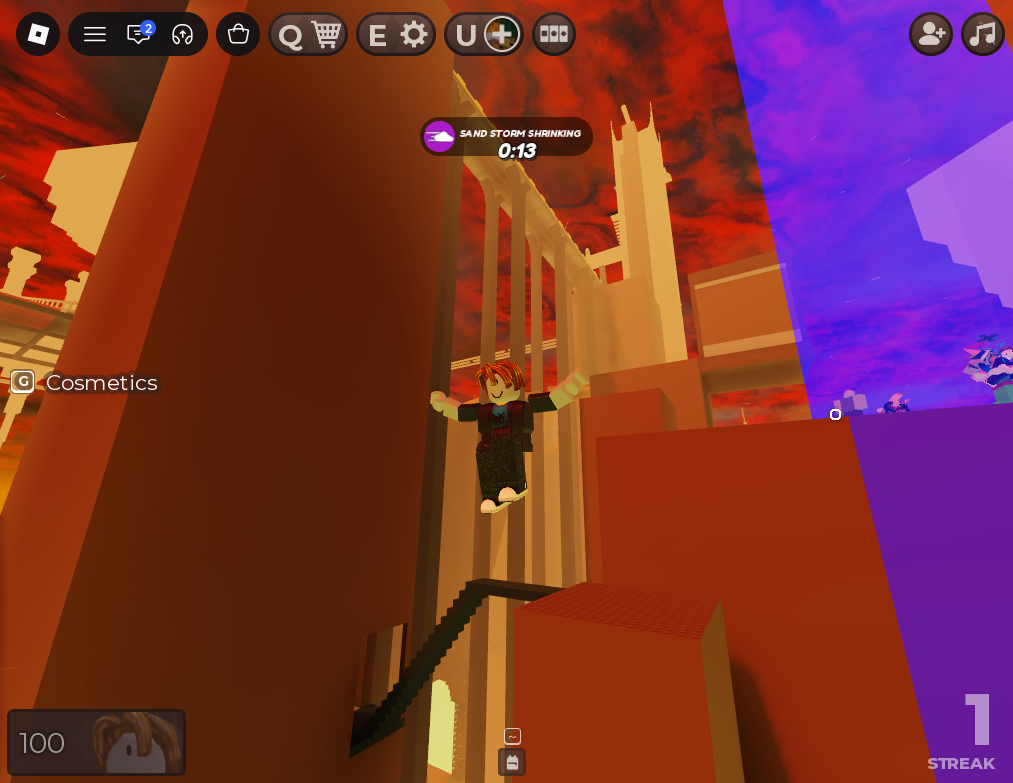
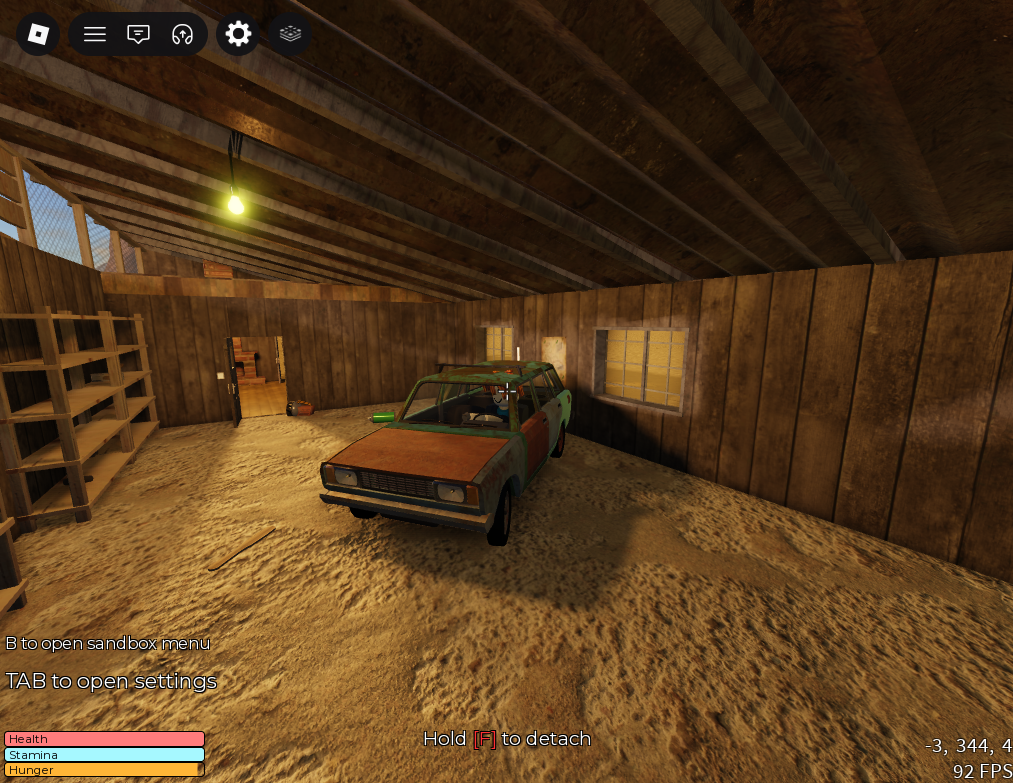
Stud runs the macOS Roblox Player and Studio on Linux through Rosemary.
Features:
- Updates Roblox from Roblox's own servers before each launch
- Game history and server list
- FastFlags, upscaling and customizations
- Discord Rich Presence
Roblox is not included: Stud downloads it from Roblox's own servers, and it remains subject to Roblox's terms.
Stud is not affiliated with Roblox Corporation.
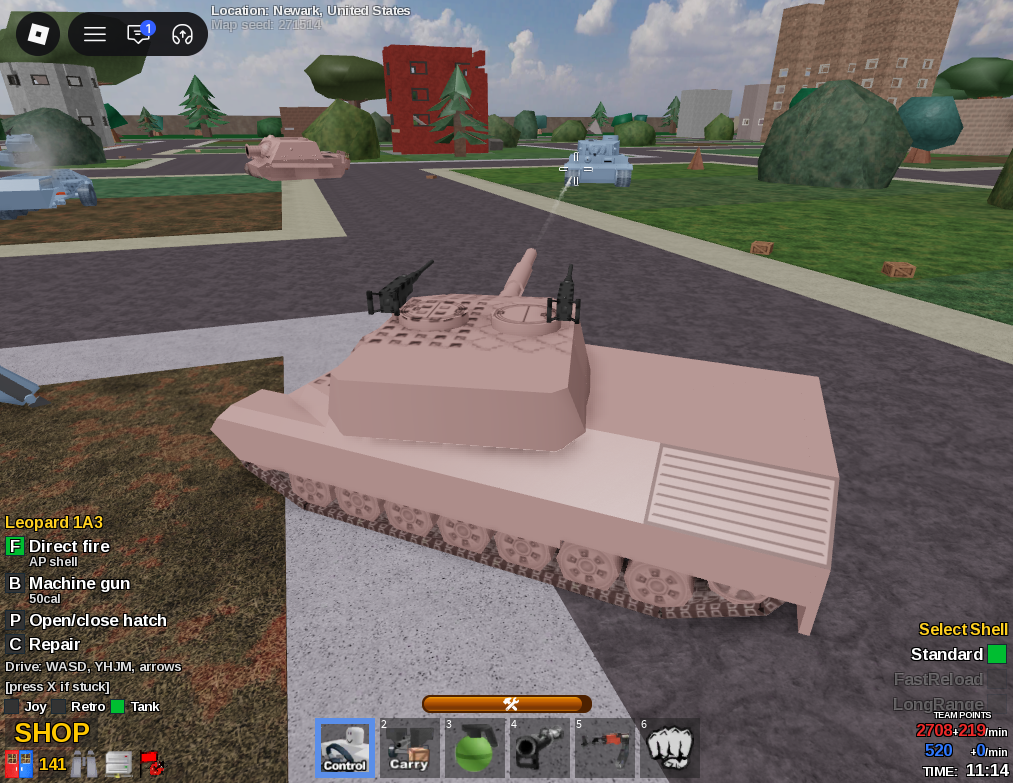
Screenshots
Observed history
| App | Change | Version | When ↓ |
|---|---|---|---|
| updated | 2.0.4 → 2.0.5 | 21 Nov 2026 | |
| new | 2.0.4 | 20 Nov 2026 |
Upstream releases
Release notes supplied by the developer. These dates are not Flathub package publication times.
2.0.520 Nov 2026
- New: Roblox's sign-in and web pages run on WPE WebKit, replacing QtWebEngine
- New: notifications show as a Mac-style banner inside Roblox while it's fullscreen
- Changed: new installs use the desktop's own title bar by default
- Changed: much smaller packages
- Changed: on Fedora without Terrapkg, the welcome page shows how to add WPE WebKit when it's missing
- Fixed: Settings could save "No GPUs found" as the chosen GPU
- Fixed: the buttons that open folders and links did nothing in the cpak container
- Stud is now on Flathub
2.0.419 Nov 2026
- Fixed: the GPU setting showed no GPUs on some systems
- Fixed: Alt-Tab away from Roblox brought Roblox straight back to the front
- Fixed: Roblox could crash right after leaving a game
2.0.319 Nov 2026
- New: classic cursors (2006 and 2013), character sounds and avatar editor background, downloaded from Bloxstrap
- New: a Code font setting, separate from the game font
- New: your Roblox avatar in Discord Rich Presence, in games and on the home screen
- New: Close Roblox when leaving a game
- New: your Roblox login is kept in your system keyring between sessions
- New: GPUs are listed by name even without Vulkan, so OpenGL players can pick one
- Fixed: a custom font turned Chinese, Japanese and Korean text into empty boxes
- Flatpak: no longer asks for Discord or controller access by default; Settings shows how to allow them
- cpak: the tray's Copy server link works, once cpak has the tray fix
2.0.217 Nov 2026
- Fixed: Stud didn't start at all on X11 (#36)
- Fixed: a Roblox window behind other windows took over the cursor, and the home screen reacted, just from the mouse passing over it
- Fixed: closing Roblox from the Linux title bar froze it and skipped Roblox's own leave screen
- Fixed: a PlayStation controller pressed every button twice
- Fixed: Roblox could freeze when leaving a game
- New: Roblox's sign-in and Studio's web panels now open inside the Roblox window
- New: a Studio tab in Settings, with Studio's own FastFlags and buttons for its Plugins and Documents folders
- New: Discord Rich Presence for Studio
- New: a Presentation setting with VSync, Adaptive VSync, No VSync without tearing, and No VSync
- New: Ctrl works as Command in Studio, like Studio on Windows
- Faster: Roblox's main thread gets a higher priority, and its memory uses huge pages
- Faster: on AMD X3D CPUs, Roblox runs on the cores with the large cache