
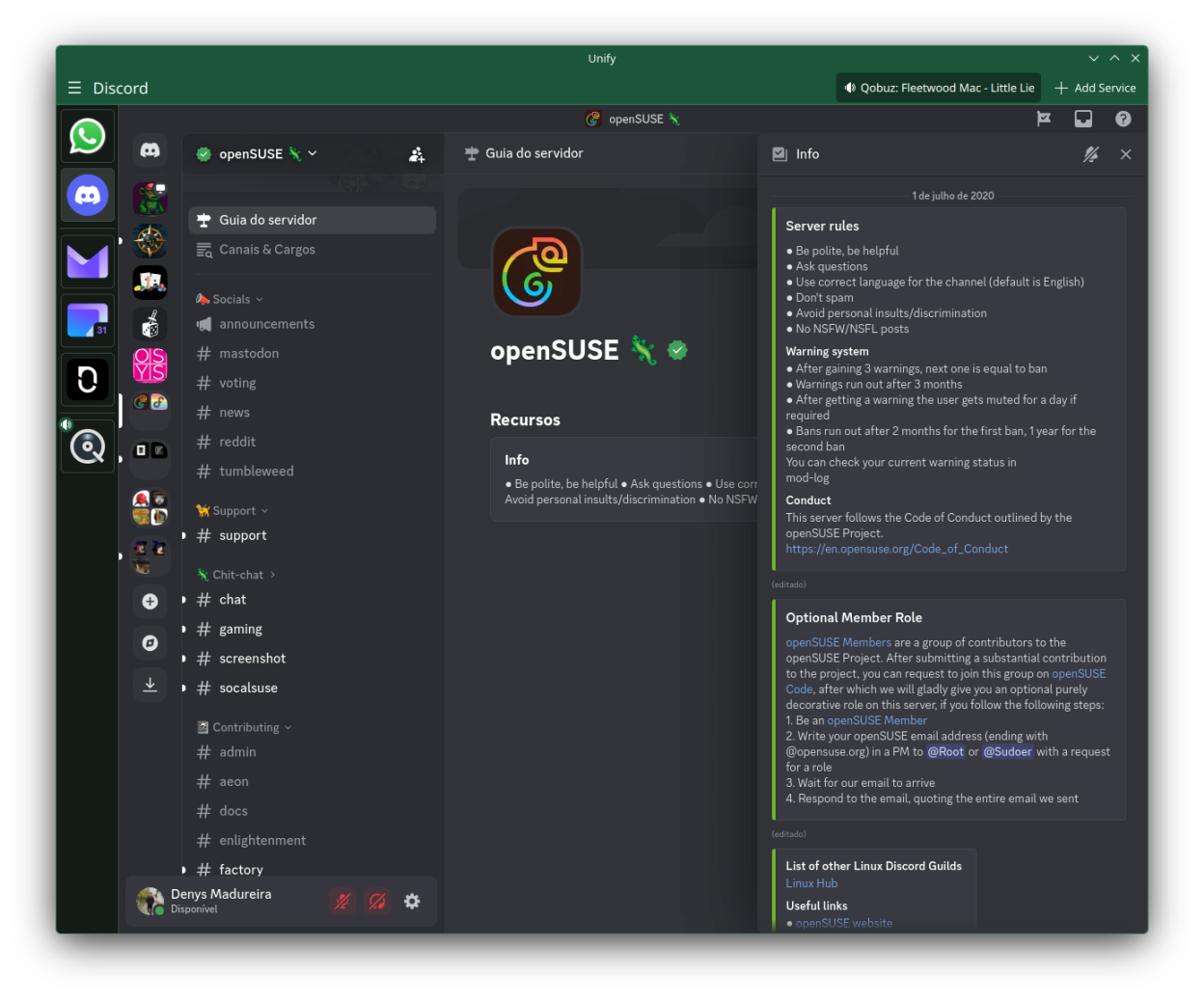
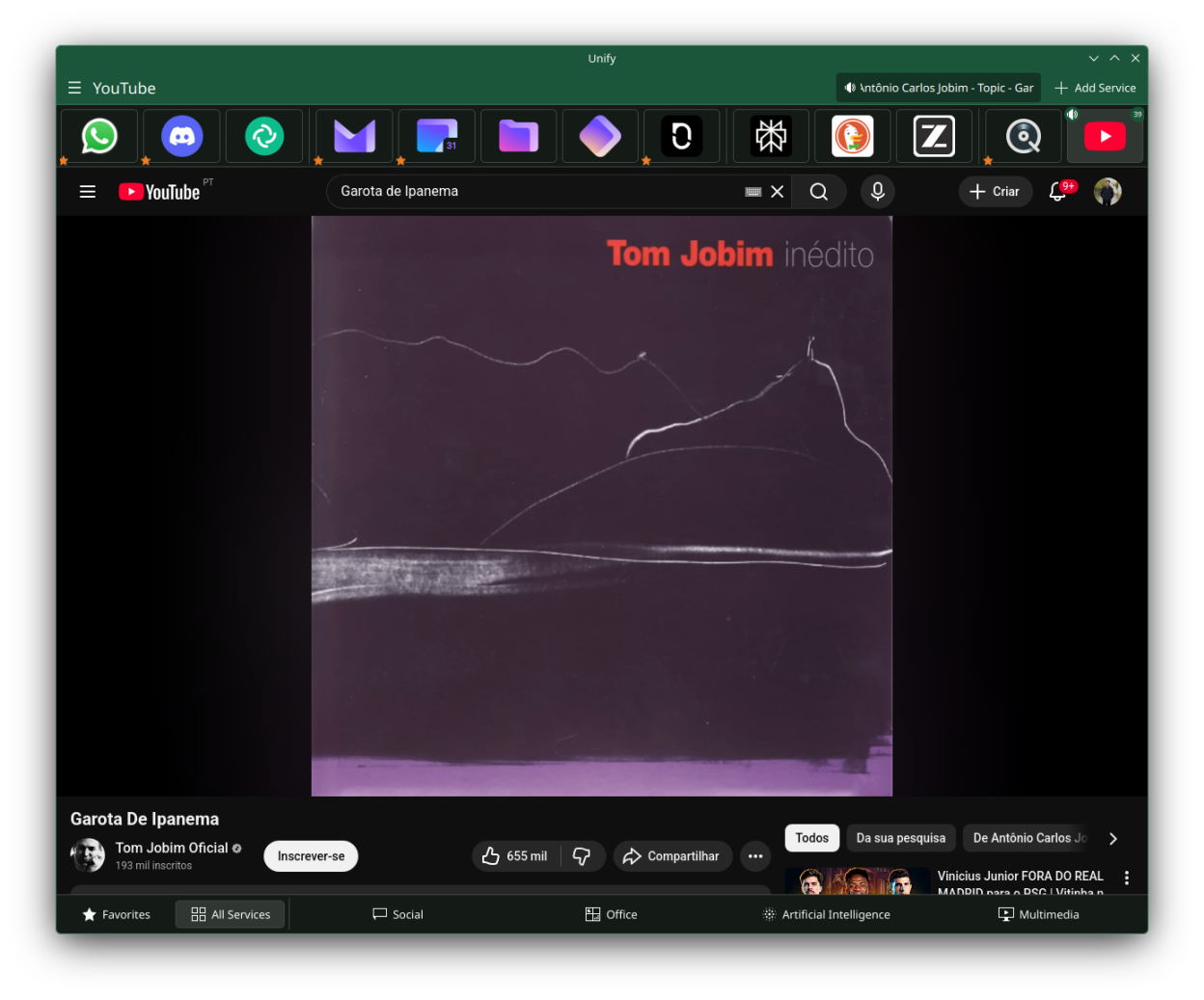
Unify is a web app aggregator that brings all your favorite web applications (Spotify, YouTube, Gmail, WhatsApp Web, and more) into a single, desktop-native window.
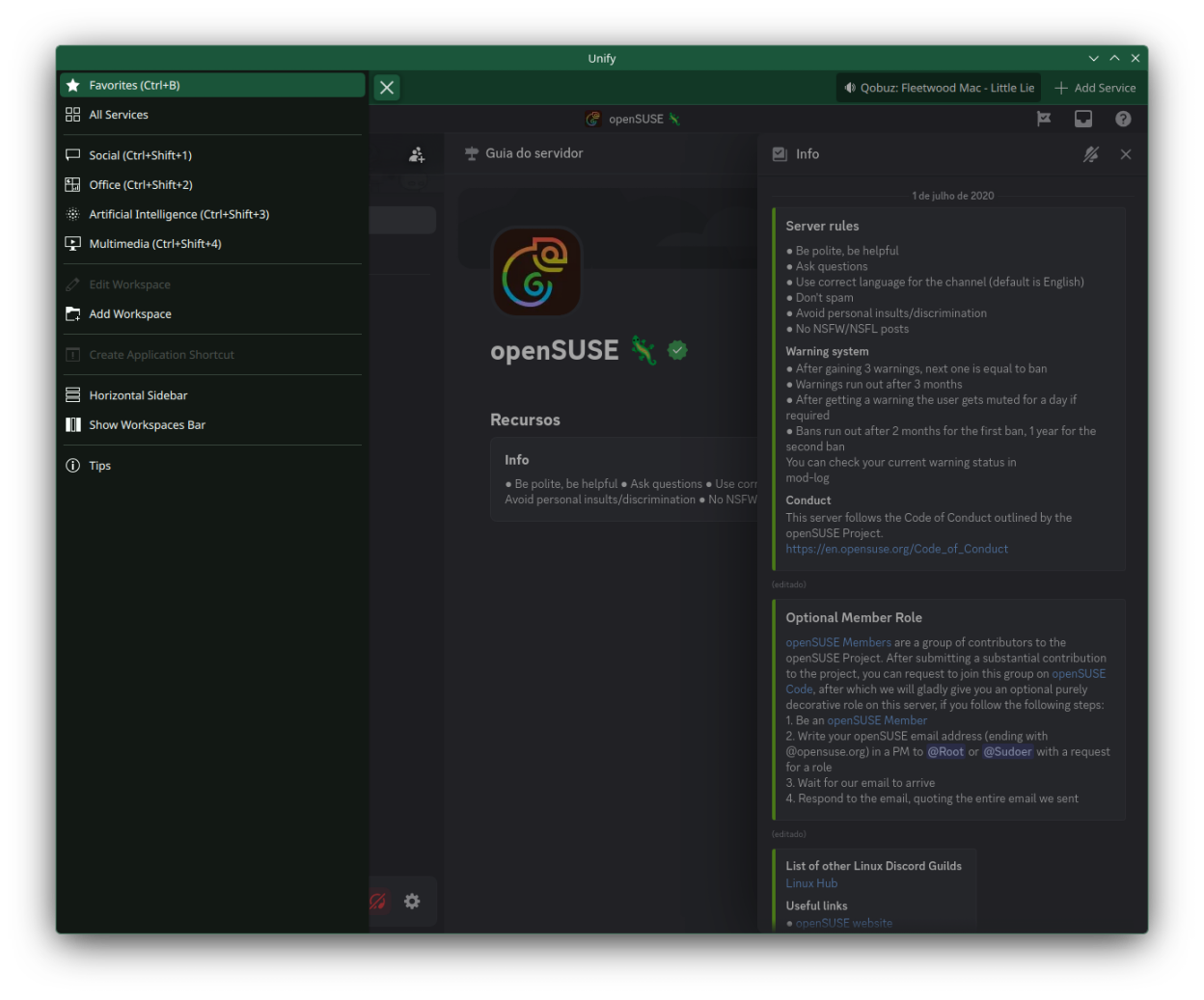
Organize your web apps into workspaces, switch between them instantly, and enjoy desktop features like native notifications, screen sharing, and media session tracking.
Features:
- Run multiple web apps in one application window
- Organize services into customizable workspaces
- Native desktop notifications integration
- Screen sharing and webcam support
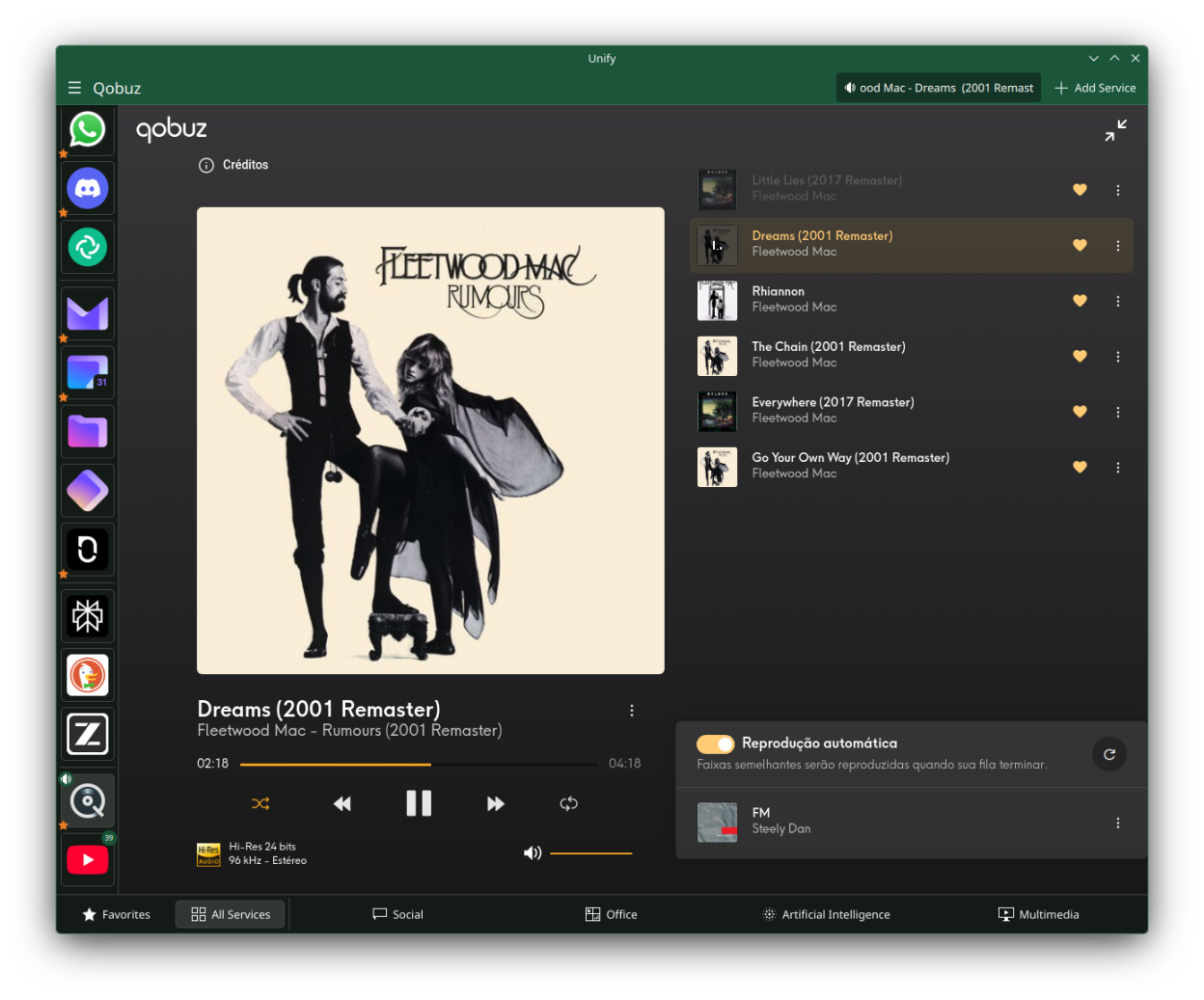
- DRM content playback (Spotify, Netflix, Prime Video with Widevine)
- Media session tracking with "Now Playing" indicator
- Favicon auto-detection for service icons
- Detachable windows for individual services
- Keyboard shortcuts support
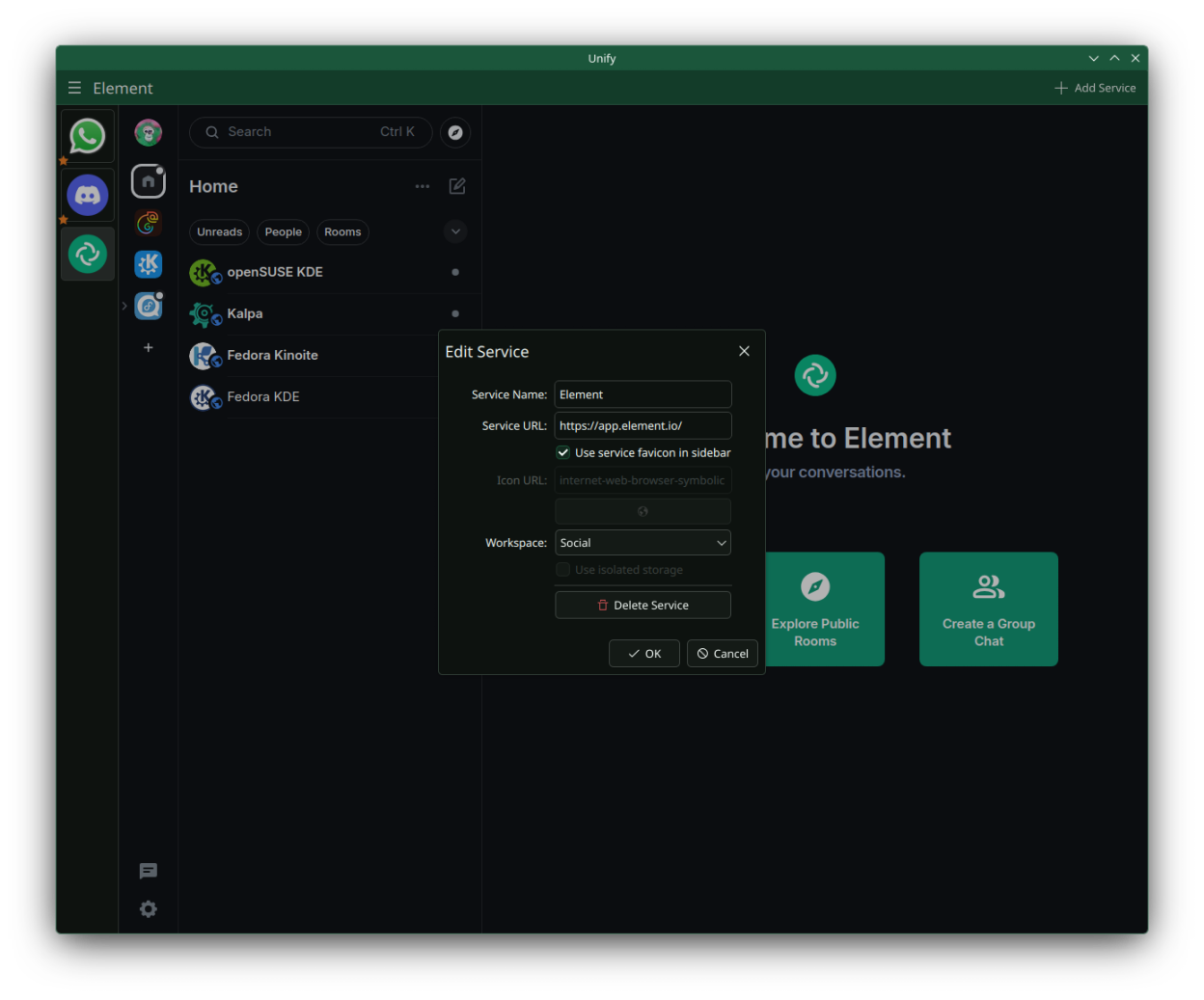
Screenshots
Observed history
| App | Change | Version | When ↑ |
|---|
No observed changes yet.
The initial import establishes a baseline. Future version changes will appear here.
Browse the app catalogue →Upstream releases
Release notes supplied by the developer. These dates are not Flathub package publication times.
0.8.016 Aug 2026
This release adds a TLS proxy to reach Cloudflare-protected APIs, a global service switcher, a voice chat quick action in the system tray, and the ability to disable workspaces:
- Added TLS proxy bridge that routes requests through a local sidecar presenting a real browser fingerprint, bypassing Cloudflare TLS detection on protected APIs
- Added Network settings page to manage proxied hosts, with automatic detection of hosts that only work through the proxy
- Added Global Switcher to search and jump to any service across all workspaces
- Added experimental system tray quick action to open an AI voice chat (ChatGPT or Perplexity), configurable in Settings > Behavior
- Added support for disabling workspaces from the workspace drawer
- Re-enabled GPU acceleration in the Flatpak build by removing forced software rendering flags
- Improved anti-detection script and reworked workspace drawer
- Added automated tests for the TLS proxy bridge
0.7.023 May 2026
This release introduces a dedicated Settings window, moving all configuration options out of the workspace drawer for a cleaner and more organized experience:
- Added dedicated Settings window with categorized sections (Appearance, Behavior, Widevine)
- Appearance settings: sidebar orientation, size presets, header visibility, zoom controls, workspaces bar
- Behavior settings: global mute, download confirmation, system tray, autostart
- Widevine DRM management with install/uninstall UI
- Workspace drawer simplified to show only workspace navigation and quick actions
- Settings follow KDE HIG with proper FormLayout structure
0.6.014 May 2026
This release adds sidebar customization, header visibility control, and autostart support:
- Added tiny/small/normal/big size presets for the sidebar
- Added Ctrl+H toggle to hide the application header
- Added Launch on System Start toggle via Background portal
0.5.114 Apr 2026
Bug fixes and improvements.