Chronograph is an open-source application designed for accurately syncing lyrics with audio timestamps.
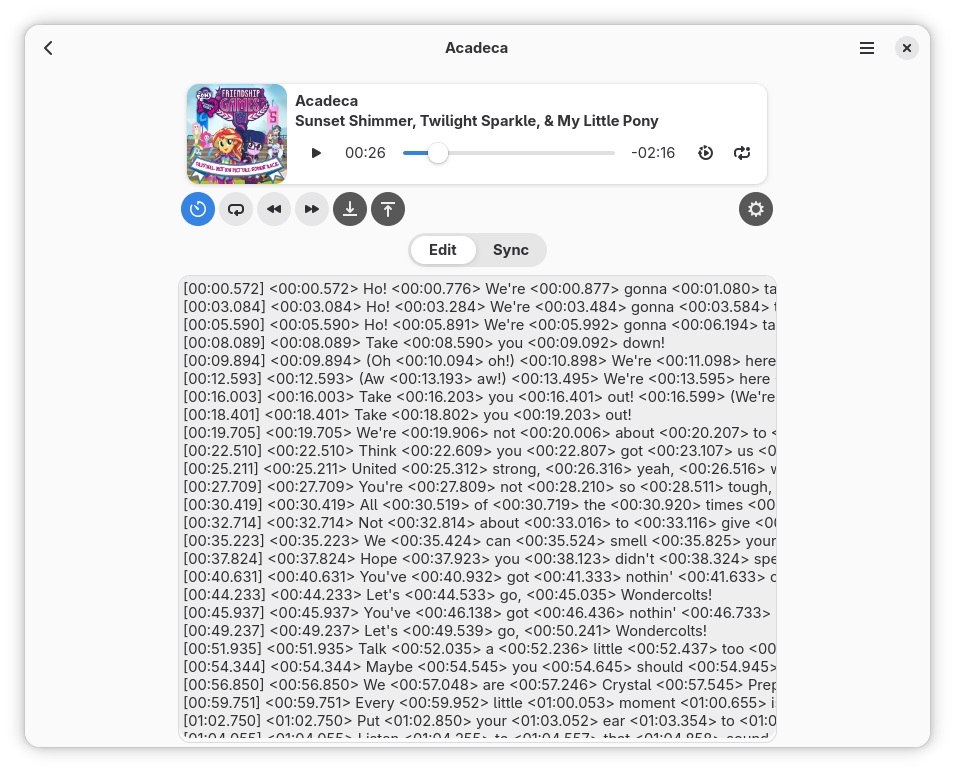
You may notice that many of music players support synced lyrics which are highlighted line-by-line or word-by-word while playing? This app was designed to give the community an ability to be the ones who make these lyrics.
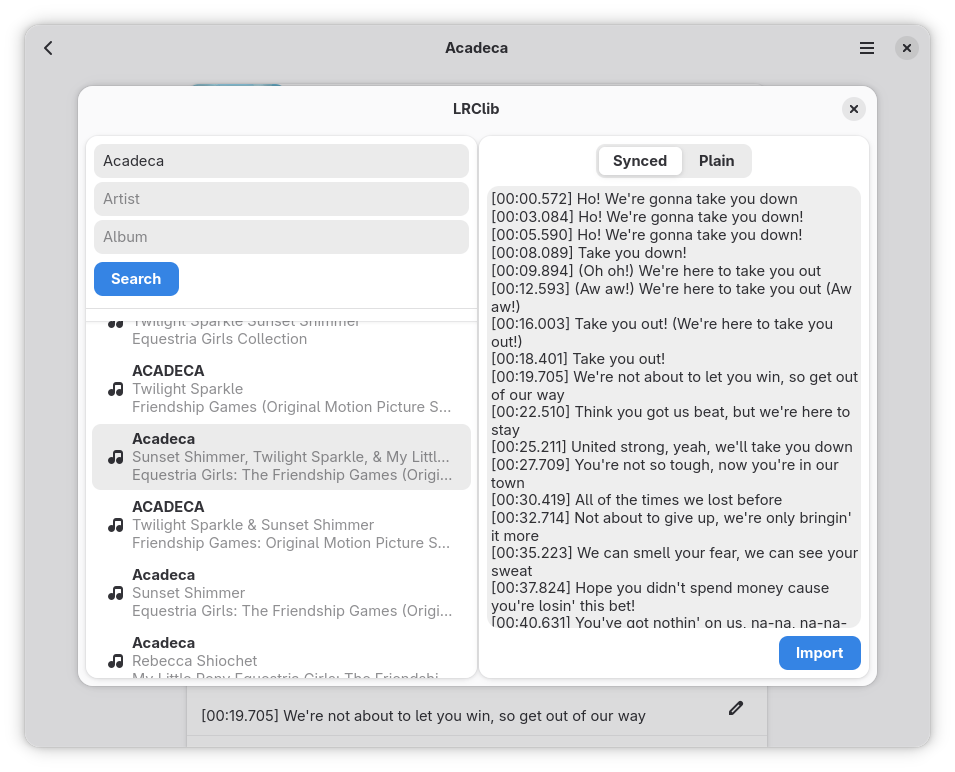
Chronograph directly supports publishing to LRCLib. As many FOSS music players use LRCLib to fetch synchronized lyrics, this integration allows users to easily contribute their work back to the open-source community.
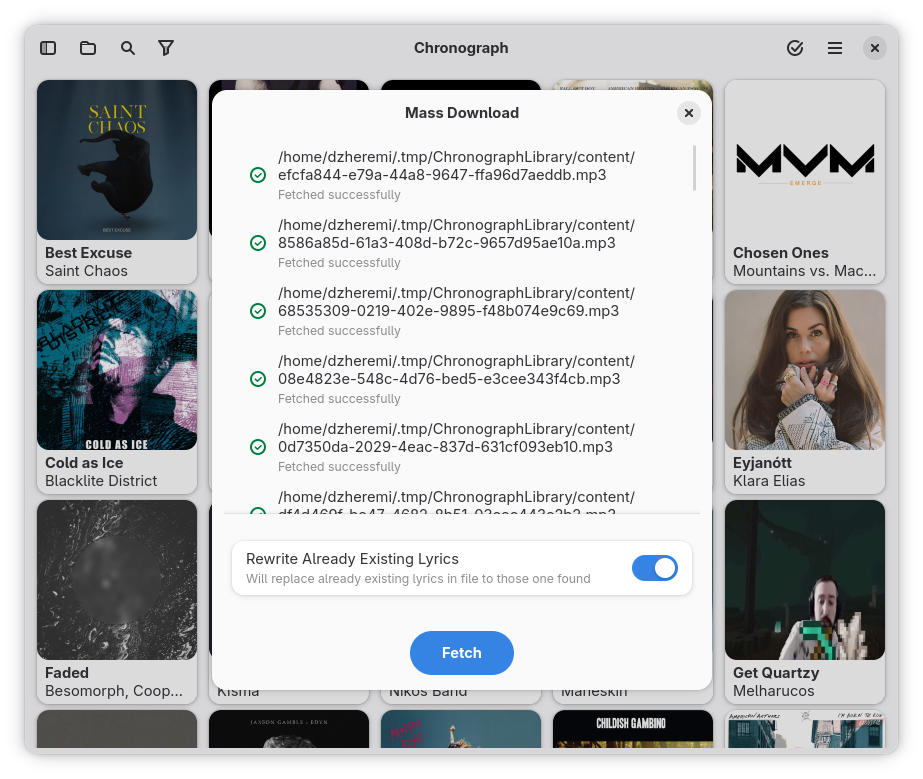
If you have a large base of music and just want to download lyrics for all of it, Chronograph also supports mass lyrics downloading. It will try to find lyrics for each of your track on LRClib and save it depending on your settings.
Syncing Modes
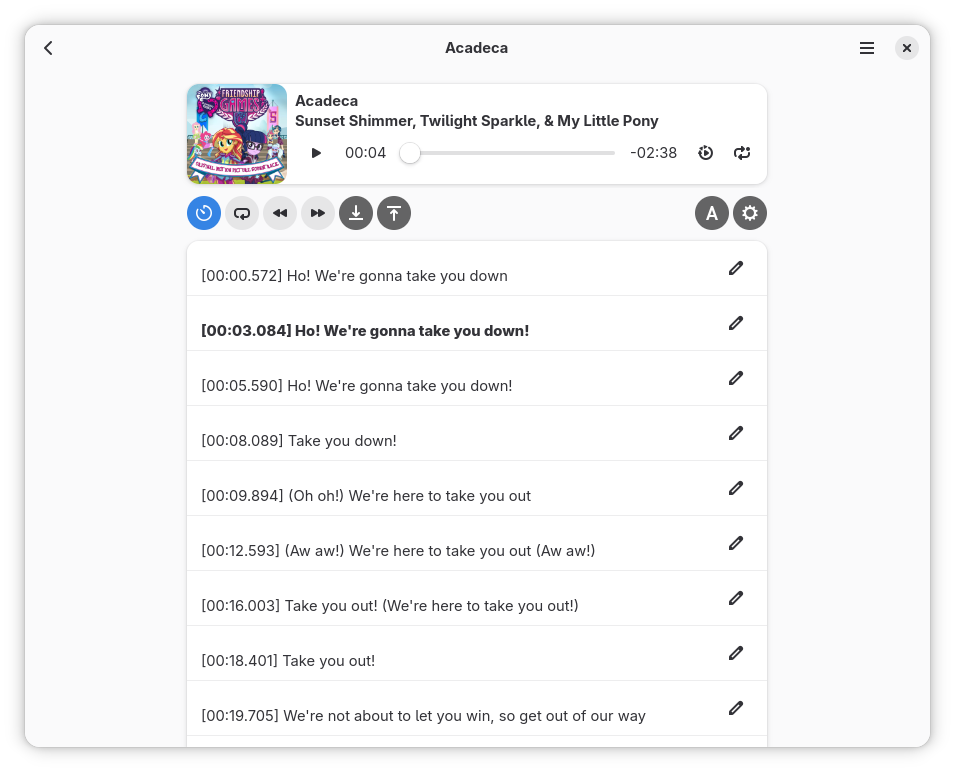
- Line-by-Line (Primary): Here, every time you do sync action, timestamp is placed for the whole line of lyrics. This is the most supported format of synced lyrics.
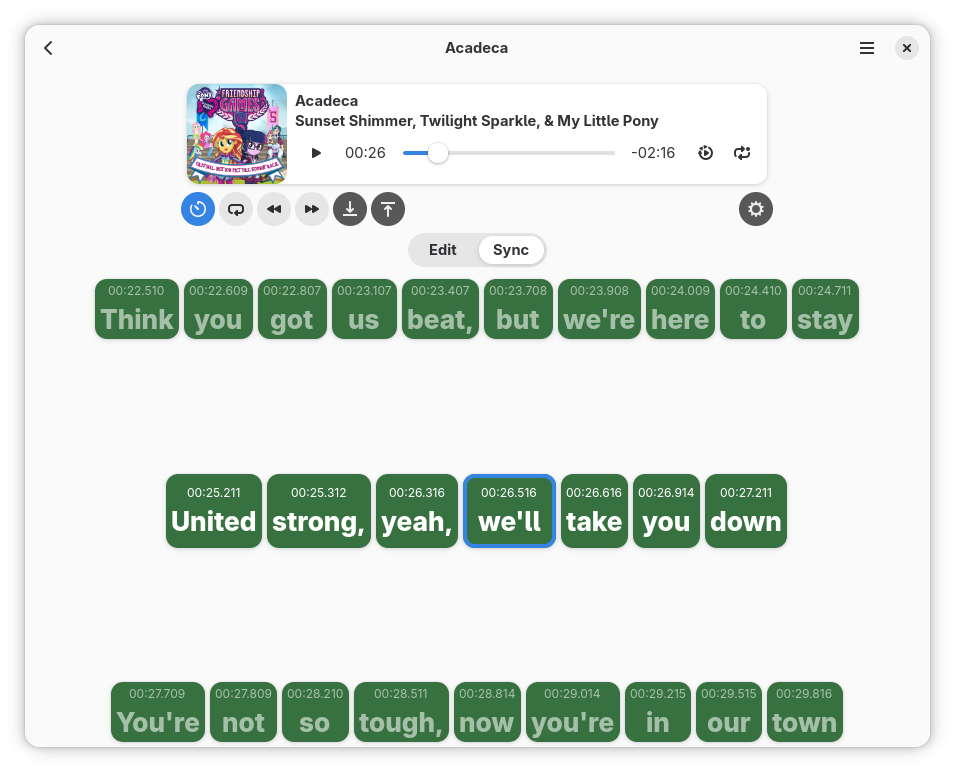
- Word-by-Word (Advanced): Designed for true karaoke quality. It places a timestamp for every single word, enabling players to animate lyrics with precision.
Supported Formats
- OGG
- FLAC
- MP3
- M4A
- OPUS
- WAV
- AAC (reduced functionality)
Screenshots
Observed history
| App | Change | Version | When ↑ |
|---|
No observed changes yet.
The initial import establishes a baseline. Future version changes will appear here.
Browse the app catalogue →Upstream releases
Release notes supplied by the developer. These dates are not Flathub package publication times.
4923 Jan 2026
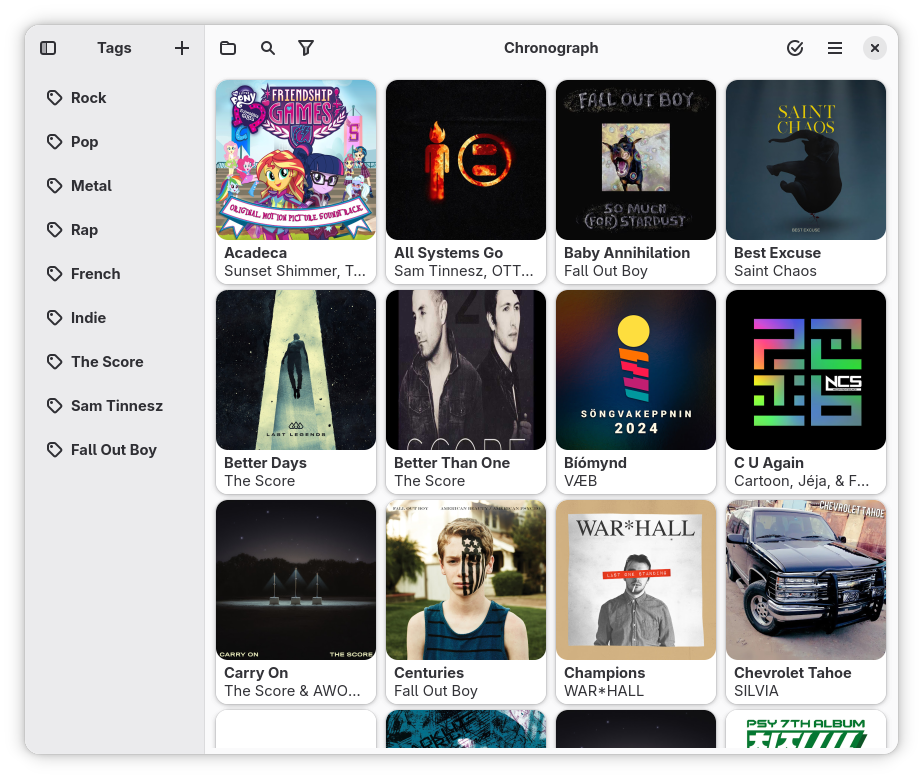
New Library approach: Previously, Chronograph has manipulated different directories user stores files in. Now we move from this approach to new Library. You select a folder in which you want to create a new library, then import files in it, and Chronograph then uses this Library and its files.
New Chronograph's own lyric format Chronie. Its main goal to be compatible with every other format Chronograph supports. Since barely all formats use Line-by-line or Word-by-word syncing and either only start or both start and end timestamps, Chronie combines all these approaches and store ALL of them simultaniously. Chronie can be converted to any lyric format and then exported, at the same time, it is exportable itself.
Since most of the users, I guess would only use one library, it has tags you can assign to a track in a Library. Sidebar, which previously stored saved locations (directories) now stores tags and allow fast filtering among them.
These are removed: List View mode, all files related settings.
Don't forget to check Preferences after the update, since many changes were made to the app schema
New features
- Ability to sort by Title, Artist and Album both A-Z and Z-A
- Sorting based on file import time
Bug fixes
- File's default filename now built as {artist} - {title}.lrc
- Exporting to file now always uses .lrc suffix
5.3.226 Dec 2025
New features
- Sidebar state now saved on app close
Bug fixes
- "Re-sync all" action no more stopping at lines without a space after the timestamp
- App now ignores blank lines during lyric highlighting
5.3.17 Dec 2025
Bug fixes
- Changing View Mode with no library opened no more causing a blank screen
- Sync lines list box no more remain invisible after importing lyrics
5.328 Nov 2025
New features
- Ability to mass download lyrics for opened library
Bug fixes
- Correctly handle sidebar Pin rows autoselection on any library operation
Miscellaneous
- Prepare for GNOME Circle participating. This release remarks by Ignacy Kuchciński, Martin Abente Lahaye