Lumux is a lightweight desktop app that analyzes the colors on your screen and streams them to a Philips Hue Entertainment area for an "ambilight" effect.
It is designed for Wayland desktops and uses the XDG Desktop Portal ScreenCast API (PipeWire) so you control when and what Lumux can capture.
Key features:
- Hue Entertainment streaming (DTLS) for smooth, low-latency updates
- Portal-based screen capture on Wayland (no privileged access required)
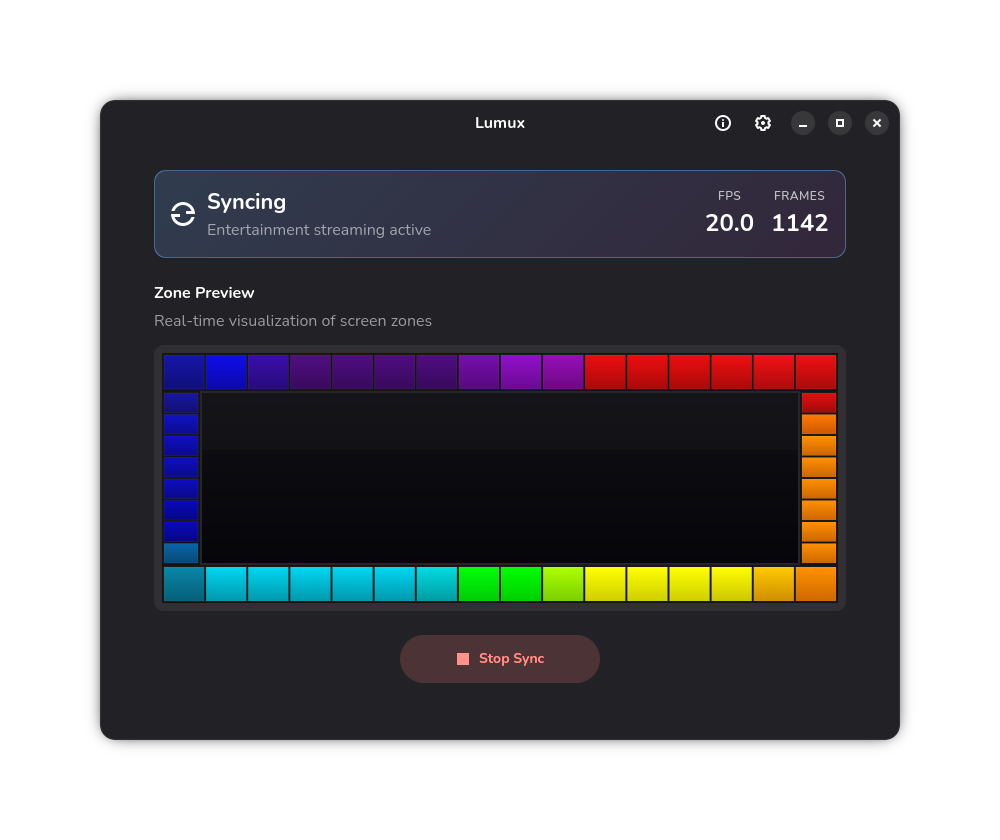
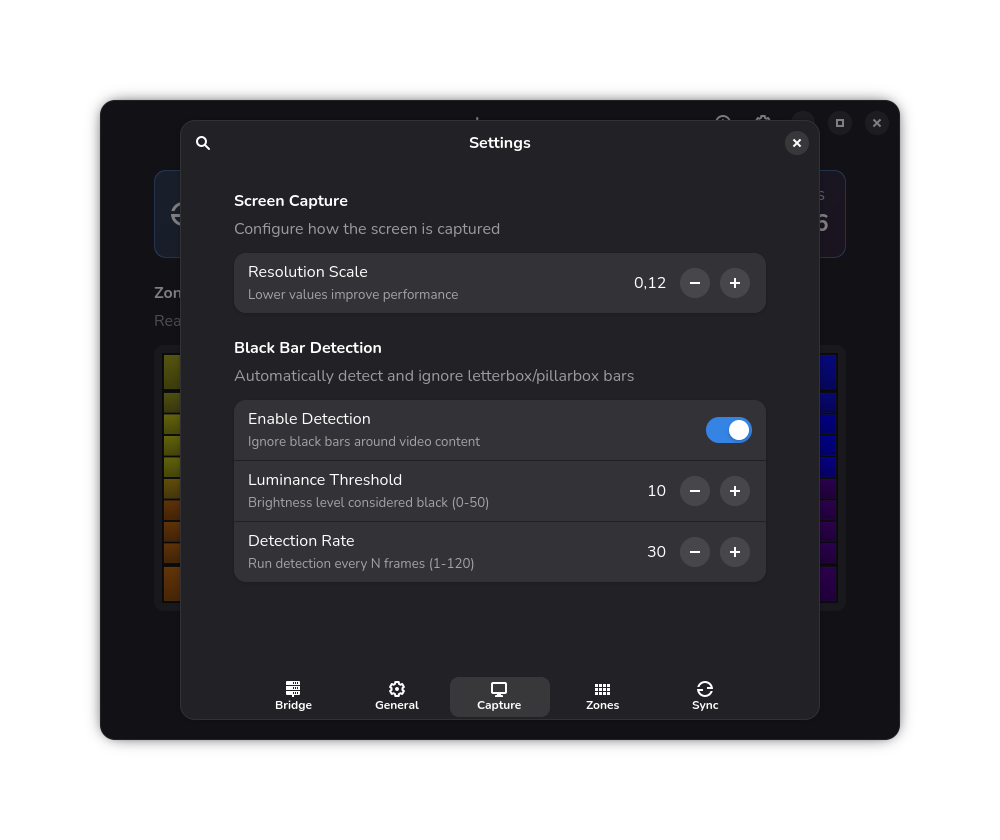
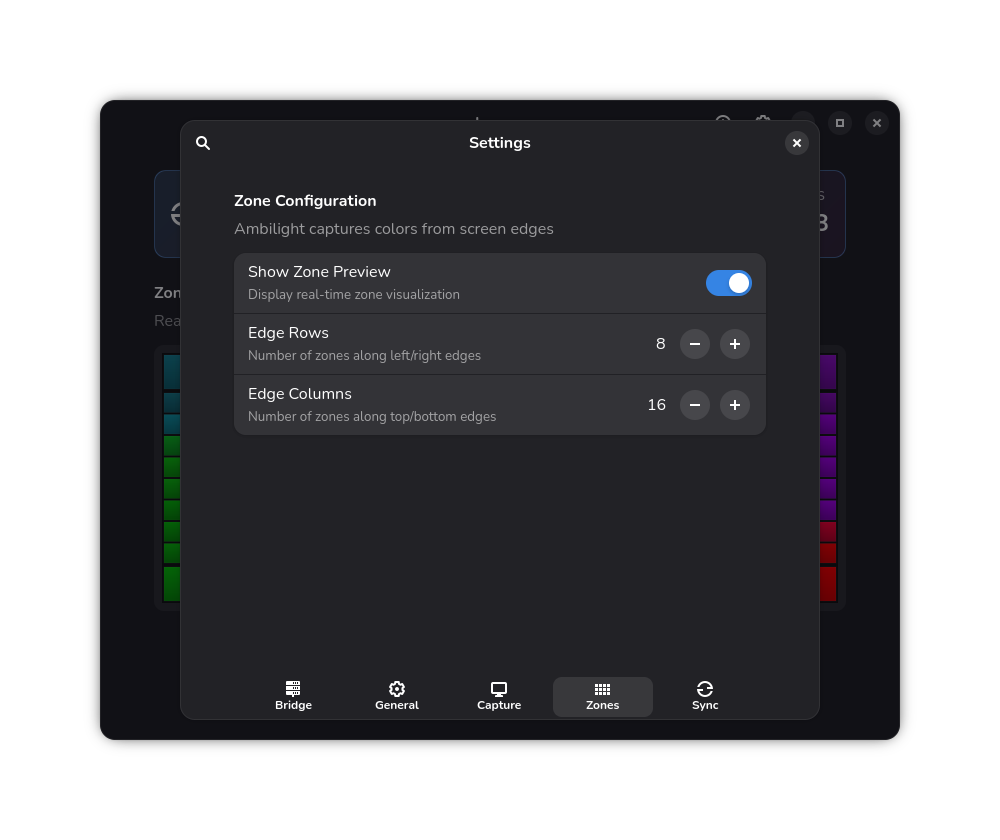
- Configurable zone grid and real-time zone preview
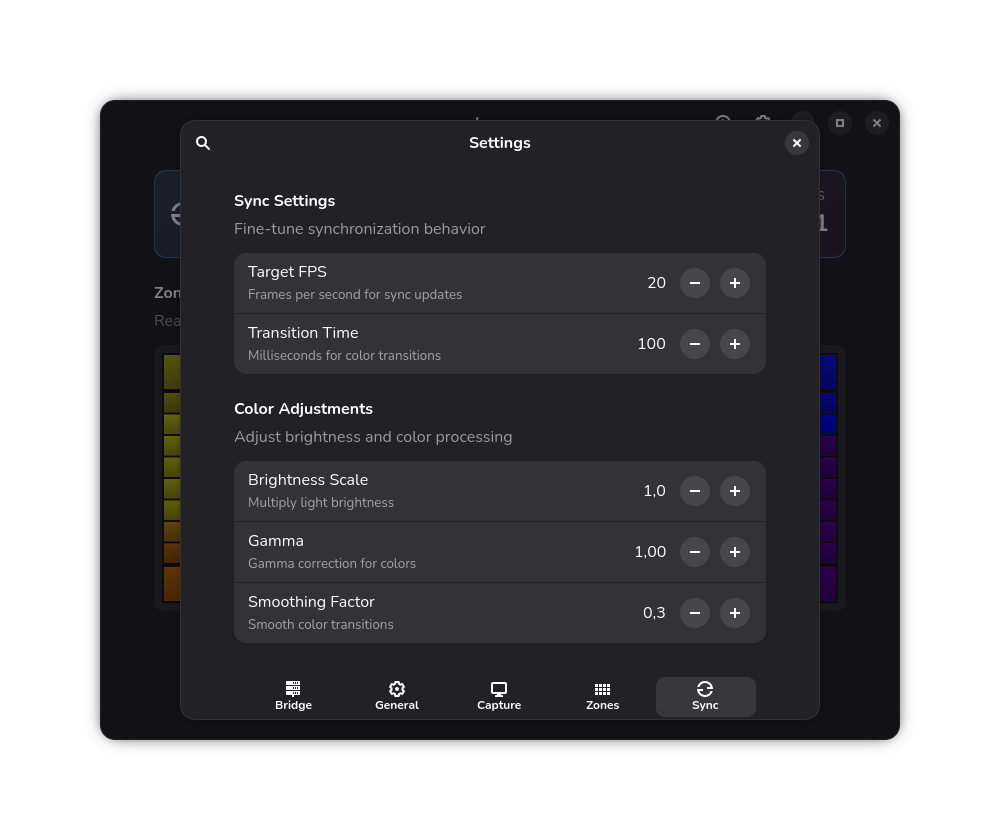
- Performance controls (resolution scale, target FPS, smoothing, gamma/brightness)
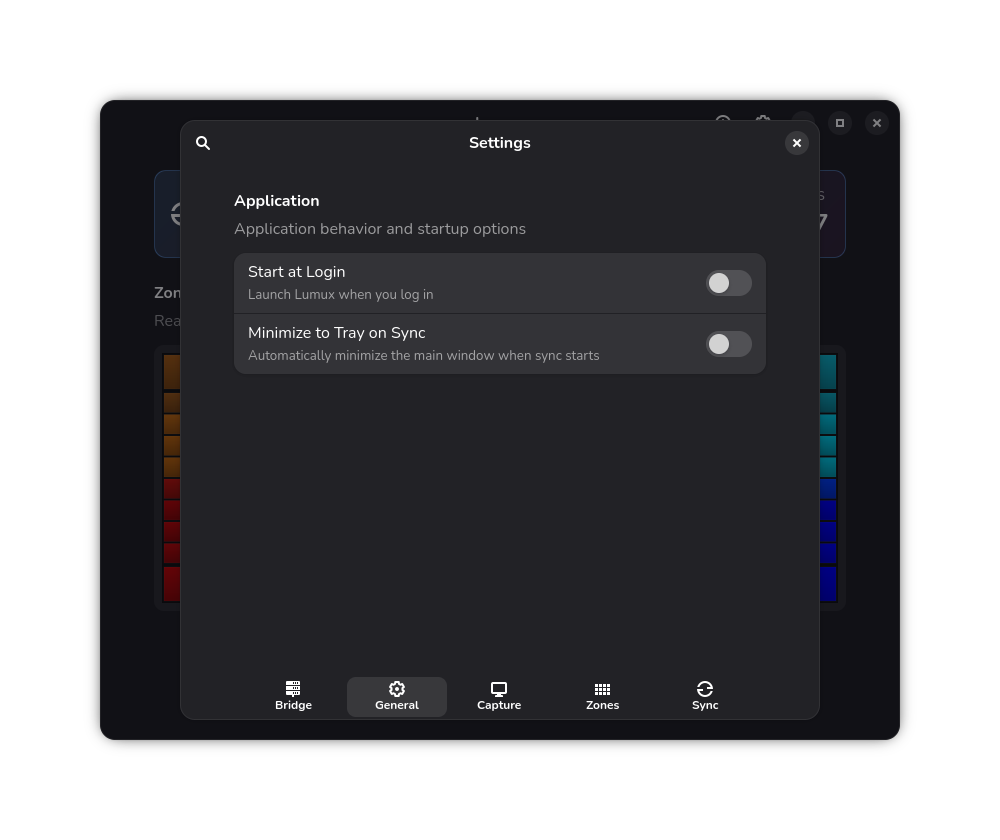
- Optional tray integration and quick start/stop controls
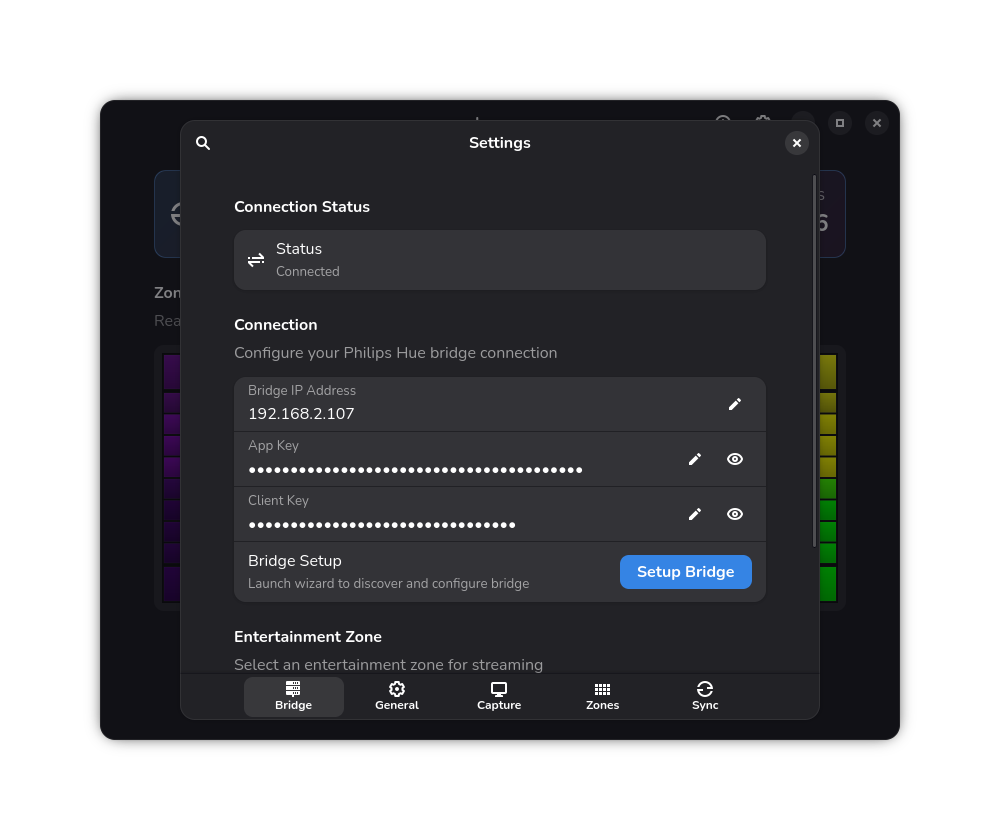
Requires a Philips Hue Bridge and an Entertainment area configured in the Hue app.
Screenshots
Observed history
| App | Change | Version | When ↑ |
|---|
No observed changes yet.
The initial import establishes a baseline. Future version changes will appear here.
Browse the app catalogue →Upstream releases
Release notes supplied by the developer. These dates are not Flathub package publication times.
0.6.216 Jul 2026
Bug fixes:
- Handle padded row strides and avoid odd scaled widths in capture pipeline
- Fall back to next converter on runtime pipeline errors for more resilient capture
0.6.023 Apr 2026
Performance and refactoring:
- Migrated image processing pipeline from PIL to numpy arrays for better memory efficiency
- Added dynamic scale factor with automatic pipeline restart support
- Pre-computed message buffers and encoded config ID at init for faster entertainment streaming
- Converted bridge status checks to async with thread safety for settings application
- Added bidirectional RGB/XY color conversion and migrated utils into the lumux package
- Optimized zone preview to skip redraws when colors haven't changed
- Tuned default sync performance: increased FPS to 30, reduced transition time to 50ms
0.5.015 Apr 2026
Bug fixes and improvements:
- Fixed Hue lights staying on after application or system shutdown
- Fixed autostart toggle not persisting in Flatpak sandbox
- Added SIGTERM signal handler for clean shutdown during system power off
- Improved autostart file path detection in Flatpak environments
0.4.213 Mar 2026
New features and fixes:
- Added Reading Mode with configurable static color and brightness controls
- Added automatic Reading Mode activation on startup
- Improved Reading Mode responsiveness with debounced brightness updates and auto-apply behavior
- Fixed autostart setup by creating the desktop entry directory automatically and handling Flatpak permission errors more gracefully
- Added a capture source selector to sync either the entire screen or a single window
- Improved capture cleanup so stopping sync also closes the active PipeWire portal session
- Saved the selected capture source in settings so it persists across restarts