
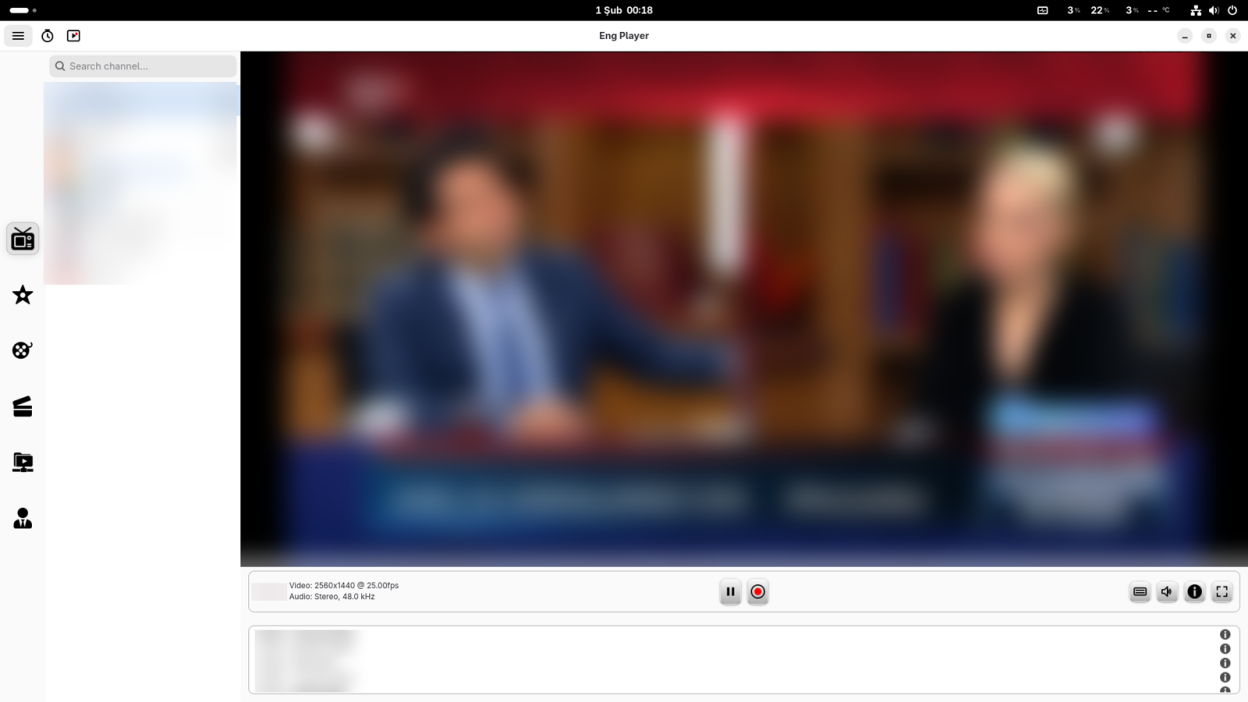
EngPlayer is a modern, fast, and lightweight media player developed with Python and GTK4 for Linux desktops. It serves as a user-friendly entertainment hub that brings your local media library, VOD content, Podcasts, and live streams under one roof.
Key Features:
- IPTV Support: Seamless integration with Xtream Codes API and M3U playlists.
- Smart EPG & Catch-up: Real-time program guides and archive playback support.
- Recorder (PVR): Record live streams or schedule recordings for later.
- Podcast Integration: Manage library, listen to episodes, and smart resume support.
- External Stream: Direct playback support for external video and audio URLs.
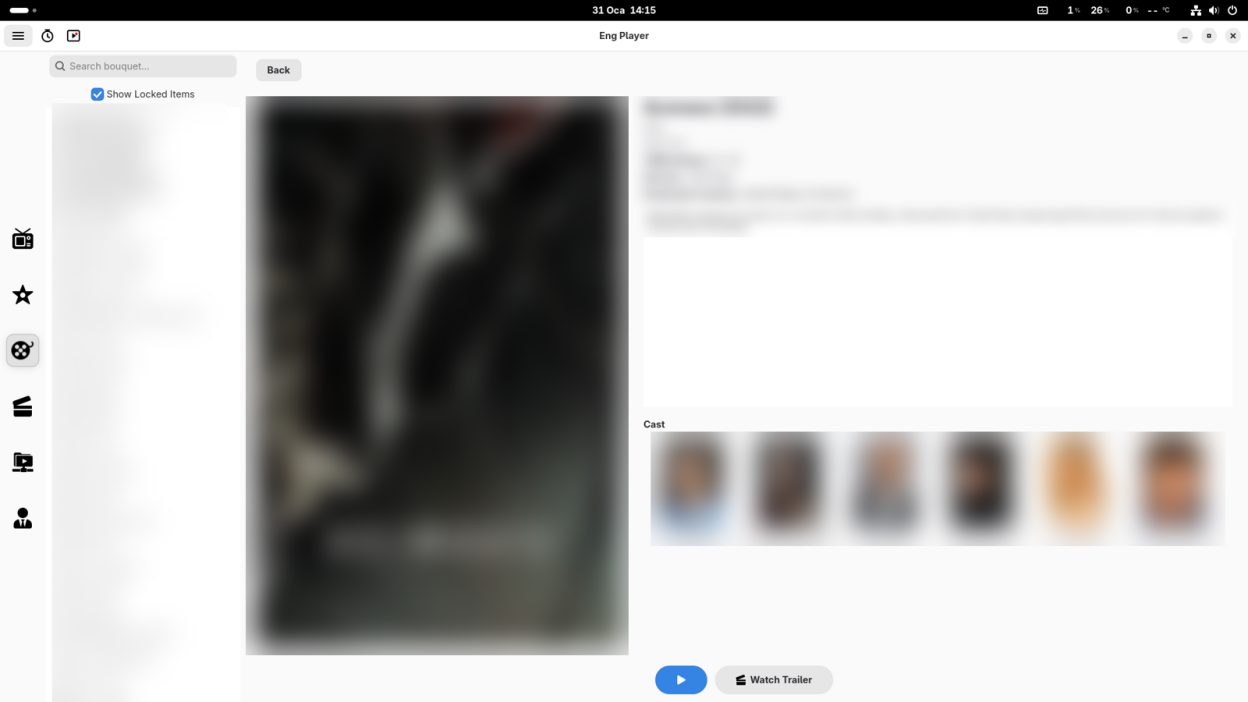
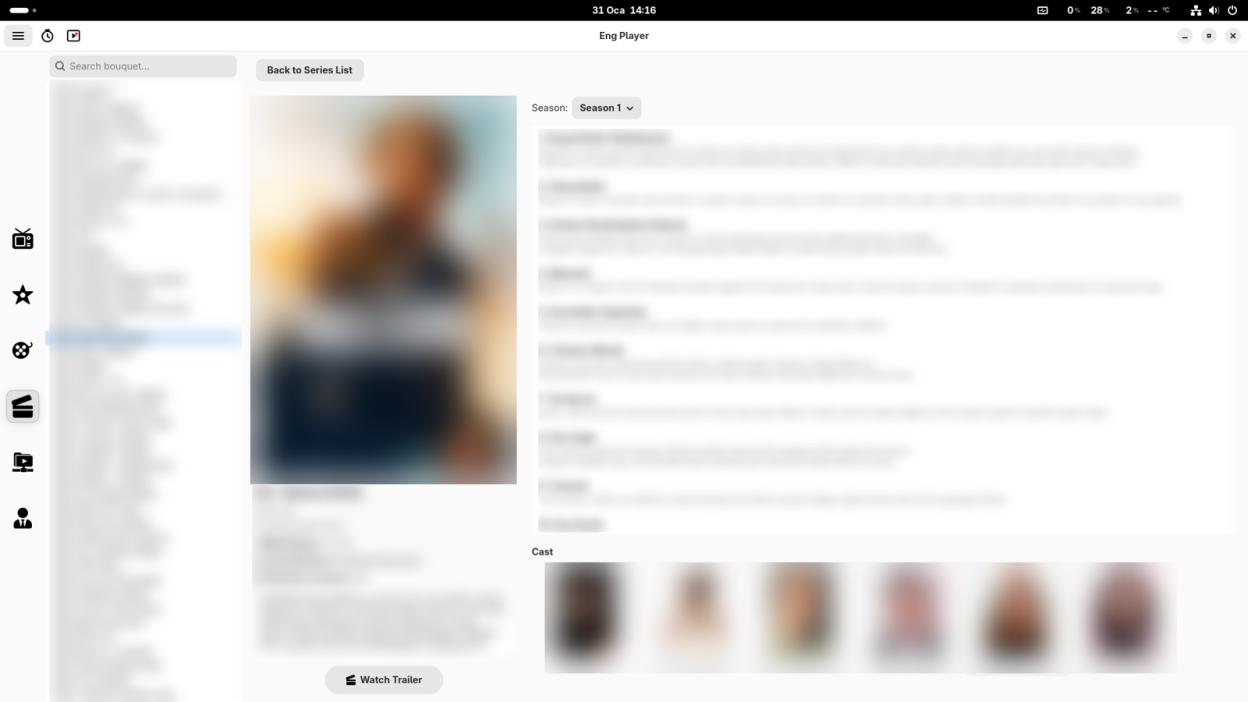
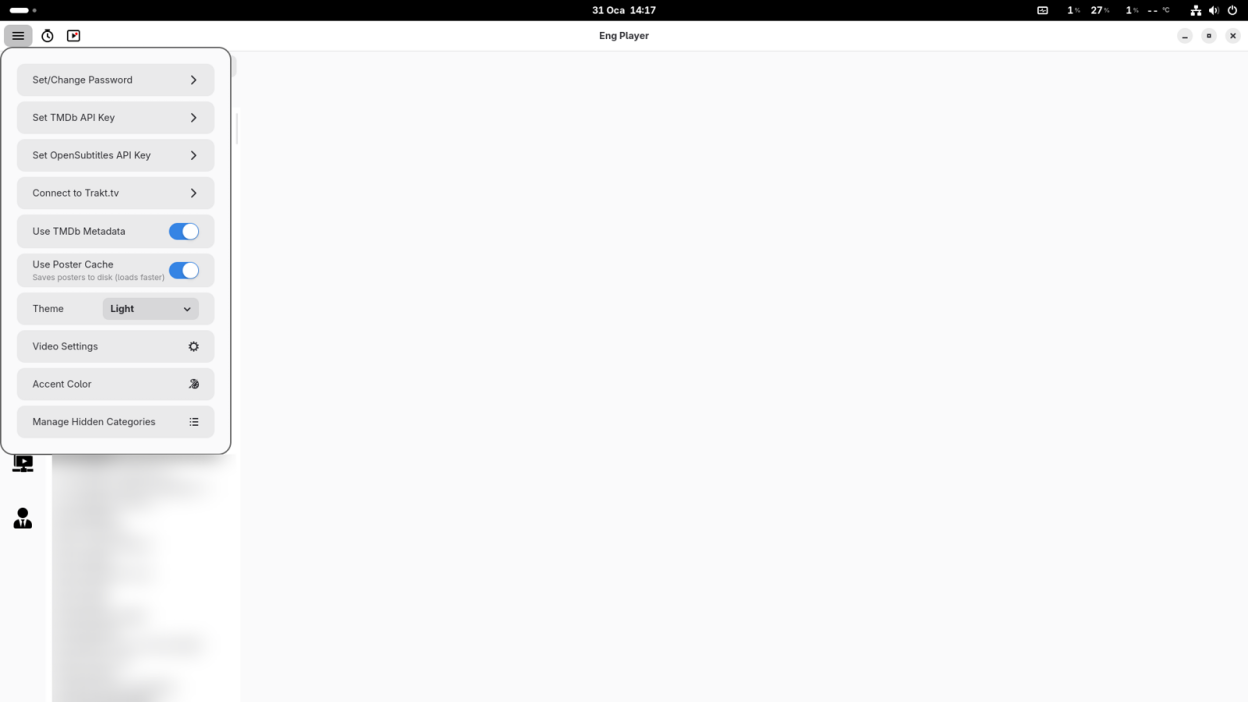
- Cinematic VOD: Automatic metadata fetching (Posters, Cast, Plot) via TMDb integration.
- Trakt.tv Sync: Automatically tracks what you're watching (Scrobbling).
- Local Library: Manage your Video, Music, and Picture collections with album art support.
- Advanced Player: Video Settings (Brightness/Contrast), 10-Band Equalizer, Subtitle download, and PiP mode.
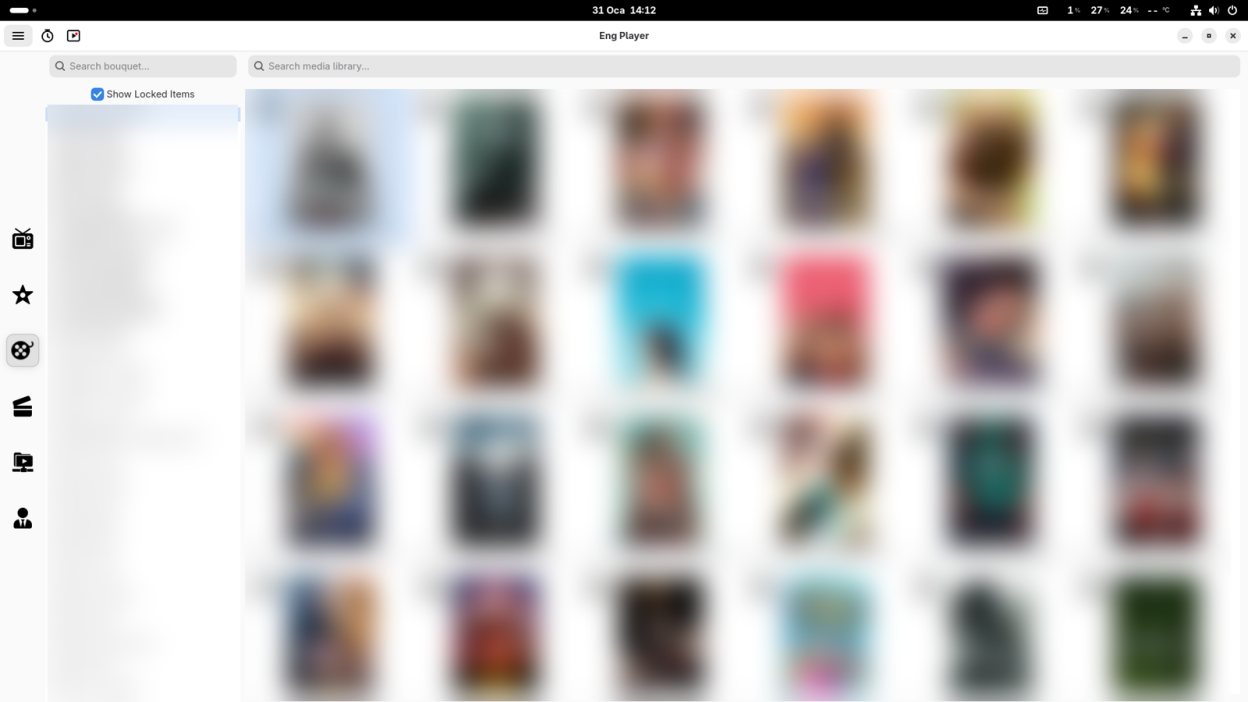
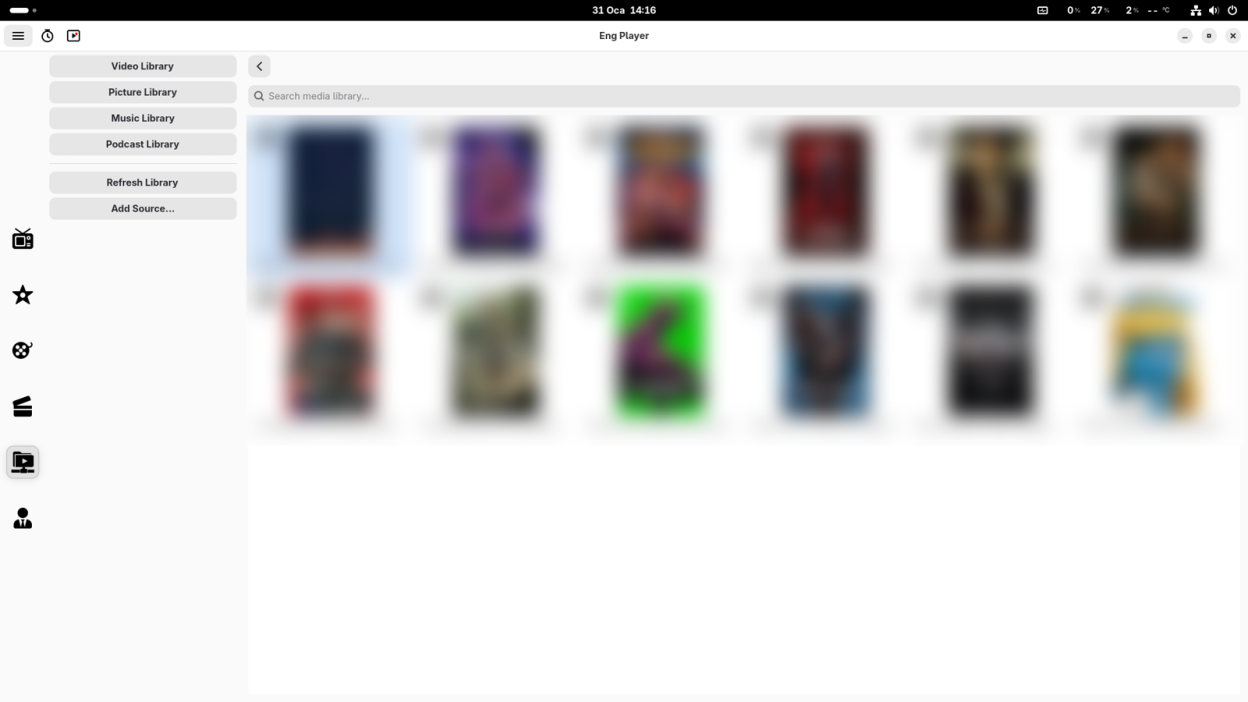
Screenshots
Observed history
| App | Change | Version | When ↓ |
|---|
No observed changes yet.
The initial import establishes a baseline. Future version changes will appear here.
Browse the app catalogue →Upstream releases
Release notes supplied by the developer. These dates are not Flathub package publication times.
0.1.728 Jun 2026
This release brings new content management features, UI enhancements, and under-the-hood Flatpak modernizations, with special thanks to our contributors
- New Feature: Added import and export functionality for Xtream Codes and M3U URLs
- New Feature: Added channel and favorites editor functionality
- New Feature: Added an option to select an external player directly from the channel list for DVB and Teletext
- New Feature: Added download functionality for VOD and series content (Thanks to @ycderman)
- New Feature: Added the ability to add VOD and series to favorites
- New Feature: Added a "Recently Added" section for VOD and series (Thanks to @Eslamasabry)
- UI: Various user interface (UI) updates and overall improvements
- Maintenance: Updated the Flatpak runtime to version 50, migrated configuration to YAML format, and integrated FEDC (Thanks to @yakushabb)
0.1.6.16 Apr 2026
This hotfix resolves a critical application crash during channel playback.
- Fix: Resolved a critical issue where the application would crash during channel playback if the EPG provider link was missing, broken, or failed to download.
0.1.64 Apr 2026
This major release introduces Timeshift, a smart subtitle engine, compressed EPG support, detailed actor profiles, and extensive personalization options.
- New Feature: Added Timeshift to pause and resume live broadcasts.
- New Feature: Added detailed Actor Profiles with biographies and known works.
- New Feature: Native support for downloading and decompressing .xml.gz EPG files.
- New Feature: Introduced Advanced EPG with both Grid and List views.
- New Feature: Smart Subtitle Engine for automatic and flawless character encoding.
- New Feature: Added Video Playback Speed control and Aspect Ratio options.
- New Feature: VOD and Series descriptions can now be translated into the system language.
- New Feature: Global Search to find content quickly across the app.
- New Feature: Quick Channel History to view and switch between the last 30 watched channels.
- New Feature: Programmable Sleep Timer and Advanced List Sorting (A-Z/Z-A).
- UI: Added new color themes and customizable font styles and sizes.
- General: Minor UI enhancements and various bug fixes.
0.1.54 Feb 2026
This release introduces a refreshed UI, full-screen channel management, and buffer control.
- New User Interface: A refreshed and cleaner look for a better user experience.
- Full-Screen Channel List: Access and switch channels directly while in full-screen mode.
- Category Management: Added ability to hide/show specific Bouquets, VOD, and Series.
- Stream Buffer Settings: Adjust stream buffer duration for smoother playback.
- Fix: Resolved trailer playback issues.
- Fix: Improved menu button responsiveness.
- Fix: Resolved PiP window disappearing when minimizing.