
WineCharm is a graphical user interface (GUI) application designed to simplify running and managing Windows applications on Linux using Wine. Built with Python and GTK4/Libadwaita, it provides an intuitive interface for launching .exe and .msi files, managing Wine prefixes, templates, and runners, and creating portable backups.
Key features include support for both GUI and headless modes, single prefix mode for space efficiency, desktop shortcuts, and compatibility with .prefix, .bottle, and .wzt backup files.
i18n Translations: Please contribute your language translations to WineCharm.
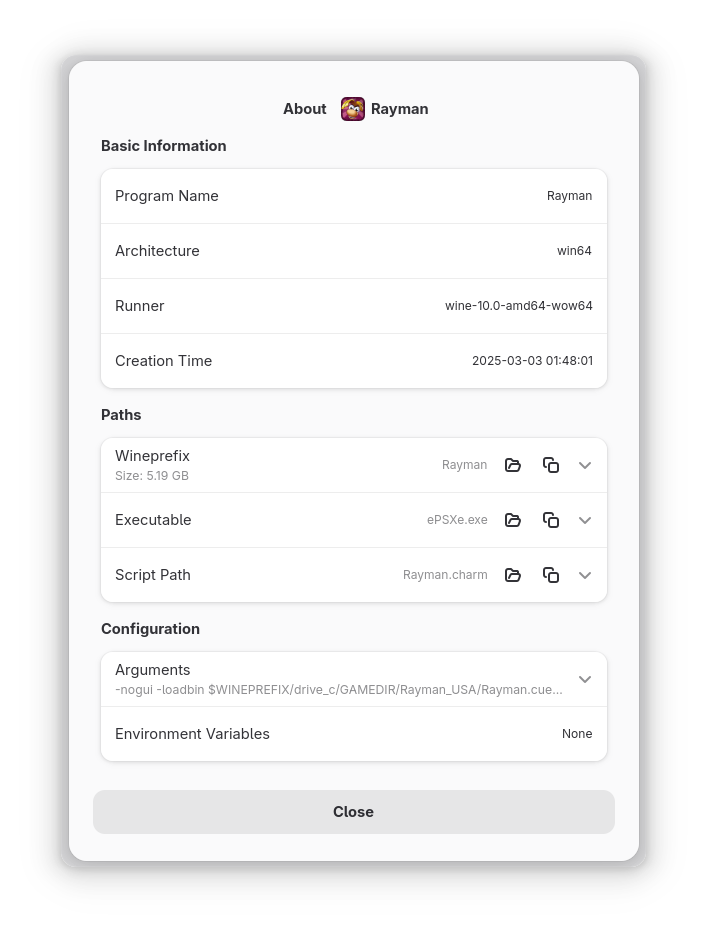
Screenshots
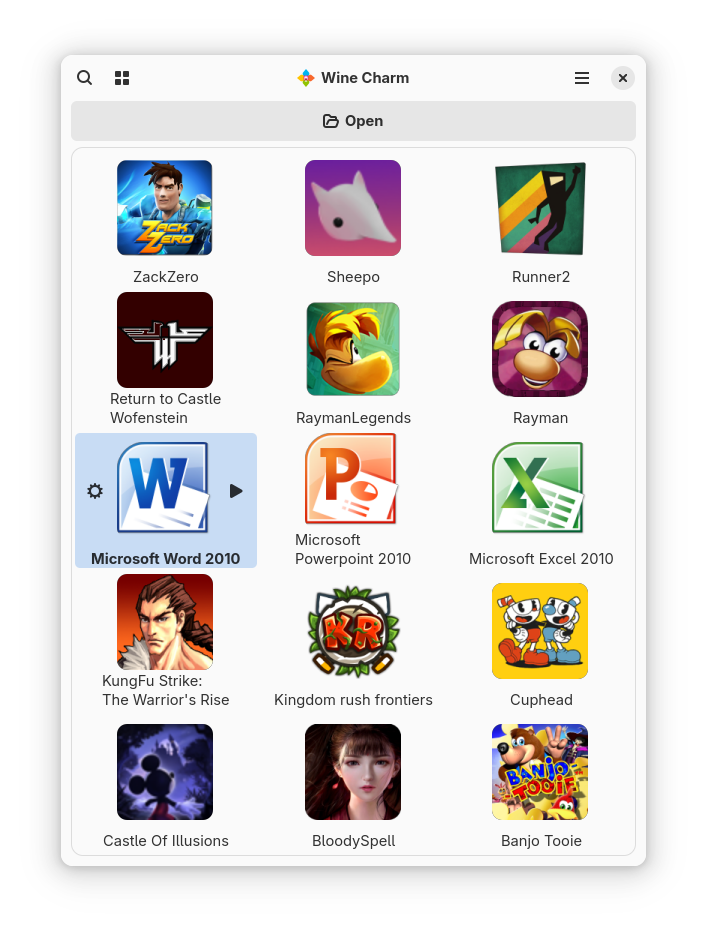
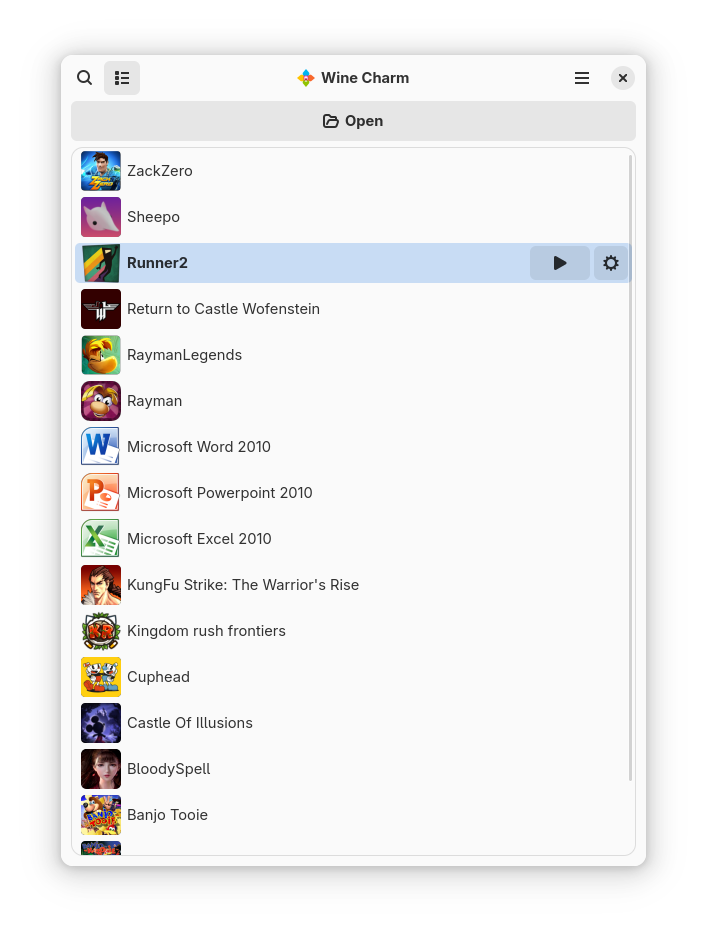
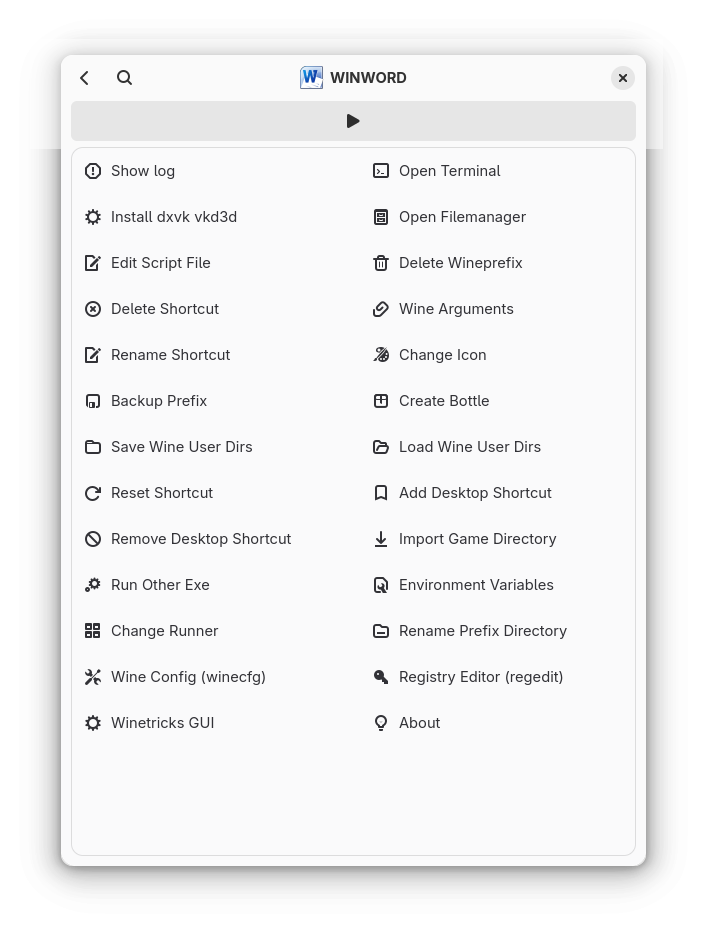
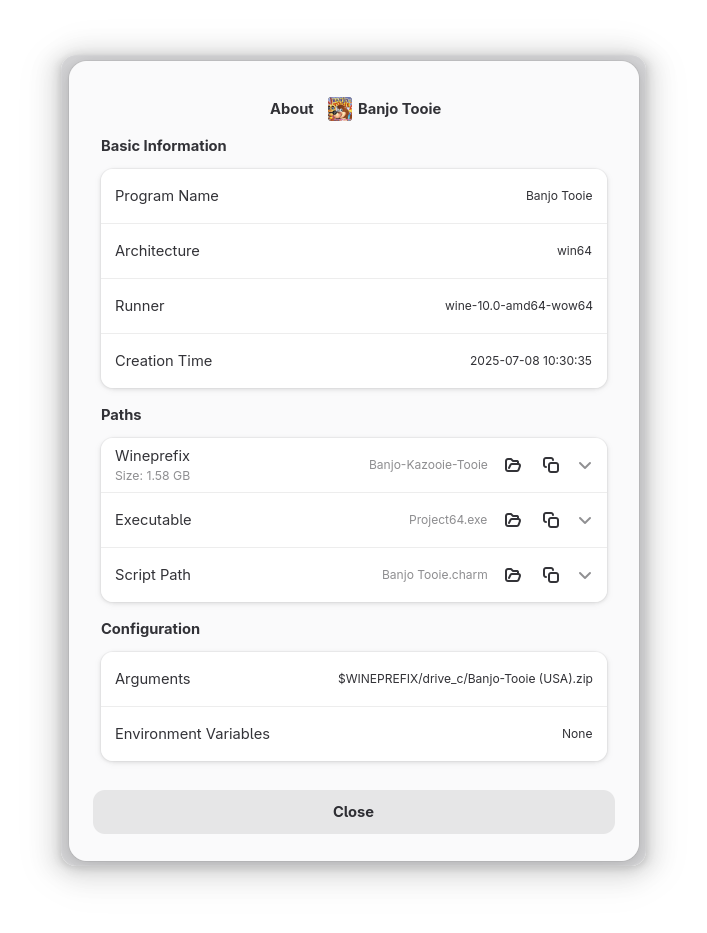
Observed history
| App | Change | Version | When ↓ |
|---|
No observed changes yet.
The initial import establishes a baseline. Future version changes will appear here.
Browse the app catalogue →Upstream releases
Release notes supplied by the developer. These dates are not Flathub package publication times.
1.44 Aug 2026
Feature: Added "Create Shortcut" to quickly generate .charm shortcuts for executables, complete with automatic copy handling for duplicates.
Fix: Prevent duplicate identical executables in different wineprefixes from overwriting each other by generating a composite script key.
1.36 Jun 2026
Fix: Shortcut creation when exe path contains invalid UTF-8 characters.
1.24 Jun 2026
Optimization: Sped up application launch times and reduced memory usage by cleaning up the code.
Fix: Improved language translation support across the entire app so menus appear correctly in your language.
Fix: Resolved stability issues when changing Wine architecture or template settings, preventing random crashes.
Fix: Removed a few broken buttons from the settings menu that weren't ready to be used yet.
Fix: Fixed visual glitches and warnings when closing popup messages and dialogs.
1.124 Feb 2026
i18n: added Dutch translation, thanks to Heimen Stoffels <vistausss@fastmail.com>
Fix: CLI/Open-With restore now clears the script list and keeps restore progress visible.
Fix: CLI/Open-With EXE/MSI processing now runs in the background so processing progress is shown.
Feature: Window is focused after CLI/Open-With script creation.