
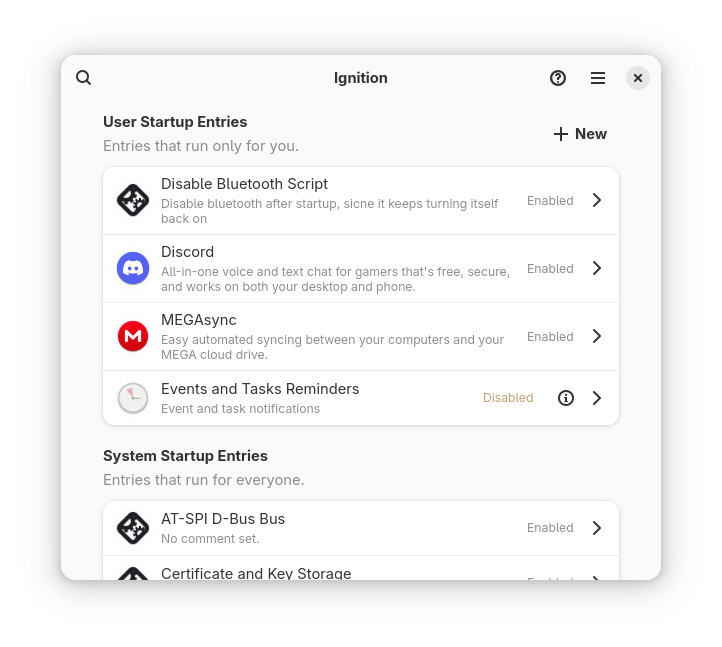
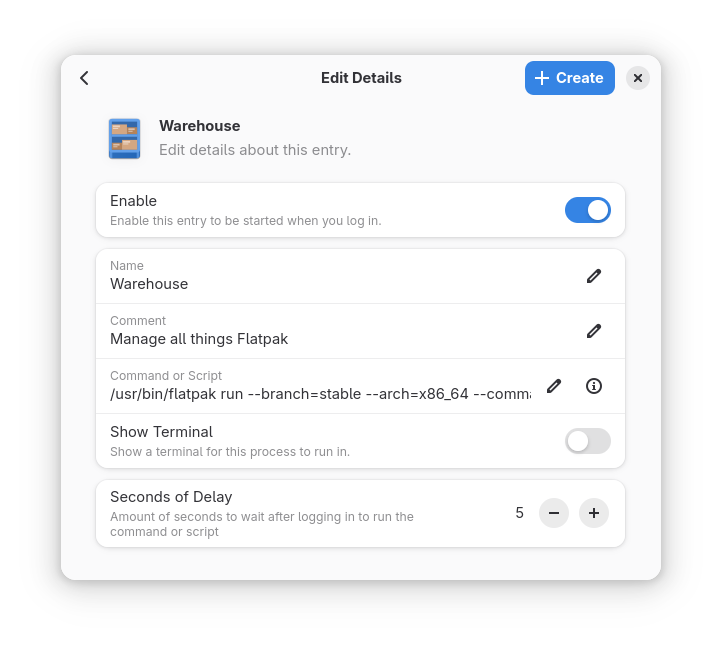
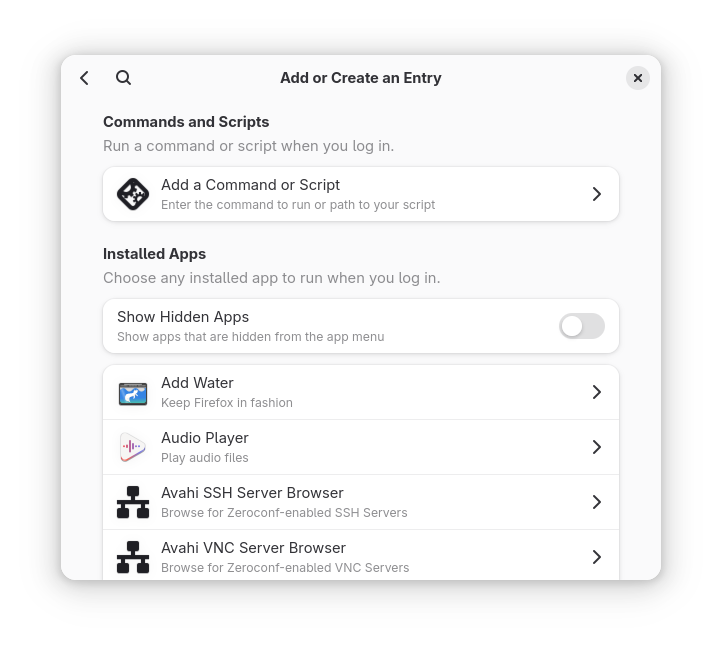
Ignition provides a simple UI to add, remove, and modify startup entries on your computer. Ignition can add apps, scripts, and arbitrary commands to run at login.
Screenshots
Observed history
| App | Change | Version | When ↓ |
|---|
No observed changes yet.
The initial import establishes a baseline. Future version changes will appear here.
Browse the app catalogue →Upstream releases
Release notes supplied by the developer. These dates are not Flathub package publication times.
2.4.17 Jun 2026
New Features
- Added ability to open a script to fill in the Command or Script
- Added better support for NixOS and other Nix setups
Bug Fixes and Changes
- Added fallback option to delete a file if trashing the file does not work
- Fixed minor issue causing some new entries to not be allowed to be created
- Better handle cases where the system autostart folder is missing
- Fixed incorrectly titled "About Descriptive" menu item
- Improved reliability of the Installed Apps list and its automatic refreshing
- Added and updated translations
2.4.02 Apr 2026
Bug Fixes and Changes
- Updated to GNOME 50 technologies
- Fixed issue where overridden entries don't update properly
- Fixed issue where the same entries would appear in the list multiple times
- Fixed missing search button icons
- Added and updated translations
2.3.119 Jan 2026
Bug Fixes
- Fixed endless loading when no user autostart entries are present
2.3.017 Jan 2026
Bug Fixes and Changes
- About Dialog now shows the latest release information under "What's New"
- Startup delay, if any, is now actually shown in user entries
- Improved accuracy and responsiveness of application and entry lists
- Various misleading error messages have been removed
- When running outside of Flatpak, Ignition now properly respects XDG base directories
- Added and updated translations