

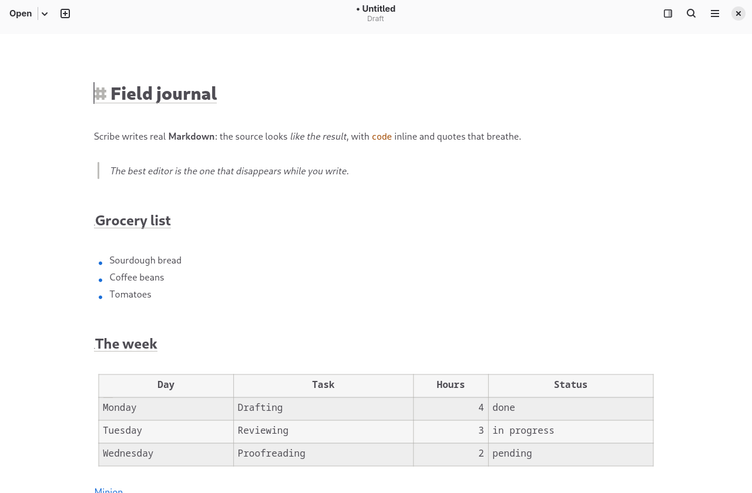
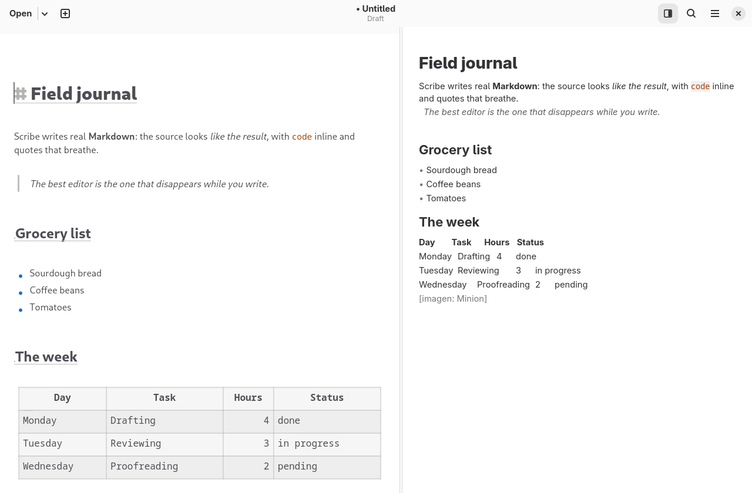
Scribe is a native GNOME Markdown editor that renders the document as you type: the text is decorated in place, with no separate preview pane to switch to. It is written in Rust on GTK 4 and libadwaita.
Features:
- Markdown editing with syntax highlighting
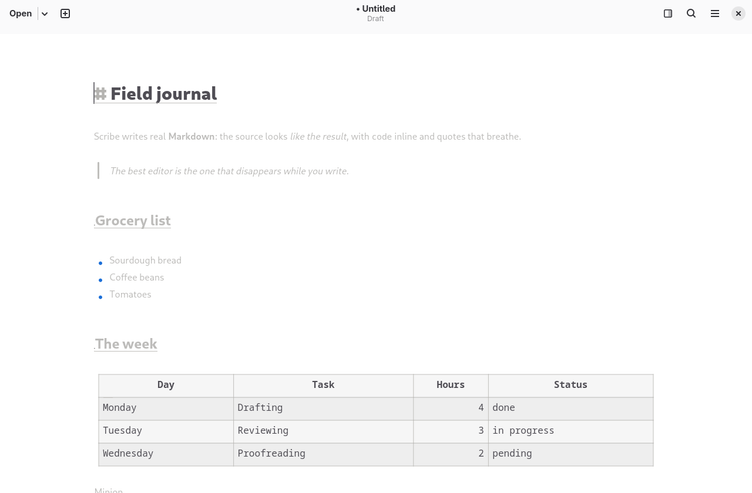
- Live in-place rendering of headings, tables, quotes, lists and code blocks
- Multiple documents in tabs, with a list of recent files
- Light and dark themes that follow the system
- Spell checking with suggestions from the context menu
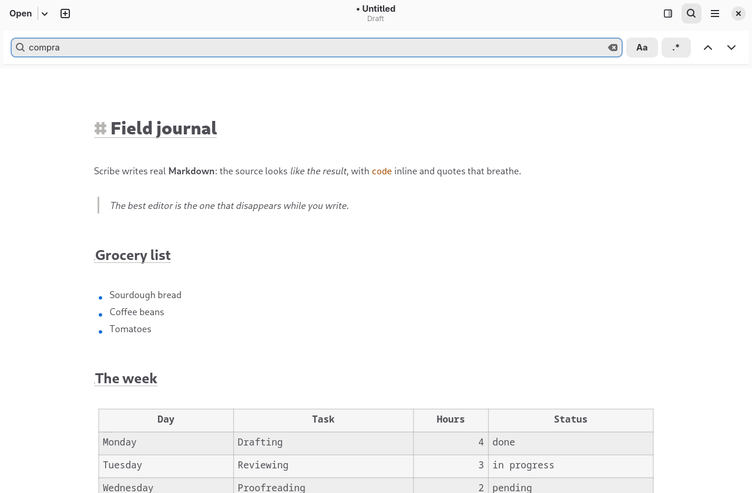
- Find and replace, with regular expressions and case sensitivity
- Export to PDF
- Draft recovery and automatic reload when the file changes on disk
Screenshots
Observed history
| App | Change | Version | When ↑ |
|---|---|---|---|
| new | 0.3.20 | 27 Oct 2026 | |
| updated | 0.3.20 → 0.3.35 | 28 Oct 2026 | |
| updated | 0.3.35 → 0.3.45 | 11 Nov 2026 | |
| updated | 0.3.45 → 0.3.50 | 13 Nov 2026 |
Upstream releases
Release notes supplied by the developer. These dates are not Flathub package publication times.
0.3.5013 Nov 2026
Pressing Enter in the middle of a list item continues the list, and the source of a block image or a video is visible on the cursor line instead of an empty gap. The orphaned Markdown language file is gone.
0.3.4510 Nov 2026
The .deb and .rpm packages now ship every application and action icon, matching a manual install.
0.3.4010 Nov 2026
Bullet markers now center on their text, and a table with a row that has more cells than its header no longer crashes the app on startup. The changelog is now fully in English.
0.3.3528 Oct 2026
Closing the window no longer aborts the app. On systems that report crashes, a normal close could end with a crash notification right after the window disappeared. The same abort was already fixed for quitting with Ctrl+Q, and this release covers the window close button and Alt+F4 on any desktop.