
System Monitoring Center
Multi-featured system monitor
io.github.hakandundar34coding.system-monitoring-centerA multi-featured, low-resource system monitor that lets you easily track and manage CPU, RAM, disk, network, and GPU usage
Features:
- Detailed system performance and usage usage monitoring/managing features
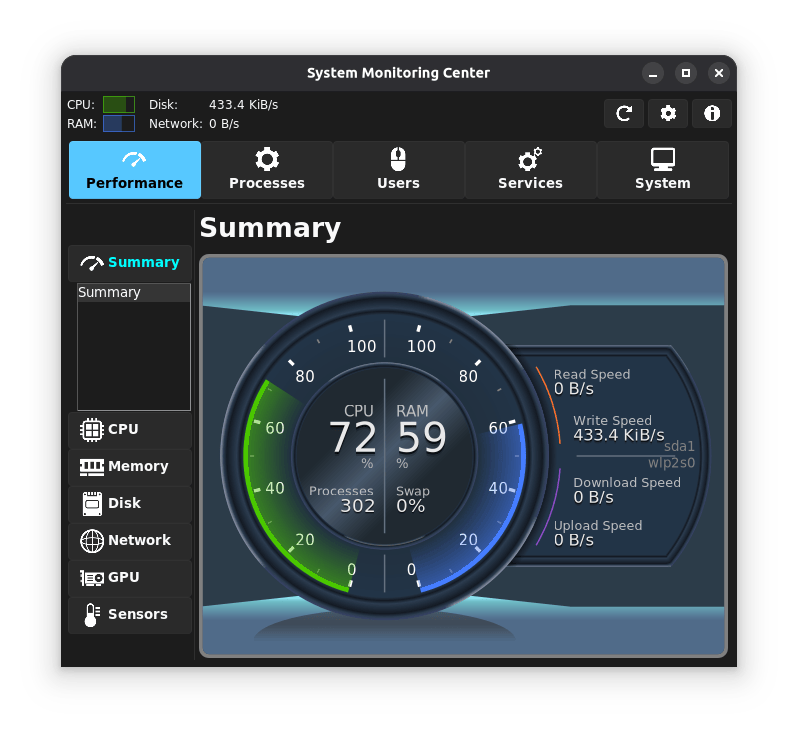
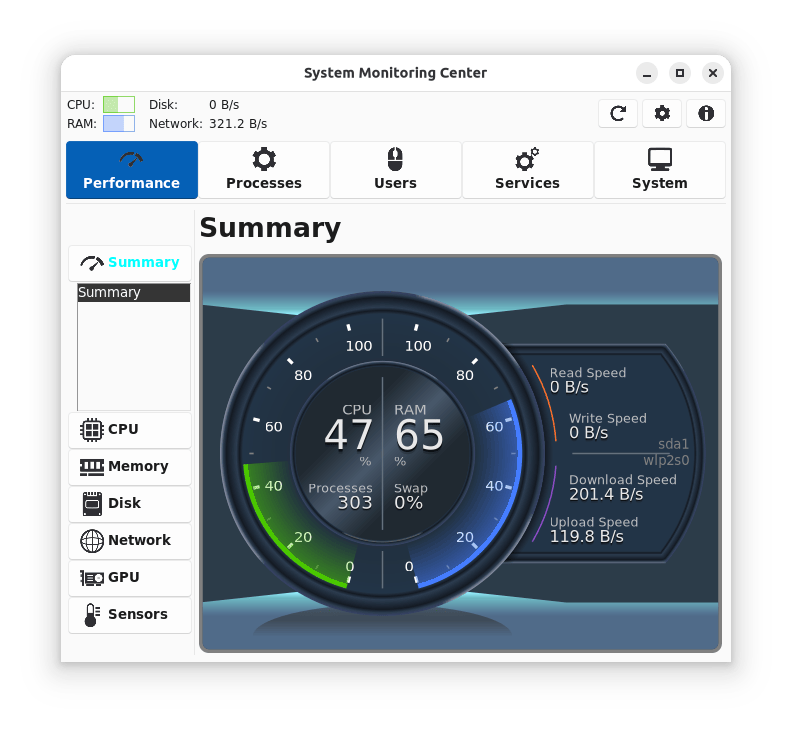
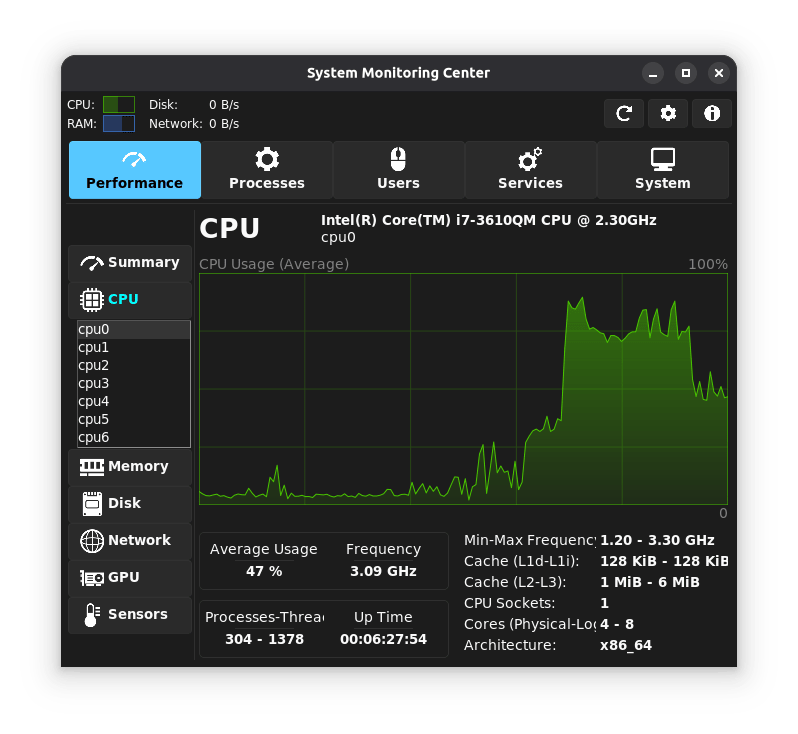
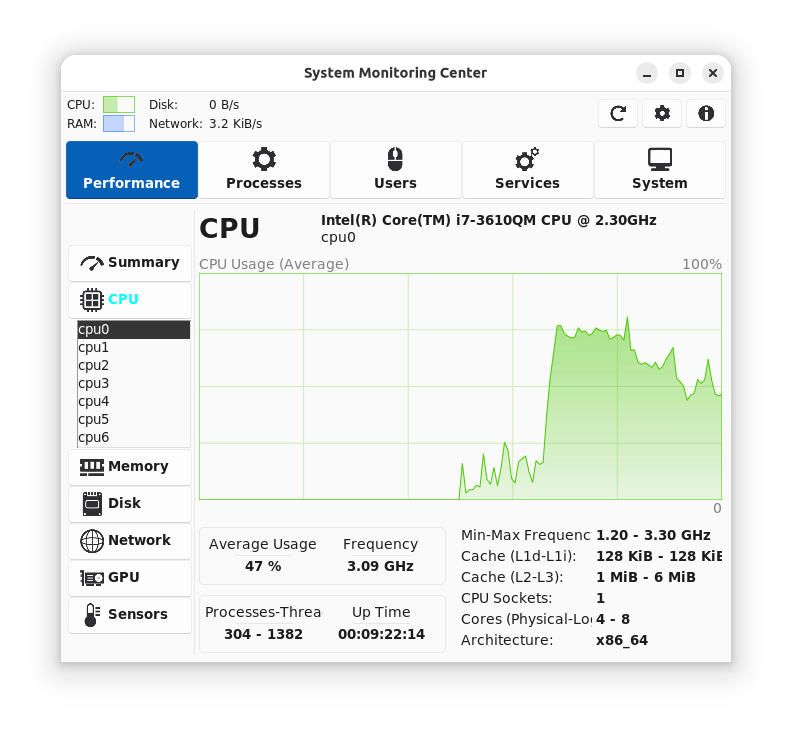
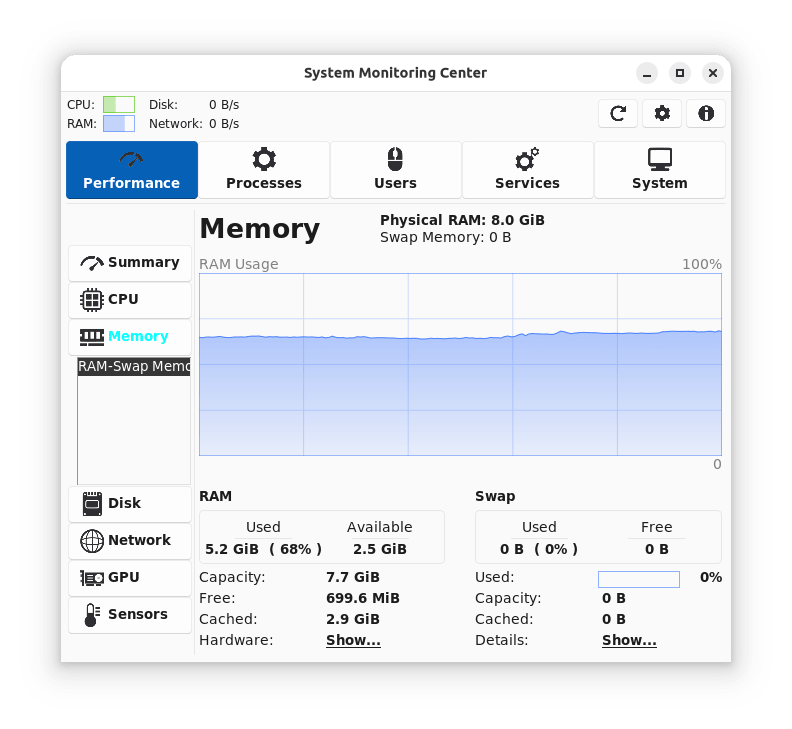
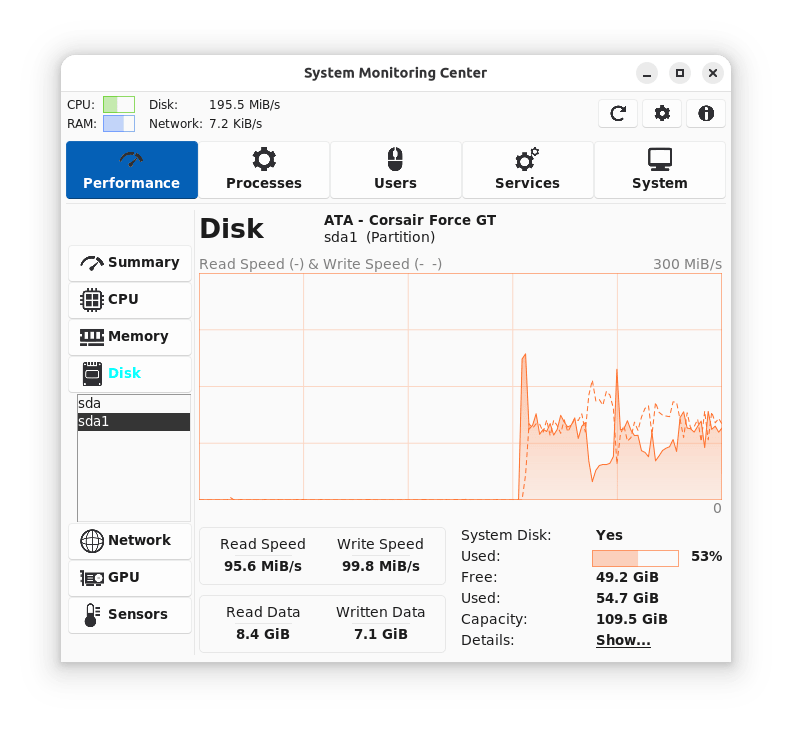
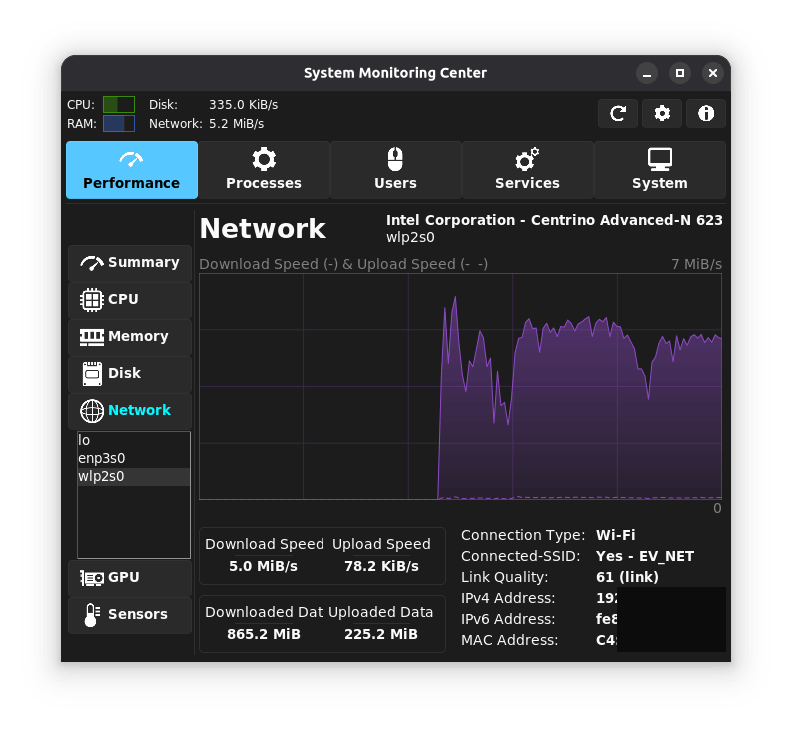
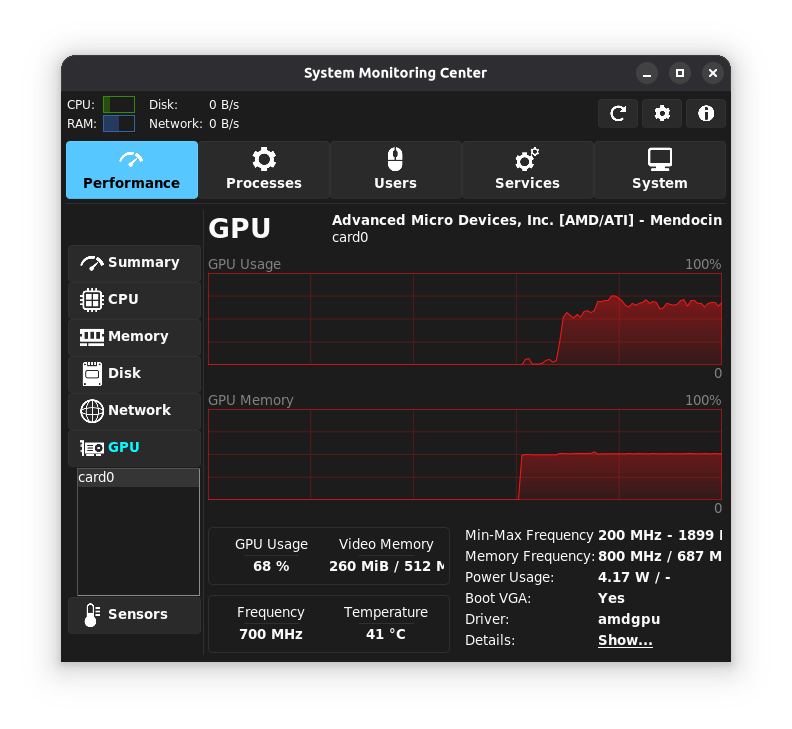
- Monitoring CPU, RAM, Disk, Network, GPU hardware/usage information
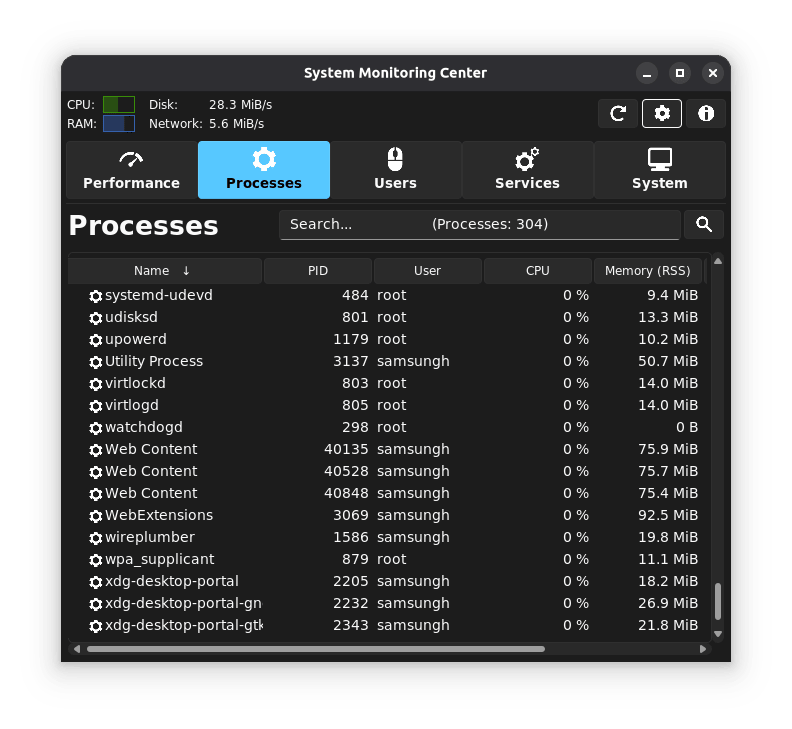
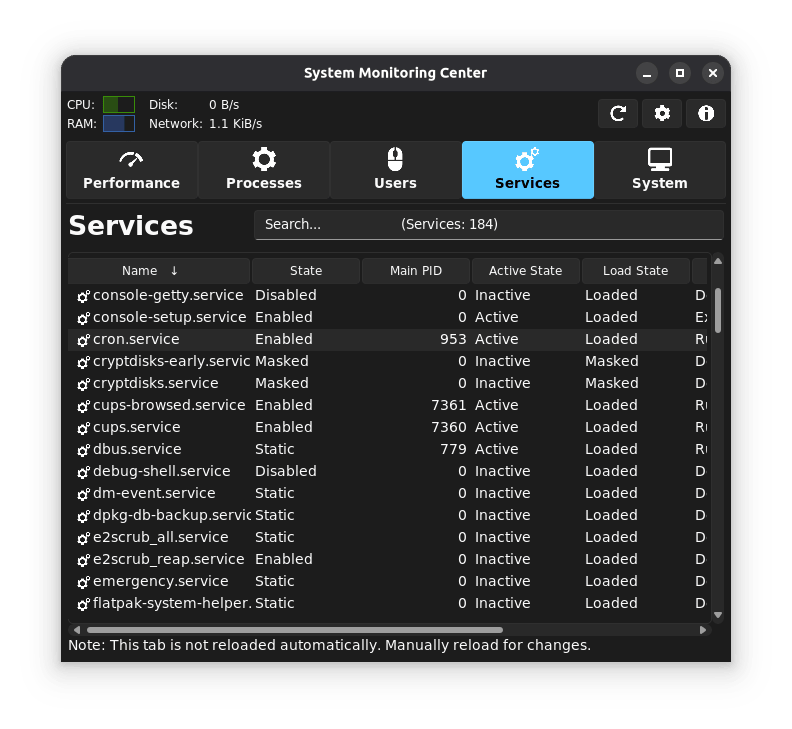
- Monitoring and managing processes and services (systemd)
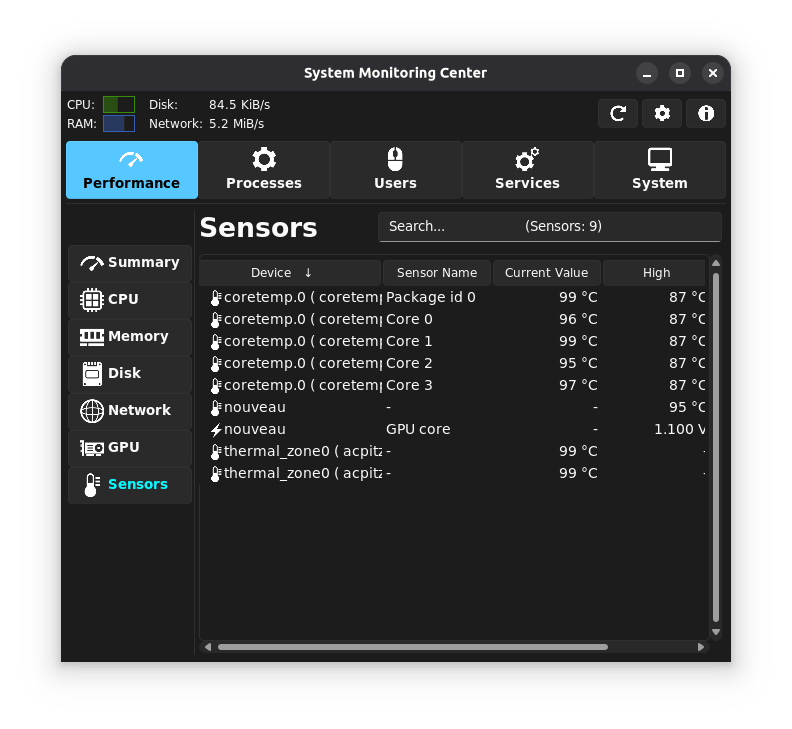
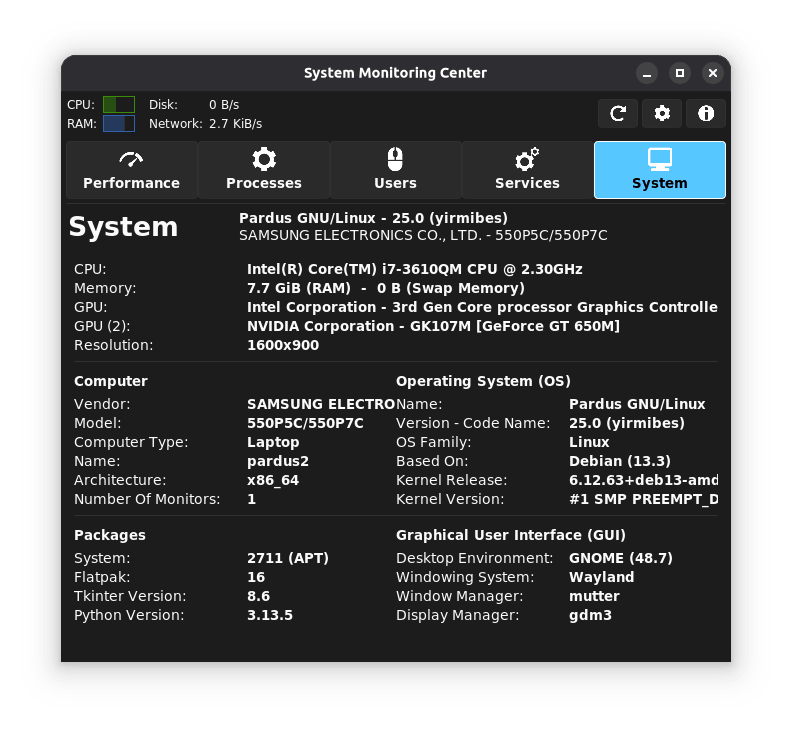
- Monitoring users, sensors and general system information
- Supports PolicyKit. No need to run the application with "sudo"
- Hardware selection options (selecting CPU cores, disks, network cards, GPUs)
- Plotting performance data of multiple devices at the same time
- Interactive charts for querying performance data on any point
- Option for showing processes as tree or list
- Optimized for low CPU usage
- Customization menus for almost all tabs
- Supports ARM architecture
- Free and open source
Notes for Limitations:
- GPU usage information availability depends on vendor/driver.
- GPU load is not tracked if GPU tab is switched off (for lower CPU usage).
- Virtual machines may not provide CPU min-max frequencies, sensors and RAM hardware information.
- Non-Flatpak versions of the application has higher performance (start speed, CPU, RAM usage).
Notes for Flatpak Support:
- Flatpak version of the application uses some permissions (like not sandboxed) to access performance/system information of the host OS.
- Flatpak package of the application may be installed for system-wide instead of user-specific for avoiding source code modifications.
Screenshots
Observed history
| App | Change | Version | When ↑ |
|---|
No observed changes yet.
The initial import establishes a baseline. Future version changes will appear here.
Browse the app catalogue →Upstream releases
Release notes supplied by the developer. These dates are not Flathub package publication times.
3.4.125 May 2026
- Fix: GPU load for AMD GPUs (GPU)
- Fix: GPU memory frequency (GPU)
3.4.02 May 2026
- New: Non-blocking code for Services tab loading
- Updated translations (Russian, Spanish, Turkish)
3.3.04 Apr 2026
- New: number of installed XBPS packages (System)
- Minor changes for number of installed packages
- Font size is increased for Flatpak installations
- Visual improvements for right click menus
3.2.05 Mar 2026
- New: Font scale added (General Settings)
- Updated Spanish translations
- Minor changes (code, translations, packaging, etc.)
- Fix: device selection list font size
- Fix: managing services (restart, start, stop, etc.)
- Fix: system theme detection in some cases
- Fix: errors after waking up after suspending computer