godotGem
Controller client to emulate an xbox360 controller for windows
iSlammedMyKindle ✓ Verified
io.github.iSlammedMyKindle.godotGemTurn your steam deck into a windows controller (Or use any controller from a Linux PC on windows). Connect linux to windows over the network in order to bind an emulated controller on windows to the same inputs you're doing on linux. Useful for playing games that might lack support for your controller out of the box, or just need another controller despite running out of USB ports
Tested controllers:
- DualSense
- Dualshock 4
- Logitech Gamepad F310
- Nintendo Switch Pro Controller
- Steam Controller
- Steam Deck
- Xbox One (+ series) controller
- Your keyboard (See: Options -> Other -> Key To Controller)
Other controllers likely work too as long as the godot game engine supports it.
Additional Features!
- Chroma Backgrounds
- Change the color of your controller
- Connect multiple clients to one server, switch between player 1 - 4 [Beta]
- Click / Tap a button to activate turbo on that button
- Press F1 to hide the UI
- Frame Rate Limiting
- Blinder
- Button Heat Mapping
Note: you will need to install ViGEm and the godotGem server on windows. (See releases section from Github, linked below)
Screenshots
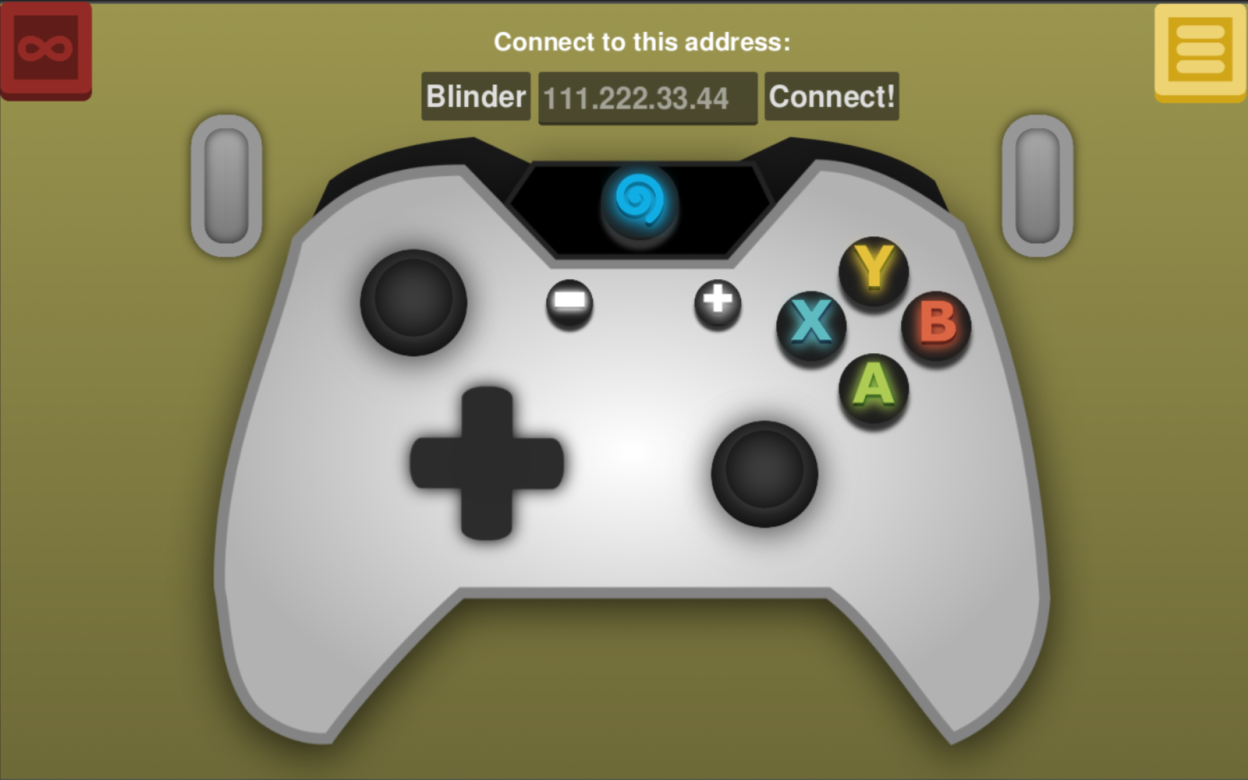
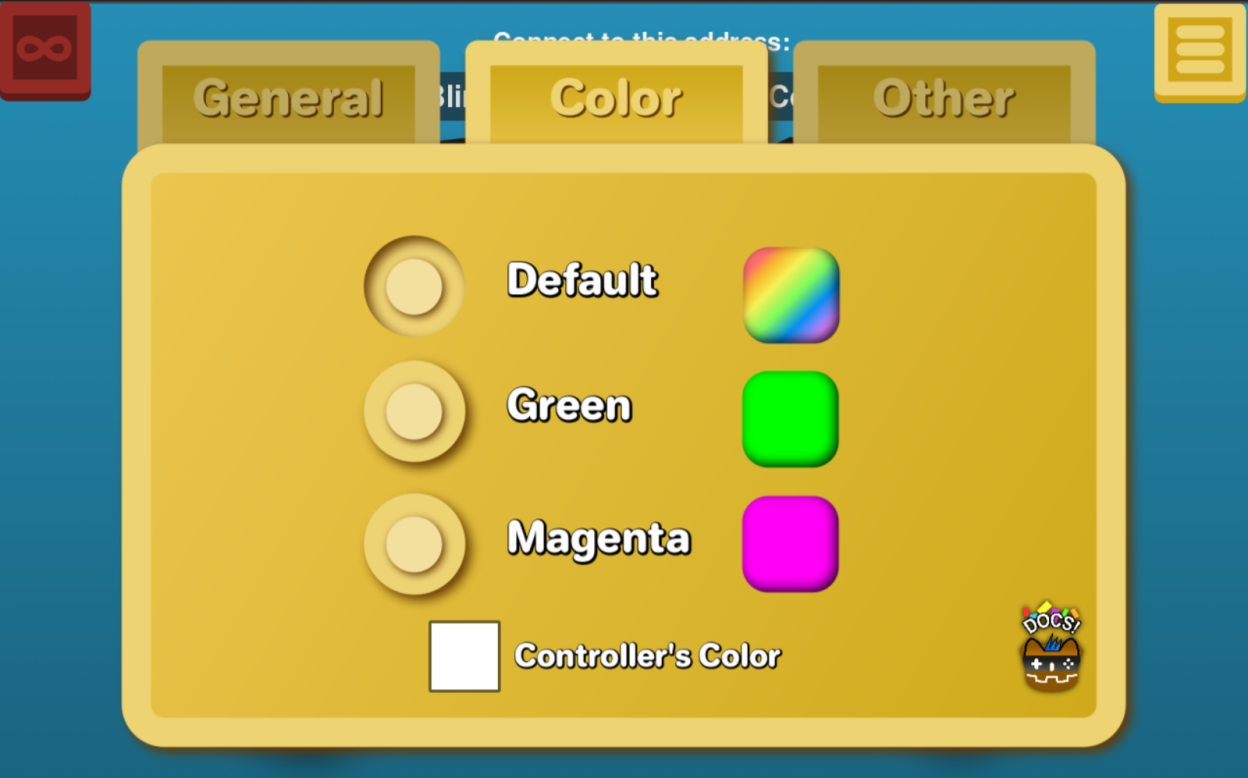
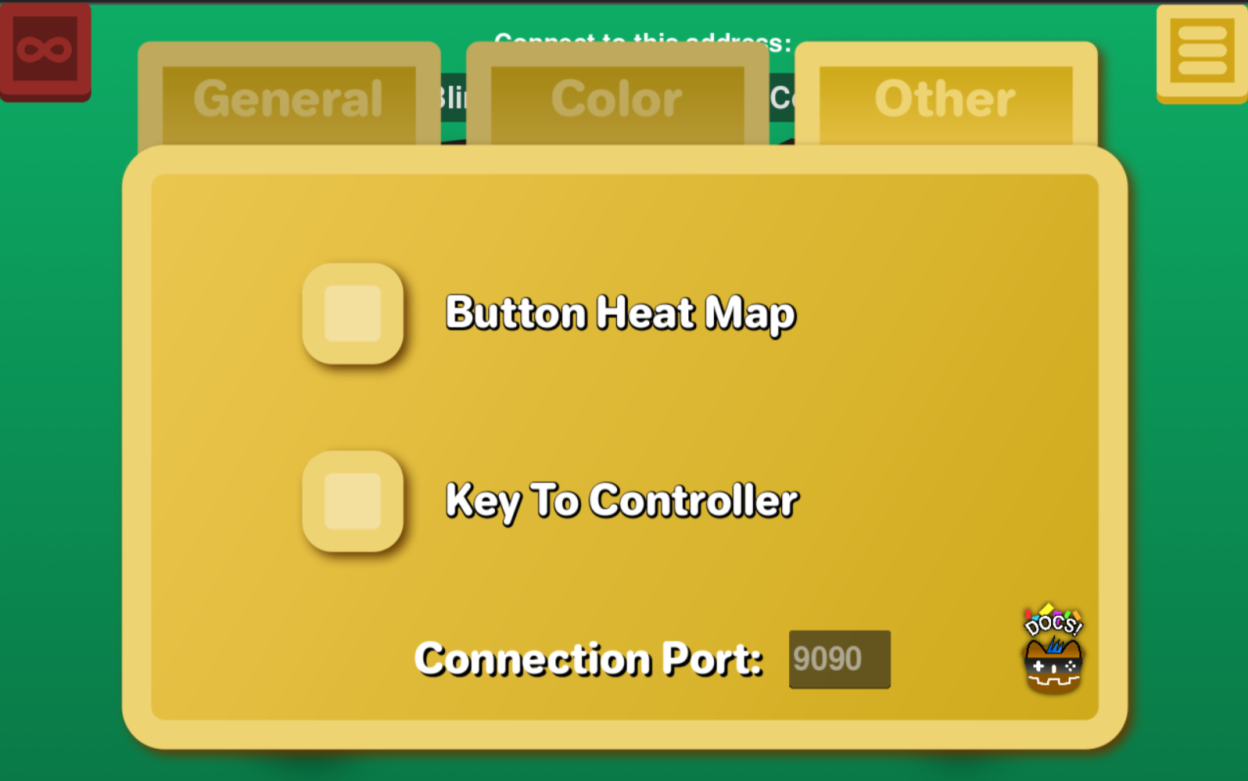
Observed history
| App | Change | Version | When ↓ |
|---|
No observed changes yet.
The initial import establishes a baseline. Future version changes will appear here.
Browse the app catalogue →Upstream releases
Release notes supplied by the developer. These dates are not Flathub package publication times.
2.0.130 Mar 2026
- Joysticks were playing audio feedback regardless if the toggle was on or not; this has now been fixed
- The font for port select was previously eyeballed, it's now using the same label as checkboxes (looks more uniform with the rest of the settings)
- Added Rylan's favorite type of pizza
That's it! Until next time, see you later!
2.0.021 Mar 2026
It's been a while... hello there! An entirely new app is ready, right at your fingertips. A lot has changed and their's more to come. Here's what we have:
- UI Overhaul
- Turbo mode for each button (select one by clicking / tapping!)
- RGB Background, Green Screen BG, Magenta Screen BG (for streamers!)
- Gamepad Redsign, actually looks Like a controller
- An Options Tab
- Feedback toggle for turbo
- Change which player you are! (Players 1-4) [Beta]
- Change the color of your controller!
- Button heat map (see how often you press a button)
- Keyboard to controller! Press a key on the keyboard, and it translates to a controller input.
- Change the connection port (99.9% won't need this)
- Frame Rate Limiter (FPS: 15, 30, 60, uncapped)
- Press F1 on the keyboard to hide the UI
- Blinder stops everything from rendering
That's everything! If you have questions or need to troubleshoot, check out discord server via the github project
1.2.027 Dec 2022
- New feature! You can can now use a bridge to communicate outside a Local area network. It's a middle man between a client and server. Check the docs(extras/bridgeHowTo.md) to find out more
- Client - vibrations coming back from the server can now be ignored through a toggle. This was added so that the dualSense doesn't go into legacy vibration mode if you're routing audio to the controller from elsewhere.
- Server - a bridge mode was added, which effectively doubled the code size. Also vibrations from the emulated controller go to all clients instead of one.
- Bridge + Server - optimized stability when disconnecting and reconnecting
1.1.017 Dec 2022
- Multiple godotGemClients can now be used on the server at once
- Fixed a bug where the server would crash if you tried to re-connect after a client crash. (Or if the client didn't send a disconnect signal)
- The client now matches the resolution of the steam deck display by default
- The UI in the client is now larger and more organized