
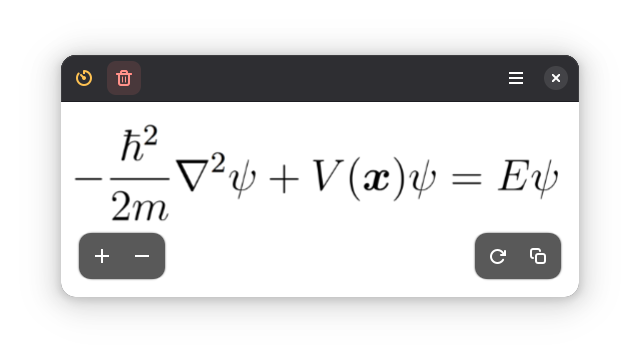
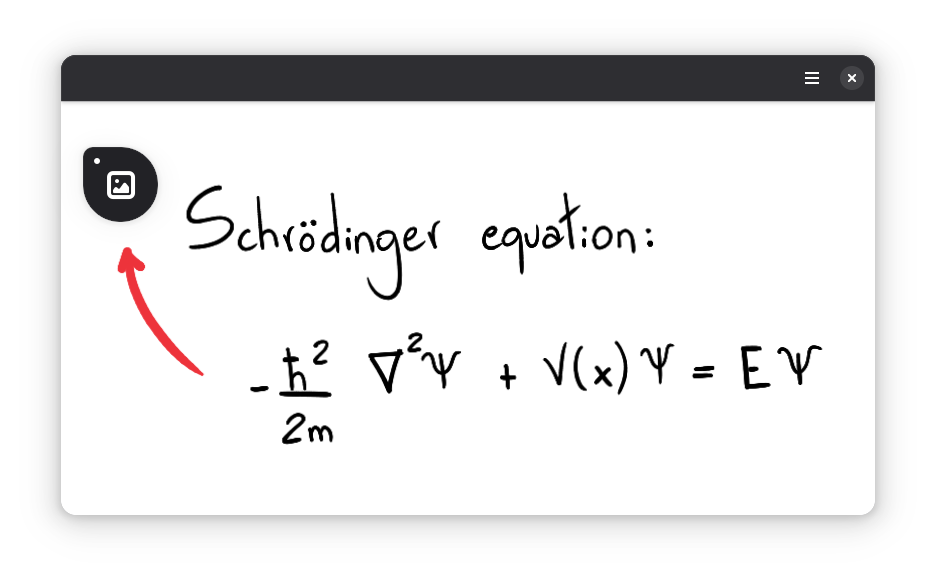
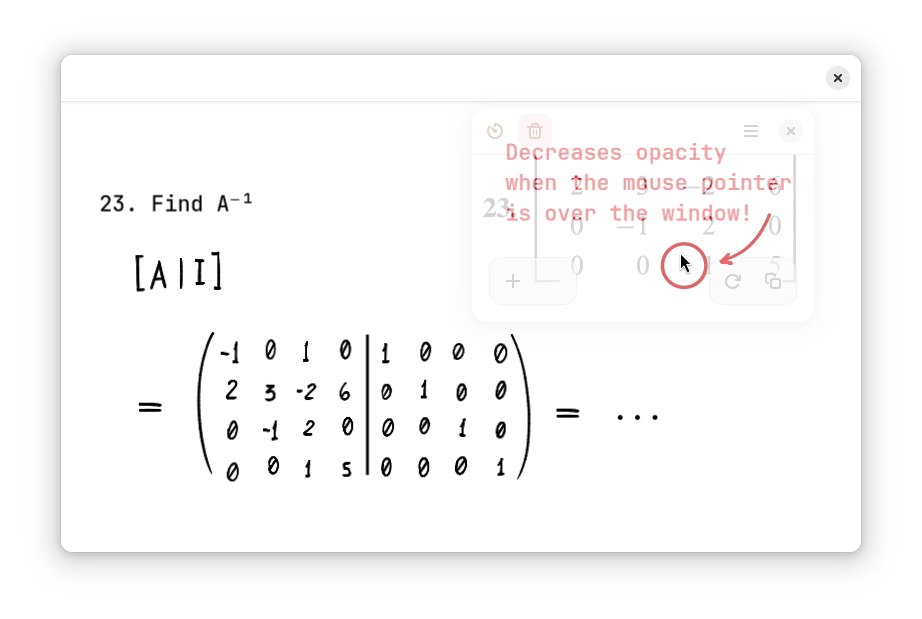
Clip what's important to a small floating window, so you don't have to switch between windows or workspaces repeatedly. The window can become miniaturized or have its opacity reduced, in order to do not block what's behind it.
Best used with:
- "Always on Top" and/or "Always on Visible Workspace"
- A keyboard shortcut
On GNOME, go to Settings → Keyboard → View and Customize Shortcuts → Custom Shortcuts.
There you can set a shortcut to run flatpak run io.github.kelvinnovais.Kasasa
Note: On GNOME versions < 46, a dialog will appear to set up and take the screenshot, instead of directly using the GNOME's screenshoter; this may be inconvenient.
Screenshots
Observed history
| App | Change | Version | When ↑ |
|---|
No observed changes yet.
The initial import establishes a baseline. Future version changes will appear here.
Browse the app catalogue →Upstream releases
Release notes supplied by the developer. These dates are not Flathub package publication times.
1.1.624 Feb 2026
- Added Frech translation (@YoavRheims)
- Updated German translation (@uwe-ss)
- Updated Russian translation (@vmkspv)
- Allow occupying 100% of the screen
1.1.56 Jan 2026
Features:
- Added screencast
- Add window lock
- Delayed screenshot
- Adjustable header bar auto hide speed
- Add Vietnamese translation (Loc Huynh @hthienloc)
1.1.416 Aug 2025
Performance improvements.
1.1.39 Jul 2025
Fix: window scaling.