
ImageFan Reloaded
Feature-rich, tab-based image viewer, supporting multi-core processing
Mihnea Rădulescu ✓ Verified
io.github.mihnea_radulescu.imagefanreloadedImageFan Reloaded is a fast and easy-to-use image viewer with broad format support for everyday photo browsing and management.
Features:
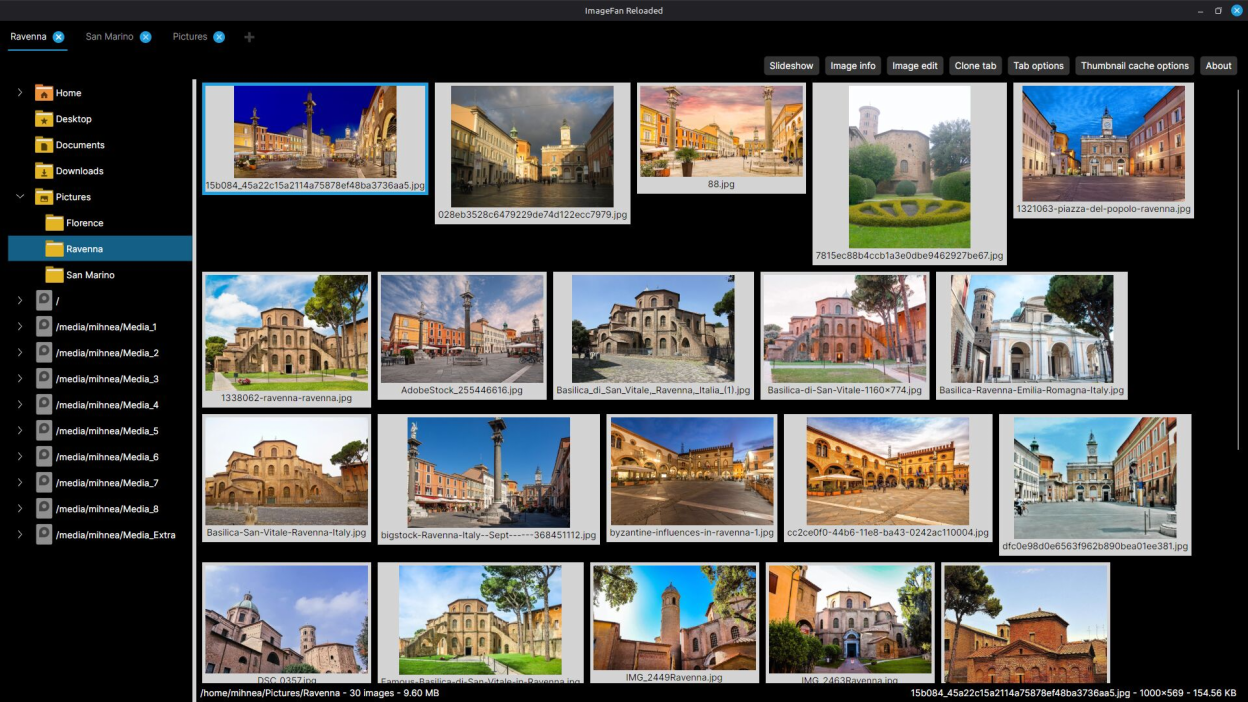
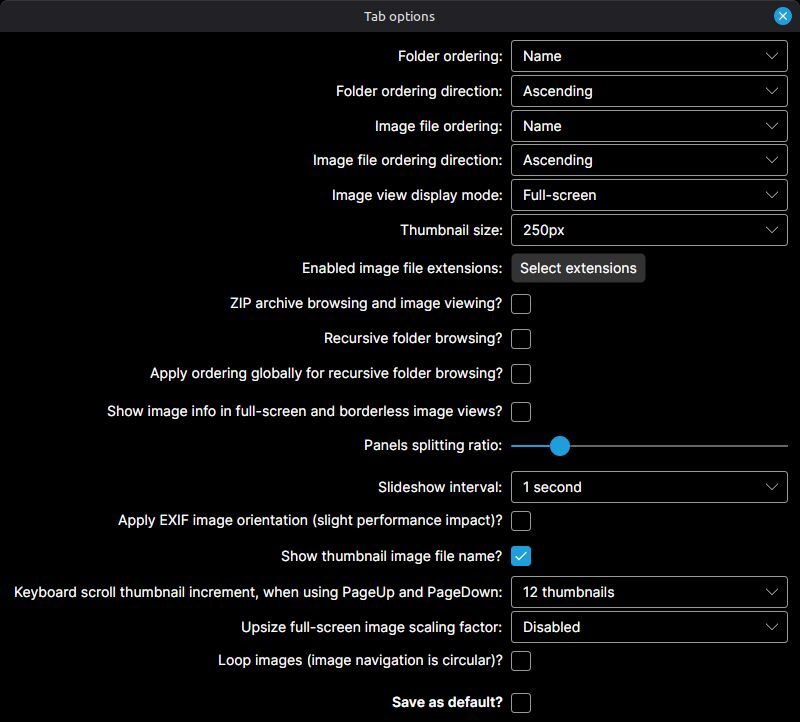
- quick concurrent thumbnail generation, scaling to the number of processor cores present
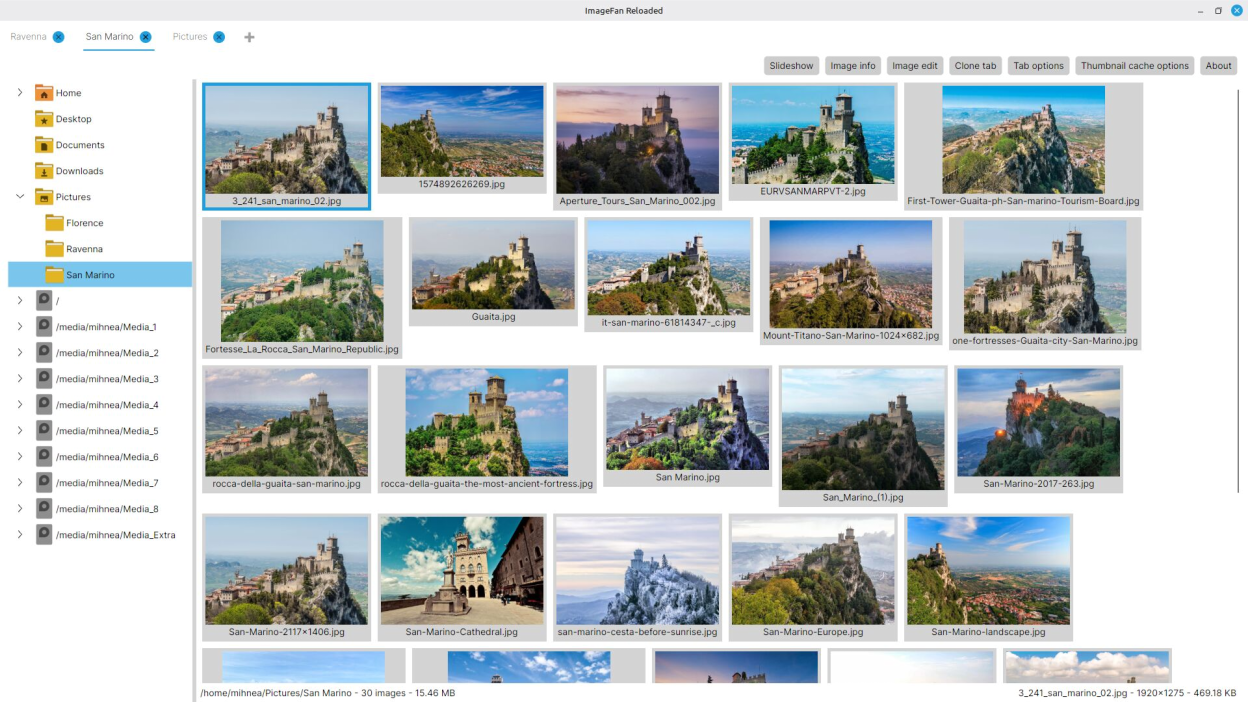
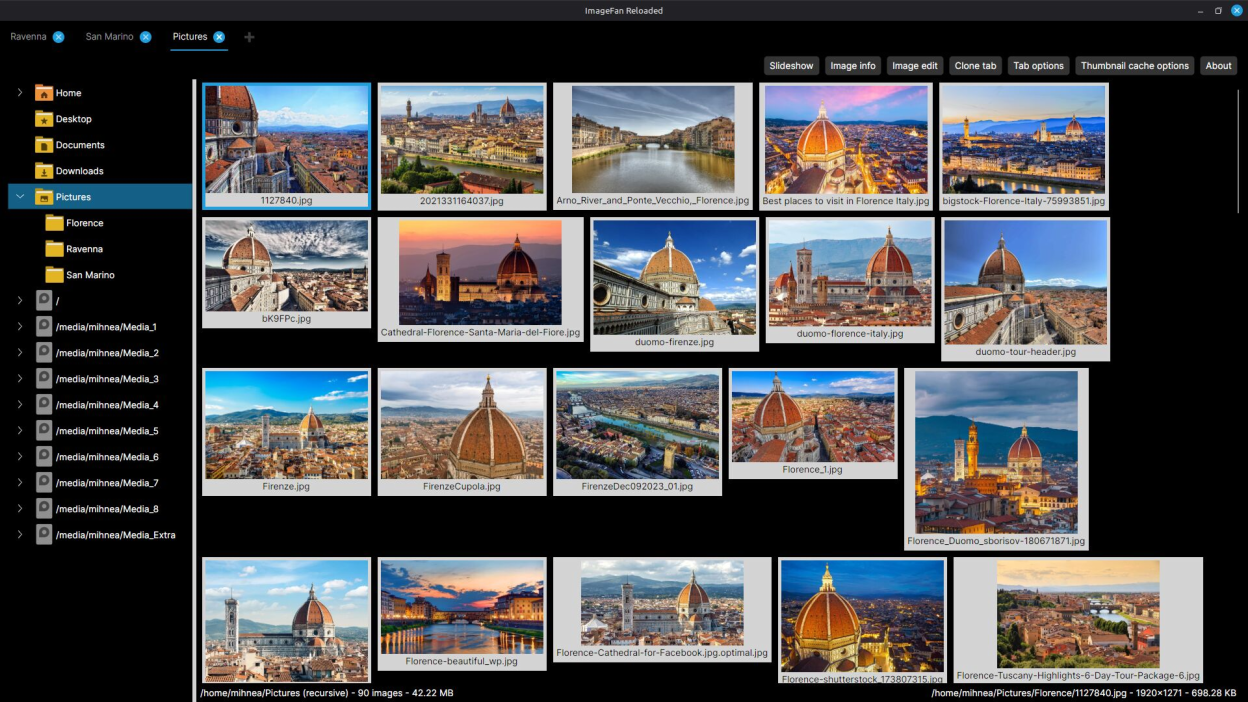
- support for multiple folder tabs, including tab adding, cloning and closing
- keyboard and mouse user interaction
- dark and light modes, based on system settings
- 46 supported image formats: avif, bmp, cr2, cur, dds, dng, exr, fts, gif, hdr, heic, heif, ico, jfif, jp2, jpe/jpeg/jpg, jps, jxl, mng, nef, nrw, orf, pam, pbm, pcd, pcx, pef, pes, pfm, pgm, picon, pict, png, ppm, psd, qoi, raf, rw2, sgi, svg, tga, tif/tiff, wbmp, webp, xbm, xpm
- browsing and image viewing within zip files
- animation support for the image formats: avif, gif, jxl, mng, webp
- fast and seamless full-screen and windowed navigation across images
- full-screen image upsizing options
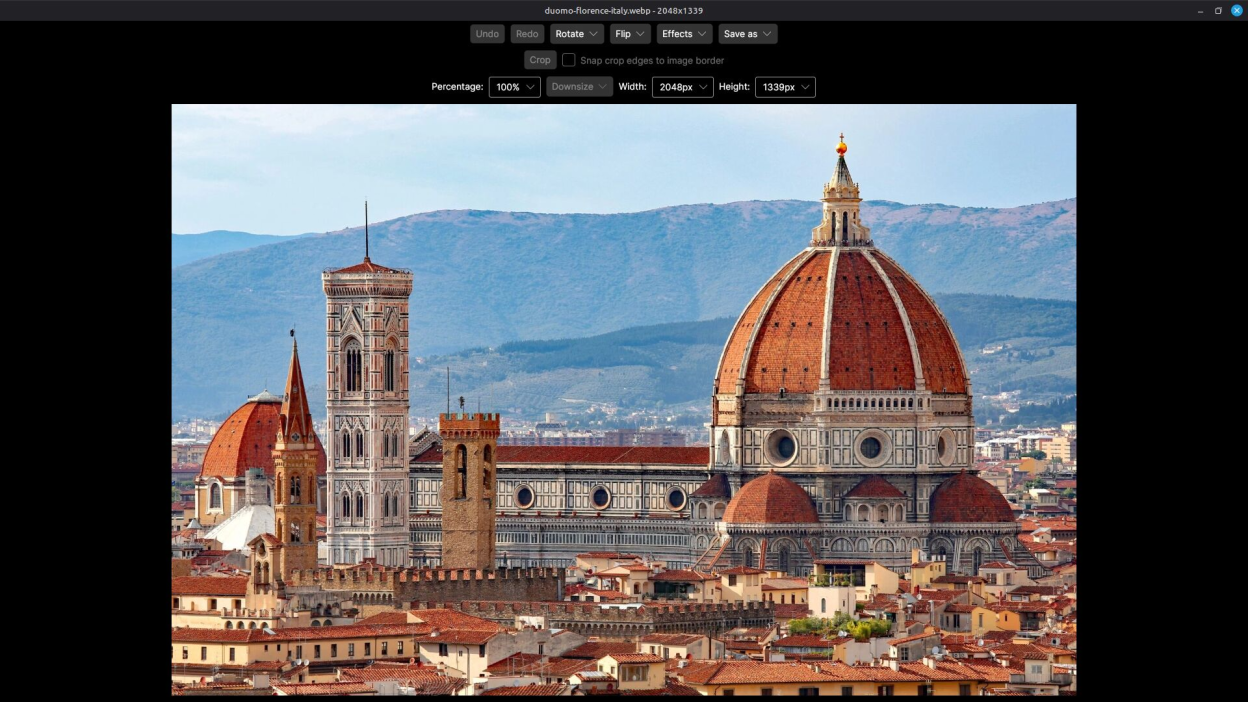
- image editing capabilities, with undo support: rotate, flip, effects, save in various formats, crop and downsize
- folder and image file ordering by name, last modification time and random shuffle, ascending and descending
- configurable thumbnail size, between 100 and 1200 pixels
- thumbnail caching capability for fast folder browsing
- slideshow navigation across images
- image info containing file, image, color, EXIF, IPTC and XMP profiles
- automatic image orientation according to the EXIF orientation tag
- toggle-able recursive folder browsing
- targeted zooming in, and moving over the zoomed image
Screenshots
Observed history
| App | Change | Version | When ↓ |
|---|---|---|---|
| updated | 1.2026.10.12 | 12 Oct 2026 |
Upstream releases
Release notes supplied by the developer. These dates are not Flathub package publication times.
1.2026.10.1212 Oct 2026
- Optimized folder and image file refresh
- Fixed .cr2 format image editing
- Added window title status updates for image editing
- Updated application libraries
1.2026.10.1010 Oct 2026
- Ensured system accent color changes are propagated to the application
- Updated application libraries
1.2026.10.011 Oct 2026
- Added new feature: loop images
- Optimized zip archive content enumeration
- Updated application libraries
1.2026.09.2525 Sept 2026
- Updated application framework and libraries
- Updated Flatpak runtime