Nottodbox allows you to create and organize notes, to-dos, and diaries with rich text support in popular formats.
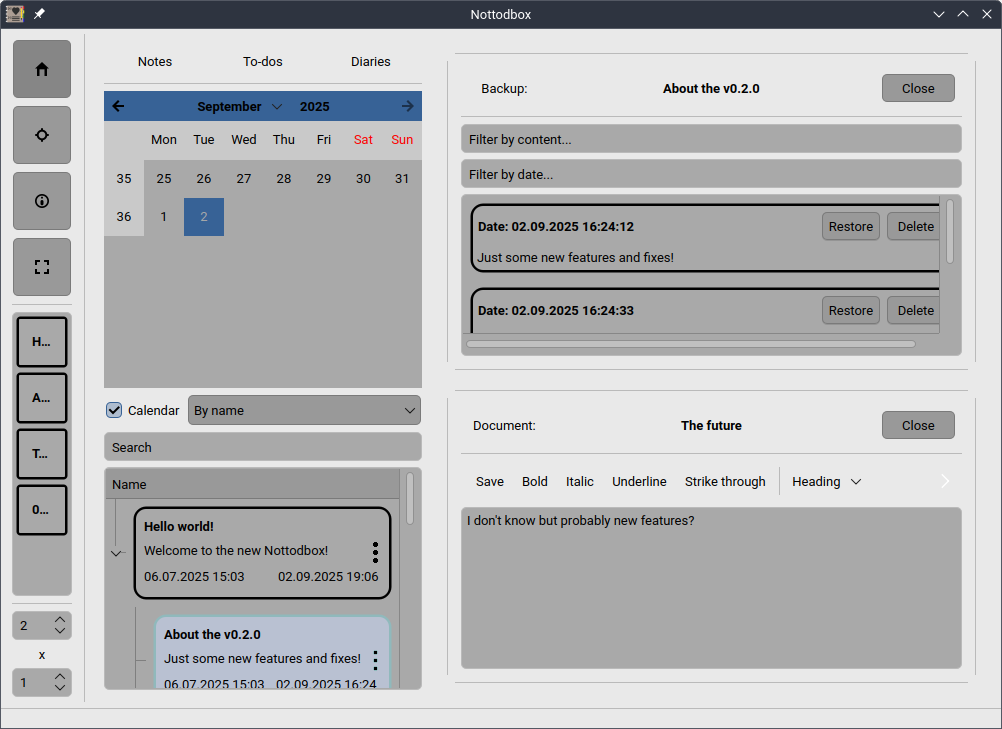
In today's fast-paced world, we often have multiple tasks to handle simultaneously. That's why you can open multiple documents at once in the desired row x column layout.
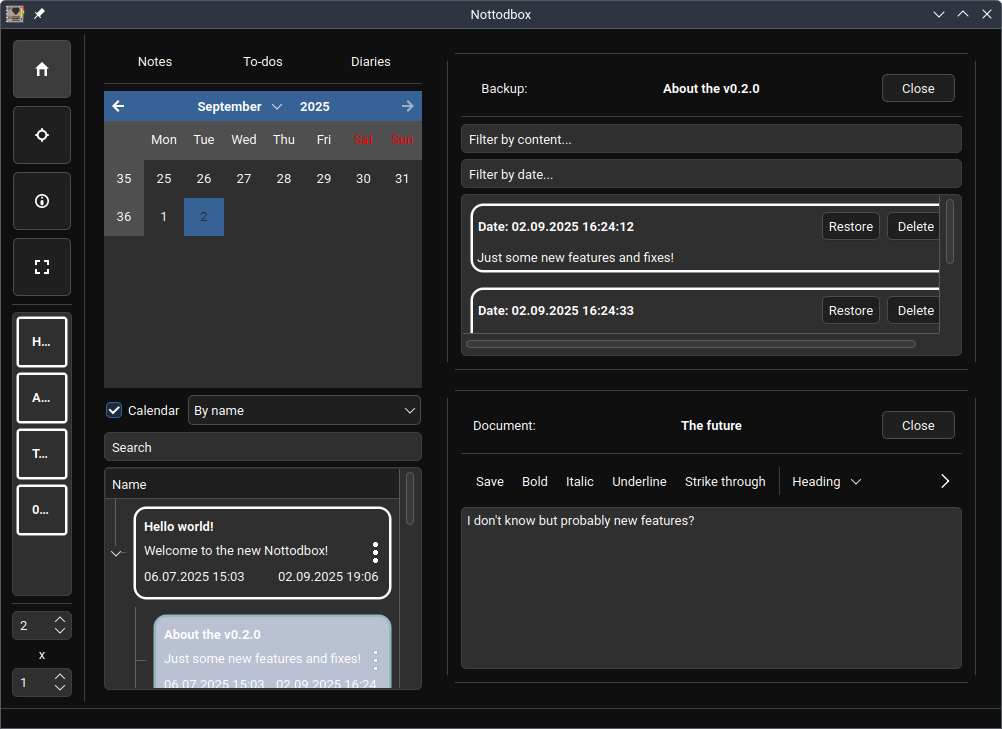
You can change the style and color scheme of the application to make it feel more like home.
All customization options for documents/notebooks:
- You can mark a to-do as completed or uncompleted.
- You can add a content lock to a document to turn it into a diary. This prevents the backup from being changed.
- Documents are automatically saved unless you are editing a outdated diary and have disabled this feature. Additionally, a backup of the old content is always retained. Furthermore, auto-saves do not overwrite backups, meaning your manual changes remain intact.
- Documents can be in three formats: Markdown, HTML, and plain-text.
- Documents can be exported in multiple formats to your 'Documents' or 'Desktop' folder if you enable this feature. This allows you to edit them in other applications as well.
- You can pin your favorite documents/notebooks to the sidebar for easy access.
- You can change the background, text, and border colors of the document/notebook in three different states: normal, hover, and click
And here's the most important part! All documents are associated with a notebook, and all options can follow it. All documents/notebooks can use the default settings or follow the global settings. With them, you can to customize so many things with ease.
Screenshots
Observed history
| App | Change | Version | When ↓ |
|---|
No observed changes yet.
The initial import establishes a baseline. Future version changes will appear here.
Browse the app catalogue →Upstream releases
Release notes supplied by the developer. These dates are not Flathub package publication times.
v0.2.16 Sept 2025
- Improve redirecting of stderr & stdout
v0.2.02 Sept 2025
- New big feature: Multiple backups support
- New big feature: Importing with synchrozation
- Change date-time format to %d.%m.%Y %H:%M:%S (e.g., 02.09.2025 00:00:00)
- Improve header of opened documents and backups
- And various fixes & improvements
v0.1.19 Jul 2025
- Add brand color to metadata
v0.1.08 Jul 2025
- Initial remake release
- Multiple document layout (row x column)
- Pin favorite documents/notebooks to sidebar
- Export documents to various formats (also supports sync.)
- More customization options
- Windows and macOS support
- And more...