

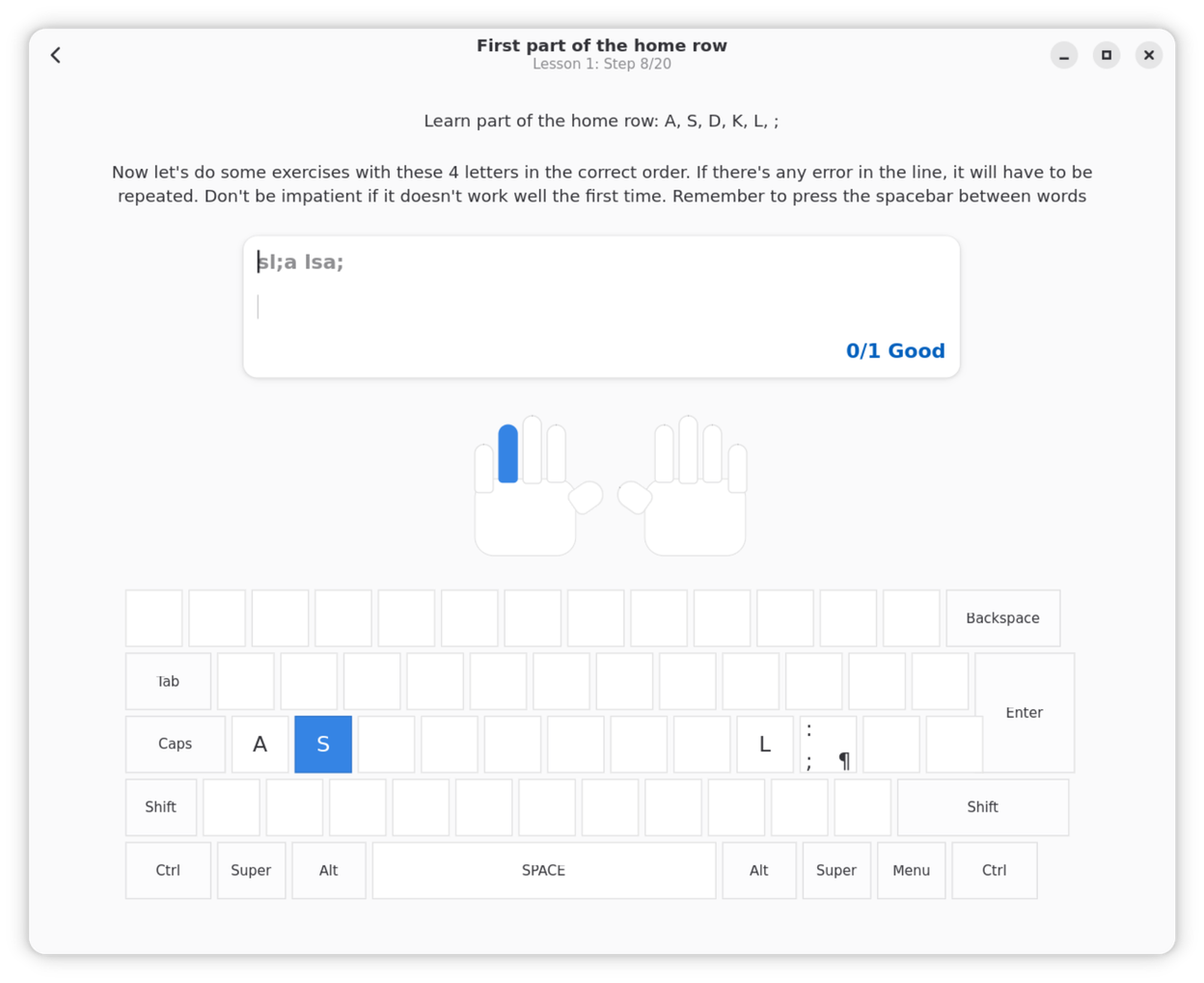
Teclas is a modern typing tutor application that helps you learn and improve your touch typing skills through structured lessons. It provides a clean and intuitive interface for practicing typing.
Features include structured lessons, keyboard layout visualization, and progress tracking to help you become a more efficient typist.
Lessons and keyboard layouts are available for US English, Spanish, German, French, Galician, Italian, Polish, Portuguese, and Brazilian Portuguese. Other system layouts fall back to US English.
Screenshots
Observed history
| App | Change | Version | When ↓ |
|---|---|---|---|
| updated | 3.1.0 → 3.1.1 | 18 Nov 2026 | |
| updated | 3.0.0 → 3.1.0 | 6 Nov 2026 | |
| new | 3.0.0 | 31 Oct 2026 |
Upstream releases
Release notes supplied by the developer. These dates are not Flathub package publication times.
3.1.118 Nov 2026
- Keyboard layouts that keep the US key positions, such as Italian (US) or German (US), now use the US keyboard and lessons
- Unsupported US-based layouts, such as Russian (US, phonetic), now show the unsupported layout banner
- Fixed the hand guide drawing outside its area
- Updated Italian translations
- Updated dependencies
3.1.06 Nov 2026
- The on-screen keyboard and hand guide now highlight the Shift or AltGr key needed to type the next character
- Fixed the French keyboard layout failing to load
- Updated dependencies
3.0.030 Oct 2026
Mecalin is now called Teclas. Settings and lesson progress from Mecalin are not carried over.
- Lessons and the on-screen keyboard now follow the active system keyboard layout instead of the system language
- Added a banner when the system keyboard layout is recognized but not supported yet
- Added translator credits and a link to Mundi in the About dialog
- Removed the preferences dialog: finger colors are now always shown
- Keys and fingers are filled with softer finger colors
- Lesson intro screens use a Start Lesson button
- Shortened lesson titles and subtitles, and used layout-correct symbols in character lesson subtitles
- Limited the width of lesson descriptions
- Set a minimum window size and declared the app as desktop-only
- Fixed the top-row character lesson on US-style layouts
- Fixed lesson titles containing markup characters
- Fixed the Backspace key fill to match the other modifier keys
- Updated translations
- Now requires GTK 4.18
2.0.023 Sept 2026
- Focused Mecalin on typing lessons: removed the speed test and the falling keys and scrolling lanes games
- The app now opens directly into the lessons
- Added a lessons welcome page to browse, pick, and resume the current lesson
- Added a first-run welcome carousel and restructured the lessons
- The welcome page shows the active keyboard layout and warns when the system layout isn't supported
- Listed the supported languages in the app metadata
- Added a link to the Keypunch app from the course completion view
- Moved Preferences and About into a primary menu, with standard keyboard shortcuts (Ctrl+, and F10)
- Moved lesson selection out of preferences and onto the welcome page
- Switched to Adwaita AboutDialog and PreferencesDialog
- Refreshed the on-screen keyboard styling to use the system font with rounded keys and refined borders
- Completed the UI translations across all supported languages
- Fixed the keyboard and hand widgets not redrawing when the finger-colors setting changes