
Notes
Note-taking app. Write down your thoughts
Ruby Mamistvalove ✓ Verified
io.github.nuttyartist.notesNotes is an open source and cross-platform note-taking app that is both beautiful and powerful.
Features overview:
- Native app (written in C++ with Qt)
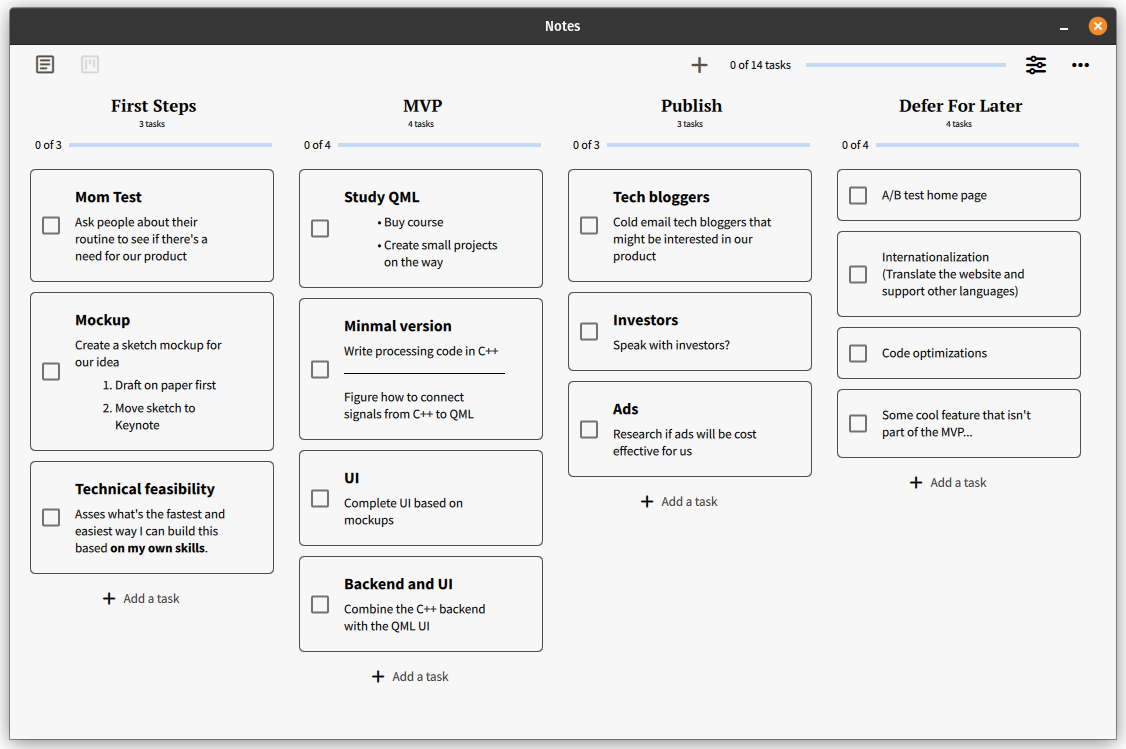
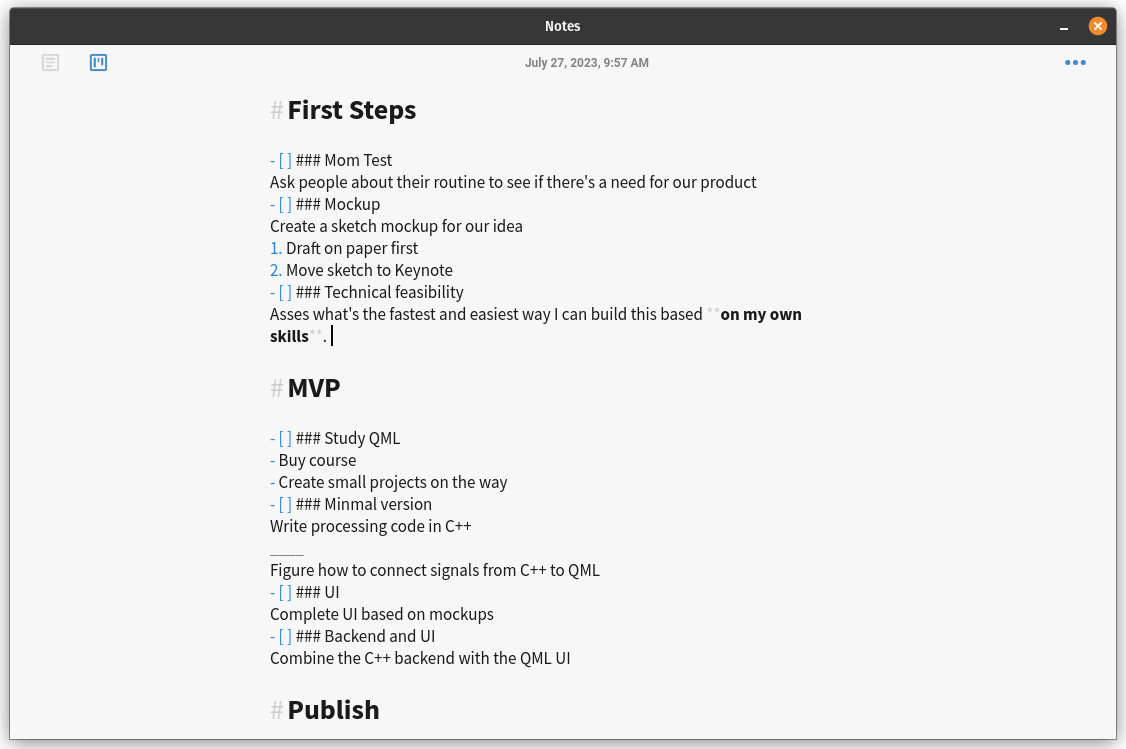
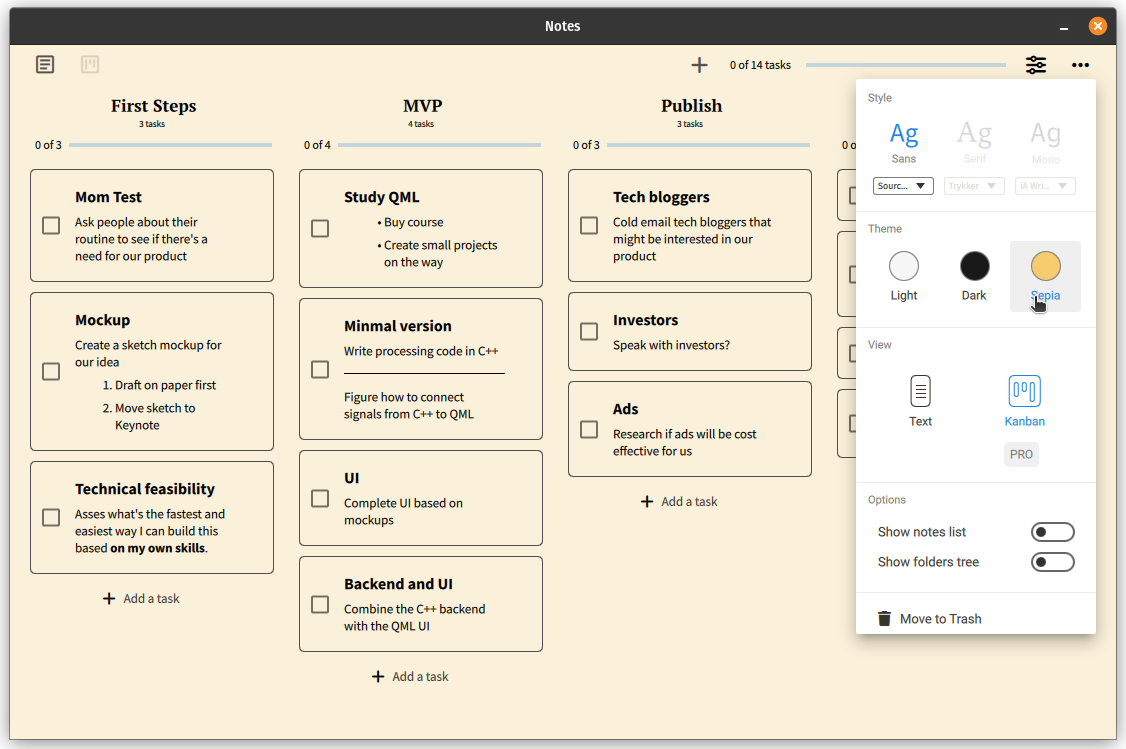
- Turn your Markdown tasks into a beautiful Kanban board
- Fast and beautiful
- Fully open source and cross-platform (Linux, macOS, Windows)
- Completely private: Tracks nothing
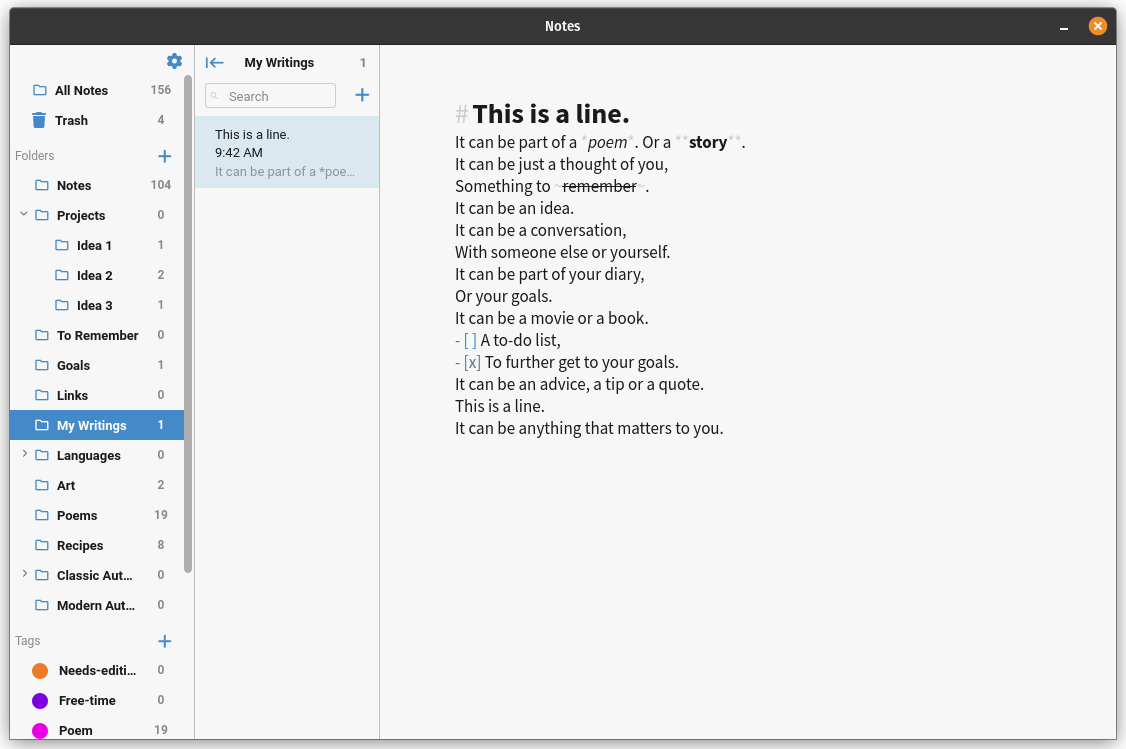
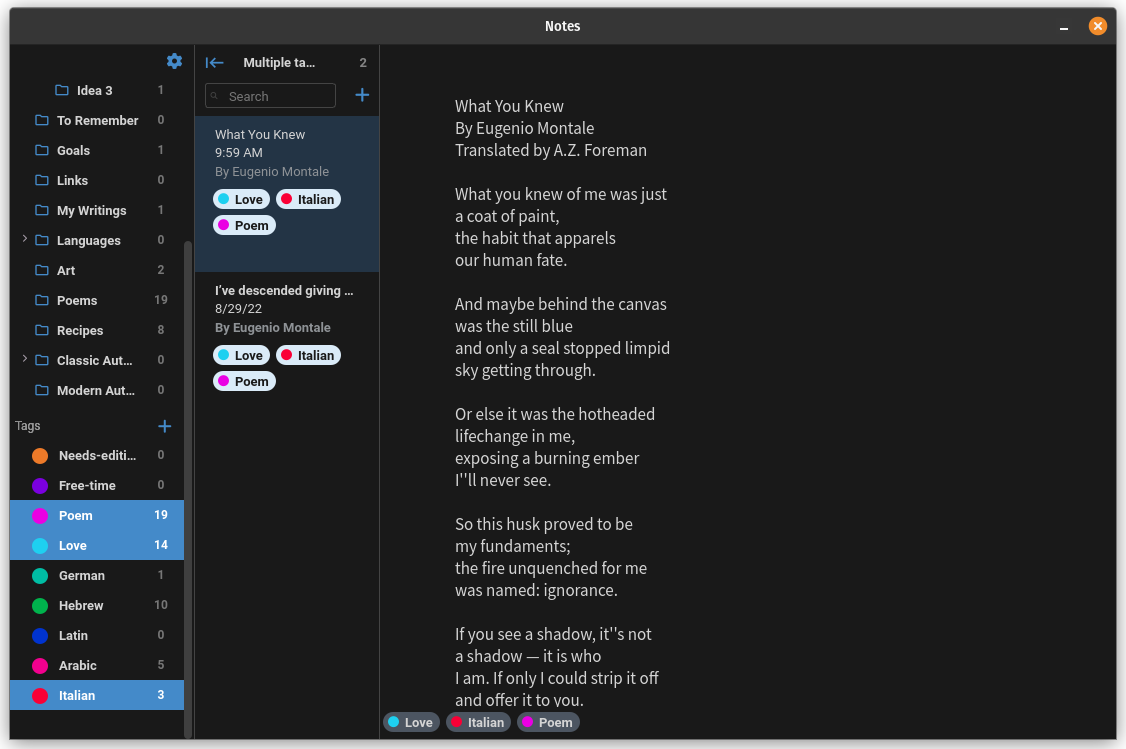
- Folders and tags: Organize your ideas hierarchically using nested folders and universally using tags
- Markdown Support: Format text without lifting your hands from the keyboard
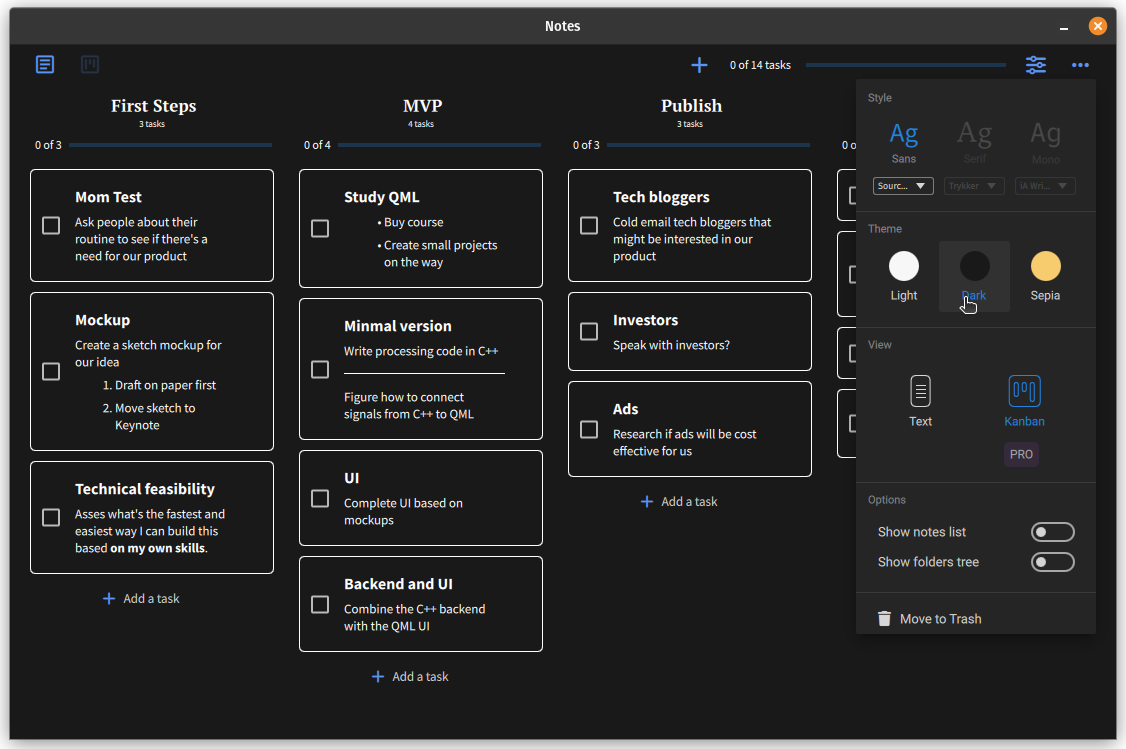
- Different themes: Switch between Light, Dark, and Sepia
- Feed View: Select multiple notes to see them all one after another in the editor
- Always runs in the background: Use the hotkey
Super+Shift+Nto summon Notes
Screenshots
Observed history
| App | Change | Version | When ↑ |
|---|
No observed changes yet.
The initial import establishes a baseline. Future version changes will appear here.
Browse the app catalogue →Upstream releases
Release notes supplied by the developer. These dates are not Flathub package publication times.
2.3.11 Oct 2024
This is a minor, bugfix release.
Changes:
- Fixed a visual bug where the "Hide to tray" option would not reflect its real state.
- Changed the strikethrough keyboard shortcut from Ctrl+S to Ctrl+Shift+X.
Note: Anyone can still access all Pro features at no cost by building the app from source.
2.3.031 Aug 2024
A new release is here with some new features, bug fixes and improvements.
New features:
- Option to Export/Import to/from .txt/.md files.
Improvements and bug fixes:
- We now load a much cleaner text in the notes list pane by converting Markdown to plain text.
- Optimized the app startup time so it now launches faster.
- Much more efficient notes list loading.
- Improved the update mechanism to check for update every hour (can be disabled).
Note: Anyone can still access all Pro features at no cost by building the app from source.
2.2.130 Aug 2023
A new release is here with many bug fixes and improvements. To sustain and further our commitment to exceptional app development, we have transitioned to a subscription-based pricing model for the Pro version.
Improvements and bug fixes:
- Resolved a conflict within the Kanban interface: previously, editing a task would not conclude if a separate task was concurrently edited.
- Addressed an issue where editing was mistakenly permitted within the editor while the Trash folder was active
- Fixed bug where icons didn't show up on some Linux distributions
- Corrected an inconsistency where icons were not displayed on certain Linux distributions
- Resolved display issues of specific windows on Ubuntu 23.04
- Addressed an issue with the Editor Settings window failing to appear on Qt 5.12.2
- For Pro users, the 'Pro' label within the Editor Settings has been made redundant and is now removed for a cleaner interface
Note: Anyone can still access all Pro features at no cost by building the app from source.
2.2.027 Jul 2023
A new release is here with major new features and many bug fixes and improvements.
New features:
- You can now turn your Markdown tasks into a beautiful Kanban board
- Completely redesigned Editor Settings popup to quickly change the editor's settings
- New gear icon for global app settings
- Much improved Dark theme colors
Improvements and bug fixes:
- Text contrast in Sepia theme is improved
- Added alt+up/down keyboard shortcut to move the current line
- Toggling fullscreen is now possible with F11 and Esc
- Fixed markdown fonts not being resized properly
- Native window decoration is now default on Windows and Linux
- Fixed X11 linking on BSD systems
- Many more fixes and improvements under the hood