
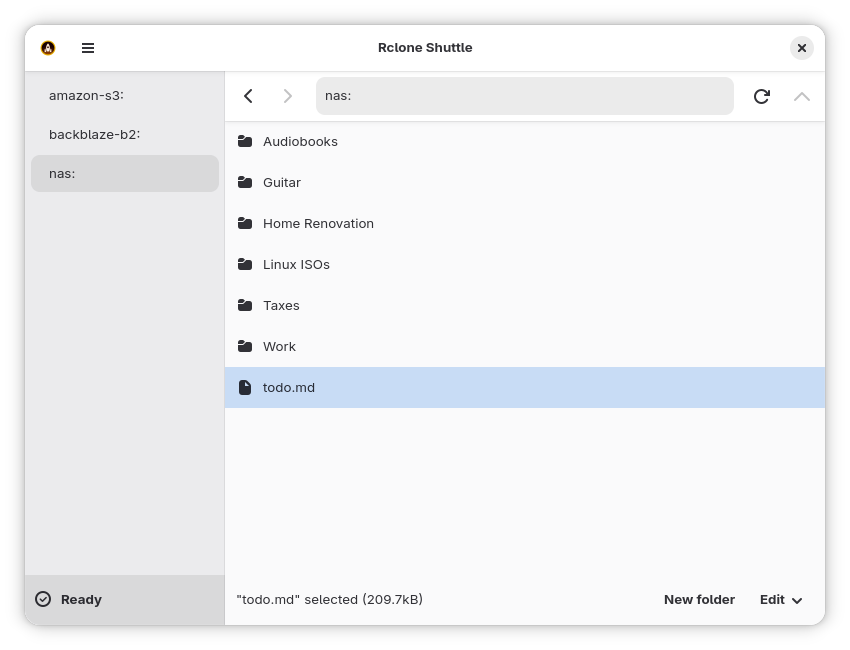
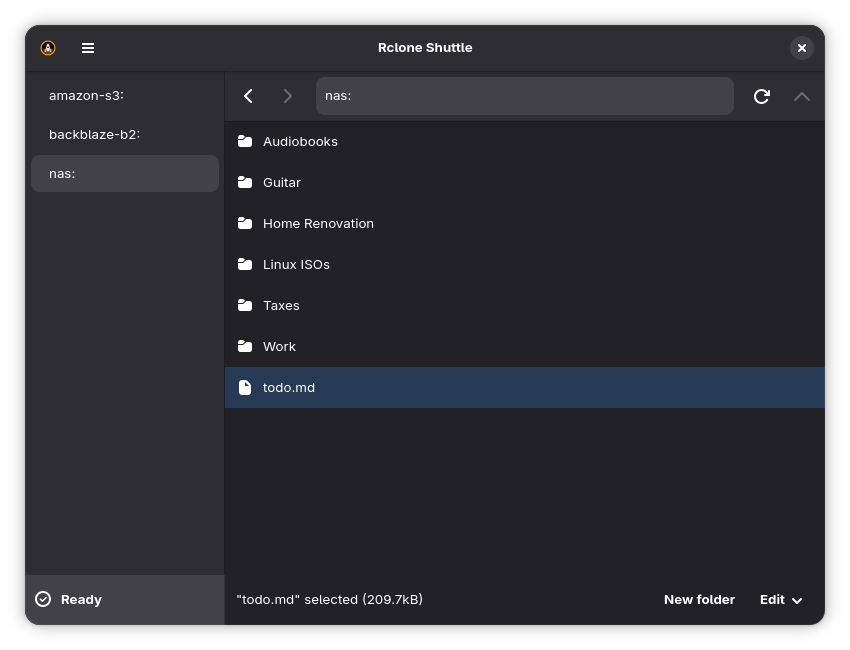
Access all your cloud storage providers from one app. Powered by Rclone's superb command line tool, Rclone Shuttle lets you browse your files wherever they are hosted.
Rclone Shuttle can:
- Upload files via drag and drop
- Rename, move, copy and delete files/folders
- Open remote files locally via double click
- Permanently save a local copy of specific files/folders
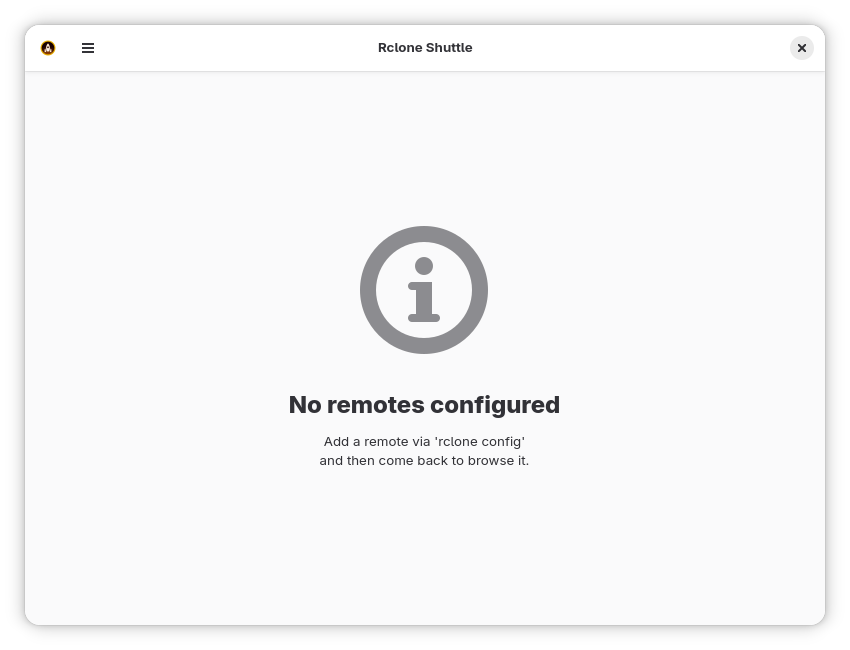
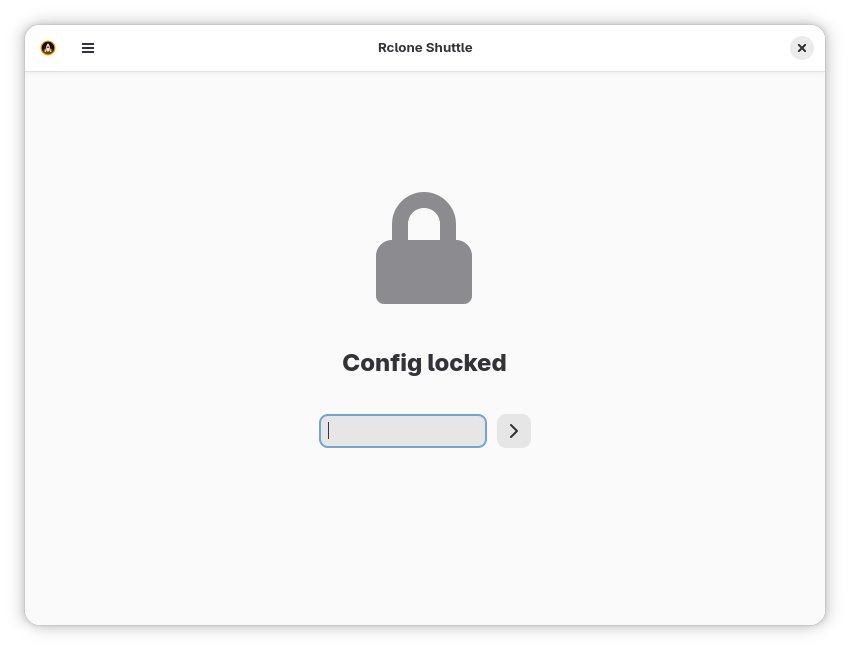
- Handle encrypted Rclone configuration files
Rclone supports a variety of providers and protocols including:
- Amazon S3
- Dropbox
- FTP
- Google Cloud Storage
- Google Drive
- Google Photos
- OneDrive
- Proton Drive
- SFTP
- SMB (Samba)
- WebDAV (works with Nextcloud)
Full host filesystem access is necessary to enable drag-and-drop until https://github.com/pieterdd/RcloneShuttle/issues/7 is fixed.
Screenshots
Observed history
| App | Change | Version | When ↓ |
|---|
No observed changes yet.
The initial import establishes a baseline. Future version changes will appear here.
Browse the app catalogue →Upstream releases
Release notes supplied by the developer. These dates are not Flathub package publication times.
0.1.1027 Jun 2026
- Update to GNOME 50 runtime
- Fix issue on about screen
- Build with new Go version so the aarch64 build workaround can be removed
0.1.927 Feb 2026
- Avoid refreshing directory if path didn't change
- Update various libraries
- Flatpak: update to Rclone v1.73.1
0.1.810 Jan 2026
Improve compatibility with small screens
0.1.719 Dec 2025
- Fixed: blank space when scrolling through big file listings
- Flatpak: update to Rclone v1.72.1
- Add about screen