
Pictures Converter
Converting image formats
Quantum_mutnauQ ✓ Verified
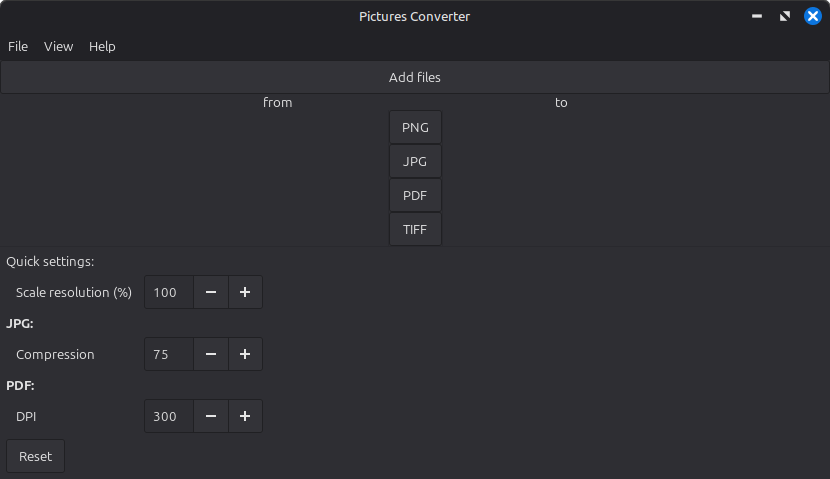
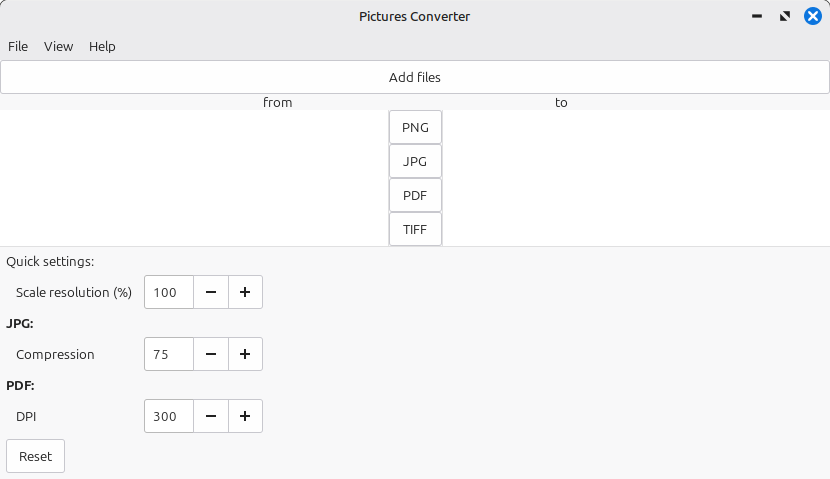
io.github.quantum_mutnauq.pictures_converter_gtkThe image converter is a program that allows users to convert various file formats through a graphical interface. With this program, the following formats can be converted into all supported formats:
JPG, PNG, TIFF, and PDF
Users can select images from different directories. By double-clicking, the program automatically navigates to the directory where the image is stored. After selecting the new format (using the buttons in the middle), the files are converted into the desired format. They are saved in the same directory from which they were selected.
The TIFF and PDF formats can contain multiple pages. These pages are converted into separate files with sequential numbering.
In the settings function, users can choose whether images are always saved in the "Pictures/Converted" directory, the original directory from which they came (note that the Flatpak version requires elevated permissions for this), or if the program should always prompt for the desired save location.
Screenshots
Observed history
| App | Change | Version | When ↓ |
|---|
No observed changes yet.
The initial import establishes a baseline. Future version changes will appear here.
Browse the app catalogue →Upstream releases
Release notes supplied by the developer. These dates are not Flathub package publication times.
1.514 Aug 2026
Version 1.5
Features added:
- Make failed files clickable to open in File Explorer
Other changes:
- Updated dependencies on Flatpak
1.414 Jul 2026
Version 1.4
Features added:
- Displaying failed jobs
- Fixed loading of specific image types
Other changes:
- Updated dependencies on Flatpak
1.31 Feb 2026
Version 1.3
Features added:
- Resolution scaling
- JPG compression
- PDF sample rate in DPI
Other changes:
- Updated dependencies on Flatpak
1.227 Oct 2025
Version 1.2
Other changes:
- Removed appstream-flathub-manifest-url