
Capture your screen in a intuitive and straightforward way without distractions.
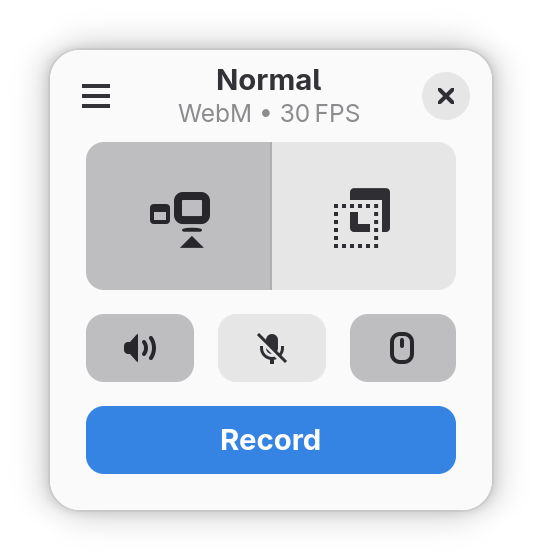
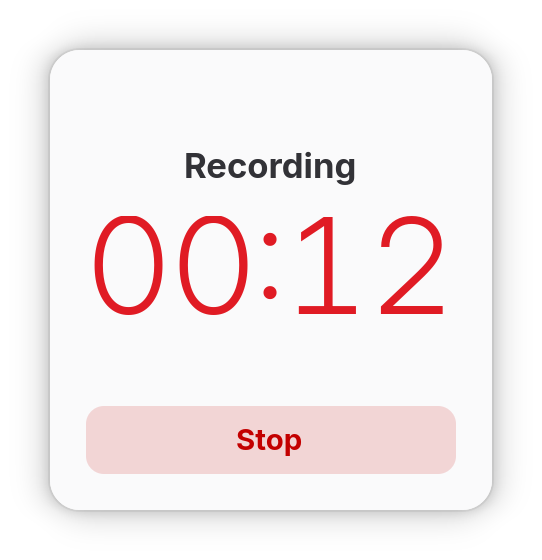
Kooha is a simple screen recorder with a minimalist interface. You can just click the record button without having to configure a bunch of settings.
The main features of Kooha include the following:
- 🎙️ Record microphone, desktop audio, or both at the same time
- 📼 Support for WebM, MP4, GIF, and Matroska formats
- 🖥️ Select a monitor or a portion of the screen to record
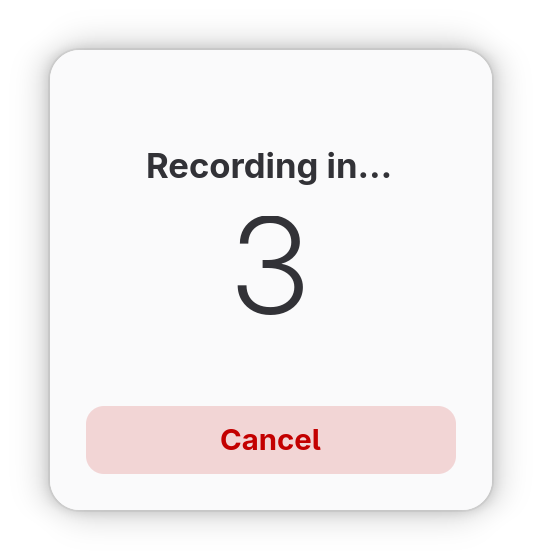
- 🛠️ Configurable saving location, pointer visibility, frame rate, and delay
- 🚀 Experimental hardware accelerated encoding
Screenshots
Observed history
| App | Change | Version | When ↓ |
|---|
No observed changes yet.
The initial import establishes a baseline. Future version changes will appear here.
Browse the app catalogue →Upstream releases
Release notes supplied by the developer. These dates are not Flathub package publication times.
2.3.25 Jun 2026
This release contains minor changes:
- Fixed incorrect duration when recording
- Updated UI
- Updated translations
2.3.123 Aug 2025
This release contains minor changes:
- Updated UI
- Updated translations
2.3.021 Mar 2024
This release contains new features and fixes:
- Area selector window is now resizable
- Previous selected area is now remembered
- Logout and idle are now inhibited while recording
- Video format and FPS are now shown in the main view
- Notifications now show the duration and size of the recording
- Notification actions now work even when the application is closed
- Progress is now shown when flushing the recording
- It is now much easier to pick from frame rate options
- Actually fixed audio from stuttering and being cut on long recordings
- Record audio in stereo rather than mono when possible
- Recordings are no longer deleted when flushing is cancelled
- Significant improvements in recording performance
- Improved preferences dialog UI
- Fixed incorrect output video orientation on certain compositors
- Fixed incorrect focus on area selector
- Fixed too small area selector window default size on HiDPI monitors
- Updated translations
2.2.423 Sept 2023
This release contains minor fixes:
- Added window close shortcut
- Improve file saving handling (thanks to @DaPigGuy)
- Updated translations