
VidCom (short for Video Compression) is a simple utility for archiving videos. It offers both GUI and CLI interface and utilises `ffmpeg` for the video encoding.
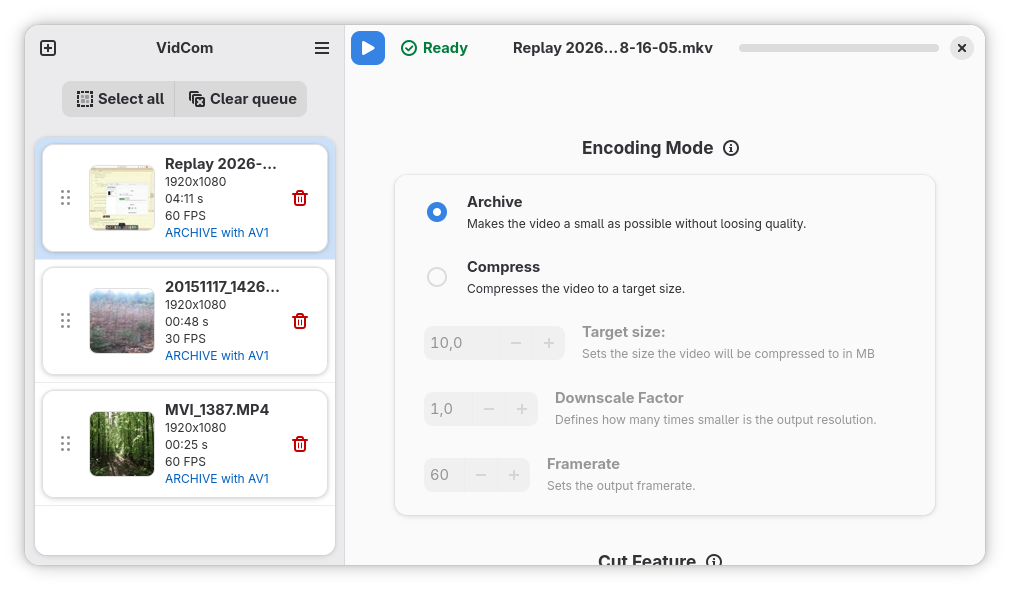
VidCom features two modes; Archive mode and Compress mode:
- Archive mode compresses a video as much as possible without losing target image quality.
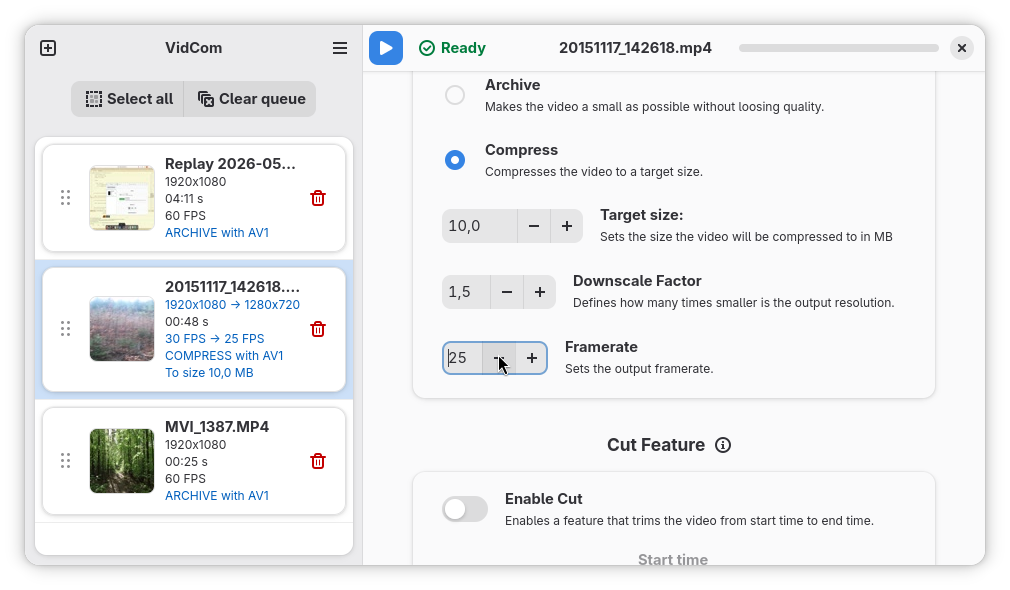
- Compress mode compresses a video to a specified target size.
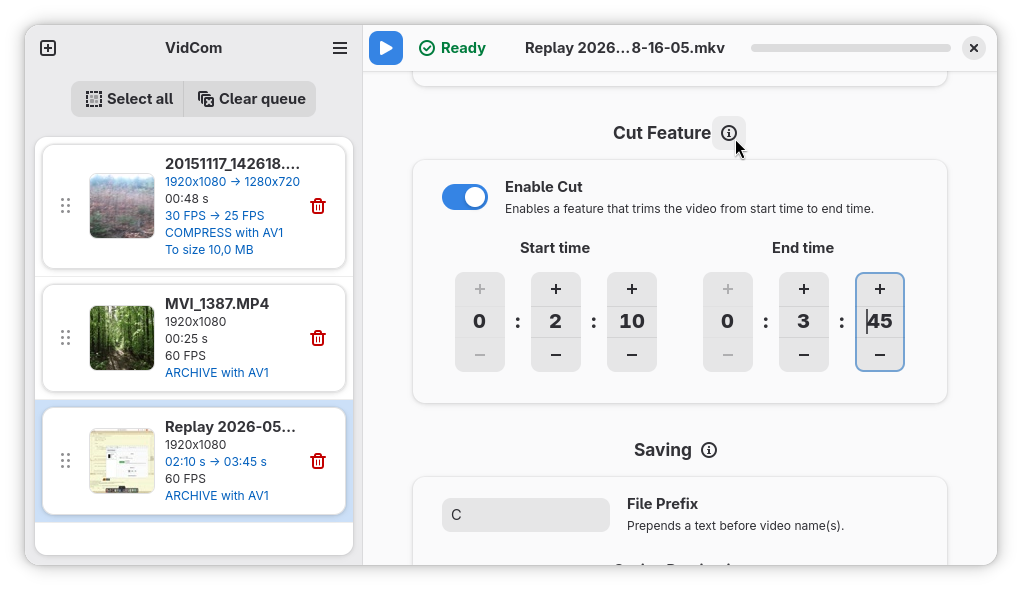
There are also other options for quick setup, such as reducing resolution and frame rate, choosing an output directory and a trimming function. More advanced users can set the codec used for encoding and tweak some parameters of chosen codec to trade time for better compression and vice versa.
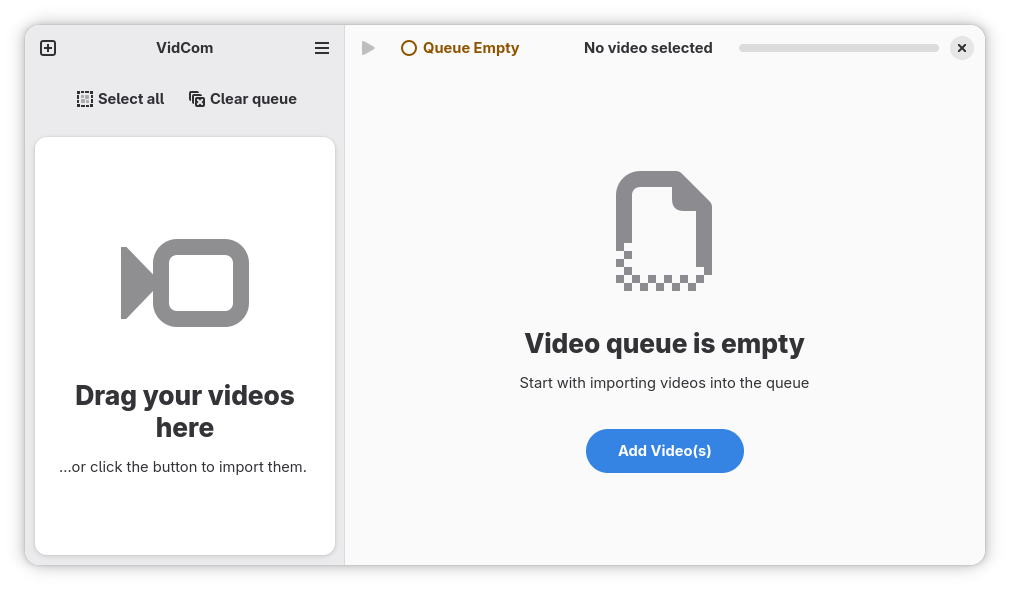
You can process as many videos as you want by adding them to a queue (GUI) or specifying their paths in the command (CLI).
Whether you want your memories to take up less space or just share a funny video clip with your friends, this app makes it easy for you.
Features
- Archiving videos
- Compressing videos to target sizes
- Simple and clean GTK4 + Adwaita user interface
- CLI for automation
- Uses ffmpeg for encoding
- Avaiable codecs are AV1, HEVC, VP9
- Written in C++
Screenshots
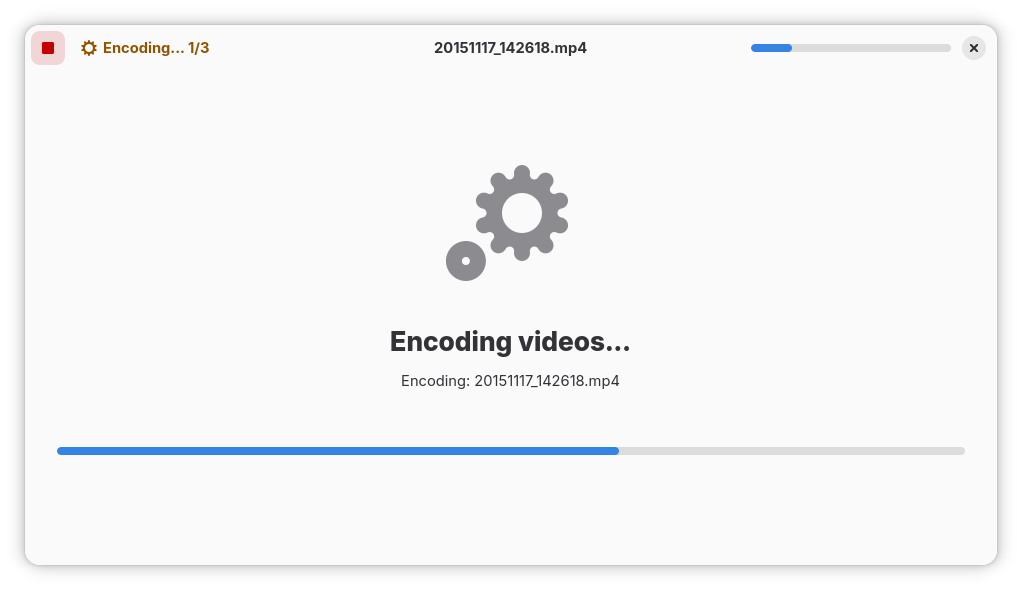
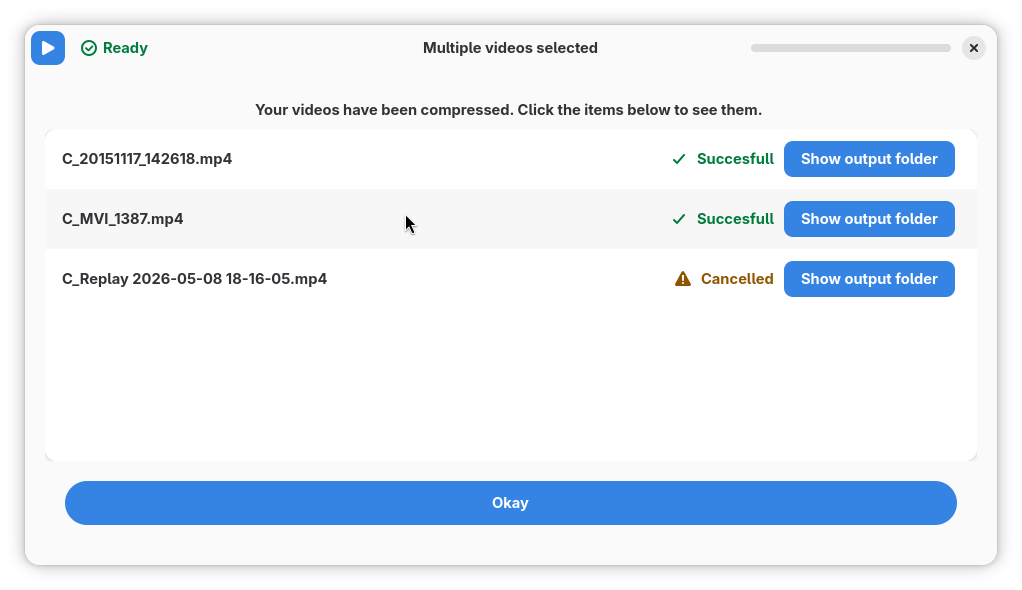
Observed history
| App | Change | Version | When ↓ |
|---|
No observed changes yet.
The initial import establishes a baseline. Future version changes will appear here.
Browse the app catalogue →Upstream releases
Release notes supplied by the developer. These dates are not Flathub package publication times.
0.836 Aug 2026
- Automatic logout/suspend is prevented while video encoding is running.
- Bug fix: When Matroska container is used, the original subtitles will always be copied
- The page with results, shown after the encoding is finished, now reflects the results more accurately
- If the video encoding fails, you can now display the error log (
stderr) - Bug fix for missing bitrate recalculation after enabling and setting cut
ffmpeg/ffprobeprocesses are now called directly instead of calling through shell- You can now select multiple videos in the queue by holding the Shift key
- 'Select all' button is no longer a toggle and can also deselect videos
- Added support for AVC (H264) encoding
- You can now open videos with VidCom. It will automatically import them into the queue upon doing so
- Custom default options can be set, such as the target size, export folder, all the exposed codec parameters and more
0.8223 May 2026
VidCom 0.82
- Multiple stream and subtitle support, switching between mp4 and mkv containers as needed
- Faster seeking when Cut Feature is enabled
- Fix to correctly compute bitrate when Cut Feature is enabled
- Audio is now encoded in Archive mode as well. Previously it was just copied
- New cut widget and time setters
- UI rework to fit more into the GNOME ecosystem
- Switch to GNOME 50 Runtime
- Status pages for "empty queue" and "encoding" states
- Improved page for viewing results, which does not create a popup window anymore
- Popup messages changed to toasts
- Small UI desing adjustments; rounded thumbnail corners, better info distribution, formatting bugs
- UI refactor
0.8114 Mar 2026
Bugfixes and improvements
- Fixed a bug where the "Open video" button on the results page wouldn't show a video if the original video wasn't `.mp4`
- Fixed the HEVC preset parameter description
- When importing videos, runner bar's status changes and shows progress on importing
- The program now doesn't regenerate thumbnails if they already exist in cache
- Fixed the progress bar in runner sometimes showing more than 100 %
- Limits in Cut Feature should now be set properly
- Safety mechanism agains a possible rare bug that stopped updating some options
- Fixed a crash when the program tried to create a folder inside a directory without write privileges. Now it shows a dialog and stops encoding
- Added a notification when encoding is finished. Window should not grab focus when the results page is shown
- Fixes for CLI: Ctrl+C should now work properly, missing newline after finishing encoding and report when folder failed to be created
- Fixed warnings shown after closing the window; now the popovers are unlinked properly
- Now it is possible to cut all videos at once with Cut Feature. The end time is set according to the duration of the shortest clip. This can be useful for encoding for example only the first ten second of each video
- Implemented batch settings of codec parameters
0.827 Feb 2026
Initial release