
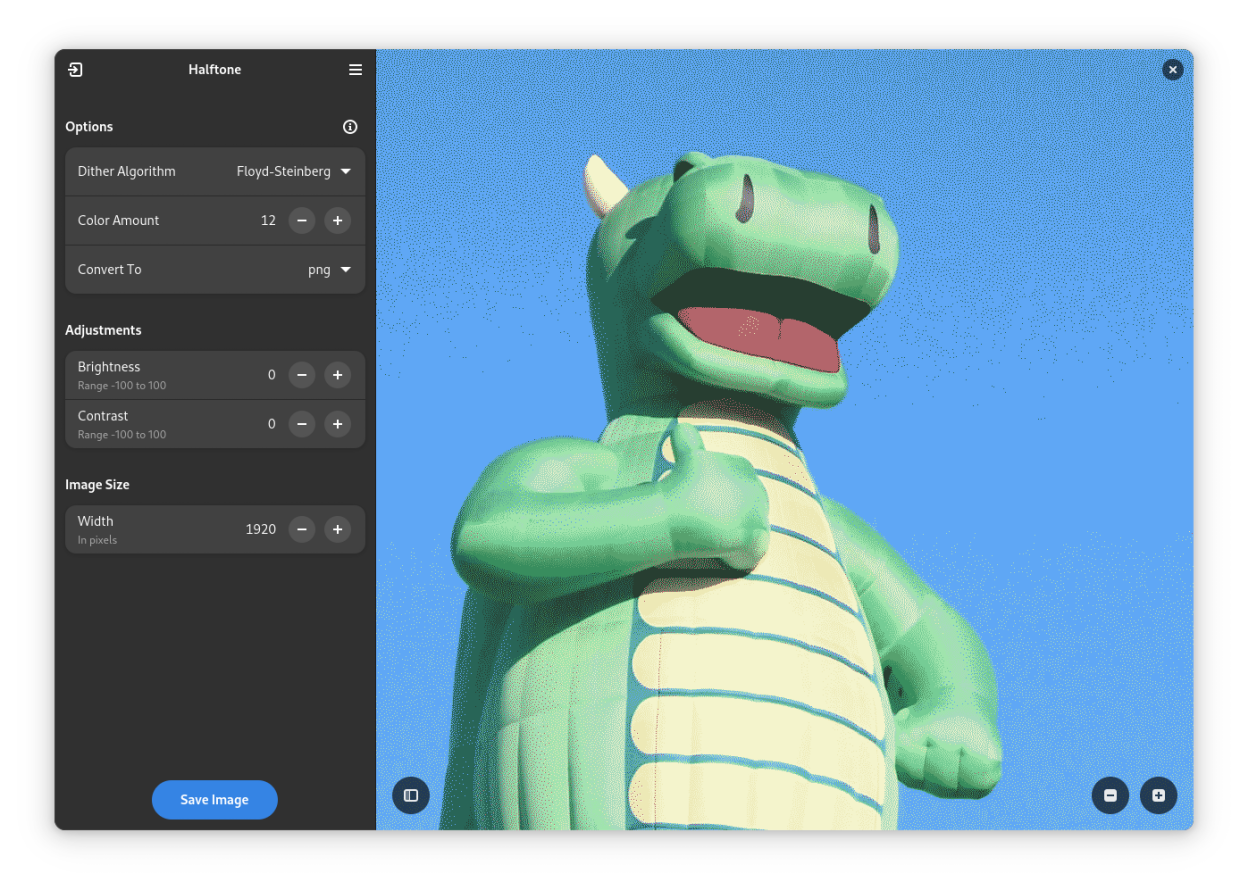
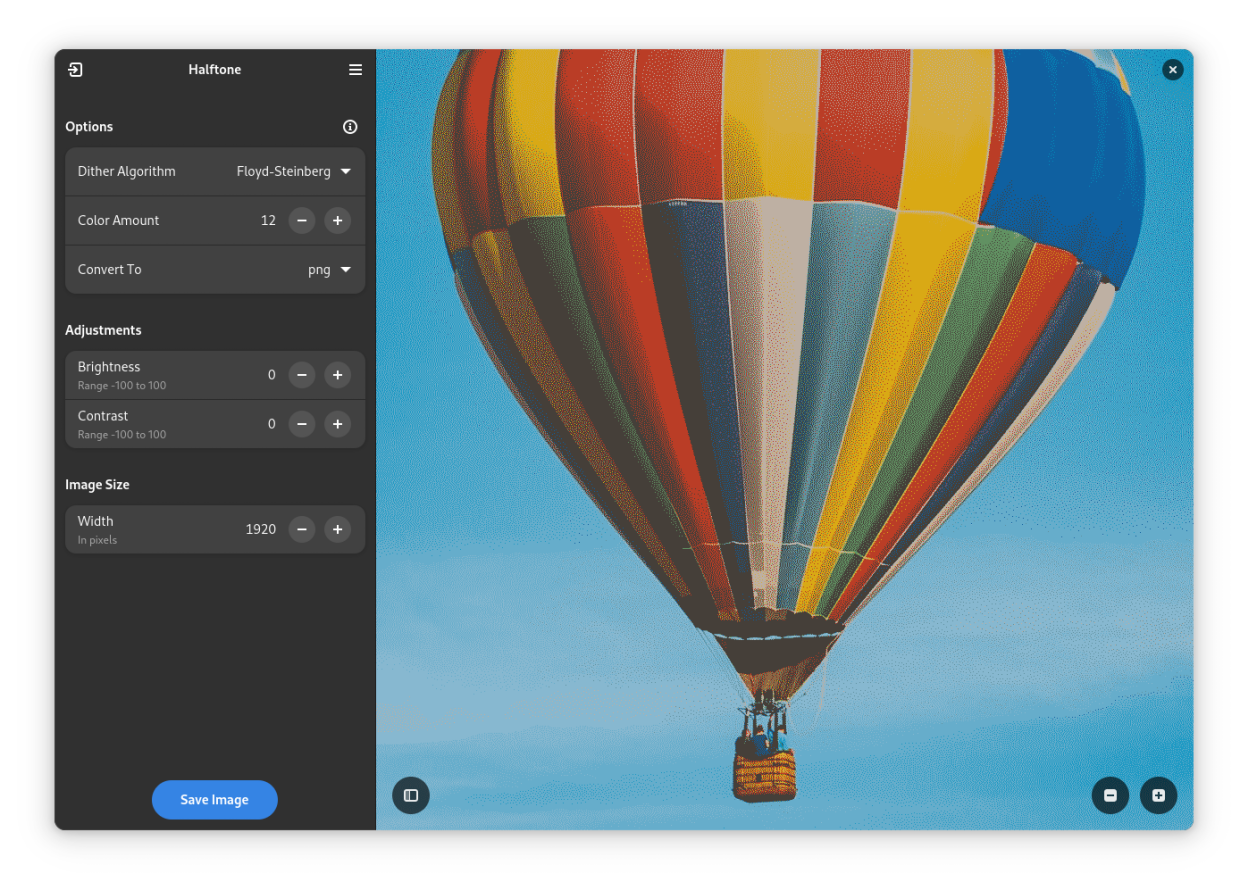
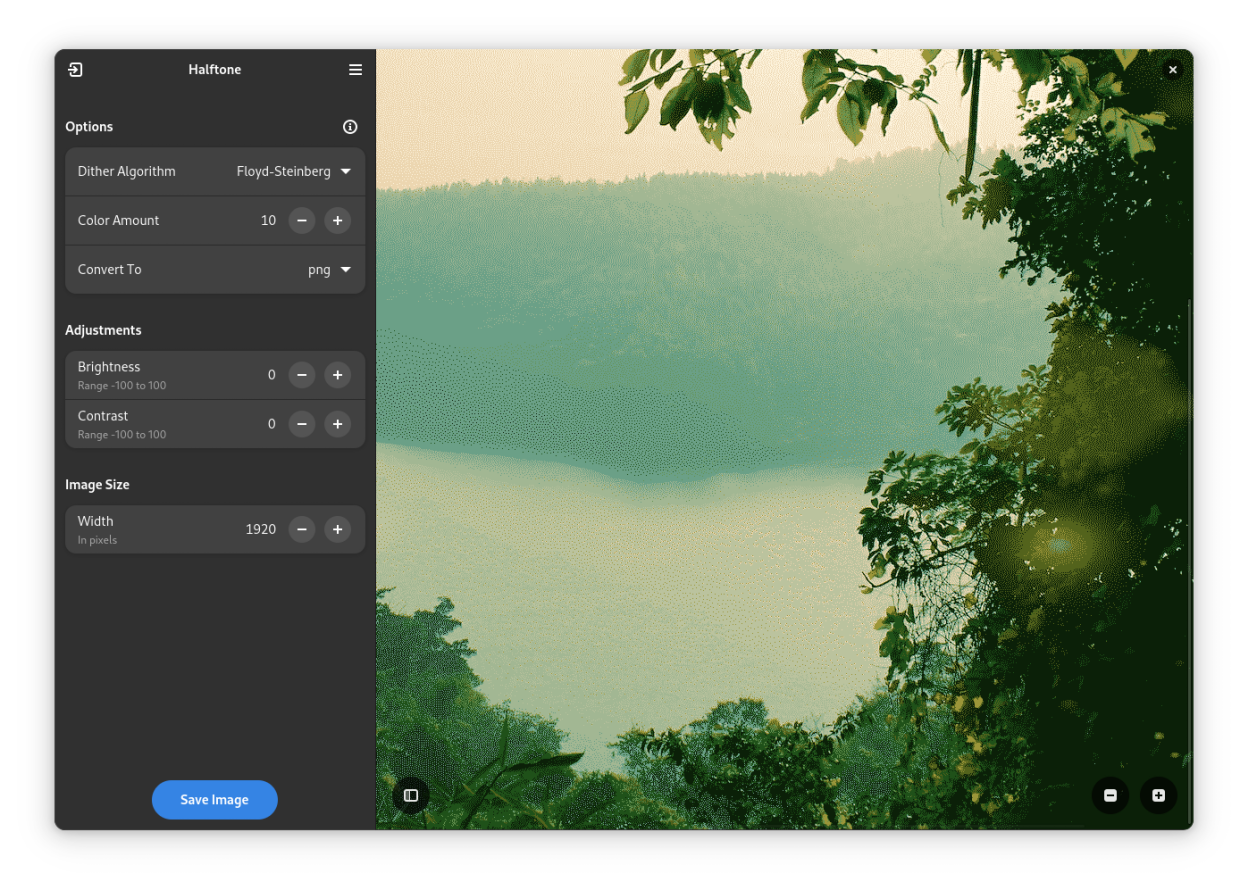
A simple Libadwaita app for lossy image compression using dithering technique. Give your images a pixel art-like style and reduce the file size in the process with Halftone.
Screenshots
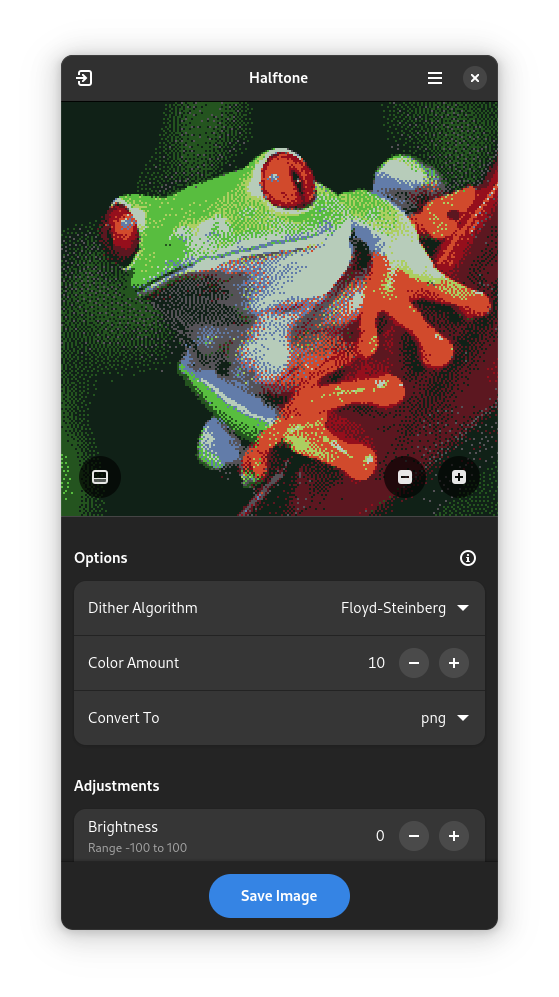
Observed history
| App | Change | Version | When ↑ |
|---|---|---|---|
| updated | 0.7.1 | 19 Sept 2026 |
Upstream releases
Release notes supplied by the developer. These dates are not Flathub package publication times.
0.7.119 Sept 2025
Changes:
- Halftone now supports externally opening multiple images via file managers
- Halftone now supports opening multiple application instances
- Most Flatpak app stores should now display Halftone as a safe app!
- Image previewer should now retain current zoom level after changing image properties
- The bottom sheet in mobile view is now animated
- Updated design of the controls in image previewer
- Added translation for Occitan
- Updated translation for Italian
0.7.019 May 2025
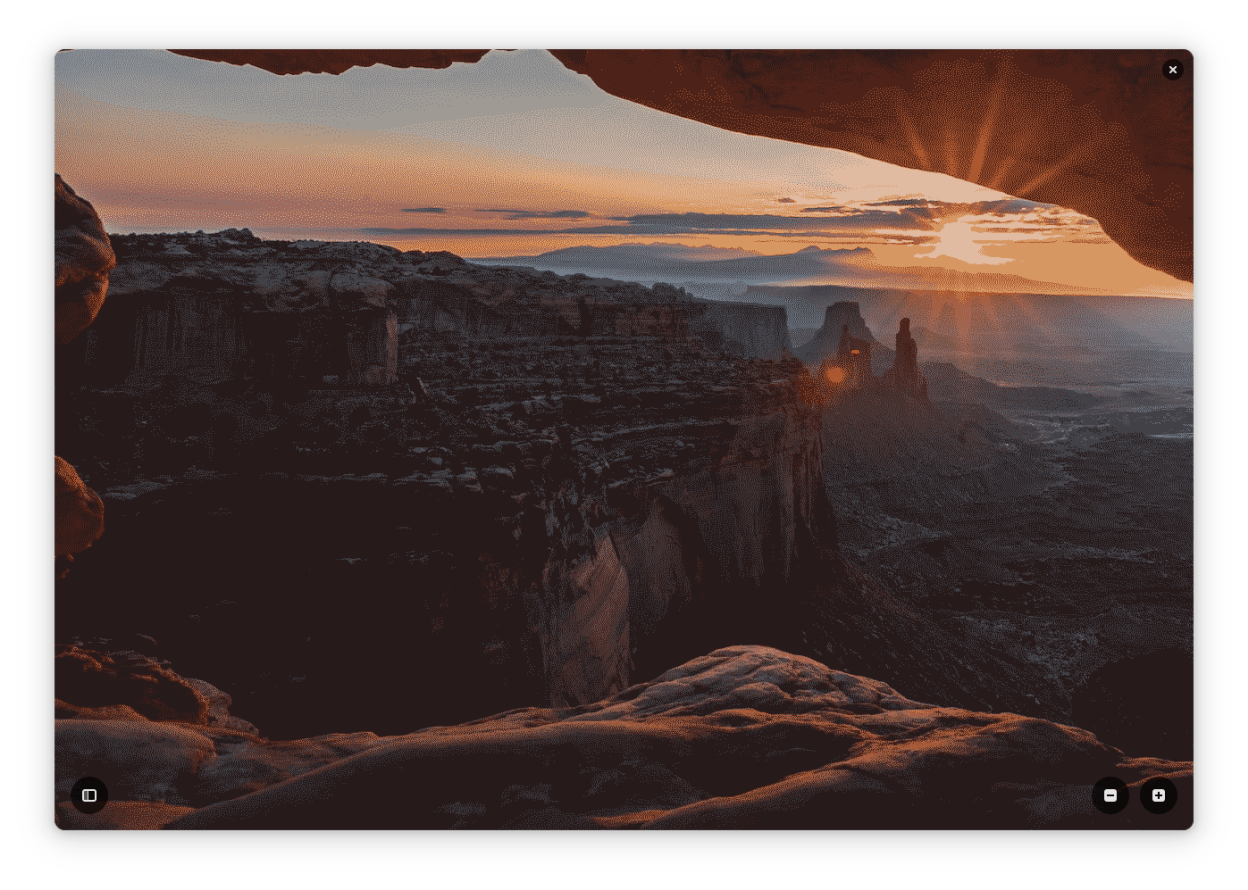
Finally, an update! This is a big one, it introduces a long-awaited feature, the preview viewer with support for zooming using dedicated buttons, scroll wheel and gestures. There's also user experience improvements, such as a new preview loading overlay, and fixes for most bugs and crashes that occured during image loading in previous versions.
Changes:
- Added new preview viewer with basic image zooming capabilities
- Refined loading overlay used in image preview
- Added missing image encoders/decoders in Flatpaks
- Added mnemonics to buttons for accessibility
- Added translations for Bulgarian, German, Norwegian Bokmål and Hindi
- Improved exception handling, which means much less unexpected errors and crashes!
- Temporarily removed support for BMP image format
- Removed rows for image height and aspect ratio
- Updated translations for Polish, Brazilian Portuguese and Italian
0.6.14 Apr 2024
- Updated widgets to make use of new Libadwaita 1.5 widgets
- Updated translations for Russian, Turkish and Simplified Chinese
0.6.010 Jan 2024
Another major UI design update! This update notably moves sidebar to the left and makes image preview area extra large, by making headerbar transparent.
Changes:
- Implement UI suggestions from GNOME Circle application
- Add keyboard shortcuts for toggling sidebar and main menu
- Fixed formatting in appdata, now release info should finally show up in Flathub!
- Updated translations