
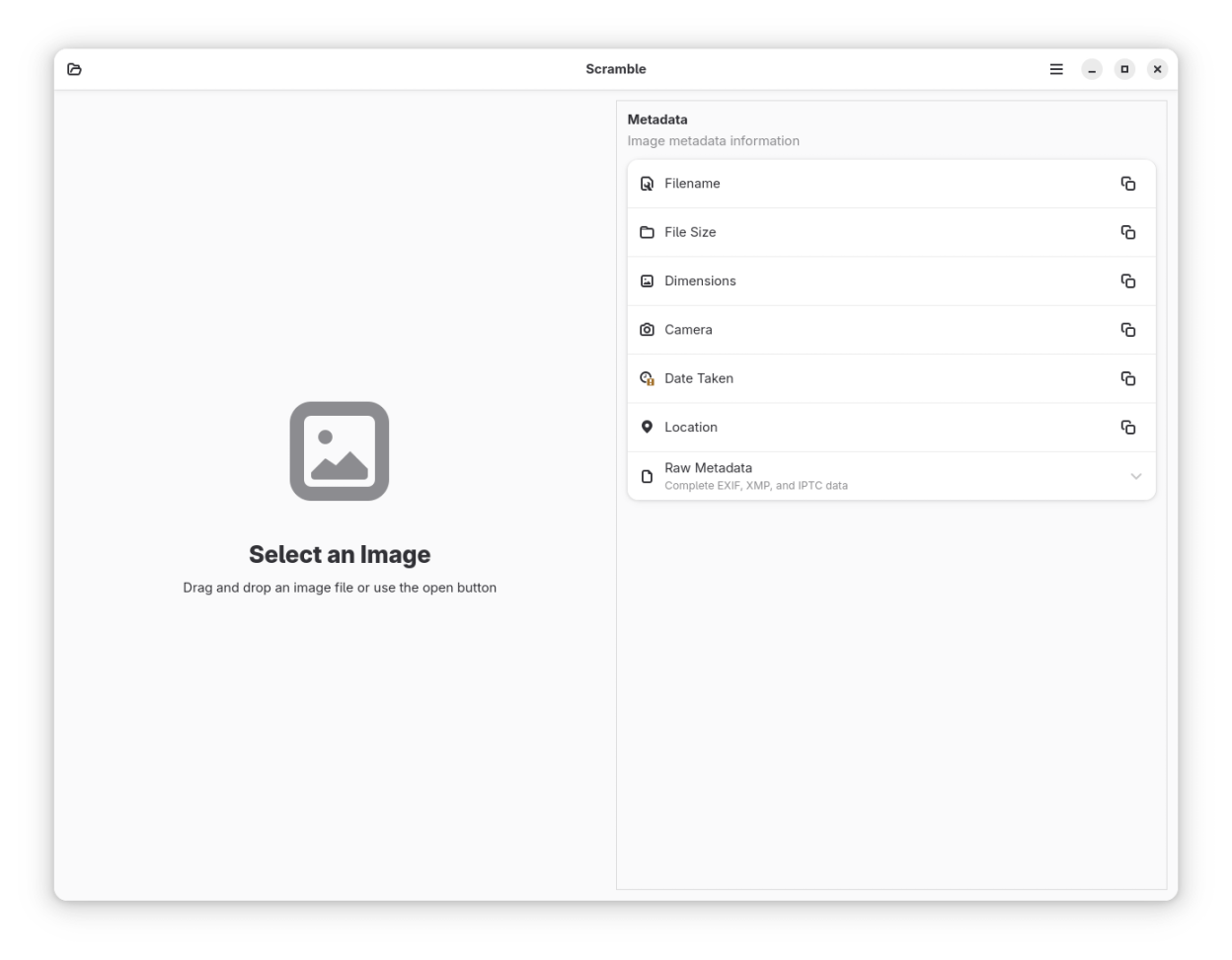
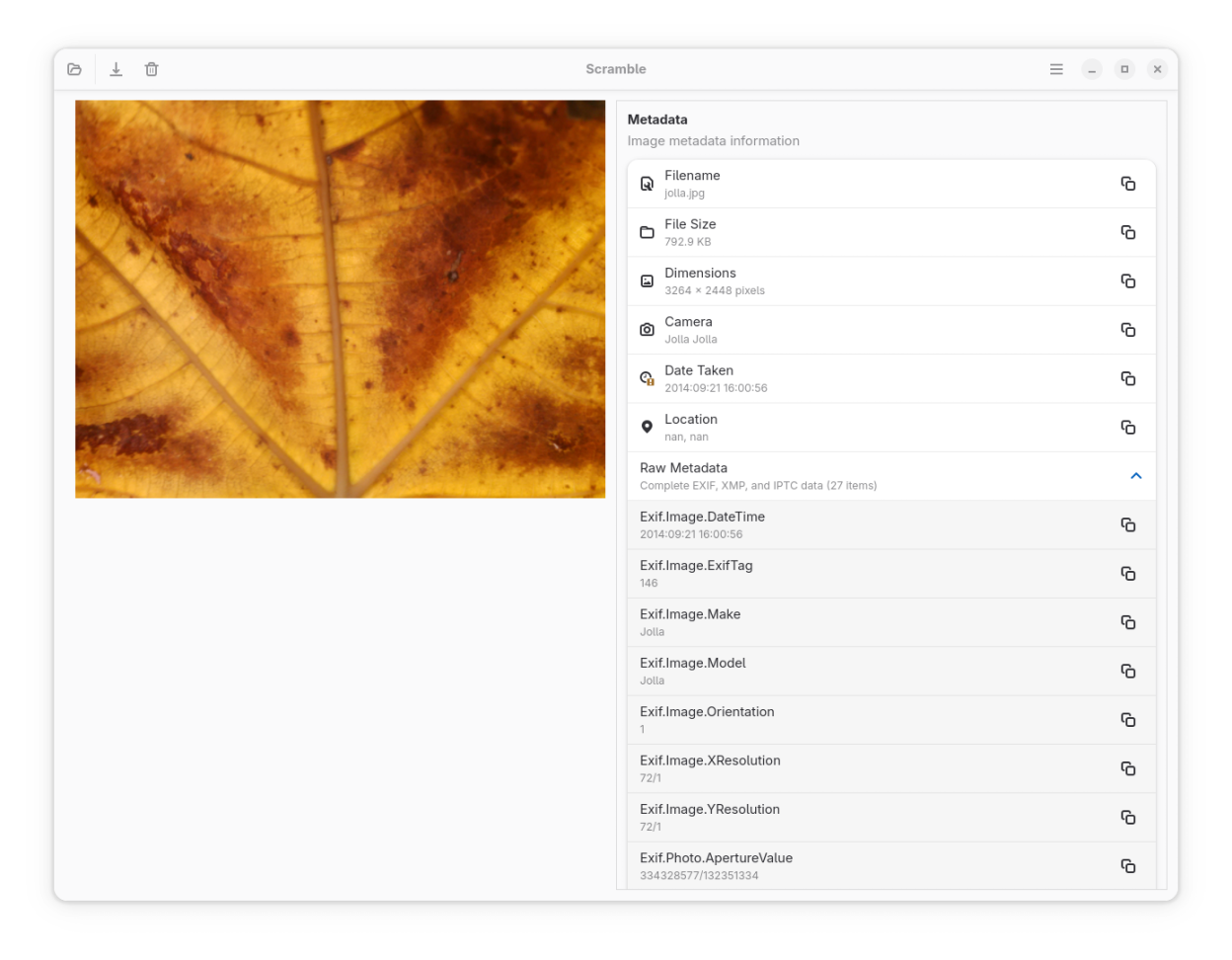
Scramble is a simple utility for viewing and removing metadata from images. The application provides a clean interface with a drag-and-drop workflow.
- View detailed image metadata including EXIF, IPTC, and XMP
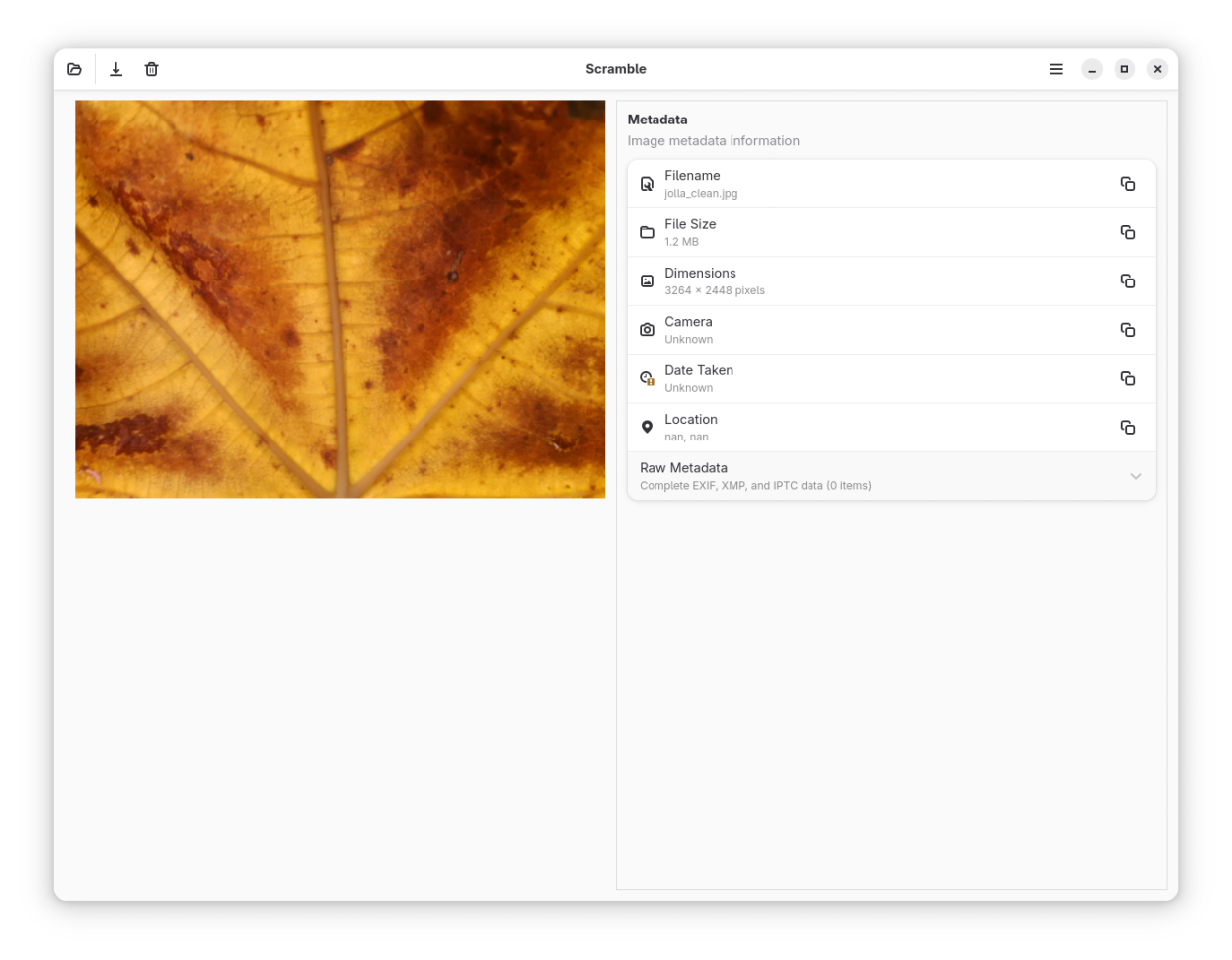
- Remove metadata with a single click
- Batch process multiple images at once — clean an entire folder in one go
- Load images via drag-and-drop
- Keep your original files safe with a non-destructive workflow
- Work offline with no data collection
- Support JPEG, PNG, TIFF, WebP, HEIF, and HEIC formats
Screenshots
Observed history
| App | Change | Version | When ↑ |
|---|---|---|---|
| updated | 1.4.5 | 1 Oct 2026 |
Upstream releases
Release notes supplied by the developer. These dates are not Flathub package publication times.
1.4.51 Oct 2026
🔧 Maintenance Release
- Updated to the GNOME 51 runtime
- Updated bundled exiv2 to 0.28.9, gexiv2 to 0.16.2, libheif to 1.23.5 and libde265 to 1.1.3
1.4.43 Jun 2026
🔧 Maintenance Release
- Updated bundled libheif to 1.23.0 and libde265 to 1.1.1 for the Flatpak build
1.4.36 Apr 2026
✨ Batch Processing Discoverability & Keyboard Shortcut Fix
- Batch Process button is now visible in the header bar for easy access
- Fixed Ctrl+Q keyboard shortcut not closing the application
- Store description updated to mention batch processing
1.4.223 Mar 2026
🐛 Bug Fix Release
- Fixed JPEG clean copies growing larger than the original due to re-encoding at a fixed quality
- Fixed saving images failing on Flatpak-based systems due to document portal FUSE path issues
- Improved window layout with adaptive breakpoint for narrow screens