
Panel Cleaner
Let AI clean manga panels for you
VoxelCubes ✓ Verified
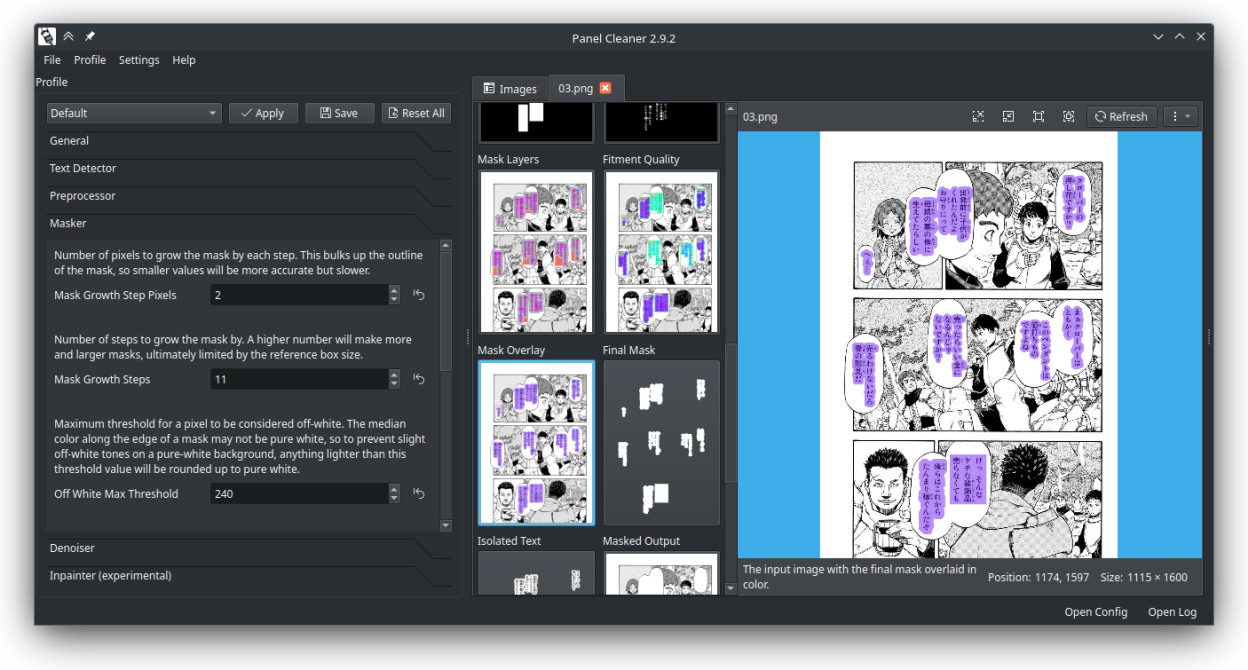
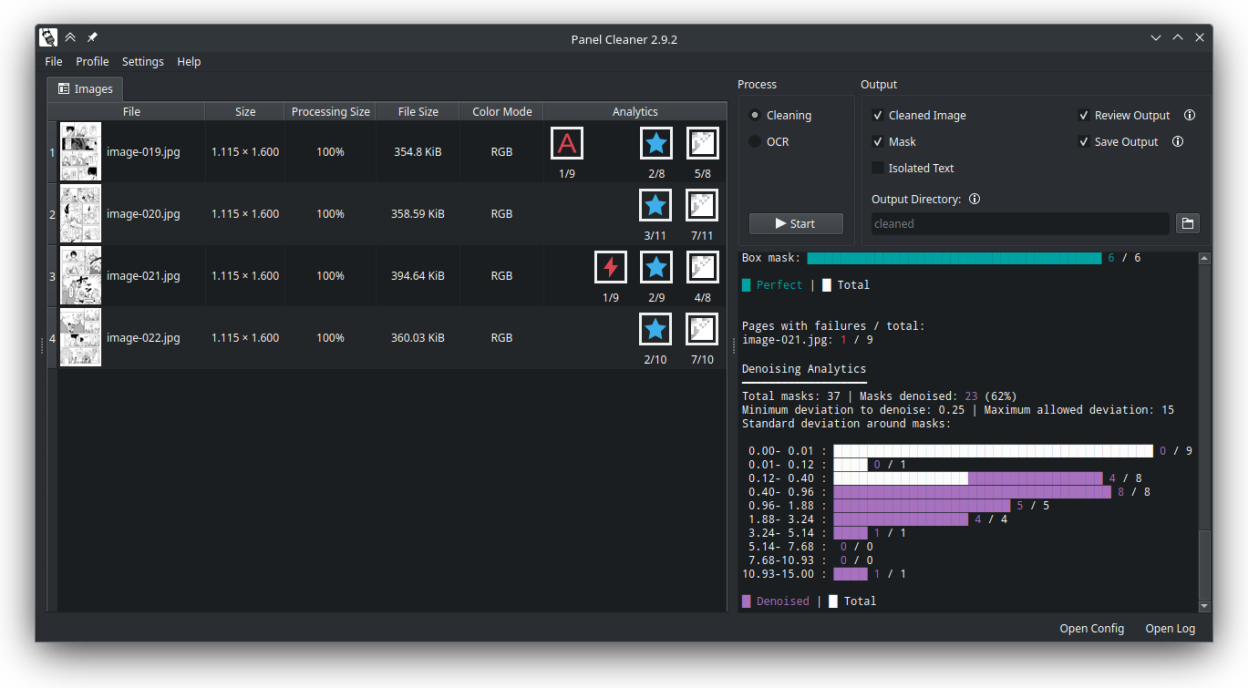
io.github.voxelcubes.panelcleanerThis tool uses machine learning to find text and then generates masks to cover it up with the highest accuracy possible.
It is designed to clean easy bubbles, no in-painting or out-of-bubble text removal is (currently) done.
This is intended to save a lot of monotonous work for people who have to clean a lot of panels, while making sure it doesn't paint over anything that it wasn't supposed to.
Screenshots
Observed history
| App | Change | Version | When ↓ |
|---|
No observed changes yet.
The initial import establishes a baseline. Future version changes will appear here.
Browse the app catalogue →Upstream releases
Release notes supplied by the developer. These dates are not Flathub package publication times.
2.11.1116 Jul 2026
Changelog
- Updated dependencies and runtime.
- Added Korean translations.
- Added support for Python 3.13 and NumPy 2.0+.
- Improved model downloads and handling of split directories.
- Fixed missing checkmark icons.
- Fixed Hugging Face deprecation issues.
- Fix partial model file downloads resulting in corrupted models.
- Exposed file cache IDs for post-actions.
- Fixed the last post-action not being remembered by the configuration.
2.11.58 Jan 2025
Changelog
- Flatpak: Fixed dark icons not loading.
- Flatpak: Using Qt BaseApp to support breeze application theme.
- Switched to a fine-tuned inpainting model by dreMaz, handling dithering patterns significantly better. The old model can still be used if desired.
- Post-run actions added for the GUI, enabling automation like automatic shutdown or custom commands.
- Automatic splitting of long image strips and merging them after cleaning (#123).
- Added inpainting fade radius (#121).
- Auto-correct invalid ranges in profiles.
- Show actual standard deviation of failed masks instead of the maximum value.
- Bulk PSD export now uses the largest image dimensions rather than the first image's dimensions.
- Clarified when sizes are pixel counts in the GUI.
- Indicate and validate when the OCR blacklist regex pattern is invalid.
- Workaround added for a crash in psd-tools version 1.10.3.
- Fixed an inpainting analytics crash when nothing was inpainted.
- Resolved an issue where the "Apply Profile" button was sometimes disabled.
- Removed dependence on python-magic.
- Various fixes and optimizations.
2.9.210 Oct 2024
Changelog
- Output layers can now be exported together as a Photoshop PSD file (they also work in other programs that support psd, like GIMP!). Thank you @al3ks1s!
- Italian language support! Thank you @fujicrow!
- Allow overriding what language was detected, to force the use of Tesseract with any language you have installed.
- Masks may now be any solid color, not just grayscale (without needing to resort to inpainting).
- Image export parallelized in GUI mode, making it several times faster.
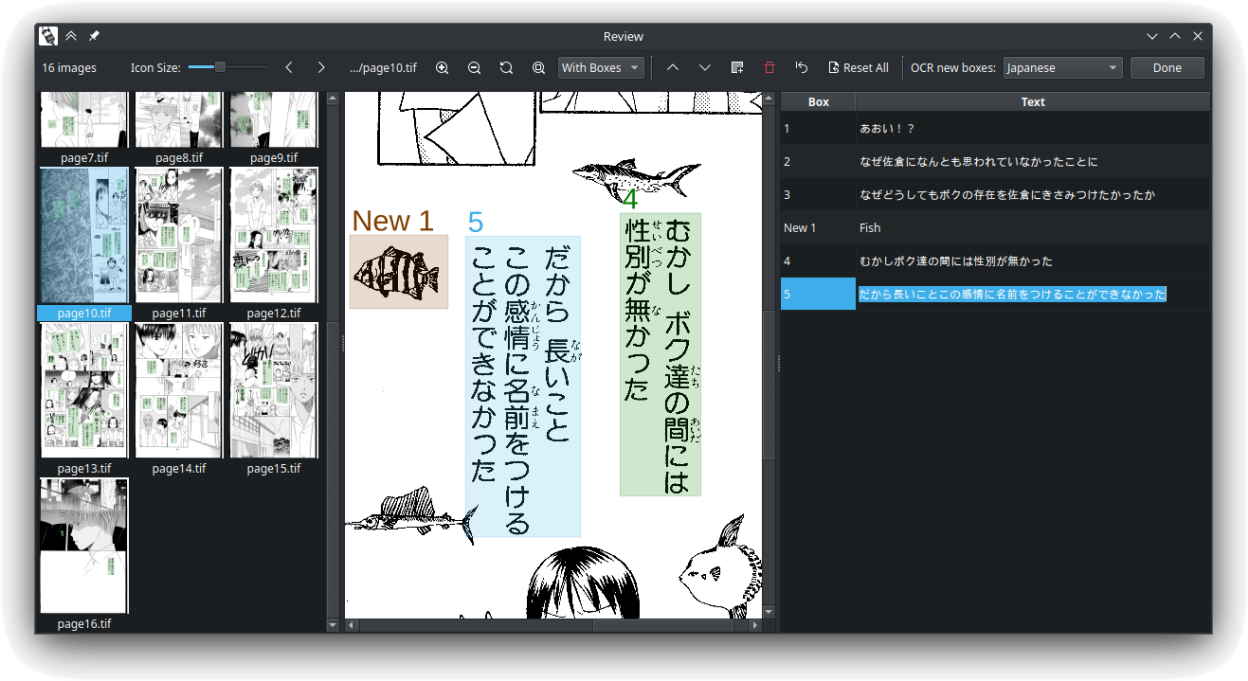
- You can now load previous .txt or .csv OCR outputs and re-edit them in the GUI.
- Window layout and sizes are now saved between sessions.
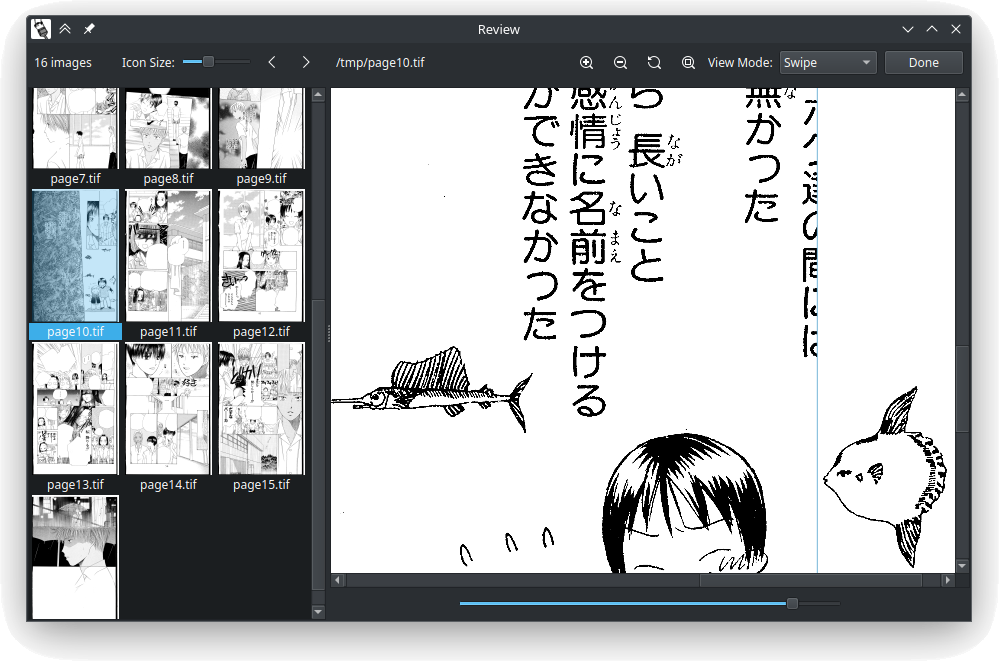
- The main window stays interactive while reviewing cleaning output.
- When system or graphics memory is low, a warning banner shows up. If left unchecked, the program will likely be terminated by the operating system.
- The image cache is now cleaned upon closing the program, not just opening.
2.6.116 Mar 2024
Changelog
- Add a light background to image previews to visualize actual boundaries of transparent images.
- Add a new option in the image previews to copy the image path to the clipboard, so that you can simply paste it into other applications without needing to export it first.
- Update image thumbnails in image details tabs after every step, rather than waiting until all steps are done.
- Only show number of errors in log viewer if there were errors.
- [Flatpak] Fix: CUDA libraries causing additional 4GB install size.
- Fix: inpainting outputs not written to output.
- Fix: denoising and inpainting failing to scale masks correctly when using a sub 100% processing size.
- Fix: thumbnails not updating in details tabs when running processing.
- Fix: glitchy button text when regenerating an output in the details tab.
- Fix: bundled themes have poor contrast between enabled and disabled buttons.