
WiVRn server
Play your PC VR games on a standalone headset
Guillaume Meunier, Patrick Nicolas et al ✓ Verified
io.github.wivrn.wivrnWiVRn allows you to run your VR games from your PC and play them from a standalone headset.
Works with the WiVRn client app on standalone headsets, available as an APK and on the Meta Store.
Features:
- Supports OpenXR and OpenVR applications through xrizer or OpenComposite
- Controller tracking, hand tracking, eye gaze tracking, body tracking as supported by the headset
- Audio streaming and microphone
- Low latency video streaming with H264 / HEVC / AV1 compression
- Hardware accelerated compression with Vulkan video encode, VAAPI or NVENC
- Software compression with x264
Supported headsets:
- Meta Quest 1, 2, 3, 3S, pro
- Pico Neo 4
- HTC Vive Focus 3, XR Elite
- Samsung Galaxy XR
For desktop streaming, check out WayVR.
Screenshots
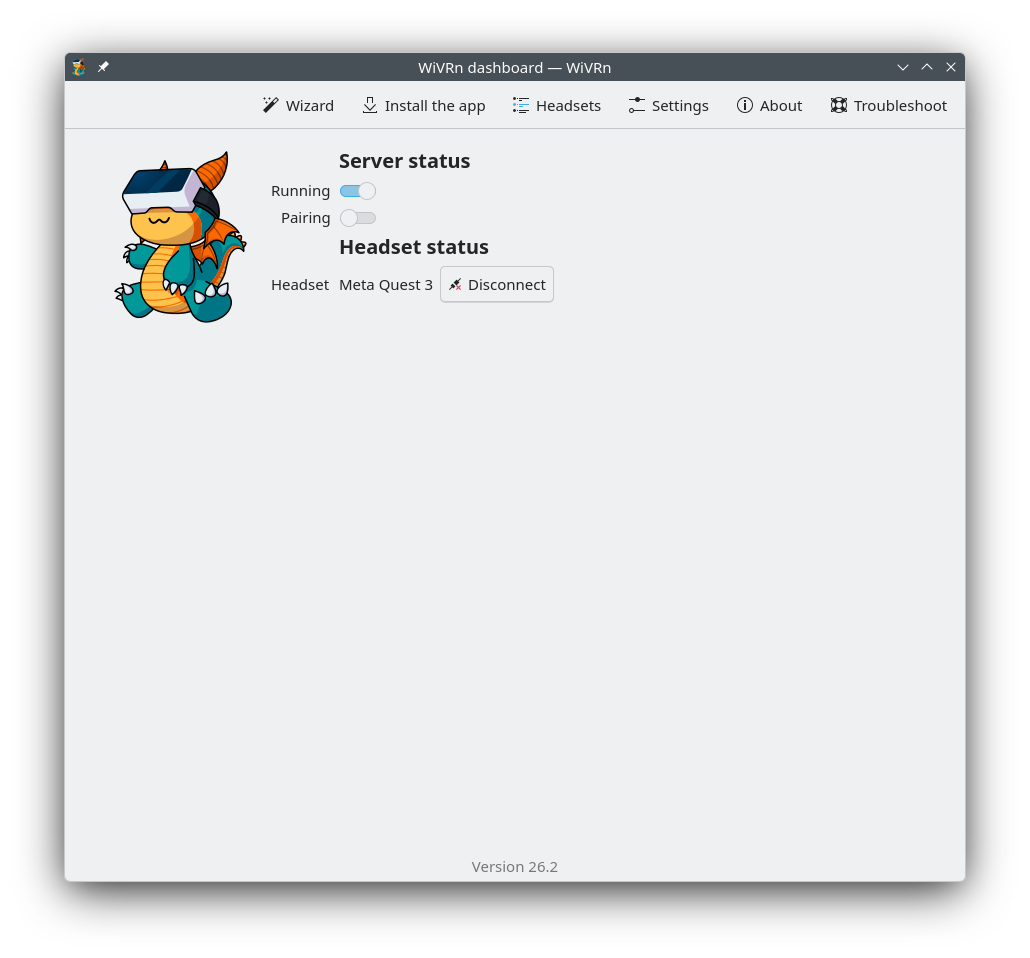
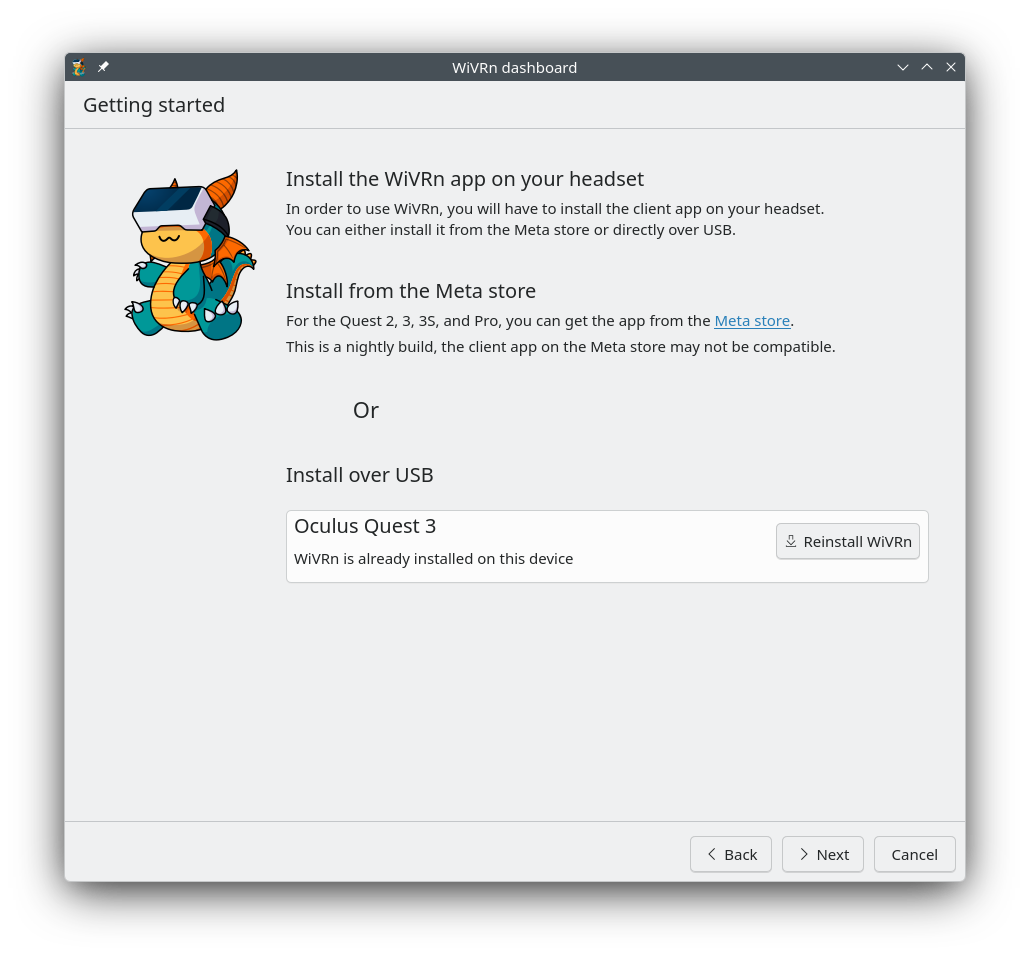
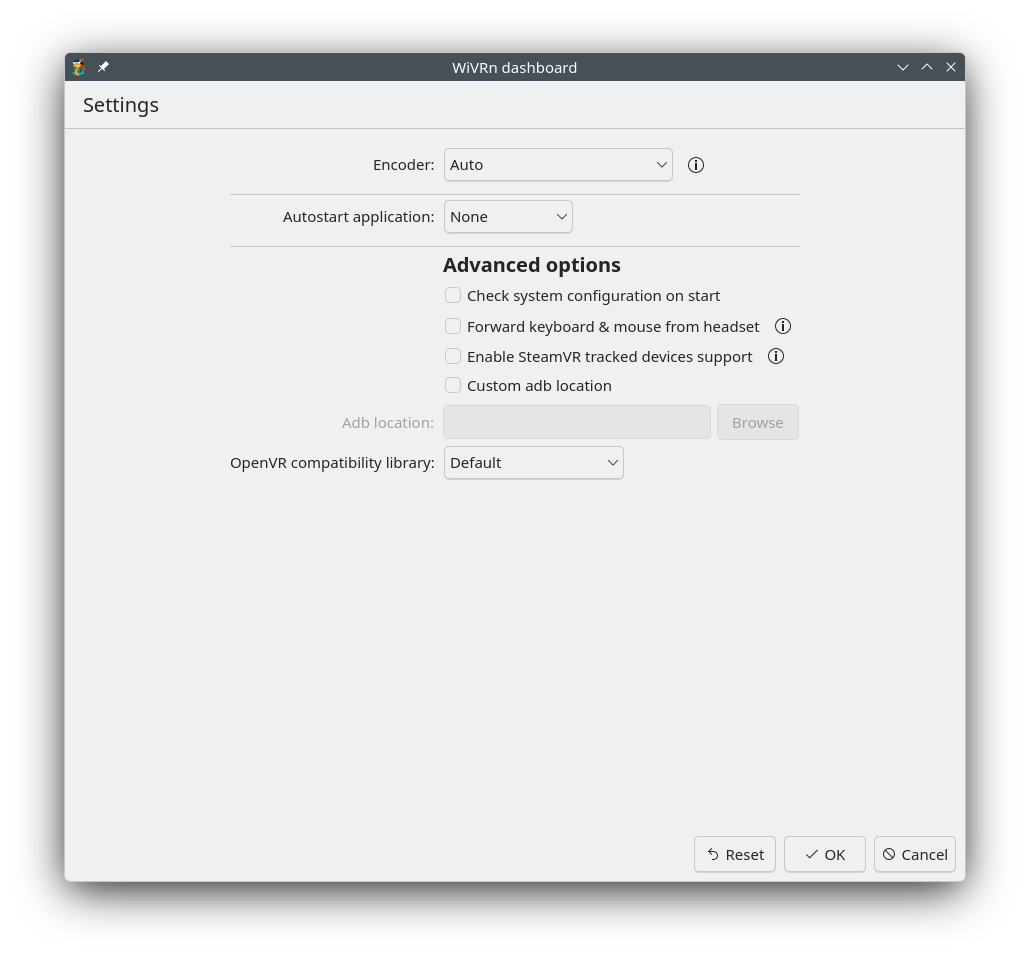
Observed history
| App | Change | Version | When ↓ |
|---|---|---|---|
| updated | 26.9 | 9 Oct 2026 |
Upstream releases
Release notes supplied by the developer. These dates are not Flathub package publication times.
26.912 Sept 2026
- Revamped headset graphical userv interface
- Forward gamepad inputs from headset to PC
- Enable XR_FB_body_tracking
- USB networking on Meta headsets
- Fixes for Vulkan video encode on NVIDIA (again)
26.610 Jun 2026
- Improved reconnection mechanism, now with warnings and errors
- Improved image quality when content does not fill the whole field of view
- Add a half FPS mode to reduce load at the expense of framerate
- Fixed Vulkan video encode on NVIDIA GPUs
- Many bugfixes
26.28 Feb 2026
- Added support for SlimeVR trackers
- Unsafe configuration values can now be used on headset
- Improved head and controller tracking
25.1219 Dec 2025
- Samsung Galaxy XR support
- Mouse and keyboard forwarding from headset to PC
- Refresh rate and bitrate can be adjusted while streaming
- Moved video settings from dashboard to headset
- Update default encoder and codecs, will be Vulkan/H.265 on AMD or Intel, nvenc/AV1 or H.265 on NVIDIA