PDF Tinkerer
Create and modify PDF files
Gerold J. Wucherpfennig ✓ Verified
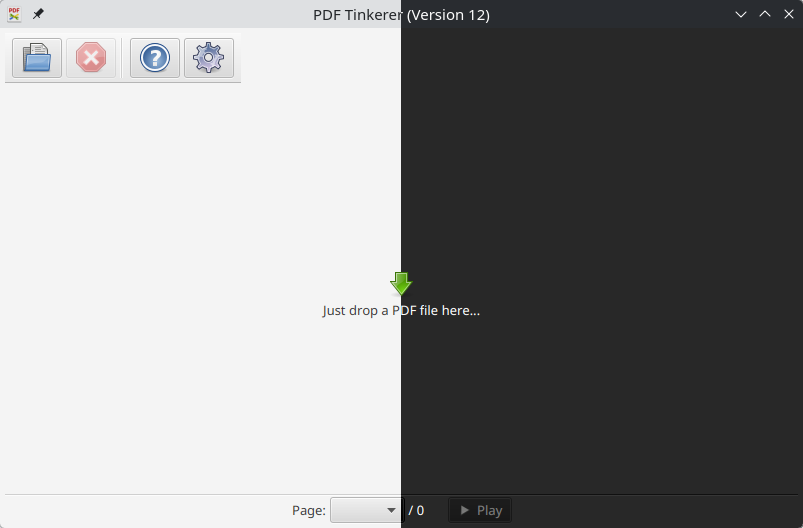
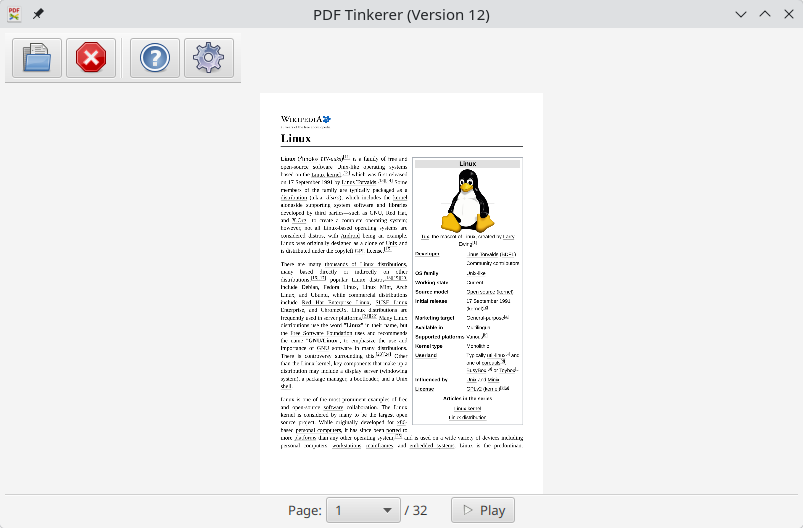
io.gitlab.gjwu.pdf-tinkererThis desktop app reads and writes PDF documents. It was created for a small copy shop in Germany. Features of this application are:
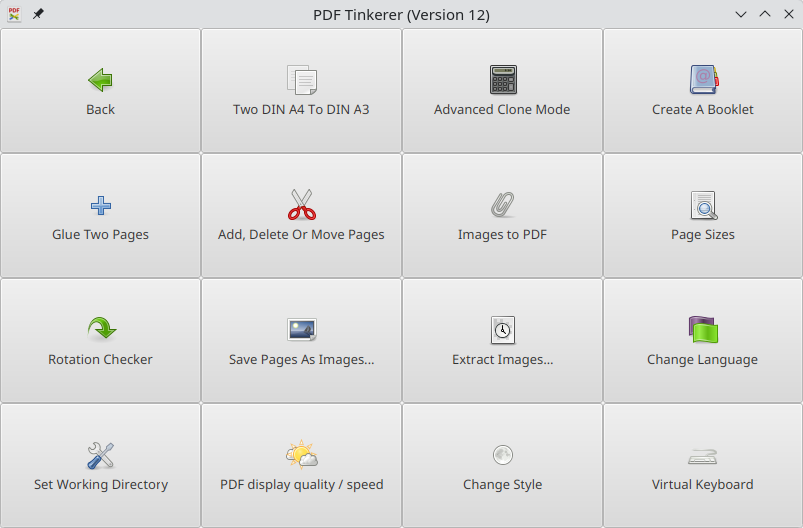
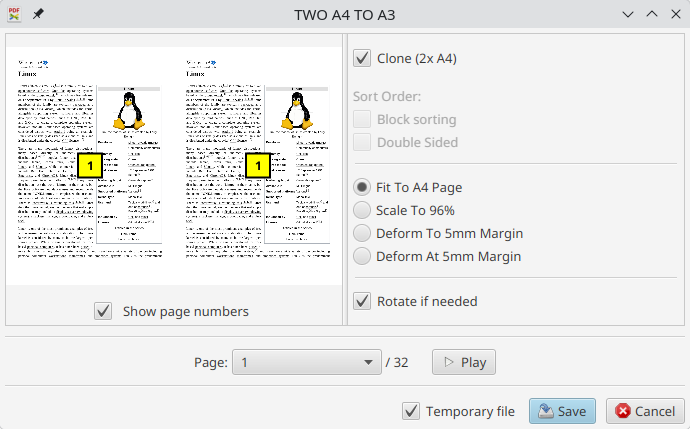
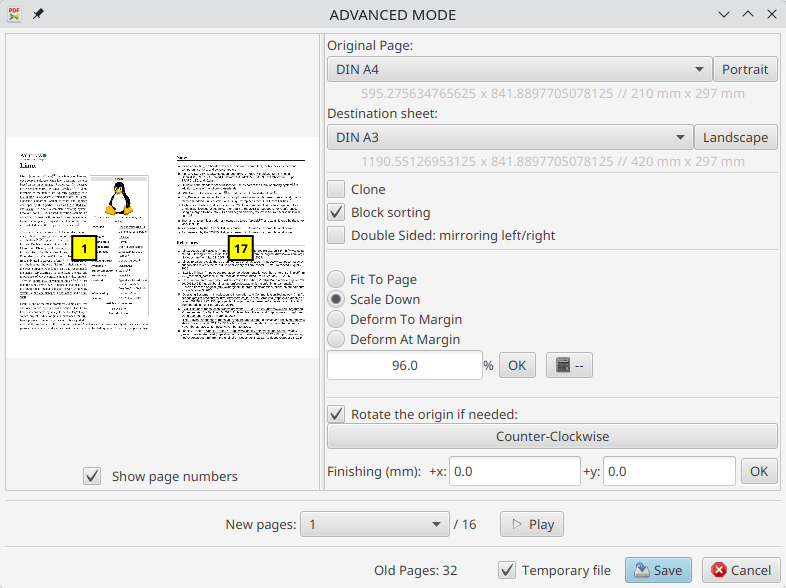
- Clone two or more PDF pages on one PDF page
- Extract images from a PDF file
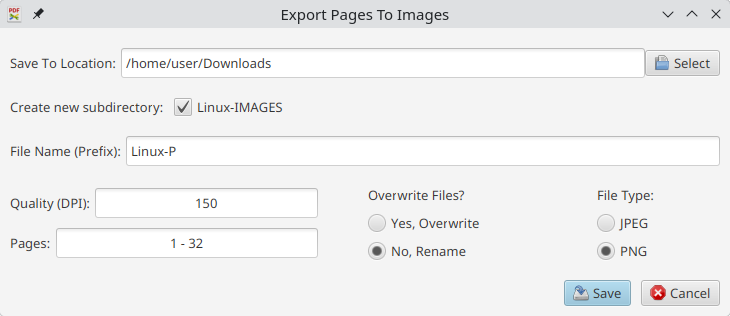
- Export PDF pages to JPG and PNG images
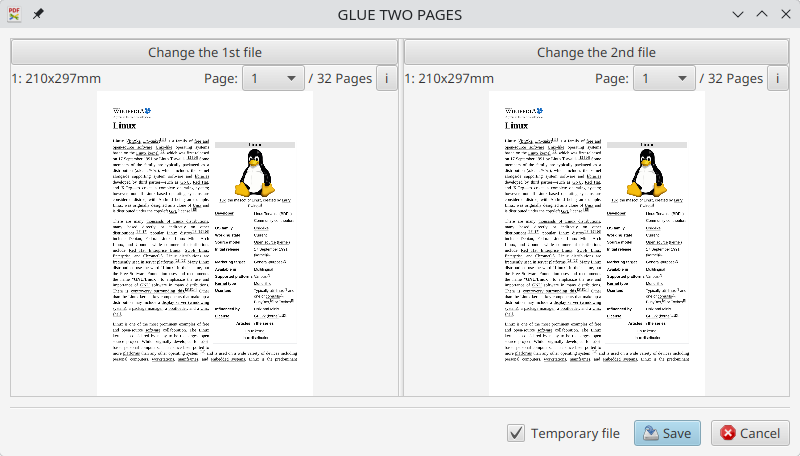
- Glue two PDF pages together to print them with a plotter
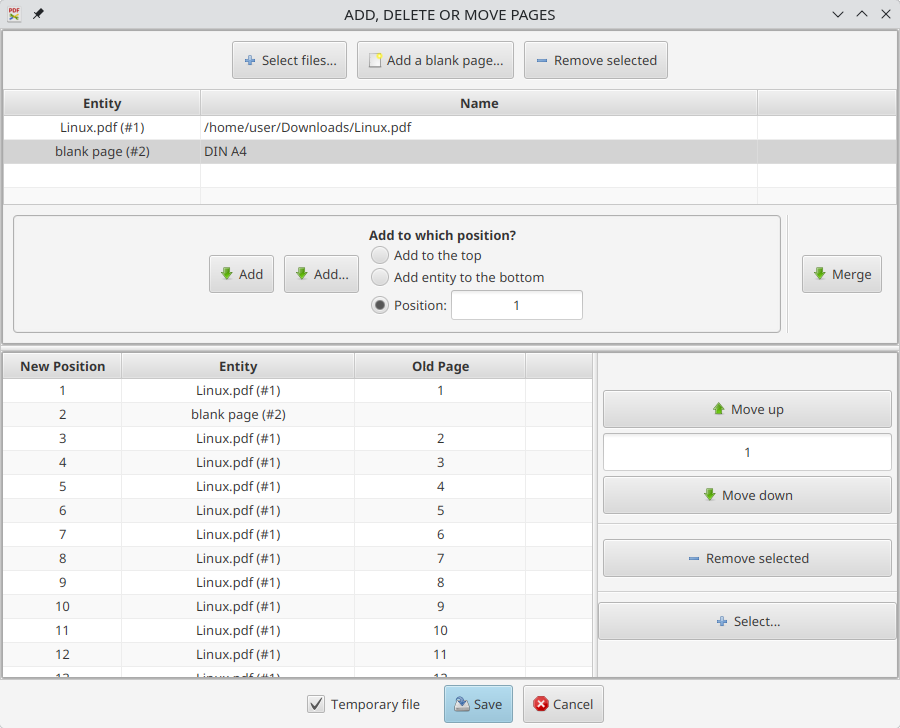
- Add, move and delete pages in a PDF document
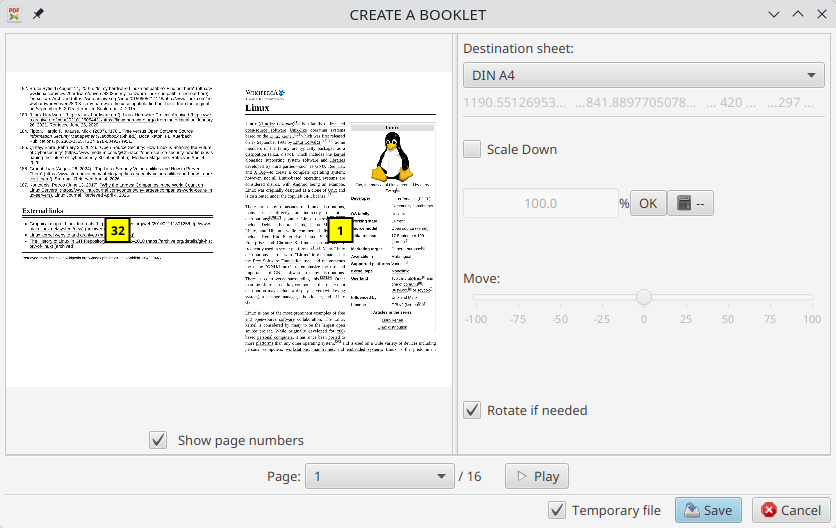
- Create a booklet of a PDF document, that you can print later
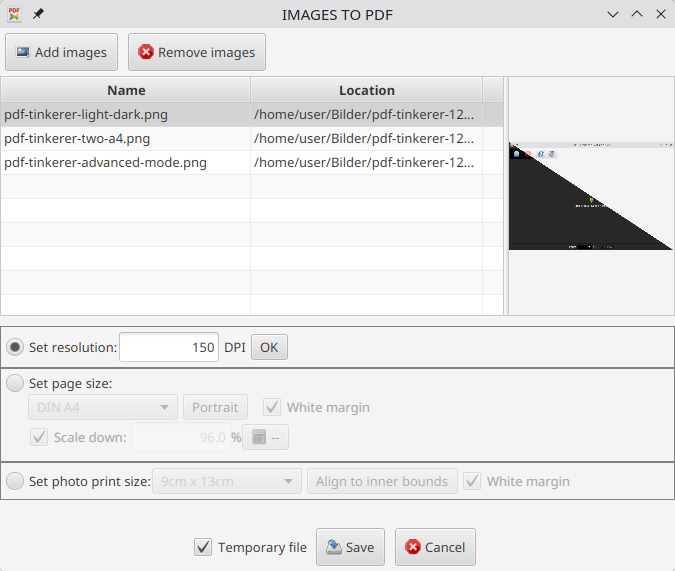
- Create a PDF document from JPG and PNG images, with one new page per image
- Available in the following languages: English, German, French, Spanish, Portuguese, and Italian
Screenshots
Observed history
| App | Change | Version | When ↑ |
|---|
No observed changes yet.
The initial import establishes a baseline. Future version changes will appear here.
Browse the app catalogue →Upstream releases
Release notes supplied by the developer. These dates are not Flathub package publication times.
1219 Jul 2026
- New: main menu with better user interface for touch control
- New: optional virtual keyboard
- New: "Images to PDF" (Create a PDF document and put on each page one JPG or PNG image.)
- Better user interface for small displays
- Small bug fixes and improvements
11.66 Jun 2026
- New translations: French, Spanish, Portuguese and Italian
11.518 May 2026
- Performance improvements resulting from the switch from pdfbox 2.0 to pdfbox 3.0
11.431 Jul 2025
- Important bug fixes to the booklet creation tool