
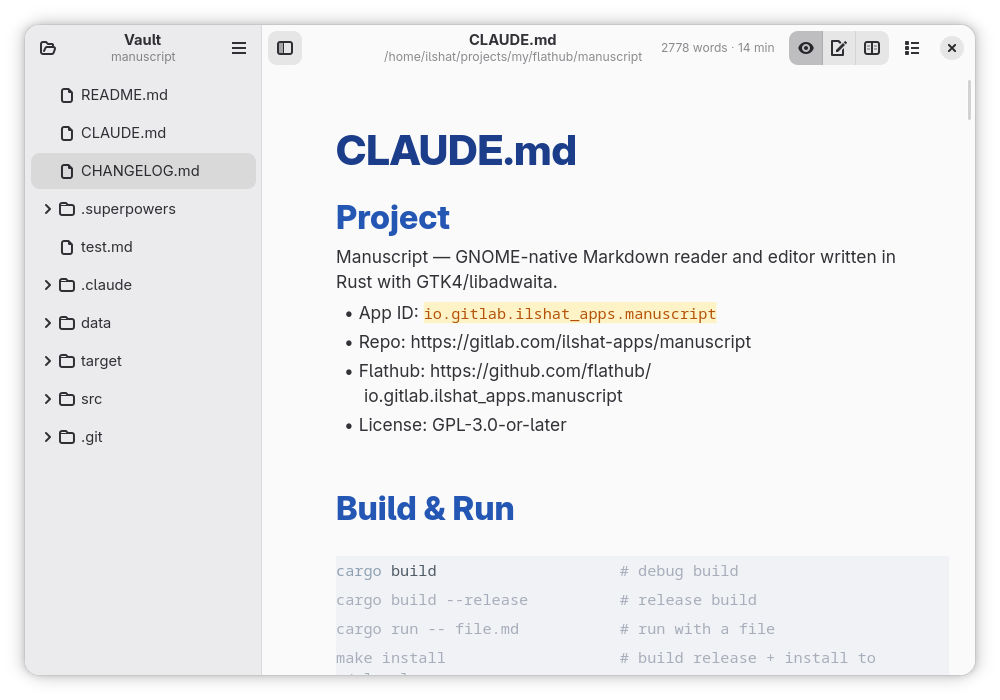
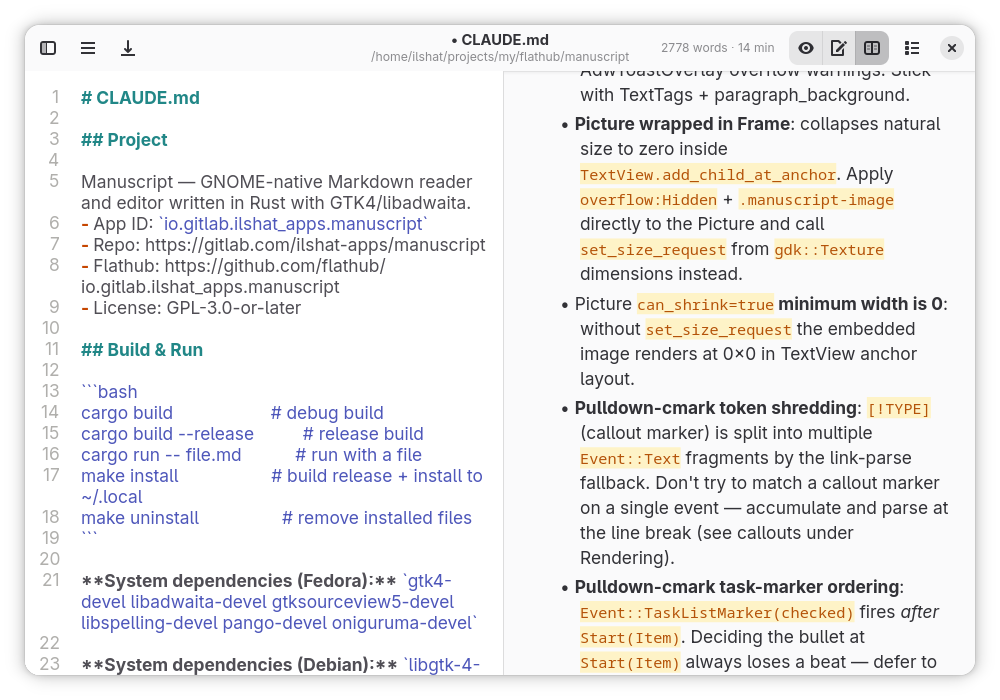
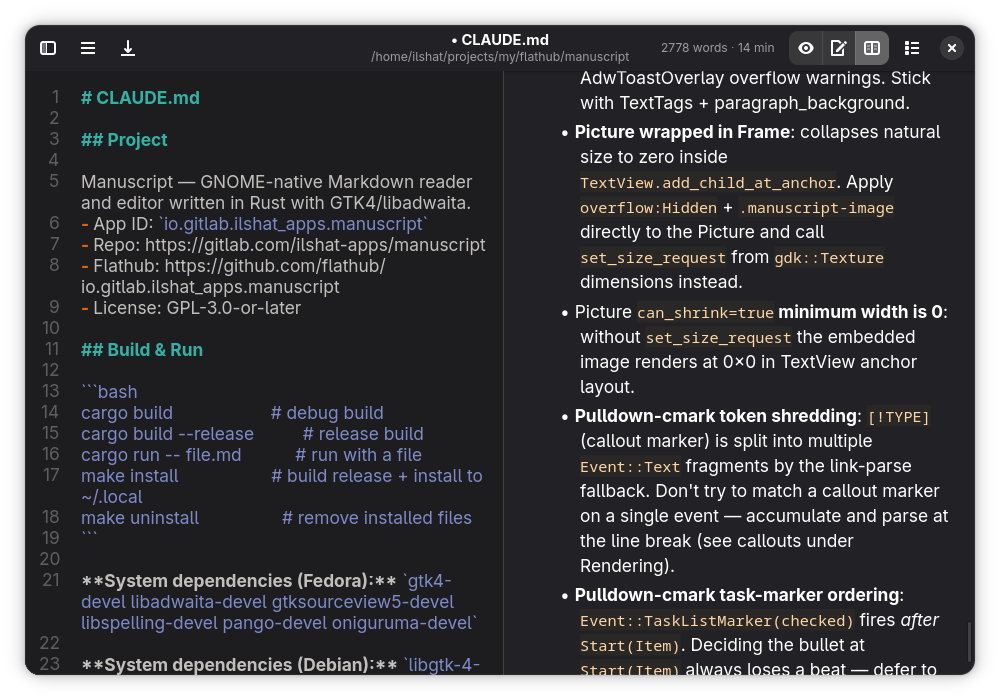
Open your Markdown files for beautiful, distraction-free reading with syntax-highlighted code blocks, tables, task lists, and clickable links. When you need to edit, switch to a comfortable editor with live preview.
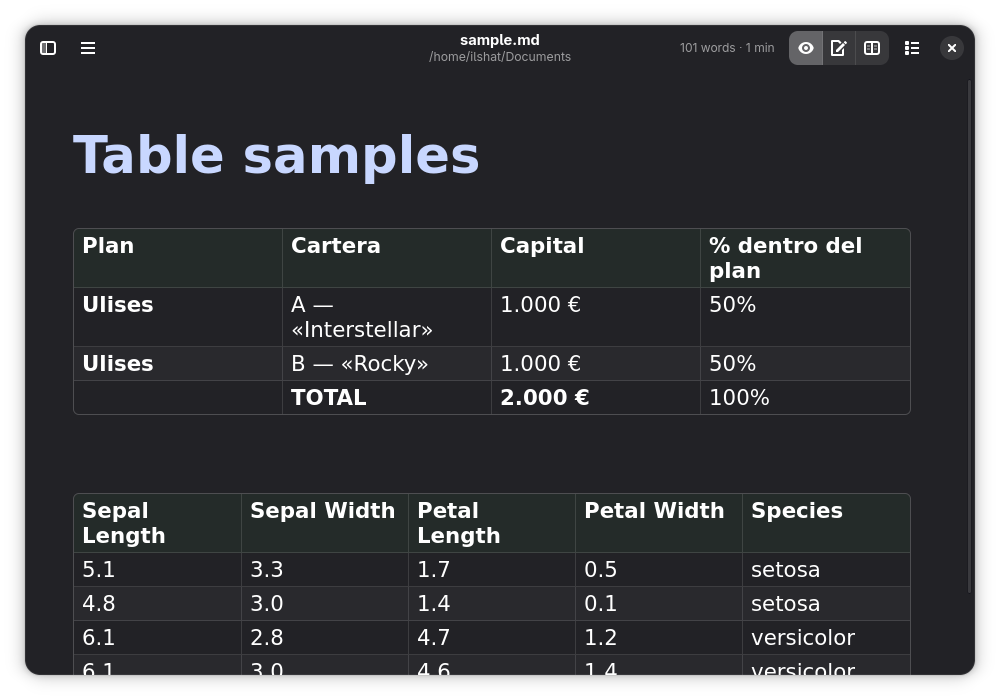
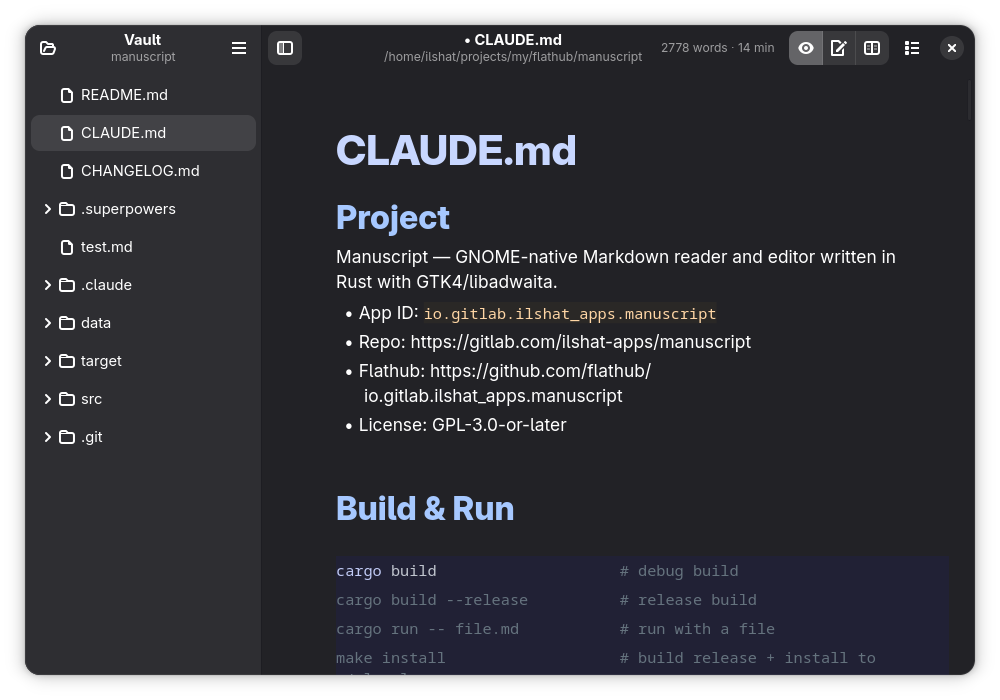
Manuscript renders Markdown natively without a web engine, resulting in instant startup and low memory usage. It follows your system theme automatically and adapts to any screen size, from phones to desktops.
- Three view modes: Read, Edit, and Split with live preview
- Syntax-highlighted code blocks in 100+ languages
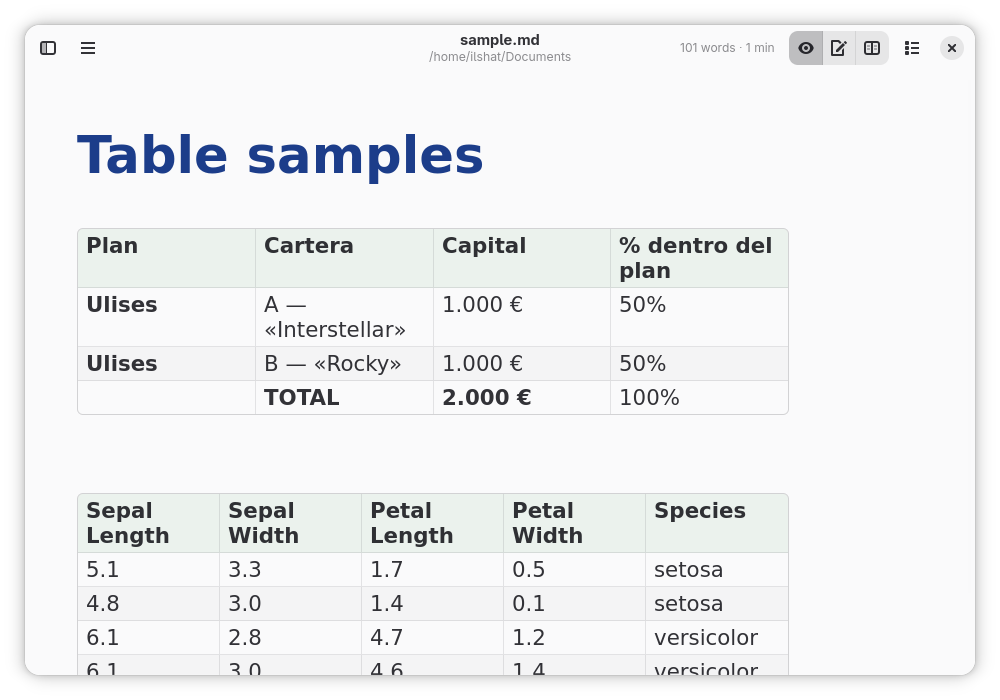
- Tables rendered as a grid with borders, header row and inline formatting
- Task list checkboxes
- Full-text search with match highlighting
- Customizable font, spacing, and content width
- File watching with automatic reload
- Recent files, drag and drop, printing
Screenshots
Observed history
| App | Change | Version | When ↑ |
|---|---|---|---|
| updated | 1.5.2 | 24 Sept 2026 |
Upstream releases
Release notes supplied by the developer. These dates are not Flathub package publication times.
1.5.224 Sept 2026
Rich tables are now on by default — tables render as a grid with borders, a styled header row and inline formatting; plain-text tables remain available in Preferences → Writer. Split view keeps the preview aligned with the editor block by block instead of by a whole-document ratio, and double-clicking the divider resets the panes to equal halves. A table no longer stops the divider from narrowing the preview, the header shows the real folder of files opened through the file chooser, and the open-folder button stays visible when the file tree is hidden.
1.5.14 Aug 2026
Adaptive-layout fixes for narrow windows. Both sidebars — the left file tree and the right outline — now overlay the content on narrow windows instead of squeezing it, and dock beside it when there is room; the header drops its stats label, title and view-mode toggles (still reachable from the menu) only when the window is genuinely narrow. The vault sidebar's collapsed state is remembered across launches, and content width 0 (unlimited) no longer breaks the layout on narrow windows.
1.5.019 Jul 2026
Vault sidebar and working wikilinks. A left-hand file tree shows the current folder (or an explicitly opened vault) — directories expand lazily, a single click opens a Markdown file, and the sidebar docks beside the content on desktop widths while overlaying on narrow screens. Clicking a [[wikilink]] navigates to the matching note, creating it if it does not exist yet; targets are contained to the vault. Setting content width to 0 (unlimited) no longer clamps the view to the window width on startup.
1.4.029 May 2026
Optional footer with word count, reading time and a daily word goal tracker — the goal icon flips from outline to filled once today's count meets the goal, and a writing-stats dialog is reachable from the hamburger menu. PDF / print export repeats the table header row on every continuation page when a table is split, with an orphan-header guard. Rich-table cells now respond to link clicks and the grid reflows to the TextView width on resize. Keyboard scrolling in View mode (Up/Down/PgUp/PgDn/Home/End/Space). Inter font is shipped inside the Flatpak so the configured default resolves inside the sandbox.