
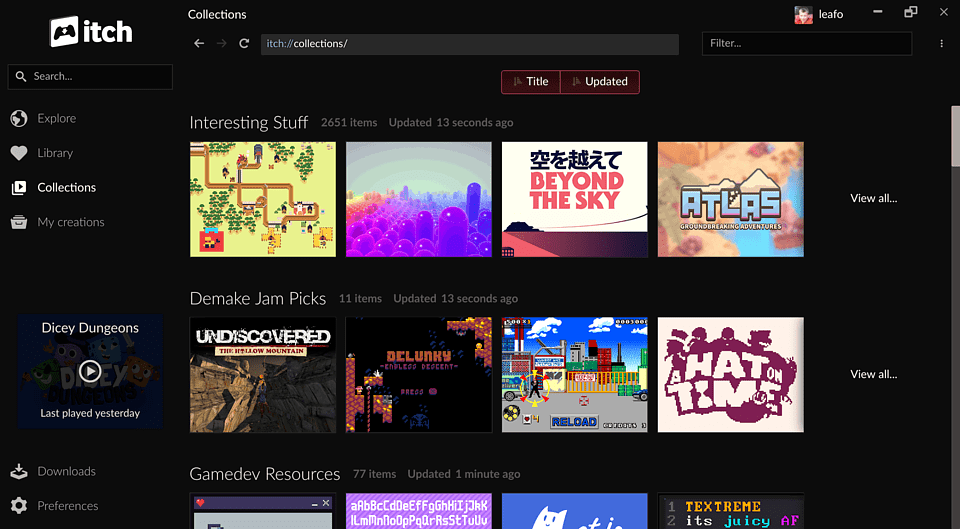
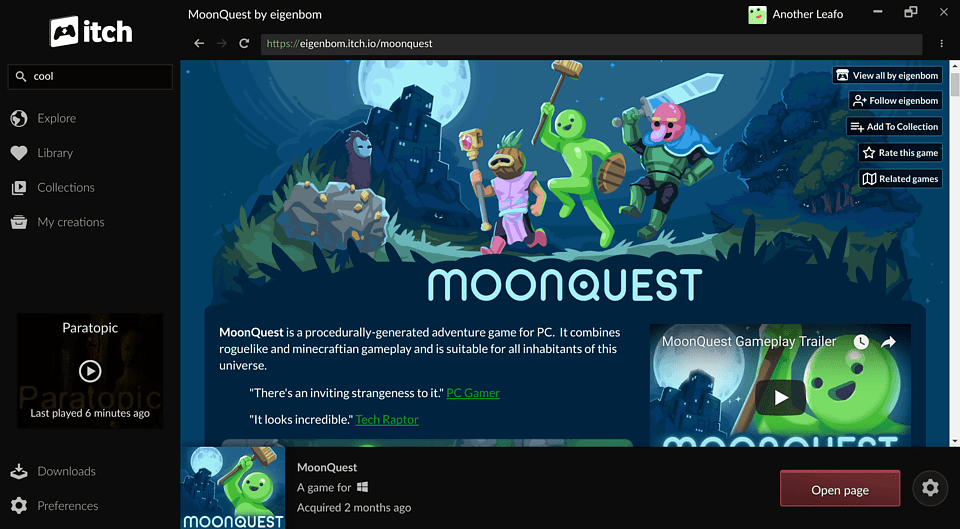
The itch.io app, itch, lets you effortlessly download and run games and software from itch.io. All of your downloads are kept in a single place and are automatically updated. Access your collections and purchases, or browse for new games via the in-app browser.
Browse games like the creator intended.
- On itch.io creators control how their project pages look. The built in browser lets you download and install games while exploring the unique page designs of our creators.
Always updated.
- Not only will the games you've installed automatically update, the app itself will automatically transform as we launch new functionality and features. Games using our new command line tools will generate delta patches, ensuring that you only download what's changed when new games come out.
Browser games offline.
- You can sync any browser based games right into the app, letting you play them offline whenever you want. Once you're back online you'll be able to grab any updates if necessary.
Join the community.
- Learn more about the development of the app in our community. Share feature requests and general feedback with other members of itch.io. If you're a programmer then you'll be glad to hear that the entire project is open source on GitHub, we look forward to your pull requests.
Available in your language.
- The itch app is available in over 20 languages, thanks to the itch.io community!
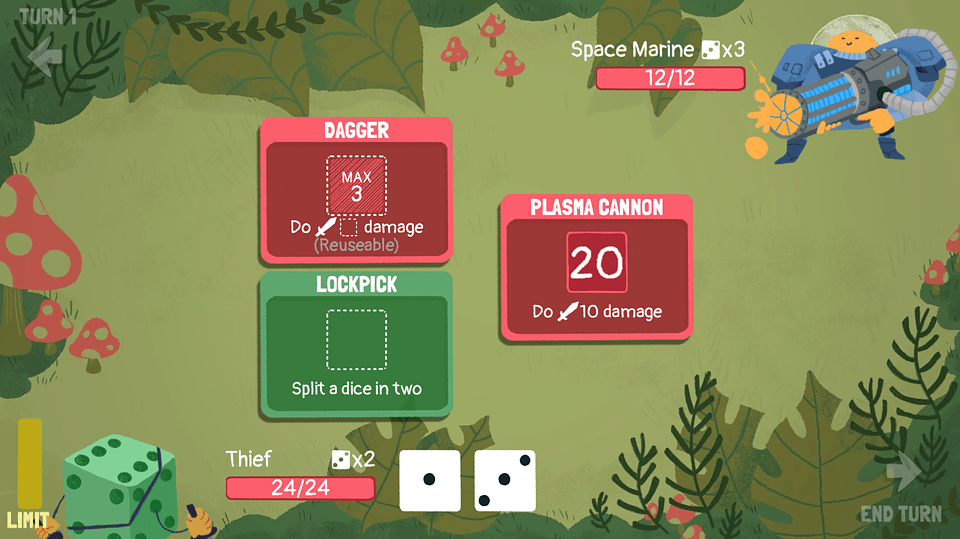
Screenshots
Observed history
| App | Change | Version | When ↑ |
|---|
No observed changes yet.
The initial import establishes a baseline. Future version changes will appear here.
Browse the app catalogue →Upstream releases
Release notes supplied by the developer. These dates are not Flathub package publication times.
26.20.01 Sept 2026
No release notes supplied.
26.18.03 Aug 2026
No release notes supplied.
26.17.030 Jul 2026
No release notes supplied.
26.15.07 Jul 2026
This release adds a page for browsing and installing games from itch.io bundles you own, a platform filter on the collection, bundle, and library pages, accessibility improvements to the sort and filter dropdowns, and an Electron bump.
Bundles
- Bundles you own now show up in your Library, each with its own page listing every game in the bundle
- The bundle page can be sorted, searched by title, and filtered by platform, classification, and installed status
- Games can be installed directly from the bundle page
- Requires a version of butler with bundle support
Filtering
- Added a platform filter (Windows, macOS, Linux, Web) to the collection, bundle, and library pages
Accessibility
- The sort and filter dropdowns are now keyboard and screen reader friendly, with combobox/listbox roles and arrow-key navigation
Hotkeys
- Removed the
Ctrl+Alt+Backspaceshortcut that force-killed the last running game (#3453)
Upload
- Fixed the file labels shown for builds that are still processing
Electron
- Upgraded Electron from 42.1.0 to 43.0.0