
Lychee Slicer
A powerful and versatile Slicer for Resin and Filament 3D Printers
io.mango3d.LycheeSlicerWith Lychee Slicer, you get the best companion to prepare 3D models for your Resin and Filament 3D Printers. Get access to many features to create a tailored and smooth workflow that fits your needs! Lychee Slicer is easy to use and provides powerful tools in an elegant and intuitive interface. Always be at the edge of 3D Printing with Lychee Slicer!
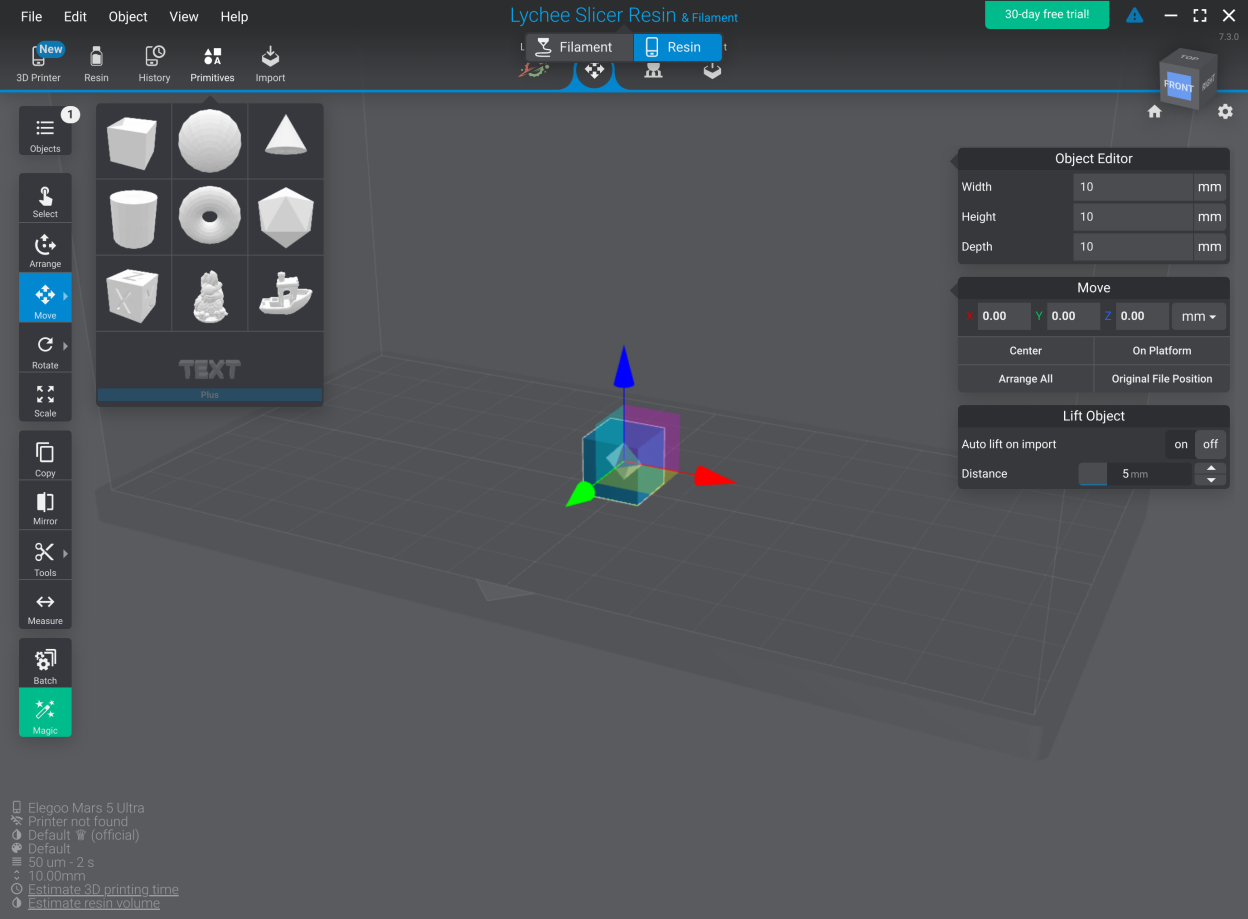
Screenshots
Observed history
| App | Change | Version | When ↑ |
|---|
No observed changes yet.
The initial import establishes a baseline. Future version changes will appear here.
Browse the app catalogue →Upstream releases
Release notes supplied by the developer. These dates are not Flathub package publication times.
7.6.629 Jun 2026
No release notes supplied.
7.6.15 Feb 2026
No release notes supplied.
7.5.517 Dec 2025
- Added Piocreate Halot X1
- Improved Overhang Support System
- Smarter Suport Placement Between Close Islands
- Maximum Angle for Reinforcement and Stabilization
- Improved Reinforcement Point Placement
- Mini Support Filtering
7.4.124 Jul 2025
- Add up to 49 plates manually - Perfect for batch printing, multi-model setups, and complex projects
- Adding Plates: Add a new plate directly from: The 3D view - The object and plate list
- The “Outside” Plate: The Outside plate automatically collects objects from a plate that was deleted. It does not include all objects outside a build plate (unlike Bambu Studio). So an object may appear outside the plate in the 3D view but not be listed in the Outside plate. If you delete a plate containing objects, those objects will move to the “Outside” plate.
- Quick Selection Shortcut: Select all objects on the active plate using `Ctrl + Shift + A` Note: This shortcut currently does not select supports in Prepare mode — that’s coming in the next release!
- Moving Objects Between Plates using: Right-click in the object list - Right-click in the 3D view - The gizmo - Directly editing position values in the input fields