Pixelitor is an advanced image editor with support for layers, layer masks, text layers, multiple undo, blending modes, cropping, Gaussian blurring, unsharp masking, histograms, etc. It has more than 110 image filters and color adjustments, some of which are unique to Pixelitor. Some of the gradients are unique to Pixelator.
Screenshots
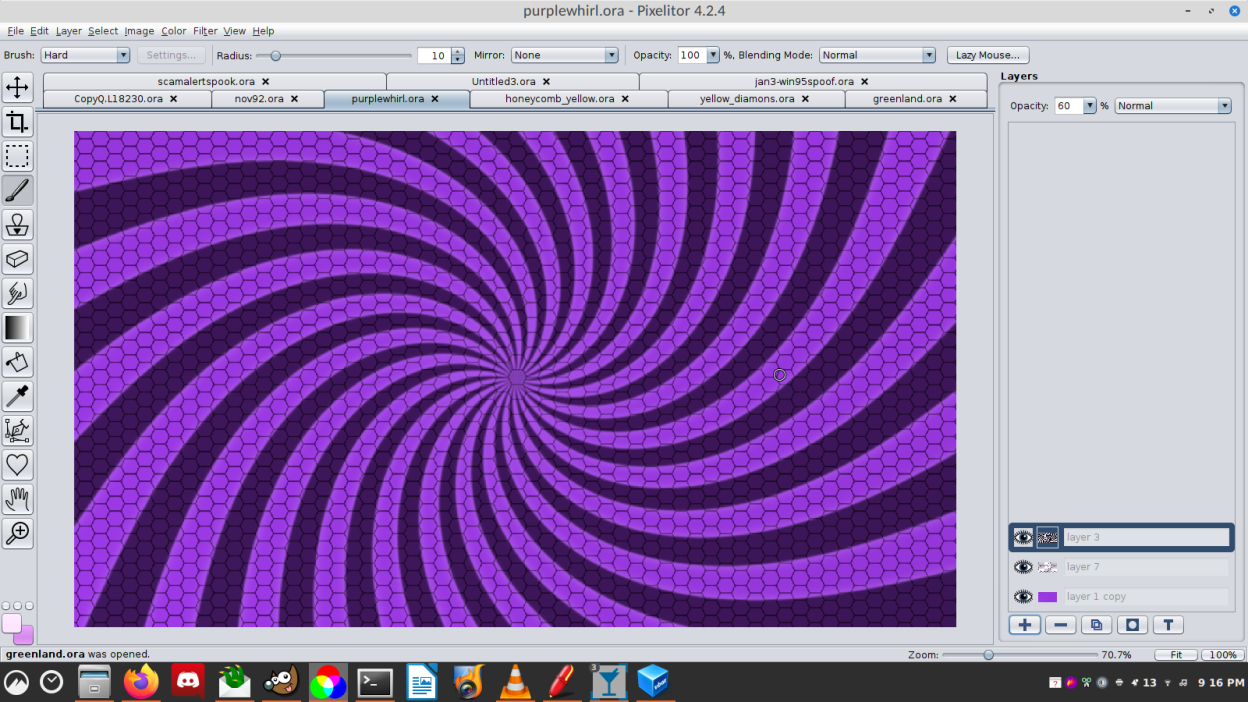
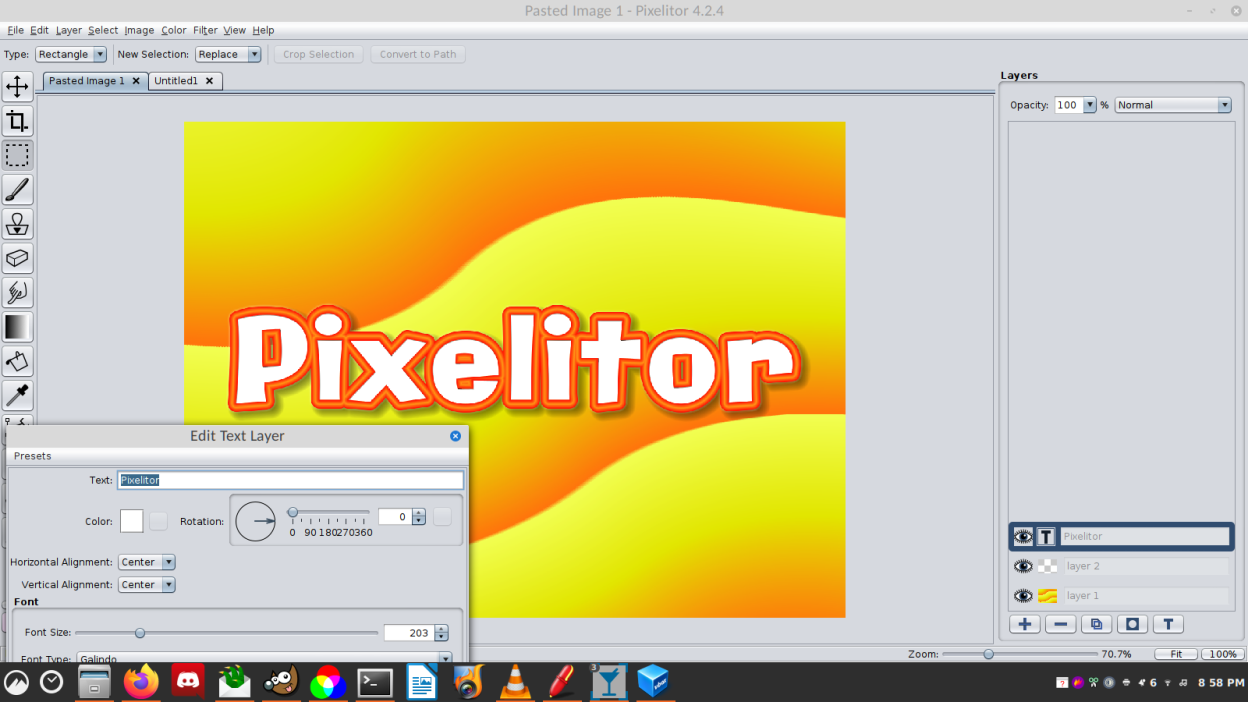
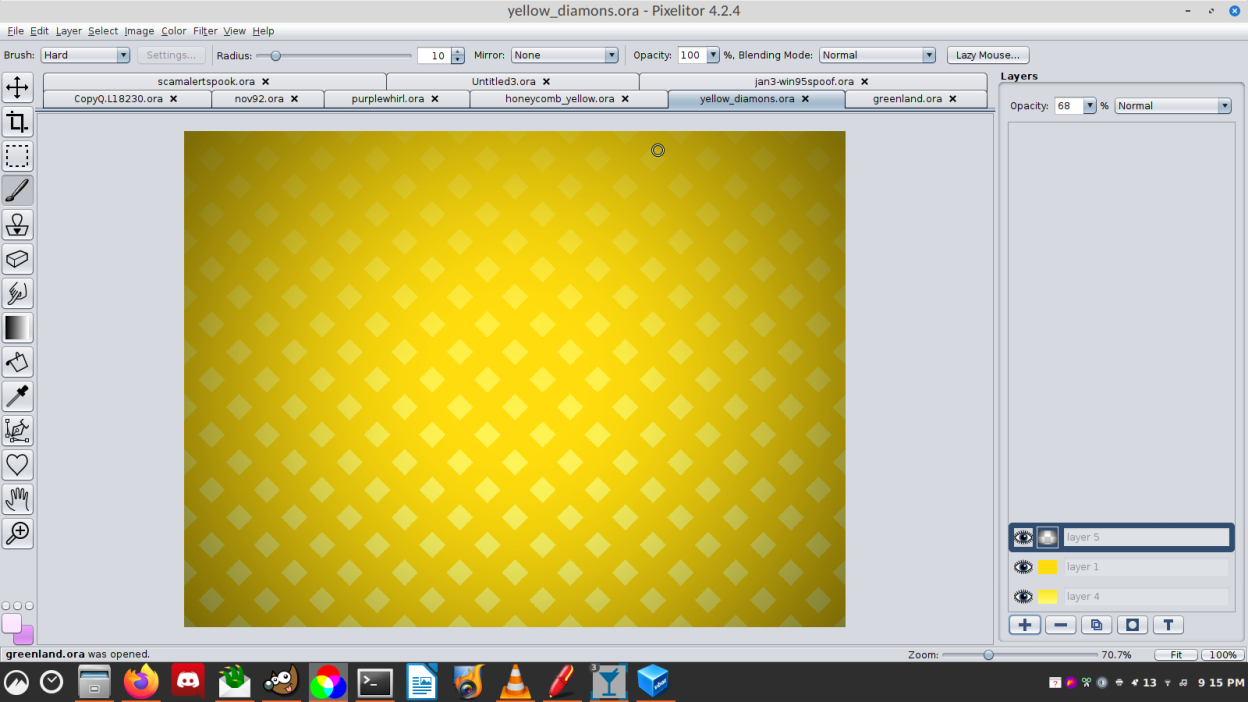
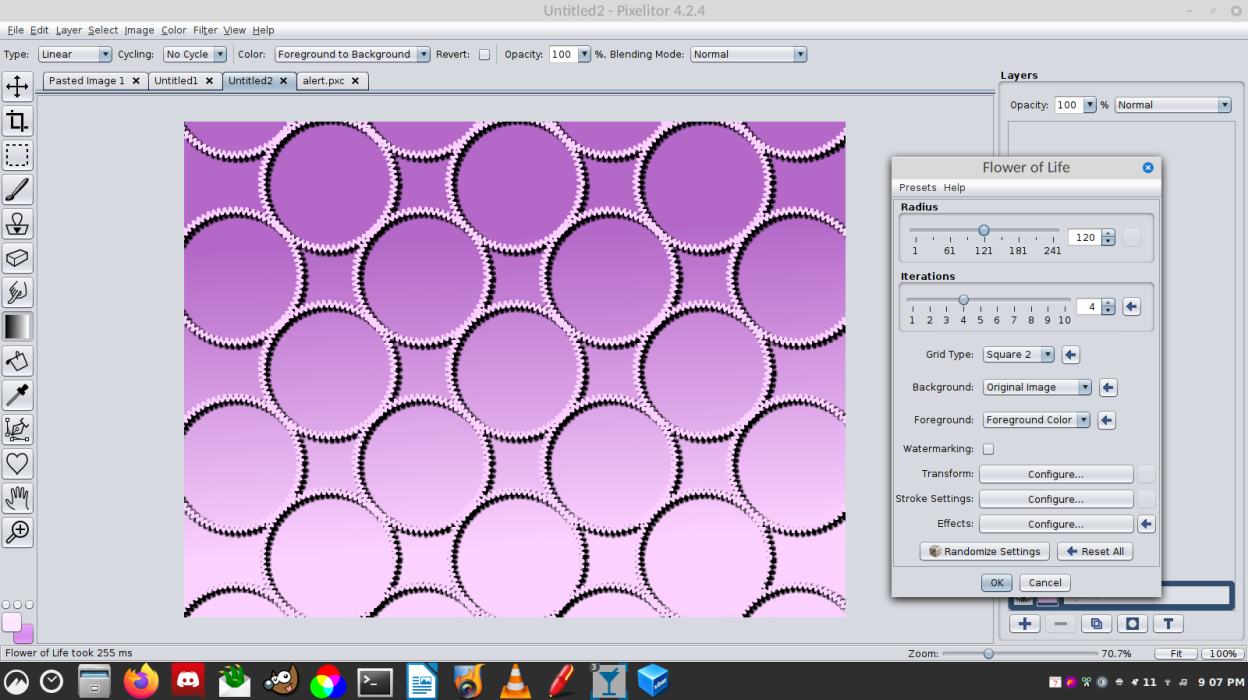
Observed history
| App | Change | Version | When ↓ |
|---|
No observed changes yet.
The initial import establishes a baseline. Future version changes will appear here.
Browse the app catalogue →Upstream releases
Release notes supplied by the developer. These dates are not Flathub package publication times.
4.3.16 Sept 2023
- New themes: flat dark, flat light, system
- UI font type and size in Preferences
- Support reading WebP files (without ImageMagick)
- New filters: Abstract Lights, Tile Seamless, Rose, Concentric Shapes, Border Mask
- Blinds, Checkerboard, Goo and Shapes Grid as separate transition filters
- Improved filters: Photo Collage, Spheres
- Snapping to pixel boundaries
- Layer isolation
- Crop to content
- Adjustment layers, layer groups (experimental)
- Color fill and gradient fill layers are no longer experimental
- Many smart object improvements (still experimental)
- Minor bugfixes and UI improvements
4.3.014 Apr 2022
- New filters: Flow Field, Comic Book, Spider Web, Spiral, Grid, Truchet Tiles, Bump Map, Displacement Map
- Improved filters: Grid, Spiral, Color Wheel, Mirror, Circle to Square, Checker Pattern, Four Color Gradient, Value Noise, Channel Mixer, Threshold, Waves, Marble, Polar Glass Tiles, Starburst, Spiral, Flashlight, Magnify
- Filter Search
- Show Last Filter
- Support for the TGA and NetPBM file formats
- ImageMagick-based export/import for all the formats supported by ImageMagick 7
- SVG export in the Pen Tool and the Render/Shapes filters
- Erase blending mode
- Presets for filters, tools, and in other places
- Curved strokes and angle setting in Auto Paint
- Shape settings in the Shapes Tool
- Shift-drag creates equally sized shapes in Shapes Tool
- New options for zooming and panning (in Preferences)
- Printing
- Better tool icons on HiDPI screens
- Optional Operating System file choosers
- Area zooming in the Zoom Tool and in the Navigator
- New UI for "Enlarge Canvas"
- Tapering and Reverse Tapering strokes
- Higher undo limit for lightweight changes
- The beginnings of Dutch, French, German, Italian, Spanish translations
- Smart objects, smart filters (experimental feature)
- Color fill layers (experimental feature)
- Gradient fill layers (experimental feature)
- Shape layers (experimental feature)
- Operating System theme (experimental feature)
- Minor bugfixes and UI improvements
4.2.311 Dec 2019
- Brush outline in the Brush, Eraser, Smudge and Clone Tools
- Create selection from the text of a text layer
- Move selection in the Move Tool
- Copy/paste for selections
- Selection crop can be nonrectangular (with generated layer masks)
- "Color randomness" option in the "Spray Shapes Brush"
- "Image Source" option and Hue/Saturation distances in the "Mask from Color Range"
- Add layer mask from transparency and from layer contents
- Chaos Game, Mandelbrot and Julia fractal renderers
- "Watermarking" option for the Render/Shapes filters
- Minor bugfixes and UI improvements