
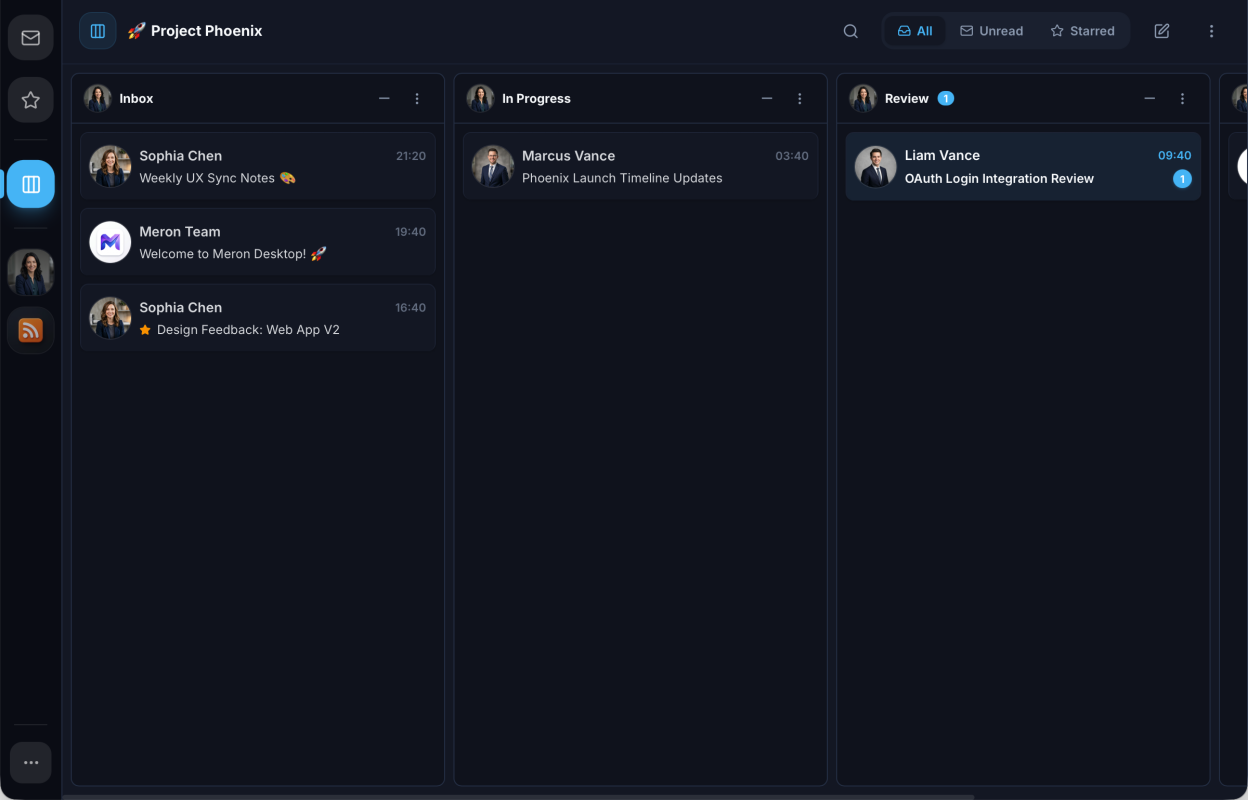
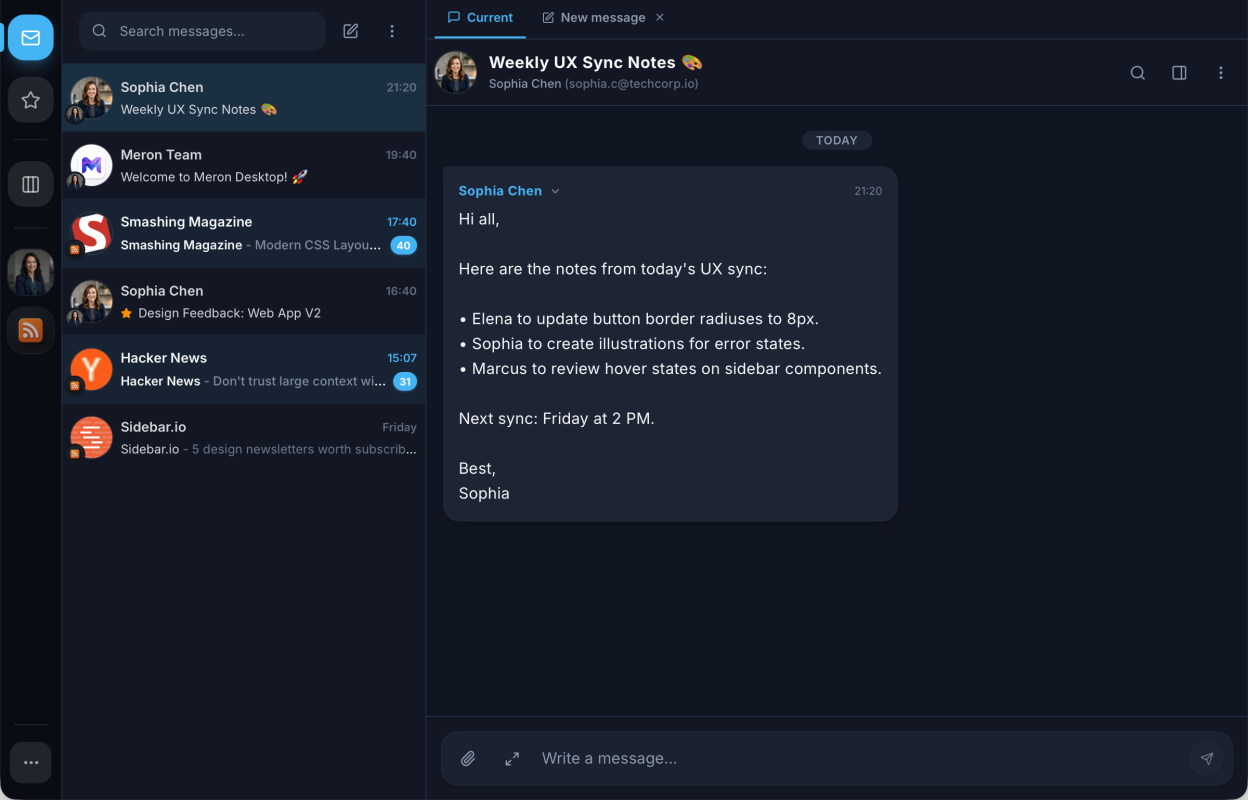
- Unified Inbox, kanban and chat views
- IMAP/SMTP email and RSS/Atom feeds
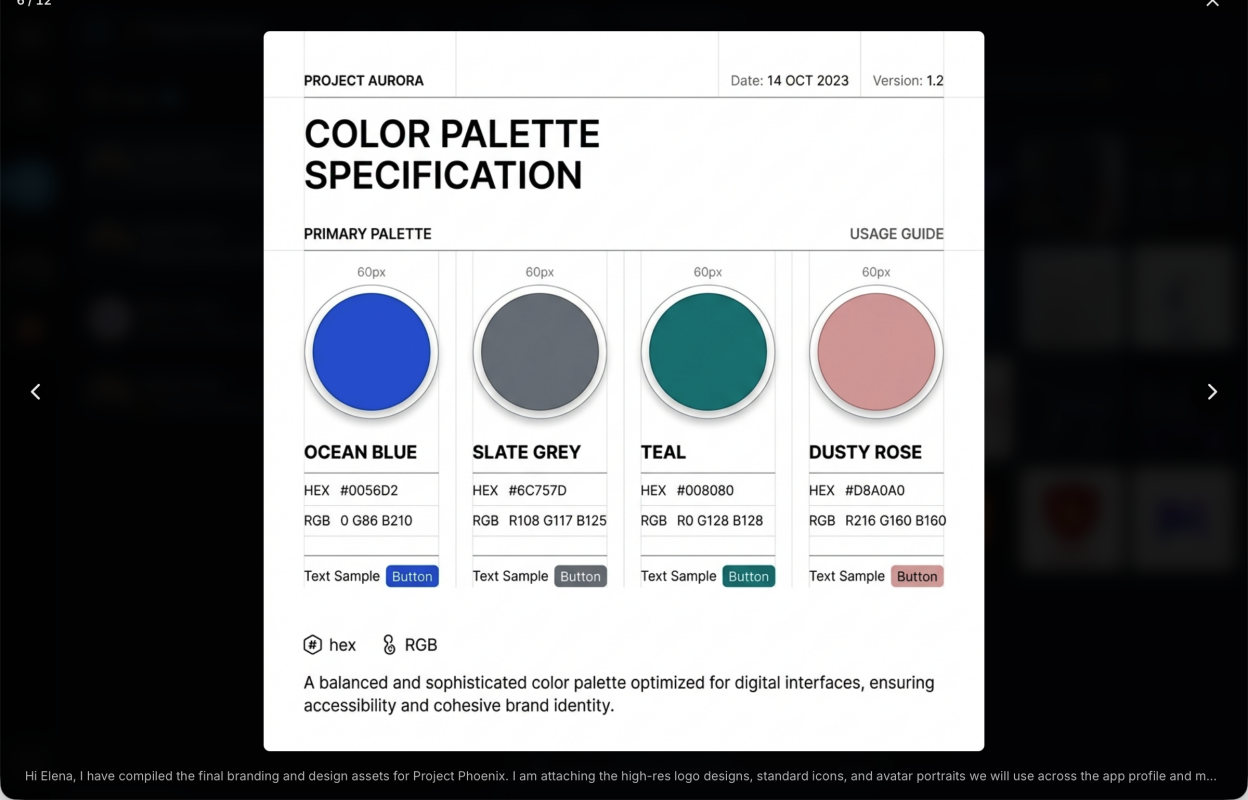
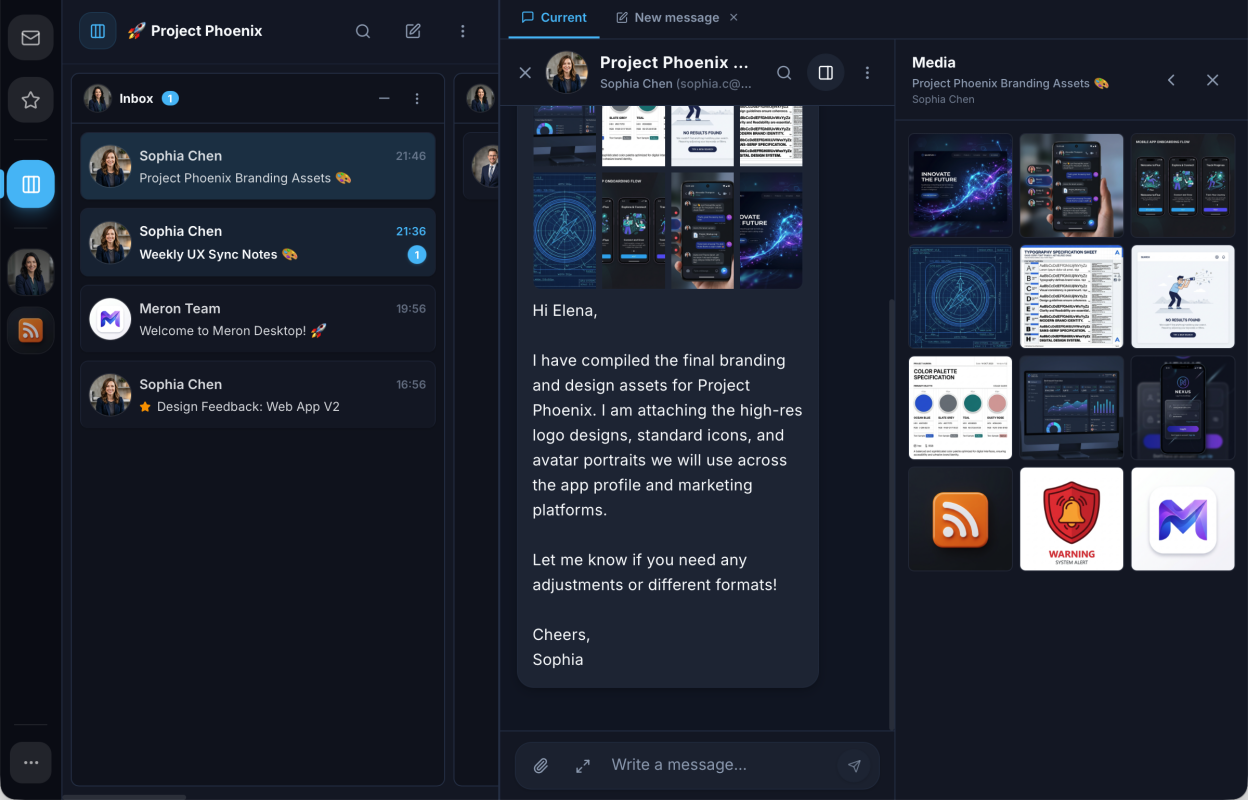
- Threaded conversations with rich-text composing and media galleries
- Easy setup with OAuth or automatic mailbox discovery
- Encrypted local storage with credentials kept in the OS keyring
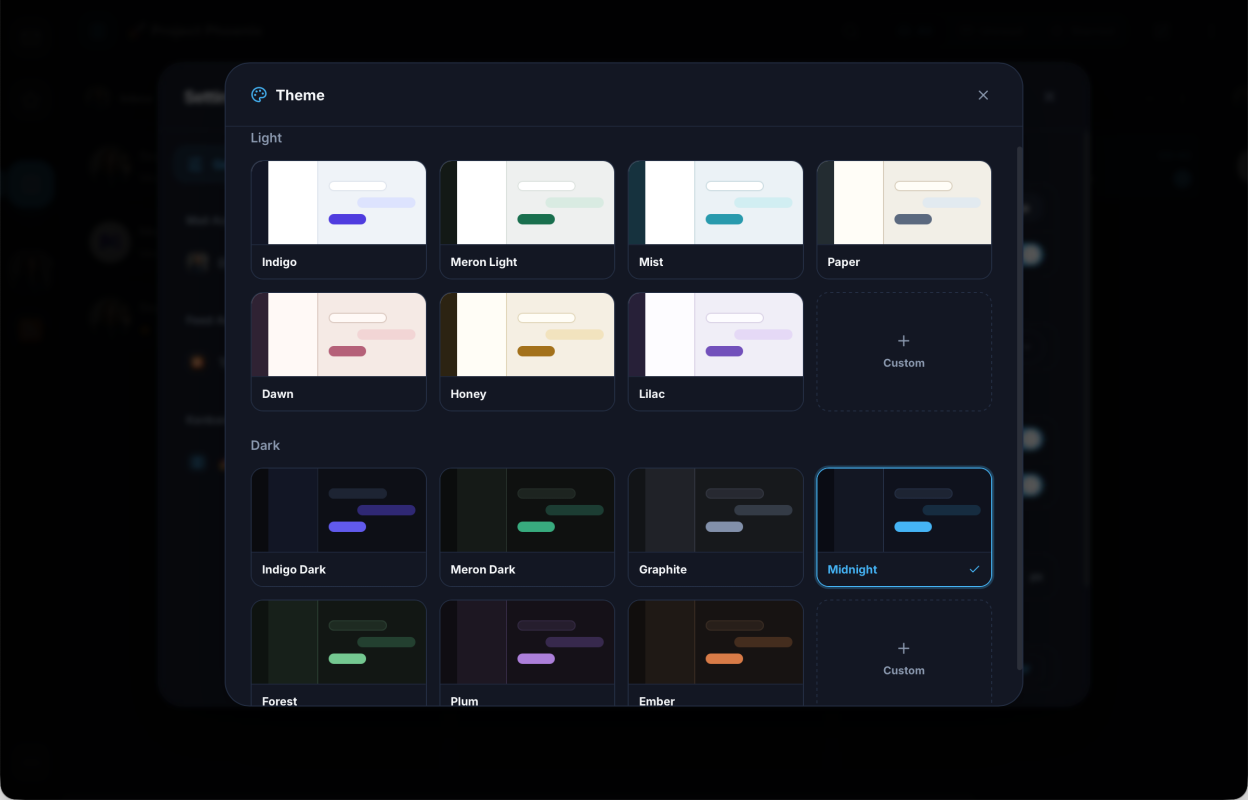
- Themes and 20+ languages
Screenshots
Observed history
| App | Change | Version | When ↓ |
|---|---|---|---|
| updated | 0.4.5 | 15 Oct 2026 |
Upstream releases
Release notes supplied by the developer. These dates are not Flathub package publication times.
0.4.515 Oct 2026
- Redesign the reader tab, frost content under floating controls
- Route Flatpak save and open dialogs through the file chooser portal
0.4.414 Oct 2026
- Attach files dropped onto a conversation or the composer
- Save images and videos from the gallery and inline in a conversation
- Toggle a conversation between HTML and plain text with H
- Add Save as .eml to the conversation menu
- Monochrome tray icon that follows the menu bar
- Add expand all / collapse all, and thread menu on right-click
- Float quick reply with single-row controls and shrink pinned header to one row
- Darken message bodies to the surface they sit on, not black
- Always scroll the conversation to a reply the reader just sent
- Name folders by their last path segment in column titles
0.4.39 Oct 2026
- Per-folder background sync and notifications for custom folders
- Show message bodies without a second download or HTML parse
- Use macOS's own overlay scrollbars
- Show an account's initials, not its Gravatar, when it has no picture
- Fix kanban column reorder drag axis, highlight, keyboard and grab area
- Flag accounts whose OAuth sign-in was refused as needing reconnect
- Size the side rail in rem so its tiles keep their gap to the indicator
- Show the decodable part of a truncated base64 body
0.4.25 Oct 2026
- Export threads, selections and folders as .eml
- Option to show full message content in chat
- Scale composer text with message text size
- Slide tasks and details panels open and closed
- Simplify task dragging and inline editing
- Conceal startup window until the UI is rendered
- Fold Outlook quotes