
Swifty Notes
Native GTK markdown notes with preview and automation
Sergey Armodin ✓ Verified
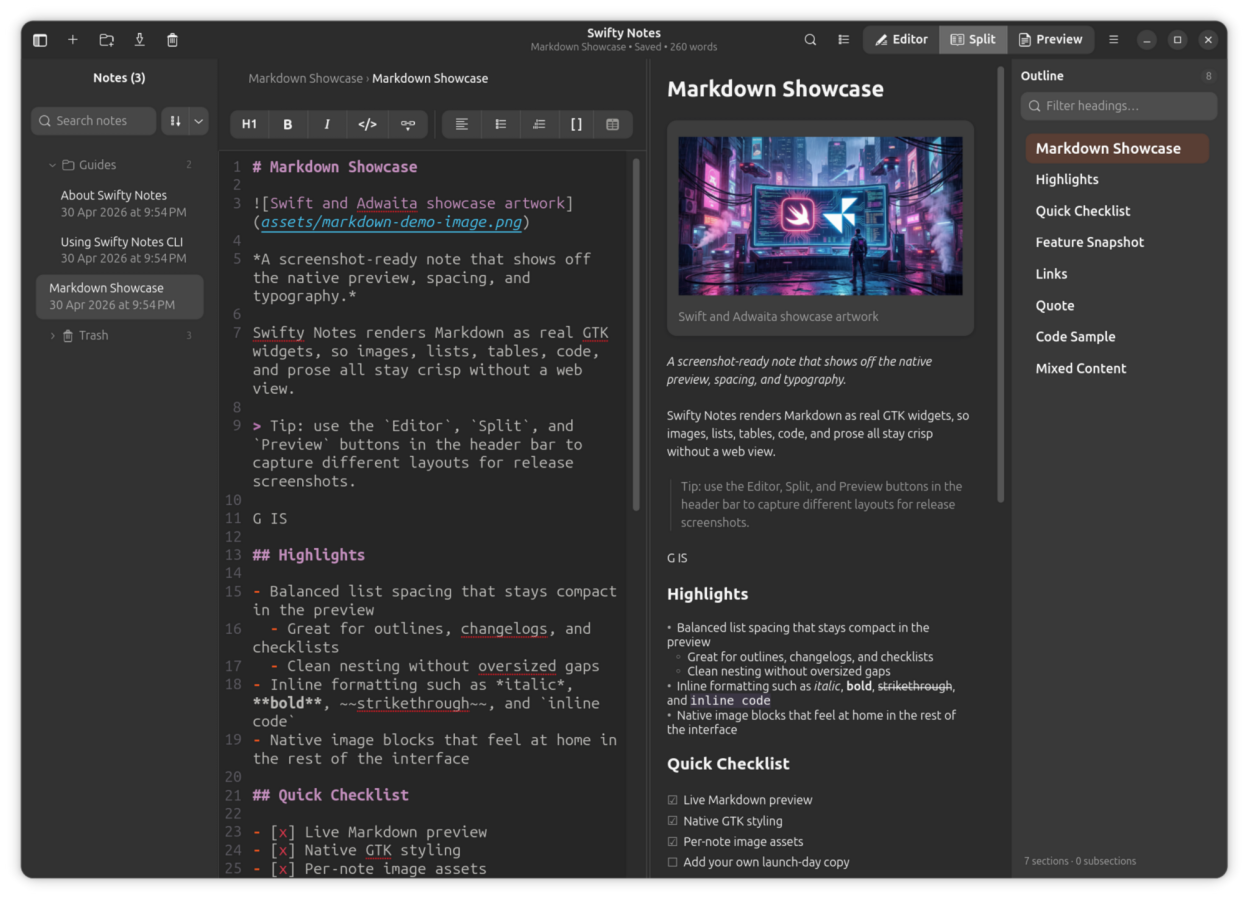
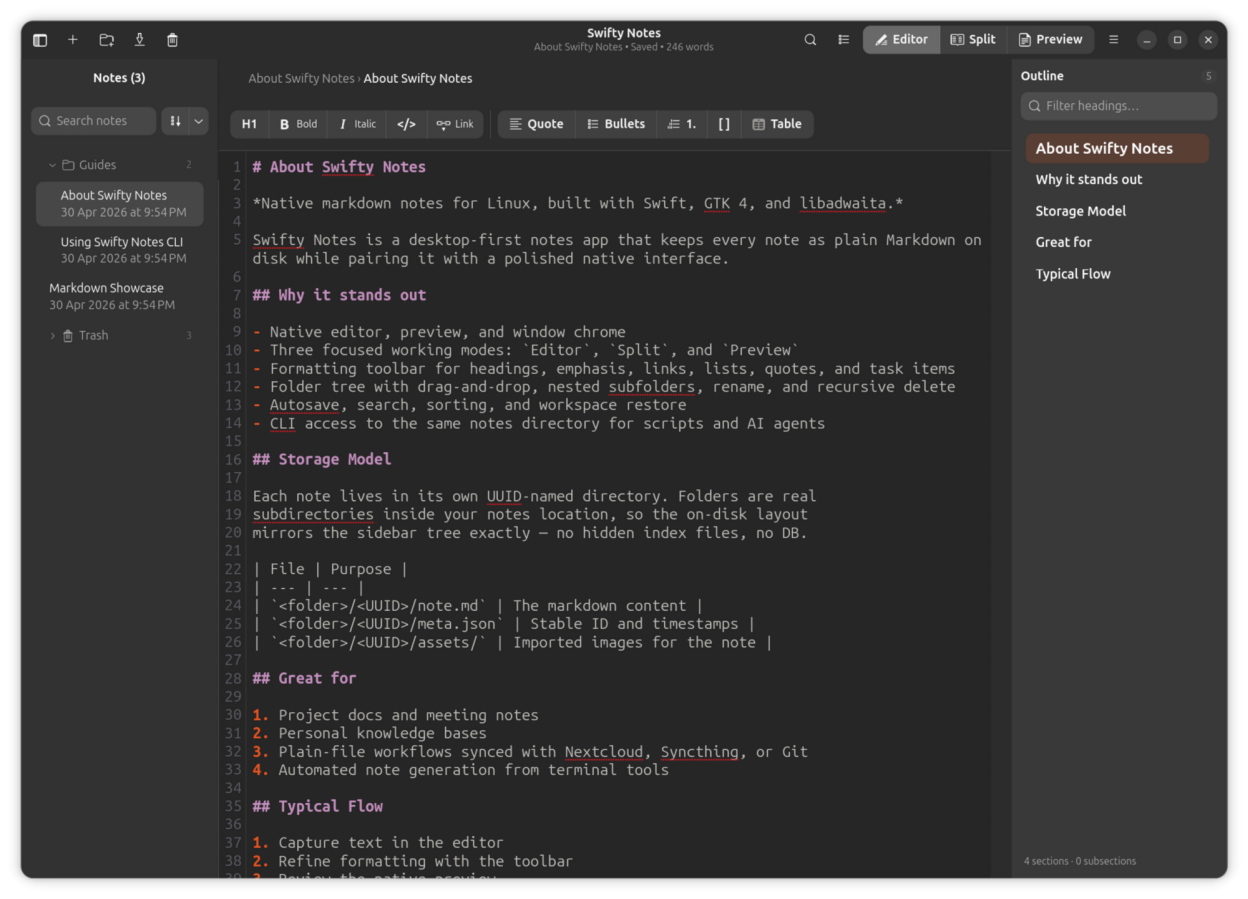
me.spaceinbox.swiftynotesSwifty Notes is a native GTK/libadwaita Markdown notes application for Linux written in Swift.
The desktop app is the primary experience: write, organize, and preview Markdown notes with native GTK widgets, autosave, remembered workspace state, and adjustable editor settings such as font size, wrapping, indentation, and appearance.
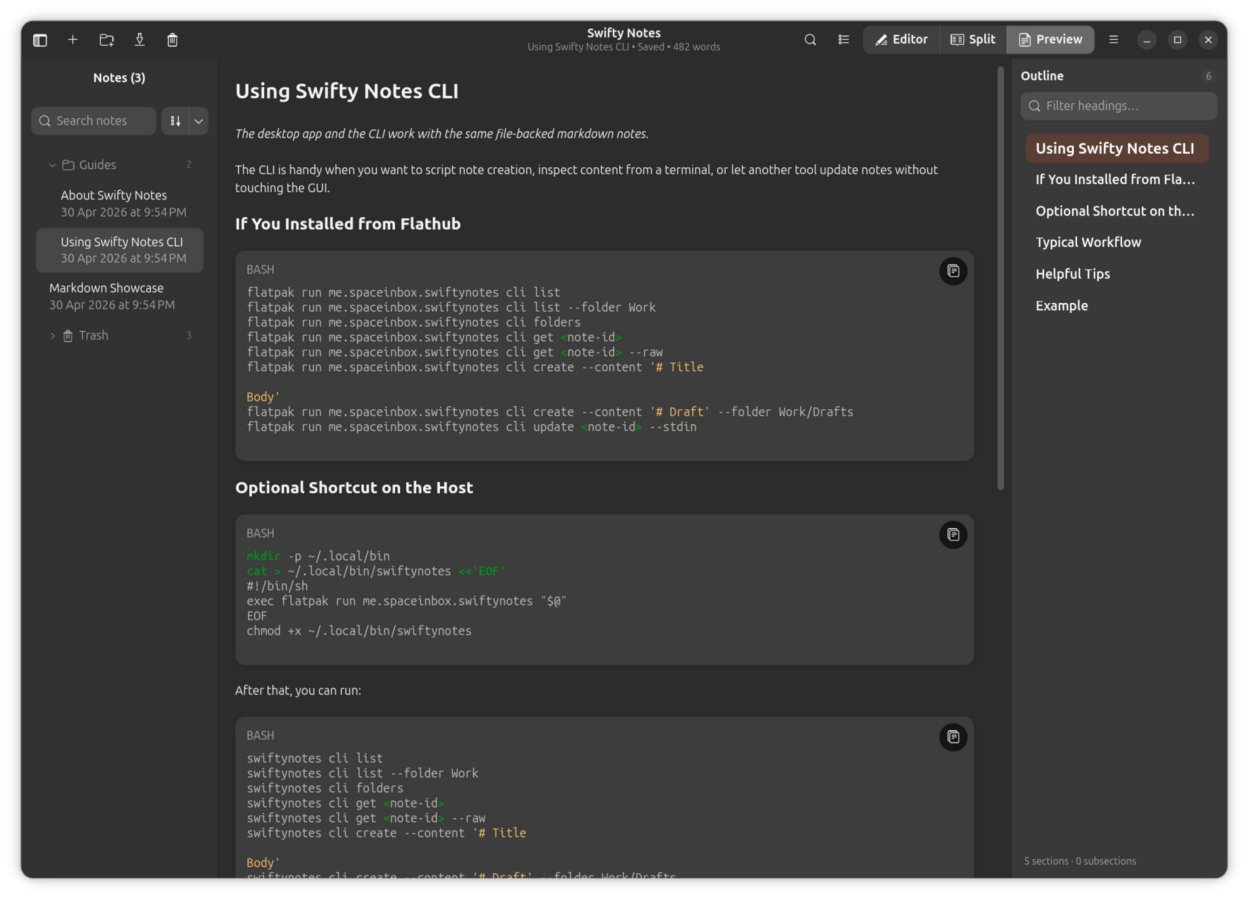
The included CLI works on the same file-backed notes so shell scripts, automation, and AI agents can safely inspect or update notes without a separate database or background service.
- Create, rename, duplicate, export, and delete Markdown notes.
- Autosave edits, remember workspace state, and keep note-local image assets together with each note.
- Adjust editor font size and other writing preferences to fit different screens and workflows.
- Choose where notes are stored, including a cloud-synced folder, so the same plain files can stay in sync across devices.
- Import images with drag and drop and render Markdown with a native GTK preview instead of a web view.
- Use the CLI for JSON-friendly note automation from scripts, shell pipelines, and AI agents.
- Switch the interface language between the system default and any language the build ships, without restarting the app.
Screenshots
Observed history
| App | Change | Version | When ↓ |
|---|
No observed changes yet.
The initial import establishes a baseline. Future version changes will appear here.
Browse the app catalogue →Upstream releases
Release notes supplied by the developer. These dates are not Flathub package publication times.
1.5.07 Sept 2026
Swifty Notes now speaks your language: thirteen of them, and switching between them takes effect straight away.
- The interface is available in Arabic, German, Spanish, French, Hebrew, Italian, Japanese, Korean, Dutch, Brazilian Portuguese, Russian, Simplified Chinese and Traditional Chinese, alongside English. The Language row in Settings picks one or follows your desktop, and the whole window retranslates on the spot: no restart, and nothing you had open is lost.
- Arabic and Hebrew read right to left. The notes sidebar moves to the right, the outline panel to the left, and the toolbar and the editor follow. Switching back to a left-to-right language puts everything where it was.
- Dates in the notes list now follow the language you are reading in. They used to stay English however the interface was set.
- Picking a language now works on systems that have no locale of their own configured, such as Flatpak sandboxes and minimal containers, where the setting previously appeared to do nothing at all.
- The name and summary shown in your software centre are translated too, so Swifty Notes is easier to find in your own language.
- Swifty Notes is now published as an AppImage too, for systems where one self-contained file is easier than a package. On one, the Update button can fetch just the changed parts of the next release and swap it in place, when an AppImage updater is installed.
- Renaming the seeded showcase note no longer strands its image.
1.4.08 Jul 2026
This update brings the full navigation and search toolkit to Markdown files you open directly — no notes library required.
- The document Outline (F9) now works when you open a Markdown file straight from your file manager: every heading at a glance, click to jump, and the panel follows along as you scroll. Ctrl+G opens the quick-jump palette there too.
- Find & Replace also arrives in directly opened files: Ctrl+F searches the editor or the preview, Ctrl+H replaces in the editor — exactly like in the notes library.
- Collapsing a section in the Outline now folds it in the editor of a directly opened file as well, and your Outline preferences from Settings apply there too.
- Fixed a subtle issue where pressing Ctrl+F with text selected could prefill the search field with the wrong characters when the document contained emoji or flags before the selection.
1.3.010 Jun 2026
This update brings your Markdown emoji to life and tidies up the update checker.
- Emoji shortcodes like
:white_check_mark:and:rocket:now render as real emoji in the preview — in headings, lists, quotes, tables, and link labels. Your Markdown source stays untouched, and anything inside code stays literal. Around 1,900 GitHub-style shortcodes are supported, and a new switch in Settings → Preview turns the substitution off if you prefer the raw text. - "Check for Updates…" no longer appears in sandboxed installs (Flatpak and Snap) that have no network access, where checking could only ever fail — your store keeps you up to date instead. Regular installs are unaffected, even when you happen to be offline at launch.
- Running a manual update check without an internet connection now shows a plain "no internet connection" message instead of a technical error.
1.2.04 Jun 2026
This update adds a document outline for quick navigation, full Find & Replace, and live search highlighting in the preview.
- A new Outline panel (toggle with F9) lists every heading in the current note so you can jump around long documents at a glance. It tracks your position as you scroll, shows a breadcrumb of where you are, and lets you filter headings, collapse sections, fold them in the editor, and even drag to reorder whole sections. Press Ctrl+G for a command-palette-style quick jump to any heading.
- Find & Replace arrives: Ctrl+F searches, Ctrl+H replaces, with Replace and Replace All, case-sensitive matching, match counts, and smooth scrolling to each result. Search works in both the editor and the live preview, and remembers your last query.
- Search matches now highlight directly in the rendered preview — including inside fenced code blocks and table cells — so you can see every hit in context, not just in the raw text.
- Editing large, heading-heavy notes feels noticeably smoother thanks to a leaner preview and outline that do far less redrawing while you write and scroll.