
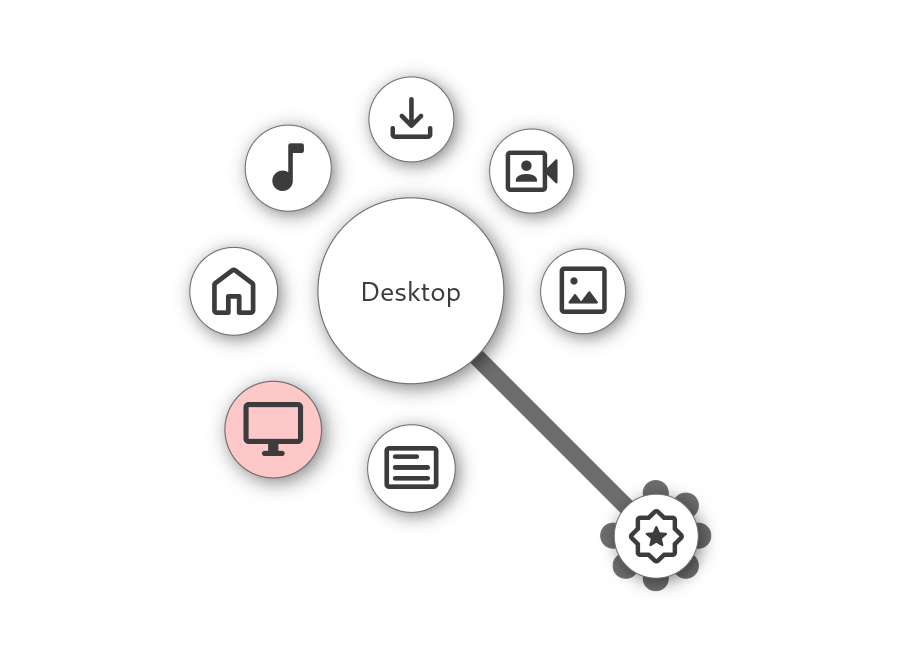
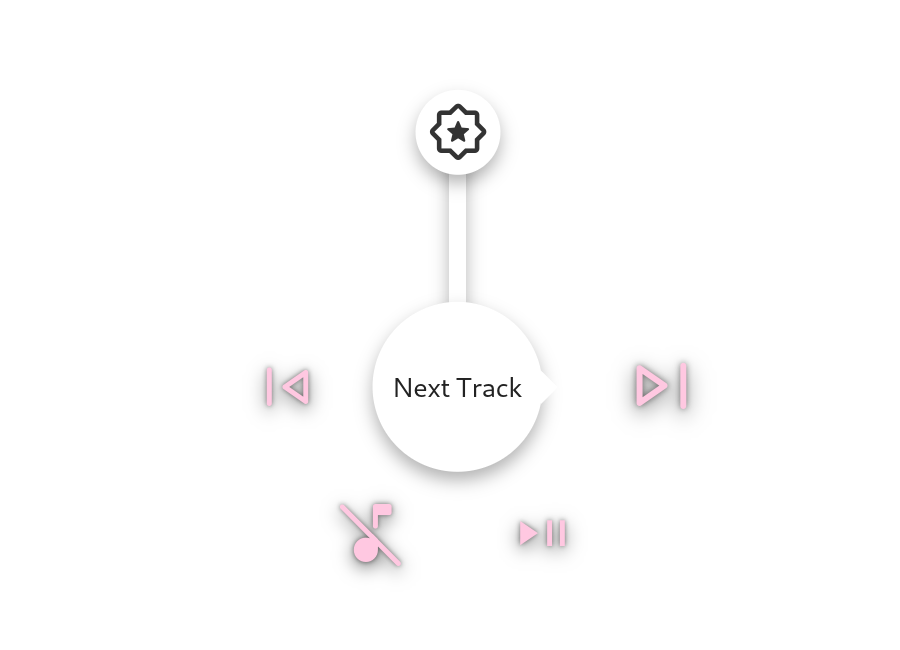
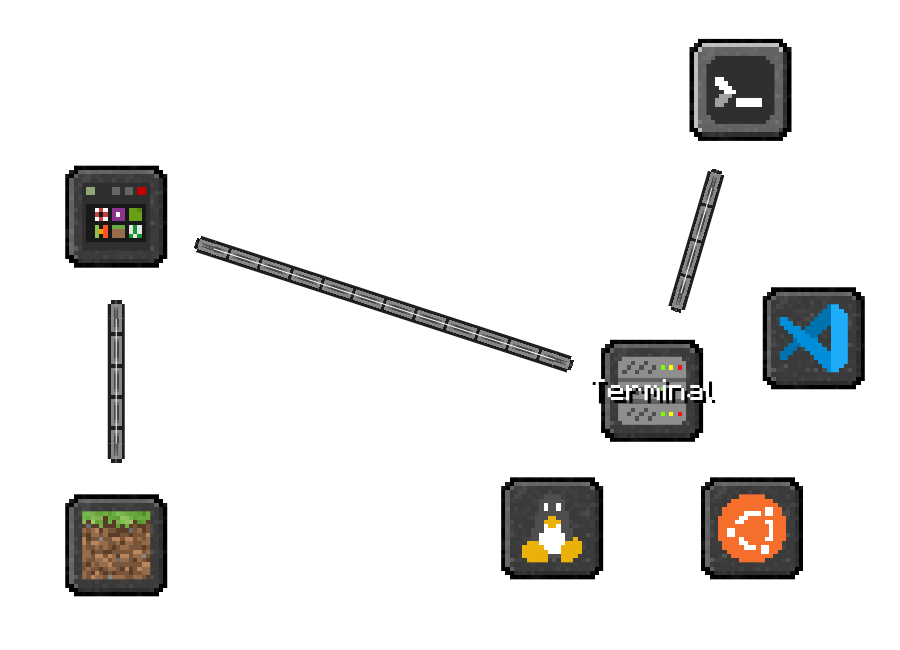
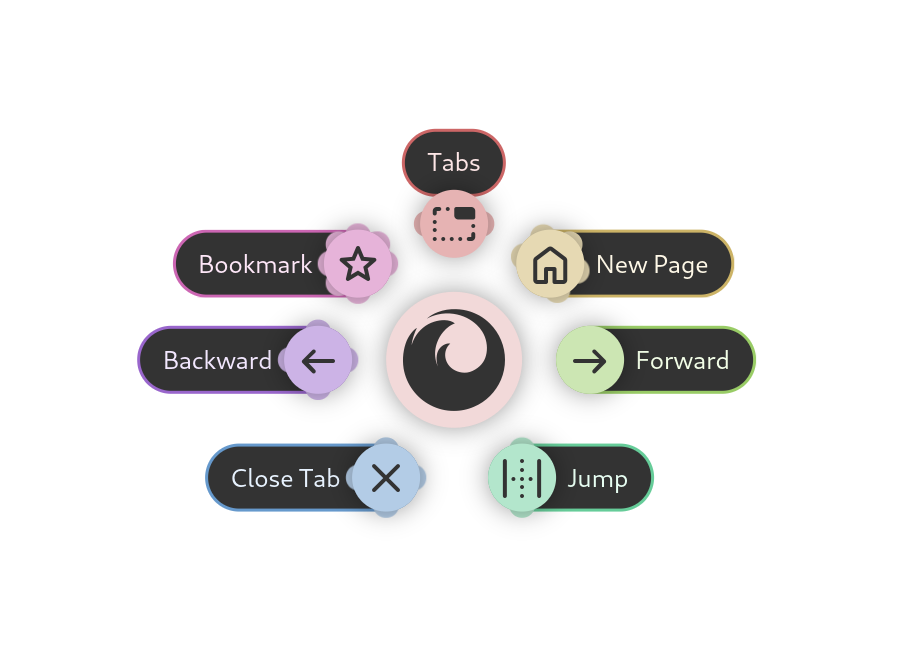
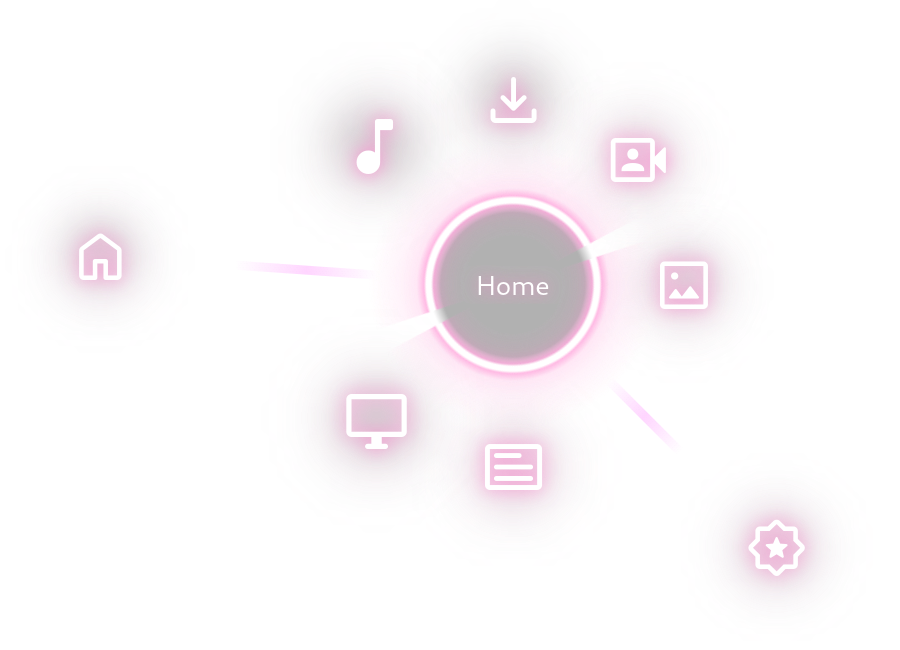
Kando is a cross-platform pie menu for your desktop. It offers an unconventional, fast, highly efficient, and fun way of interacting with your computer! You can use Kando to launch applications, simulate keyboard shortcuts, open files, and much more.
Kando is designed to be used with 🖱️ mouse, 🖊️ stylus, 👆 touch, or 🎮 controller input. However, Kando can also be efficiently controlled with a keyboard.
If you are using Kando on Wayland, some additional setup may be required. For instance, on GNOME you will need to install the Kando Integration extension. You can read more on https://kando.menu/installation-on-linux/. Kando will also tell you this when you start it for the first time.
Screenshots
Observed history
| App | Change | Version | When ↑ |
|---|---|---|---|
| updated | 3.0.0 | 23 Sept 2026 |
Upstream releases
Release notes supplied by the developer. These dates are not Flathub package publication times.
3.0.023 Sept 2026
No release notes supplied.
2.3.14 Jun 2026
No release notes supplied.
2.3.018 Apr 2026
No release notes supplied.
2.2.017 Jan 2026
No release notes supplied.