
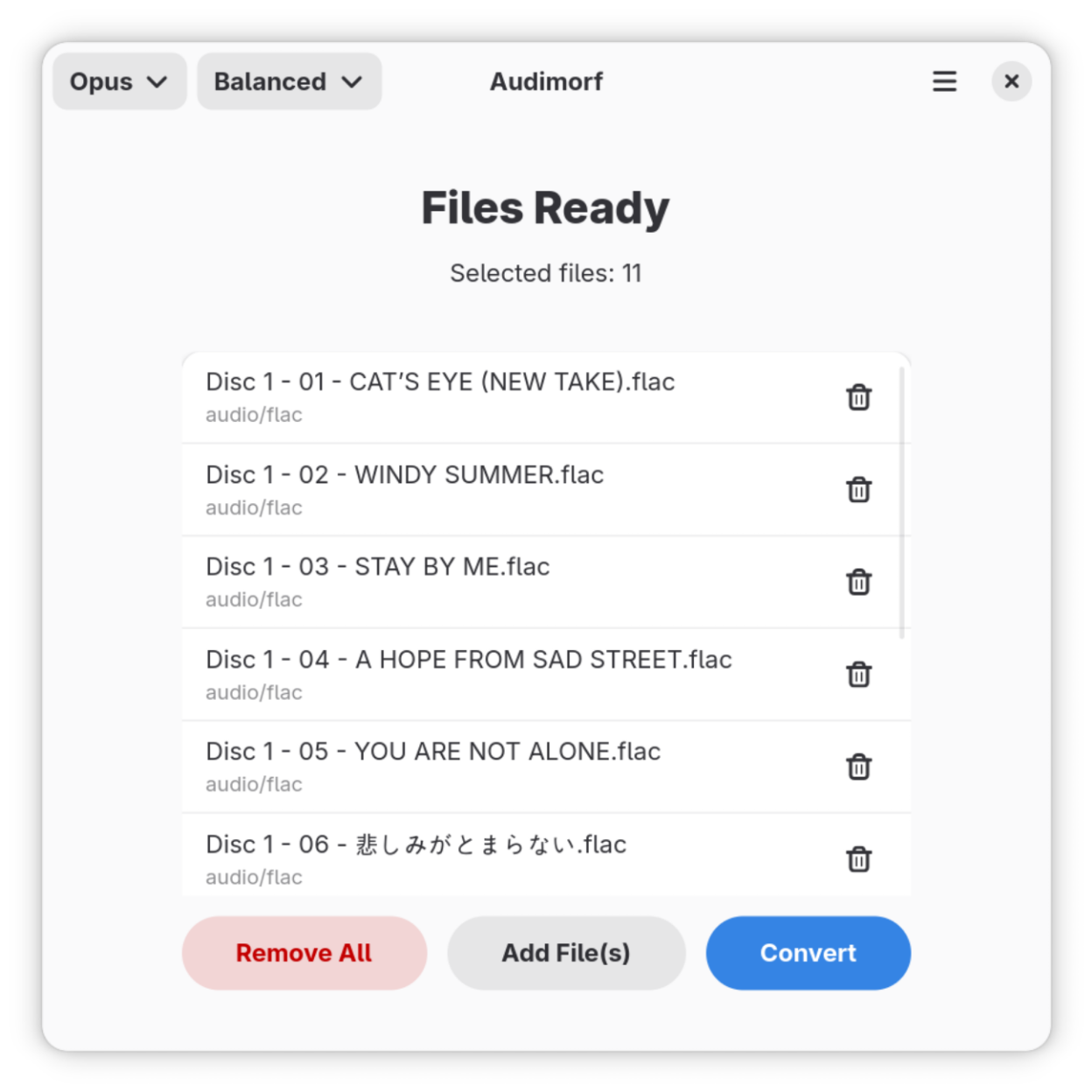
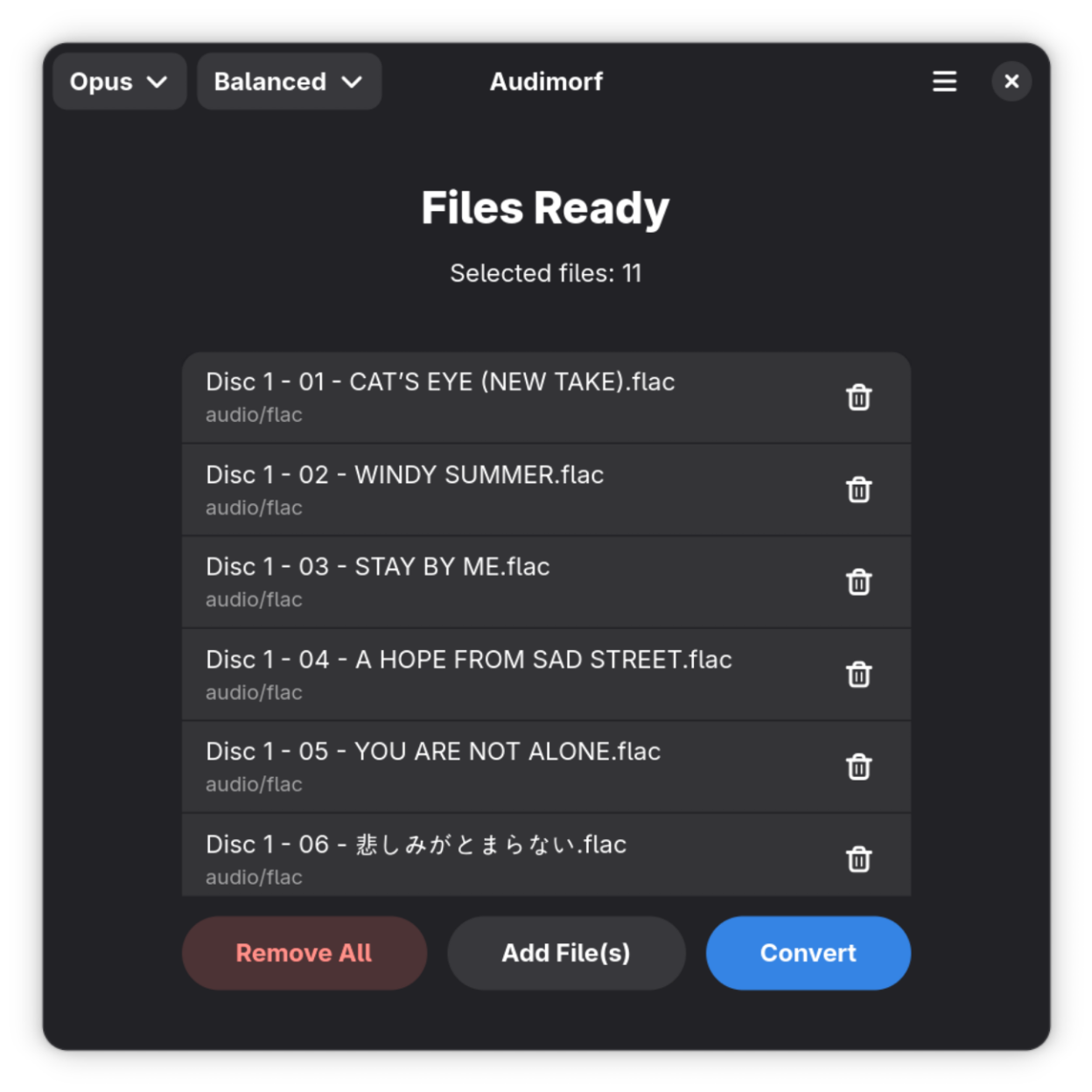
Audimorf is a straightforward tool for changing the format of your audio files. It is built to feel right at home on the GNOME desktop, focusing on a clean experience that stays out of your way.
The app handles common conversions between formats like MP3, WAV, FLAC, and Ogg Vorbis. It is designed for those who just need to get a file into the right format without messing with complex menus or unnecessary settings.
Screenshots
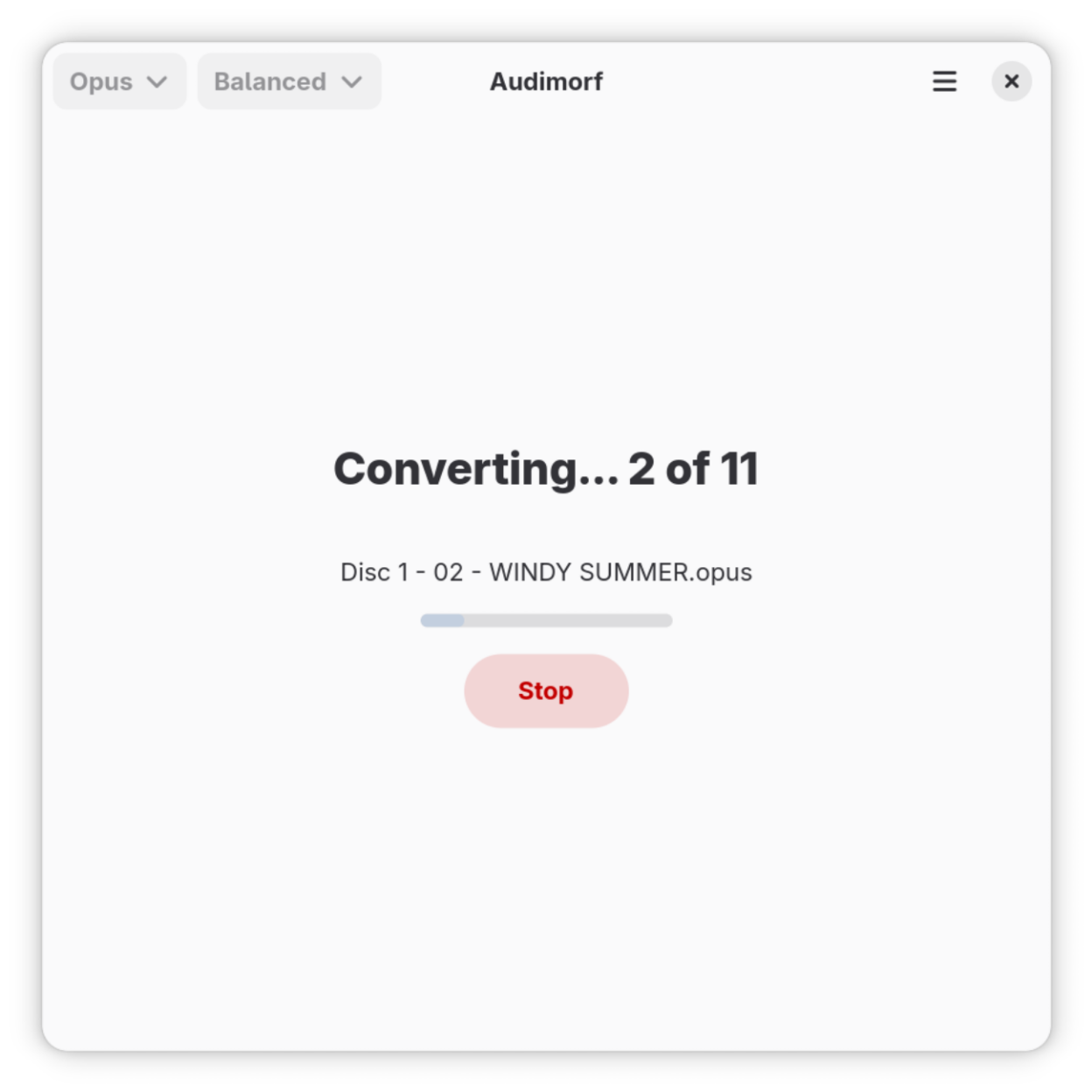
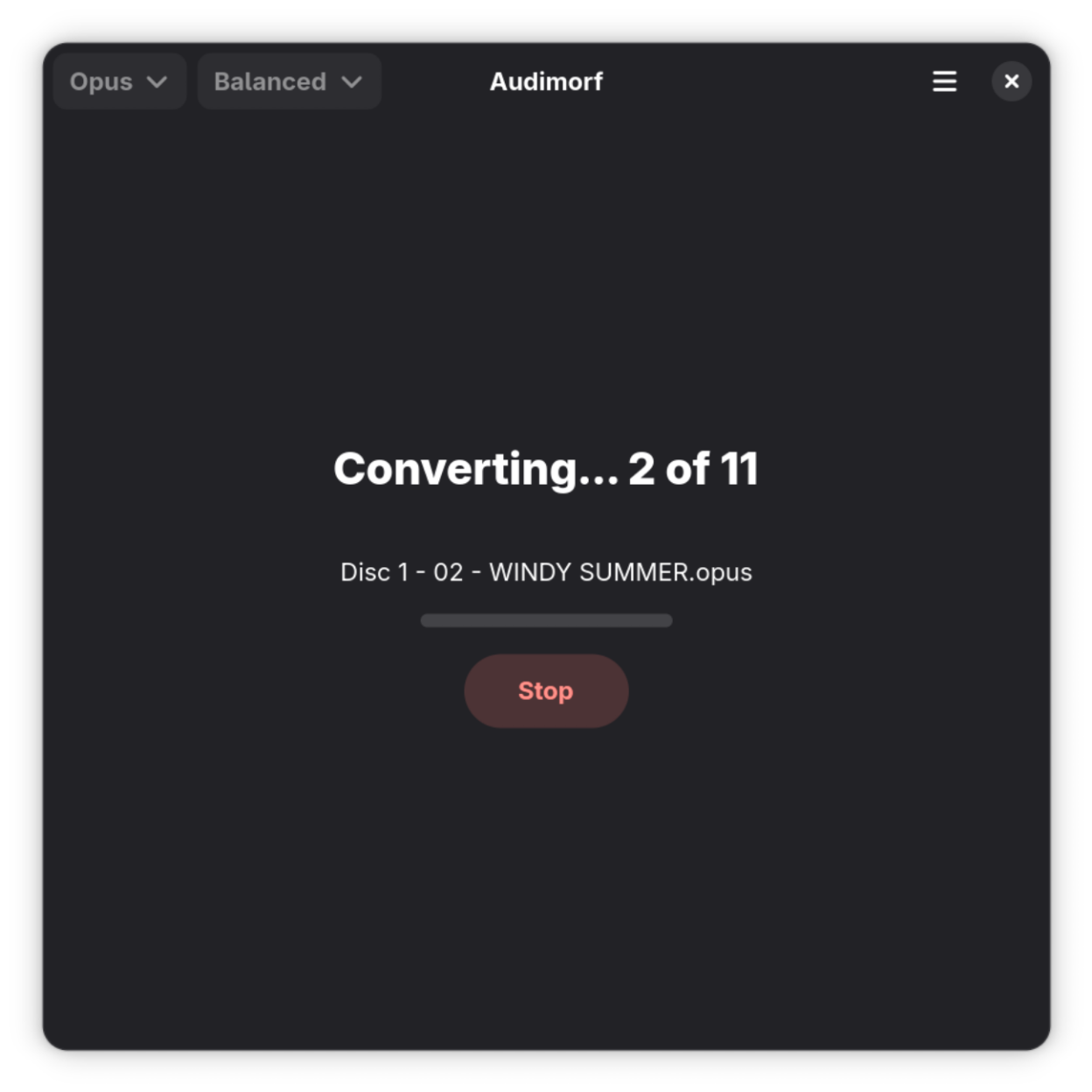
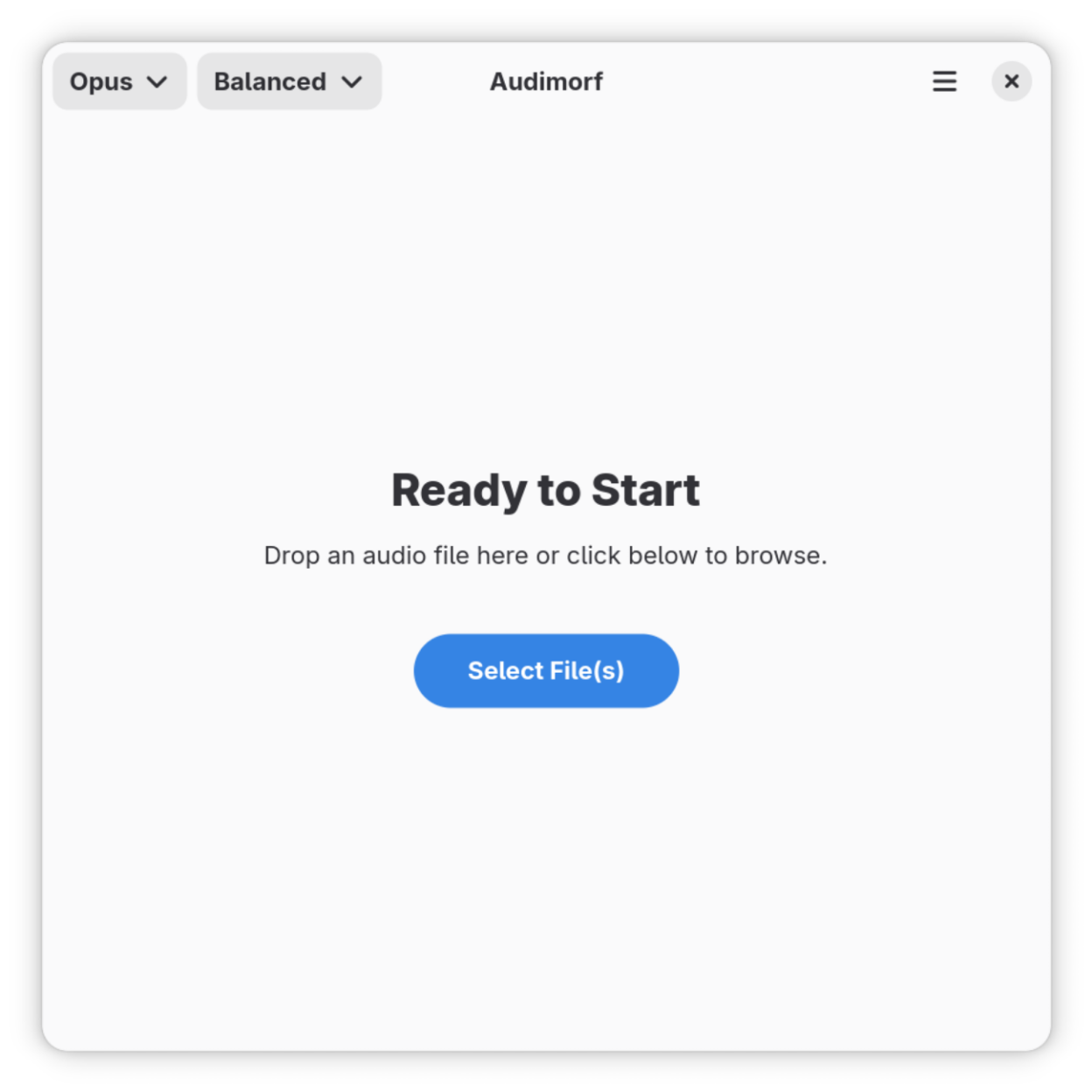
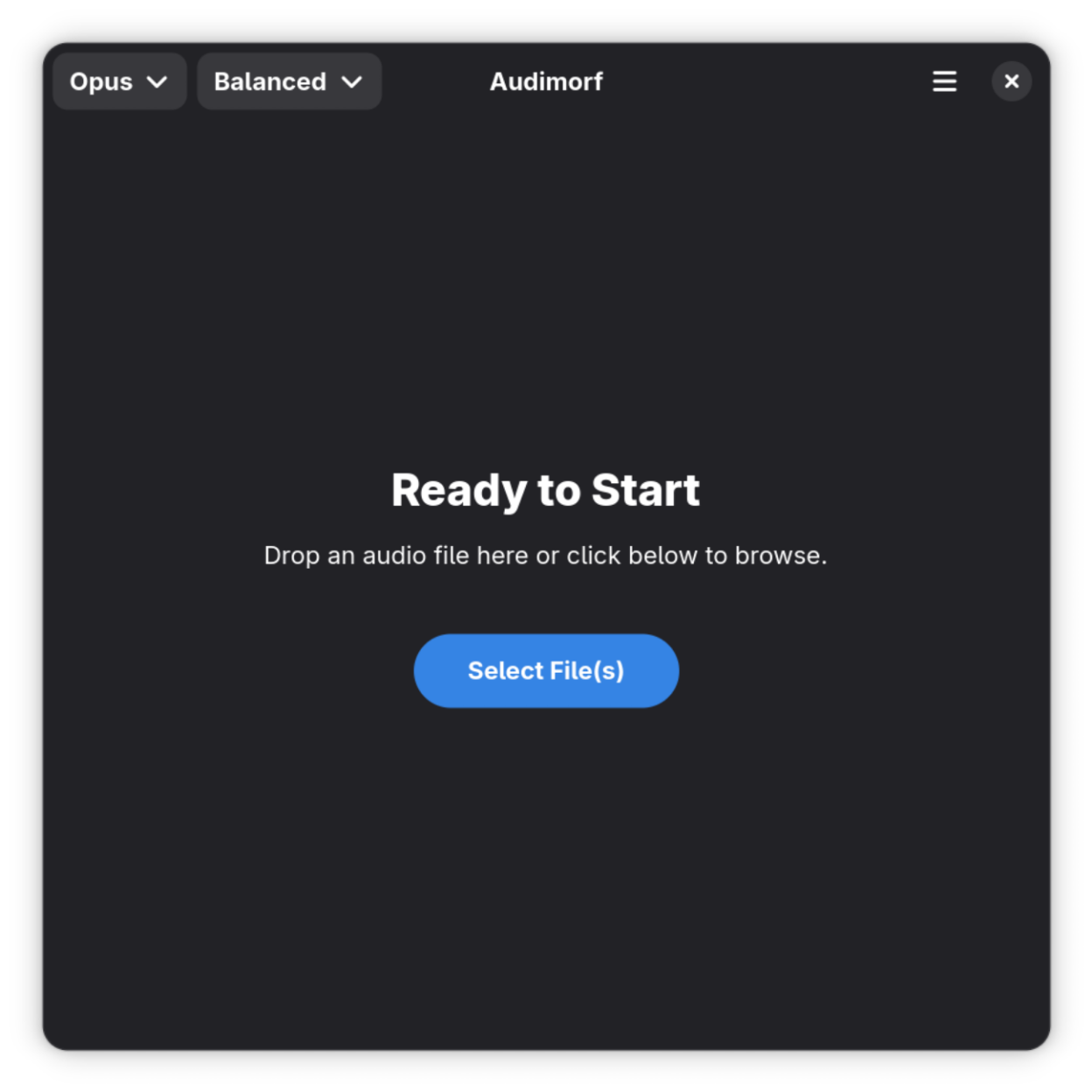
Observed history
| App | Change | Version | When ↓ |
|---|
No observed changes yet.
The initial import establishes a baseline. Future version changes will appear here.
Browse the app catalogue →Upstream releases
Release notes supplied by the developer. These dates are not Flathub package publication times.
1.4.014 Jul 2026
Adds batch conversion support, where users can now select and process multiple files in a single operation. When multiple files are loaded, the application automatically switches to folder-based output selection (instead of per-file output naming) and generates output filenames using the original basename with the target extension. This release also includes internal refactoring to improve maintainability and performance.
1.3.03 Jul 2026
Update GNOME runtime to 50.
1.2.06 Apr 2026
Users can now select from three quality presets (Compact, Balanced, Full) when convert to lossy formats (mp3, vorbis, and opus), giving more control over output size and quality.
The UI has been refined with a progress bar and cancel button for ongoing conversions.
A new logo has been introduced.
1.1.010 Mar 2026
- Added support for Opus output format
- Icon resized
- metadata updated