
Catalyst helps you capture ideas and turn them into clear action items using simple, natural language. Instead of filling forms, just write what you need—like “submit report tmr 5 pm”—and watch it transform into a scheduled task.
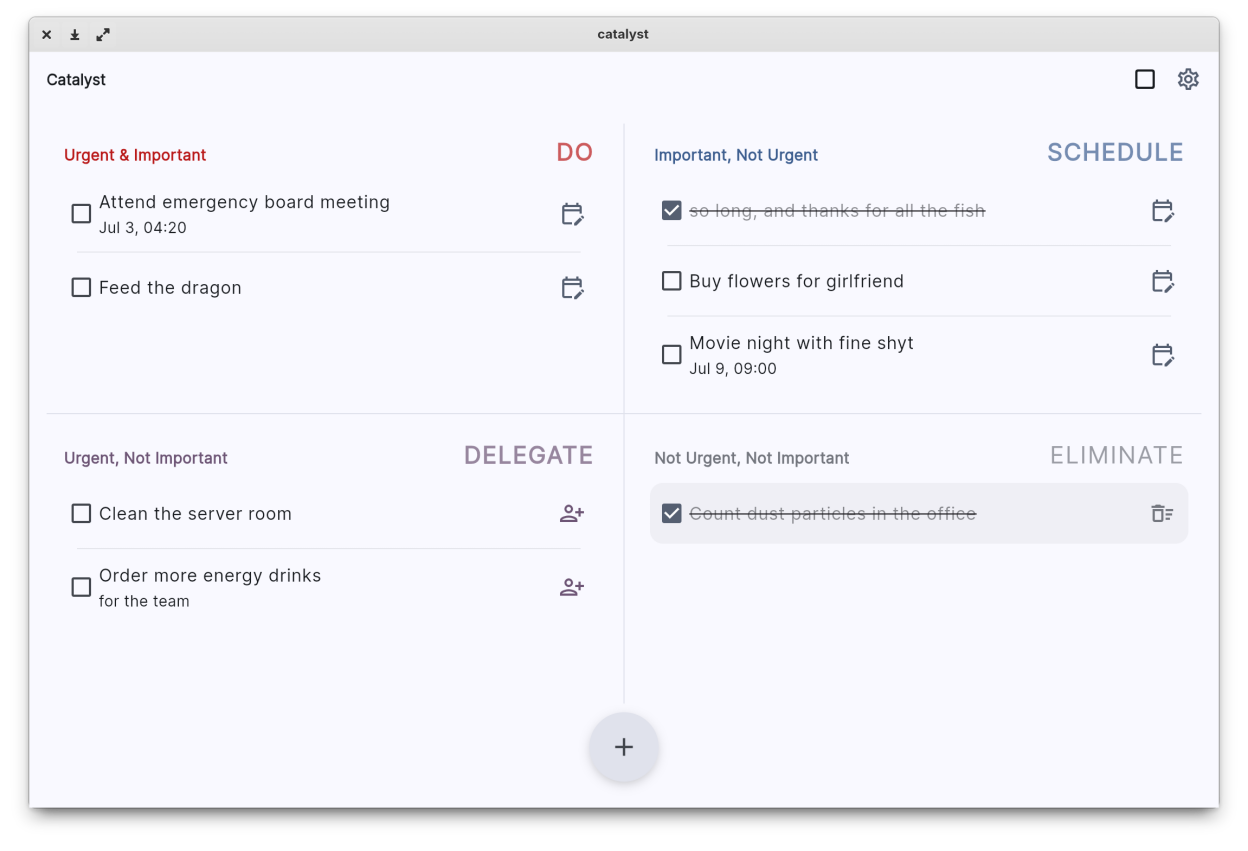
Tasks are automatically organized into the four quadrants of the Eisenhower Matrix so you always know what to tackle next, what to plan for later, and what to let go:
- Do: Urgent and important tasks that need your immediate attention.
- Schedule: Important but not urgent tasks to plan for.
- Delegate: Urgent but not important tasks you can assign to others.
- Eliminate: Tasks that are neither urgent nor important, clearing your mental space.
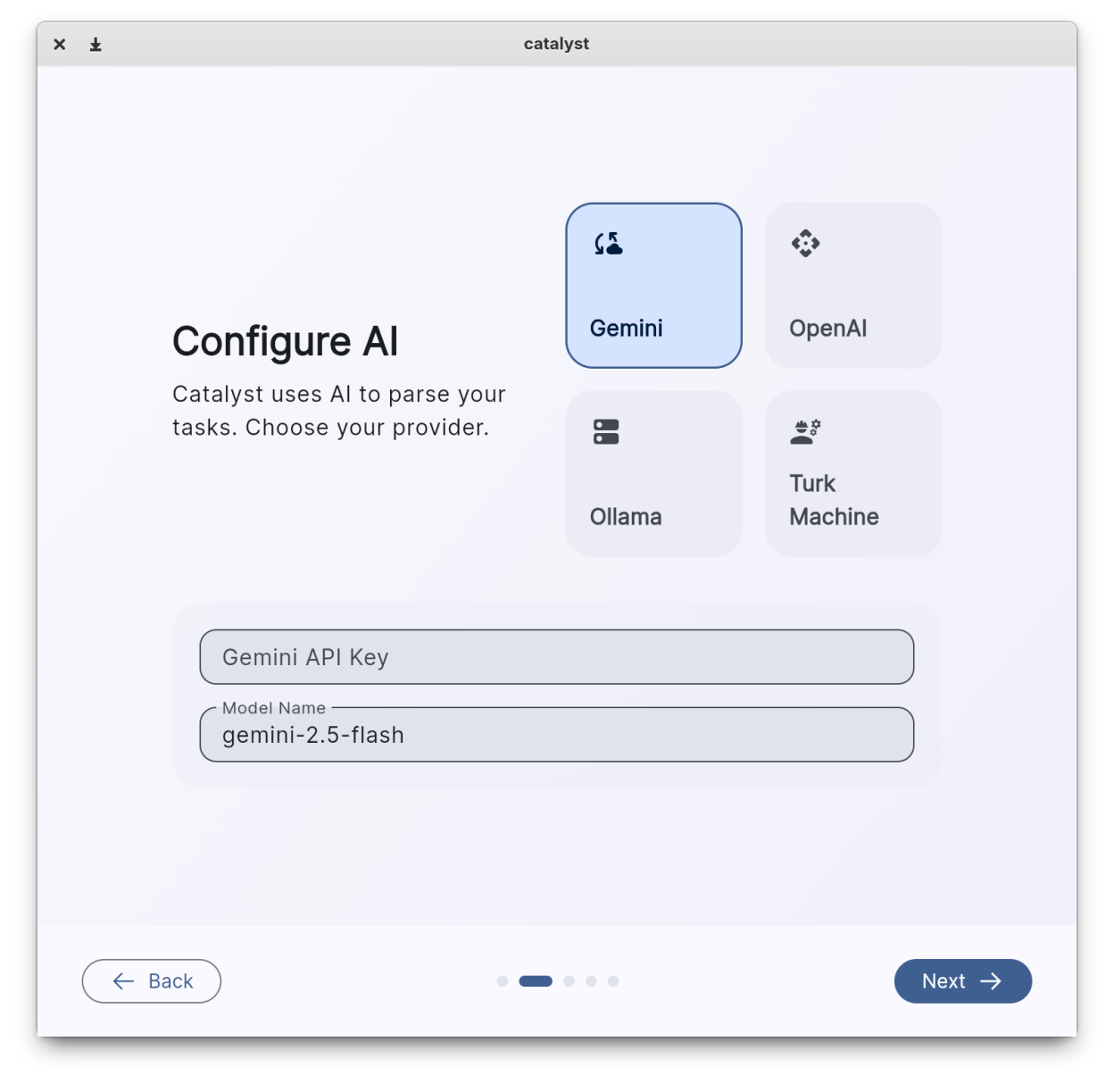
With built-in local storage and offline AI parsing, your data stays private on your device. You can also connect to cloud AI services when you want additional power without sacrificing control.
The clean, minimalist interface adapts to your system colors and works flawlessly in both light and dark modes, keeping distractions at bay so you can focus on getting things done.
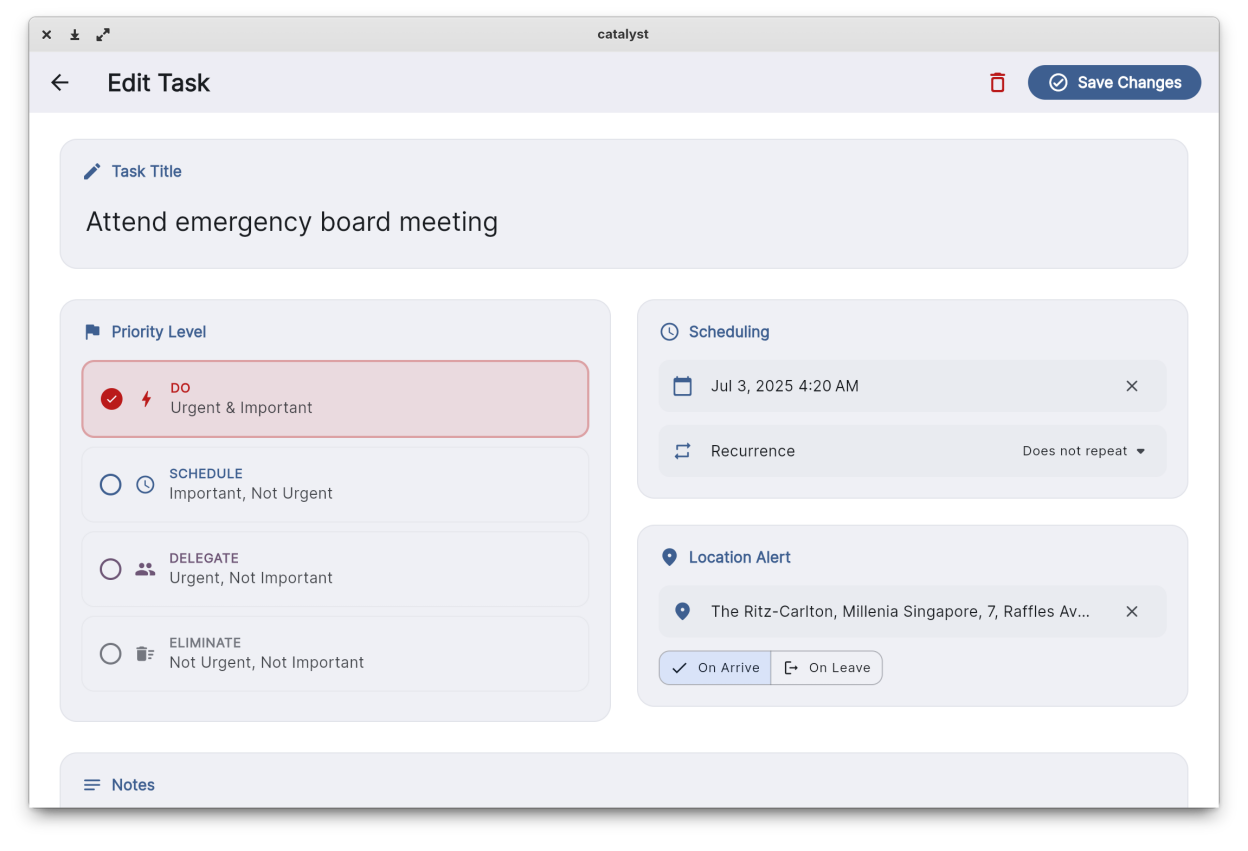
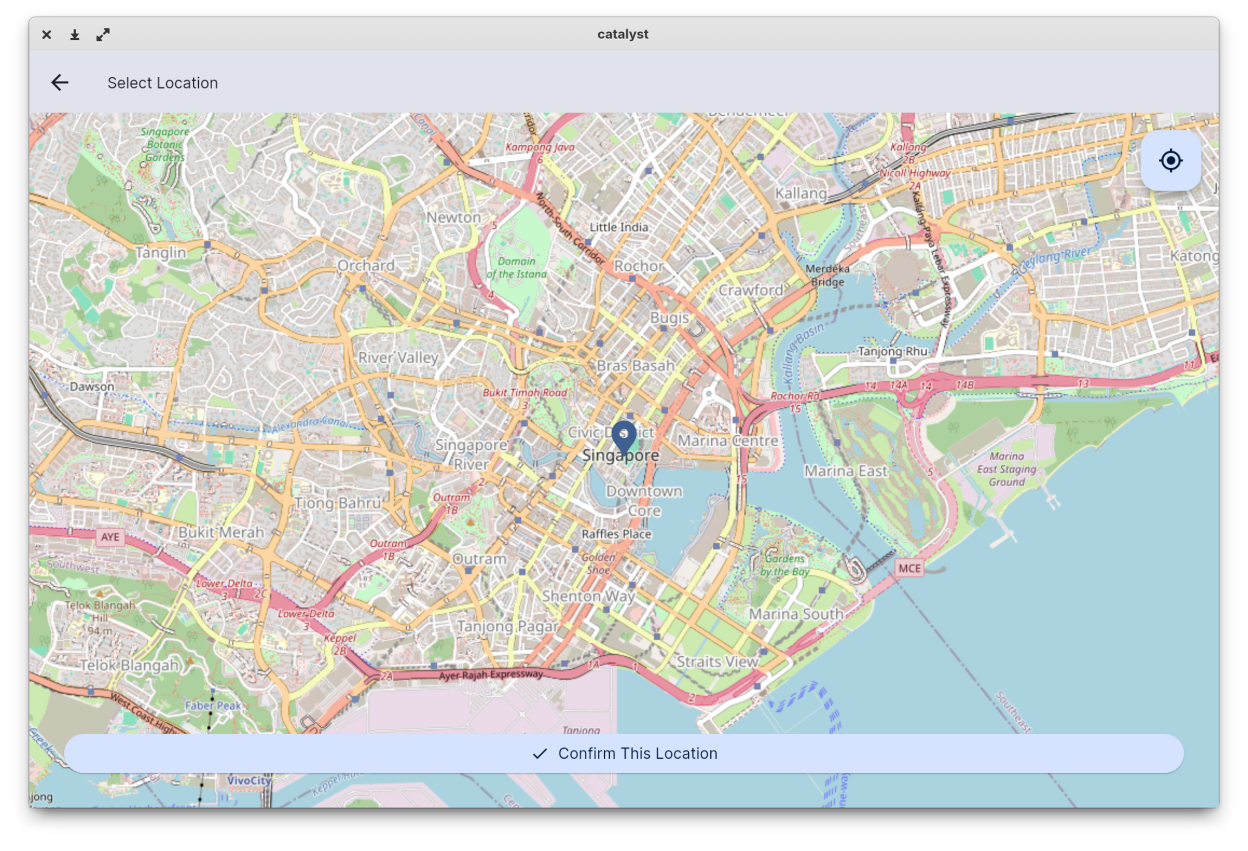
Screenshots
Observed history
| App | Change | Version | When ↓ |
|---|
No observed changes yet.
The initial import establishes a baseline. Future version changes will appear here.
Browse the app catalogue →Upstream releases
Release notes supplied by the developer. These dates are not Flathub package publication times.
1.3.08 Sept 2025
This update introduces Focus Timer and Analytics to help you concentrate, manage your time effectively, and gain valuable insights into your work habits.
- Focus Timer: Start a focused work session for any task. The timer guides you through structured work periods and scheduled breaks, based on the Pomodoro Technique. You can fully customize the timer durations in the settings.
- Focus Analytics: A new analytics screen visualizes your focus sessions on a timeline, helping you understand your work patterns and see which tasks get the most attention.
- Quick Access Mini-Bar: When a focus session is active, a new mini-bar appears on the dashboard for quick access to timer controls without interrupting your workflow.
1.2.117 Jul 2025
Minor bug fixes and performance improvements.
1.2.013 Jul 2025
This is a major update focused on workspace personalization! The Eisenhower Matrix is now fully dynamic, allowing you to organize it to fit your unique workflow. Best of all, Catalyst now saves your custom layout across sessions.
- Resize quadrants by dragging dividers, collapse them to hide, or enter Focus Mode to expand one full-screen.
- A new toggleable Control Bar provides quick access to layout controls, filters, and task sorting options (by Creation Date or Due Date).
- A full set of keyboard shortcuts is now available to manage the layout with speed. Press Ctrl+H to see the new help dialog.
- Instantly filter your view with the new "Urgent-Only Mode" to see only tasks in the urgent quadrants.
1.1.17 Jul 2025
You can now create tasks without AI. Simply click the "AI" icon to toggle between AI and Manual Task Creation. The Notes editor on desktop has been improved.