Gromit-MPX is an on-screen annotation tool that works with any Unix desktop environment under X11 as well as Wayland.
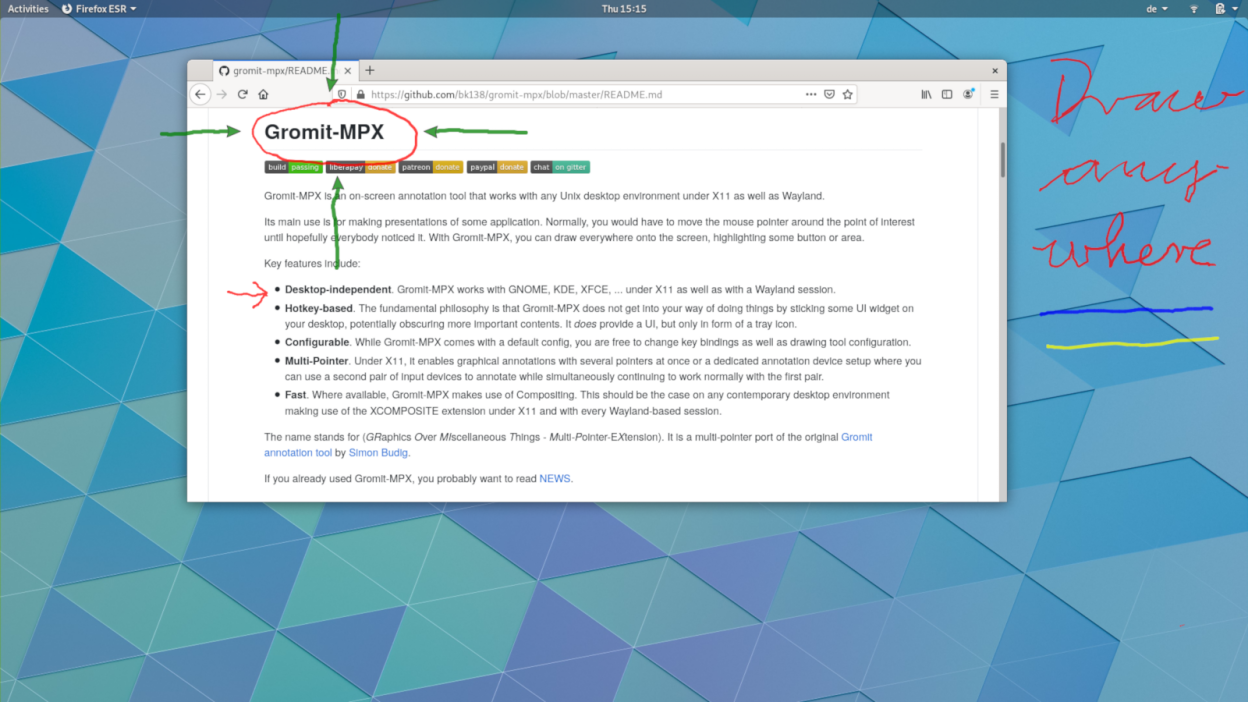
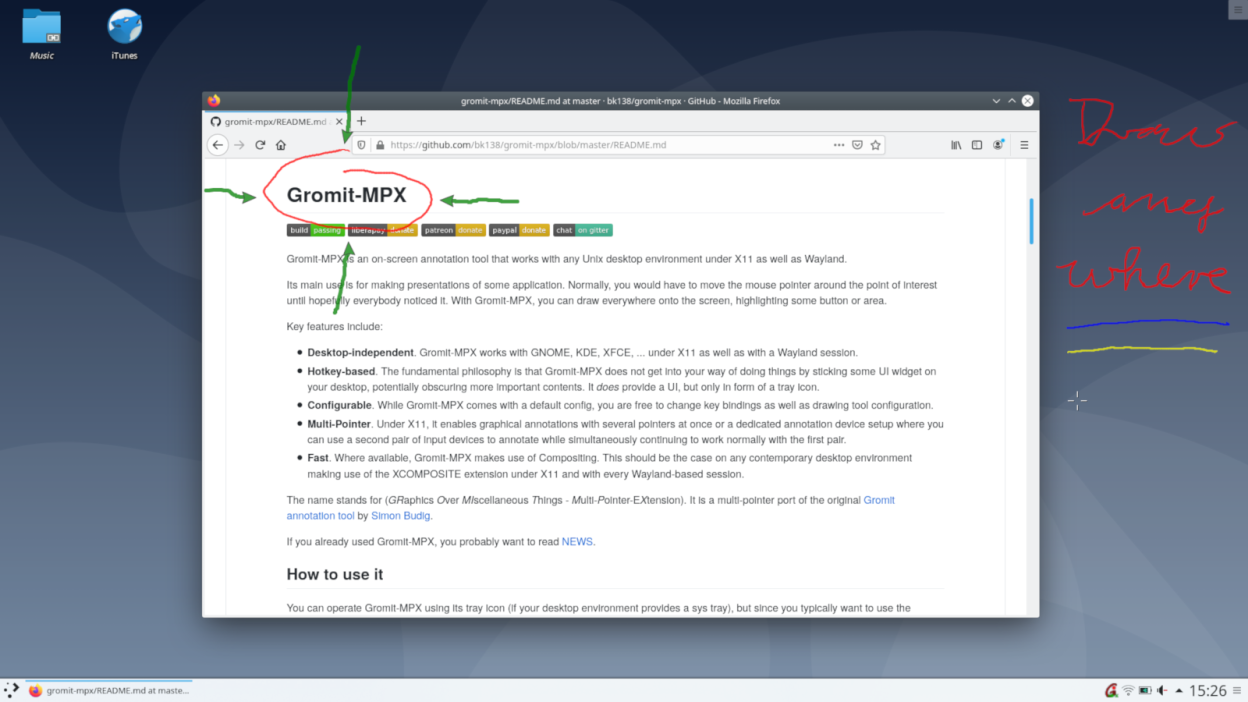
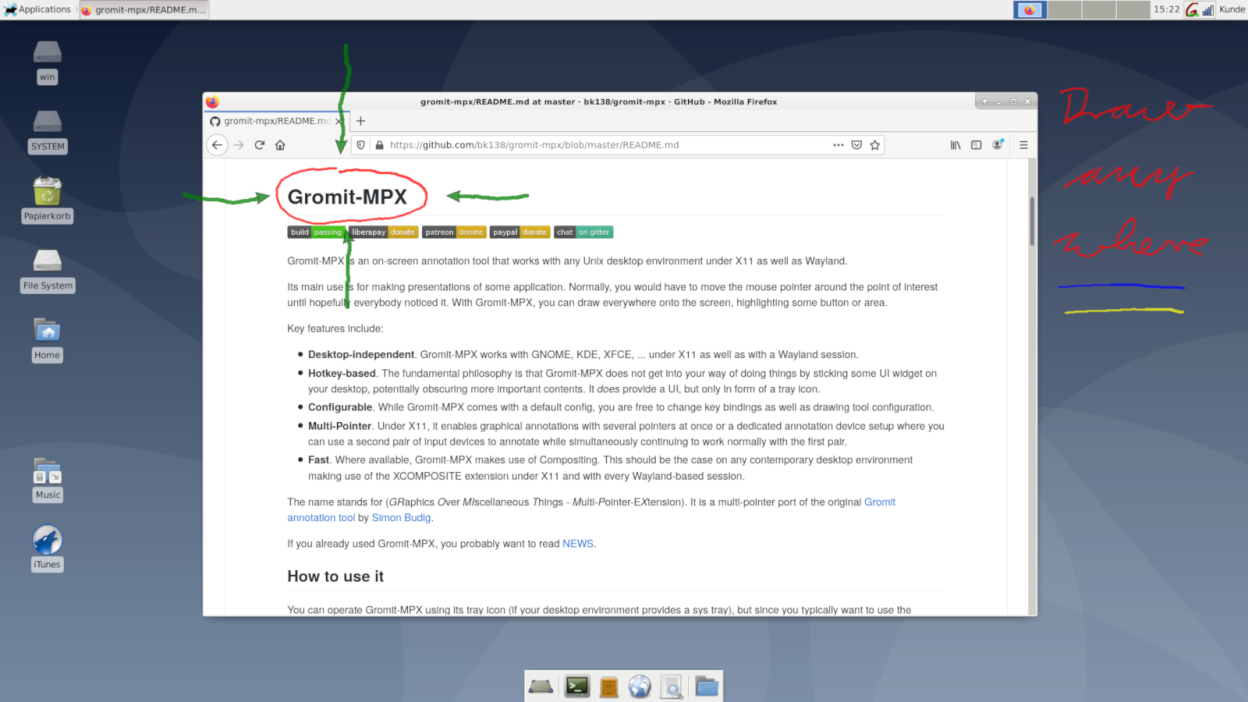
Its main use is for making presentations of some application. Normally, you would have to move the mouse pointer around the point of interest until hopefully everybody noticed it. With Gromit-MPX, you can draw everywhere onto the screen, highlighting some button or area.
Key features include:
- Desktop-independent. Gromit-MPX works with GNOME, KDE, XFCE, ... under X11 as well as with a Wayland session using XWayland (most desktop environments).
- Hotkey-based. Does not get into your way of doing things by sticking some UI widget on your desktop
- Configurable. You are free to change key bindings as well as drawing tool configuration
- Multi-Pointer. Under X11, it enables graphical annotations with several pointers at once
- Fast. Where available, Gromit-MPX makes use of Compositing
Screenshots
Observed history
| App | Change | Version | When ↓ |
|---|
No observed changes yet.
The initial import establishes a baseline. Future version changes will appear here.
Browse the app catalogue →Upstream releases
Release notes supplied by the developer. These dates are not Flathub package publication times.
1.9.018 Mar 2026
- Added Georgian translation 🇬🇪.
- Added functionality to show a length label when drawing lines.
- Fixed a minimal memleak in the client program.
1.8.011 Nov 2025
Added Chinese translations, Draw and erase cursors are now customisable by replacing PNGs, also added a CIRCLE tool. Fixed usage with RandR virtual monitors.
1.7.09 Sept 2024
Added new tools SMOOTH and ORTHOGONAL as well as a new undo functionality with compression, reducing memory usage and increasing undo steps from 4 to 100. This version also comes with a menu entry for easier user config file editing.
1.6.012 Mar 2024
Added a report-bug/request-feature menu item and new RECT and LINE tools as well as an arrowtype option that allows to set arrow position. Furthermore, a translation to Portuguese (Brazil) was added.