
Clicker is an auto clicker - it can simulate user input like mouse clicks and key presses repeatedly at given intervals for a given duration. This is useful in some video games.
Clicker works on both Wayland and X11 by simulating a remote desktop session. The user will need to grant this permission each time they start an automation.
The automation can be paused at any point by pressing the F5 key, if the user's desktop environment provides support for the Global Shortcuts portal and the user grants permission for this hotkey to be registered.
Screenshots
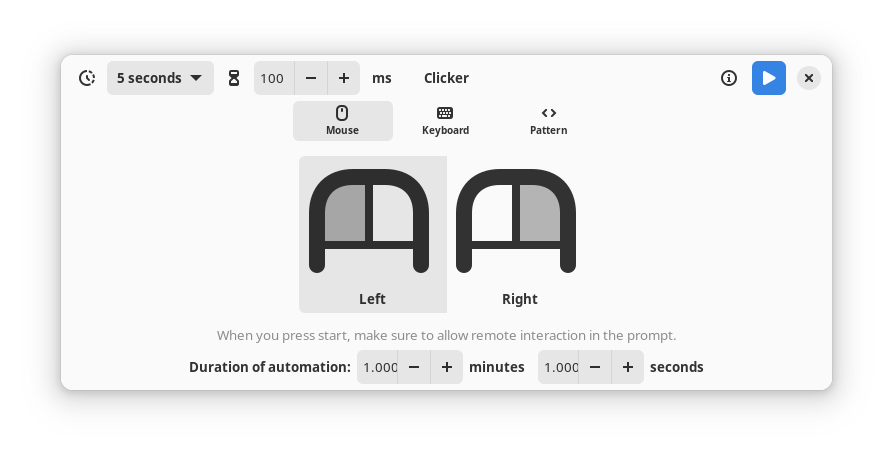
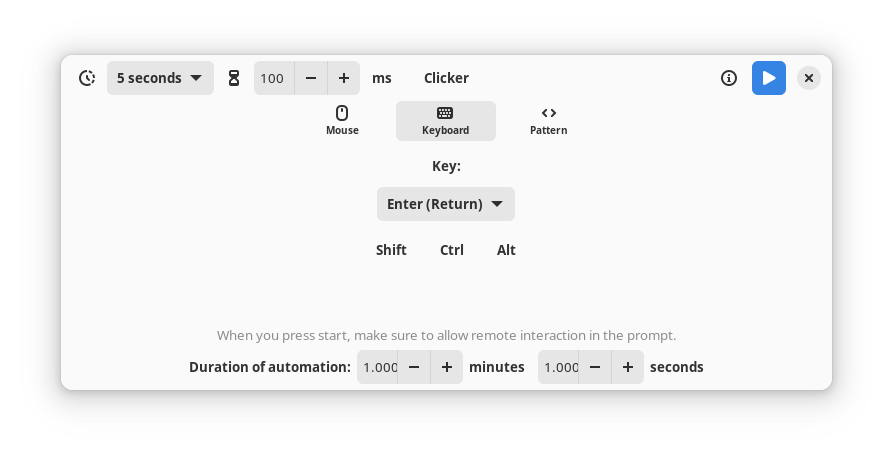
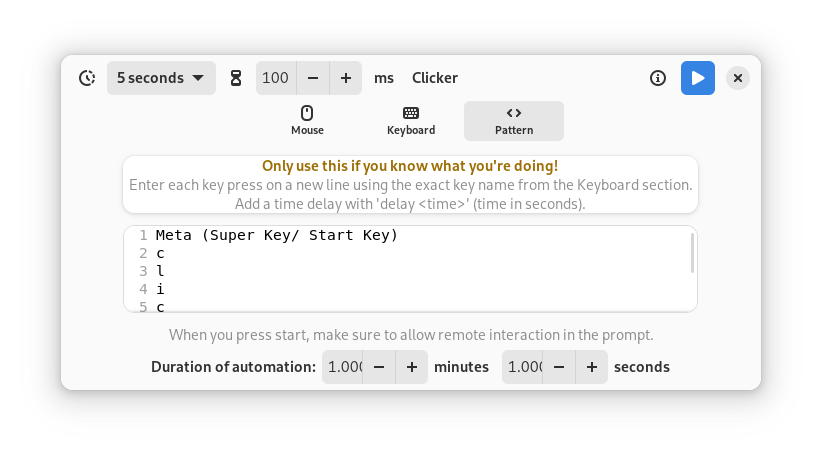
Observed history
| App | Change | Version | When ↑ |
|---|---|---|---|
| updated | 0.2.0 | 12 Oct 2026 |
Upstream releases
Release notes supplied by the developer. These dates are not Flathub package publication times.
0.2.03 Oct 2026
Automations can now be stopped at any point by pressing "F5".
The app now remembers the previously set values for delay, duration of automation etc.
Added Japanese (camegone), Italian (Albano Battistella) and Brazilian Portuguese (johnpetersa19) translations.
0.1.81 Aug 2024
Added translations support and Hindi translation.
0.1.613 Jun 2024
Added Pattern mode: performs key presses as per the pattern provided by the user. Still in experimental mode and subject to change.
0.1.511 Jun 2024
Updates to Flatpak data.