
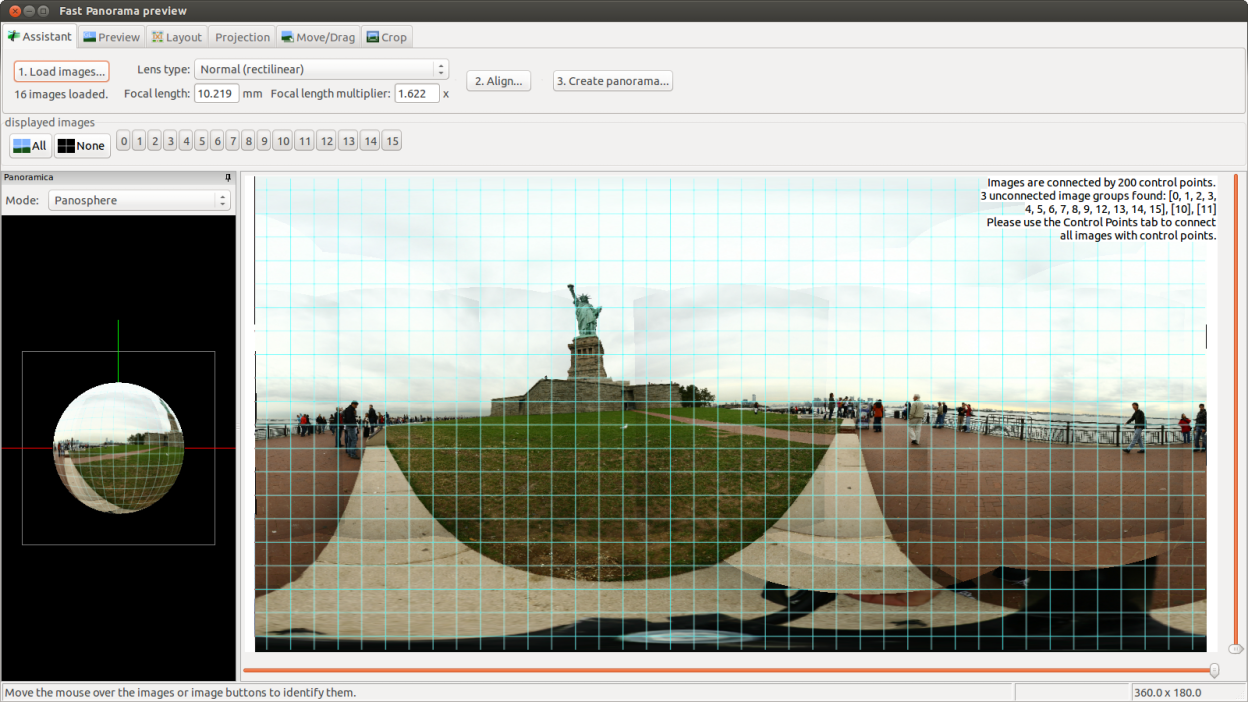
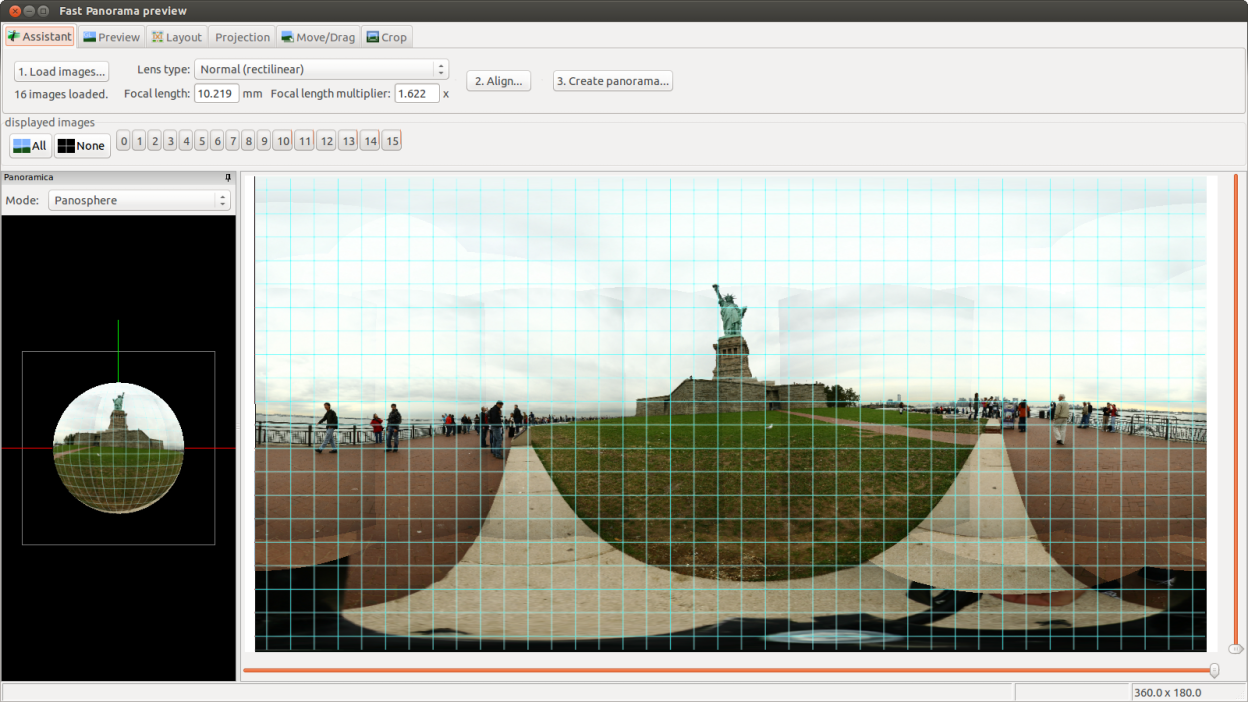
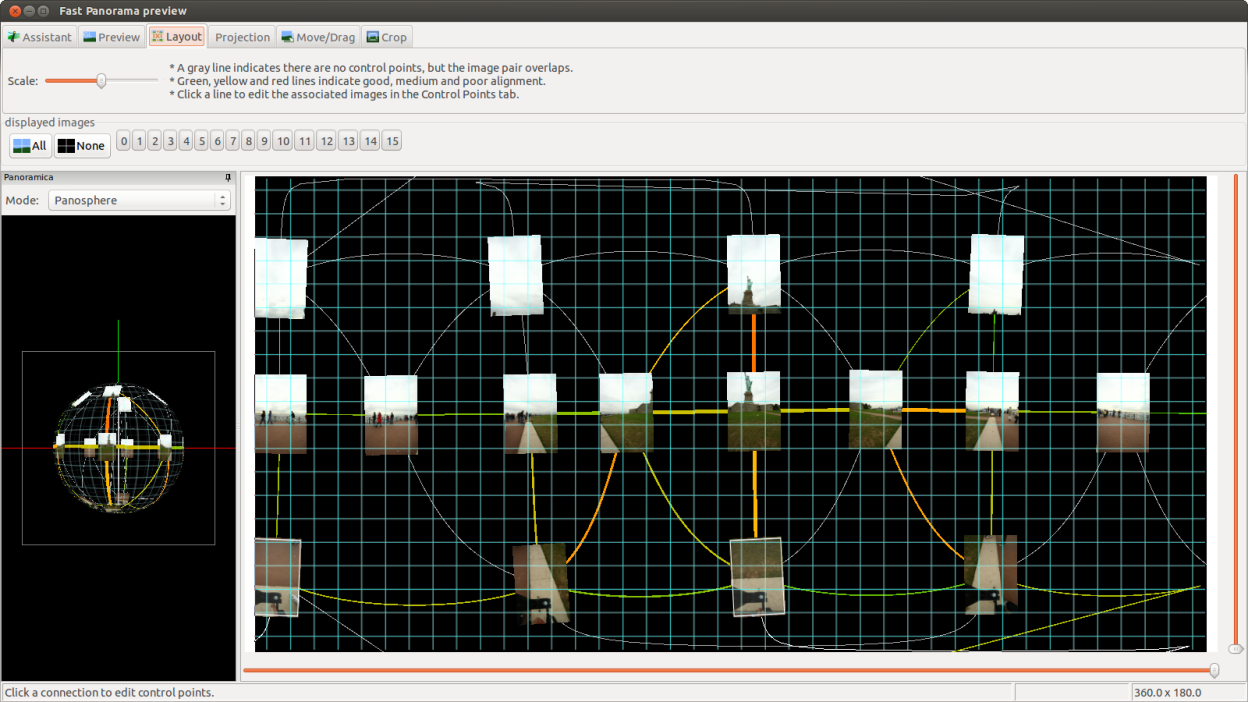
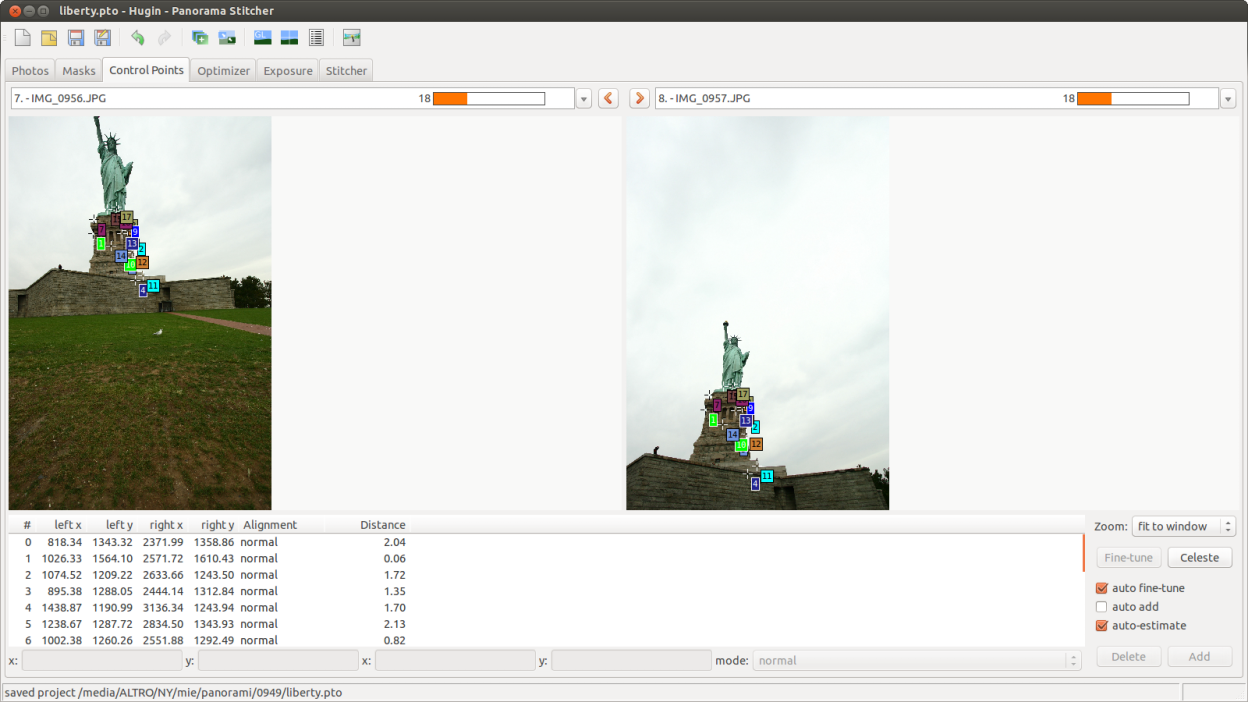
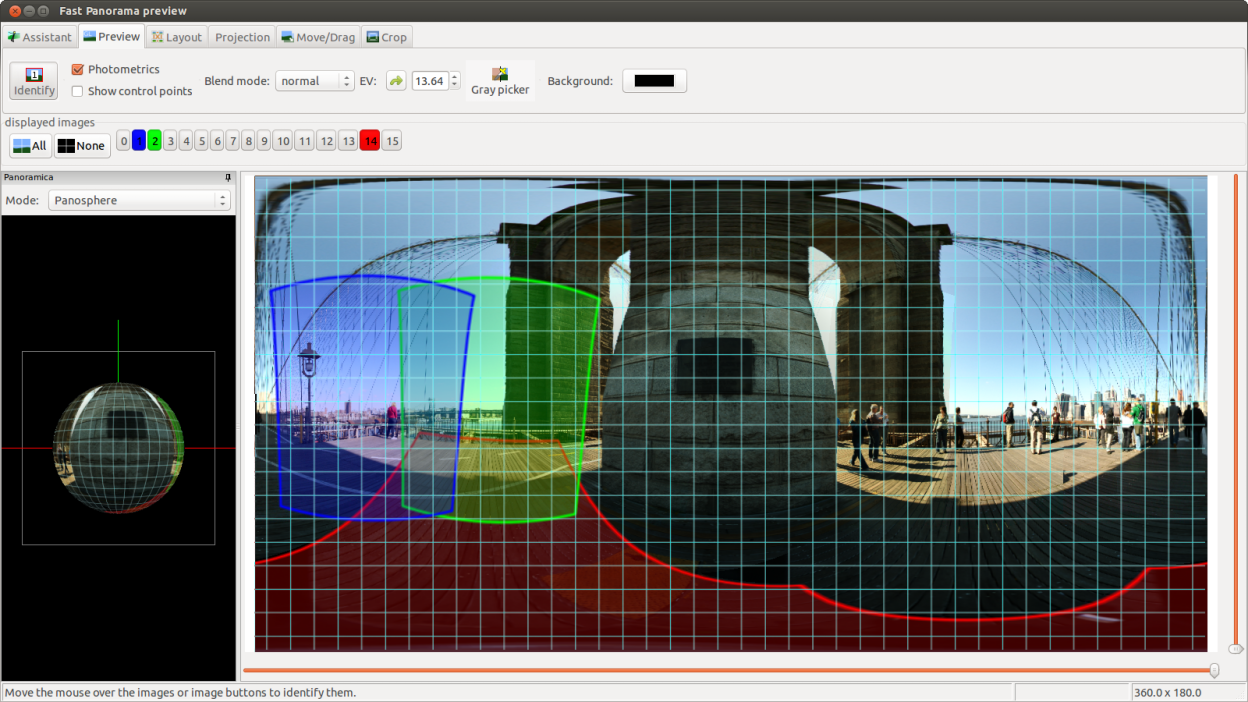
hugin can be used to stitch multiple images together. The resulting image can span 360 degrees. Another common use is the creation of very high resolution pictures by combining multiple images. It uses the Panorama Tools as back-end to create high quality images Command-line tools are available to generate panoramic images and to batch-process hugin projects.
Examples of what you can do with hugin:
- Stitch and blend multiple rows of overlapping images shot from the one location
- Stitch and blend multiple overlapping images of a plane surface shot from multiple locations
- Stitch and blend flat scanned images
- Correct perspective, vignetting, exposure and white balance
Screenshots
Observed history
| App | Change | Version | When ↑ |
|---|
No observed changes yet.
The initial import establishes a baseline. Future version changes will appear here.
Browse the app catalogue →Upstream releases
Release notes supplied by the developer. These dates are not Flathub package publication times.
2025.0.113 Dec 2025
No release notes supplied.
2025.0.015 Nov 2025
No release notes supplied.
2024.0.120 Nov 2024
No release notes supplied.
2024.0.016 Nov 2024
No release notes supplied.