
With a time scope of several thousand years, it covers aspects of exploration and expansion, industry and agriculture, warfare and diplomacy, science and administration. C-evo follows the spirit of popular turn-based strategy games from the mid 90s, but with more emphasis on powerful AI and careful design of the rules, resulting in a true challenge.
It is a turn-based strategy game inspired by Civilization 2 game where you can build your own empire.
New Horizons edition is a continuation of the last released original C-evo version with many quality improvements:
- Full Linux platform support
- Zoomable map by mouse wheel with three tile sizes
- User defined key mapping
- Many sample maps included
- Multiple localizations included
- High DPI and scaling support
- Multi monitor support
- In-game background music
- And much more
Screenshots
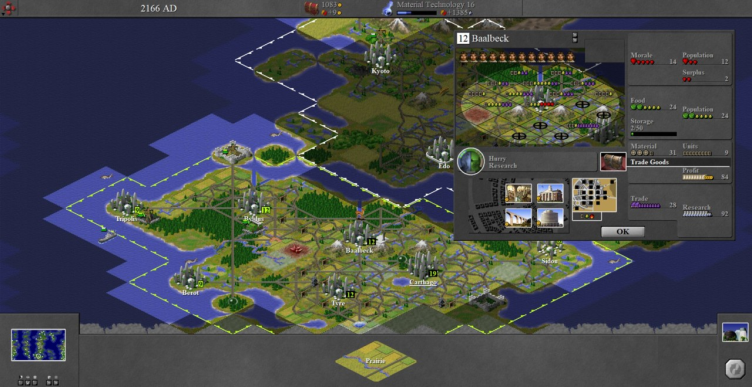
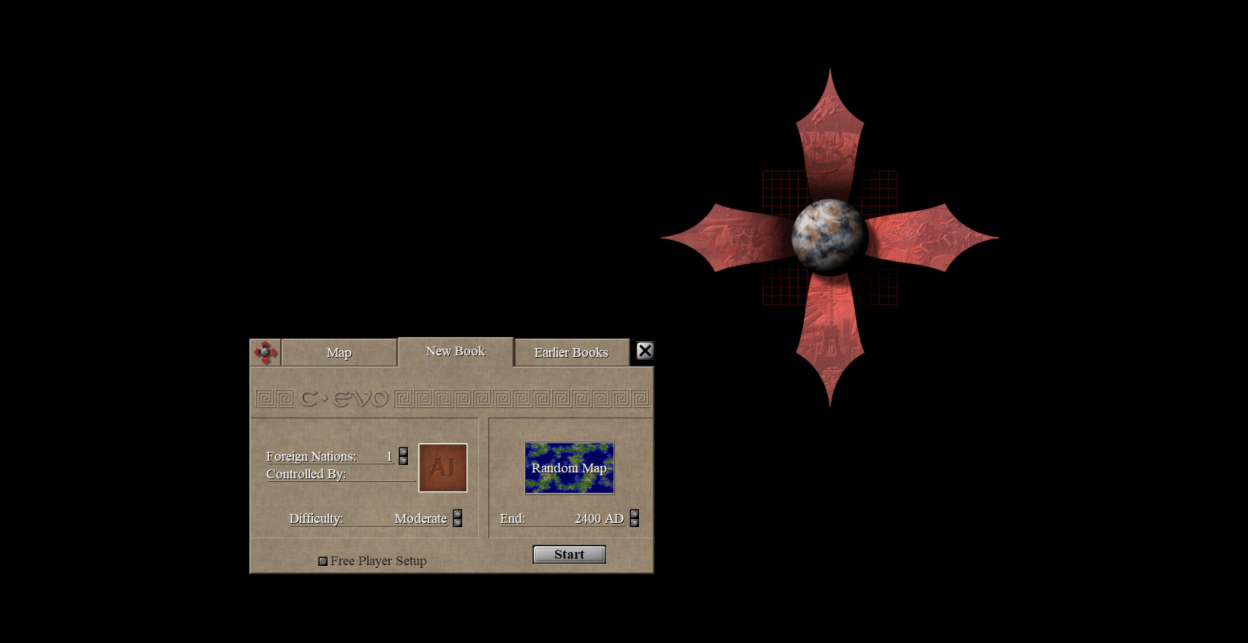
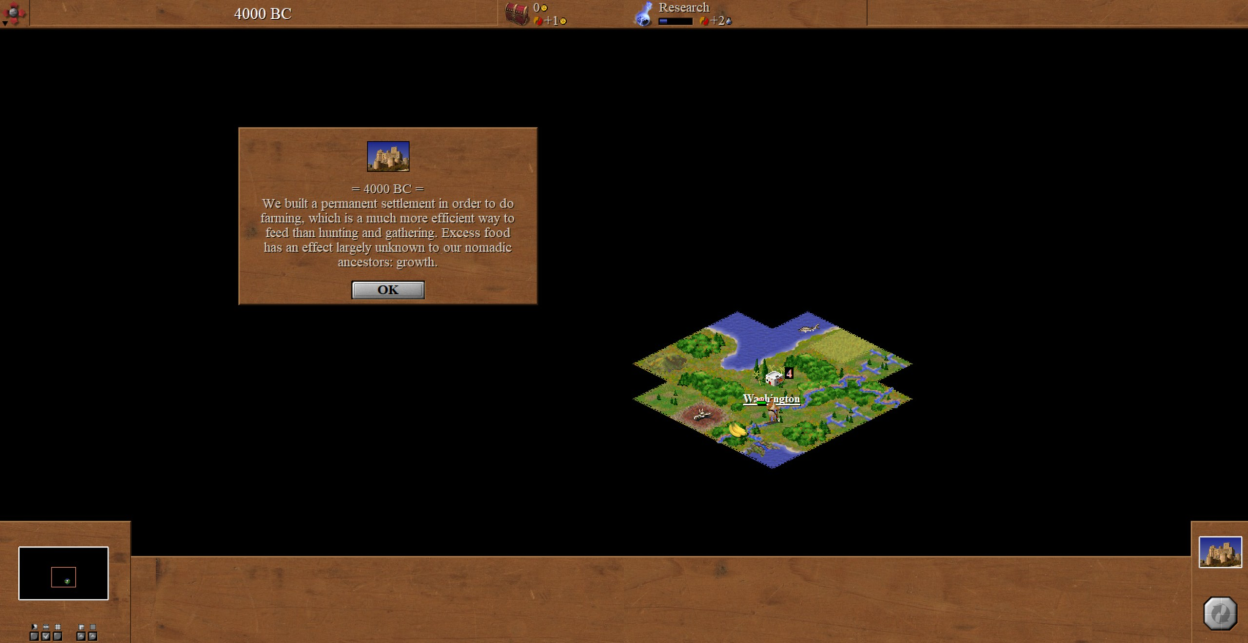
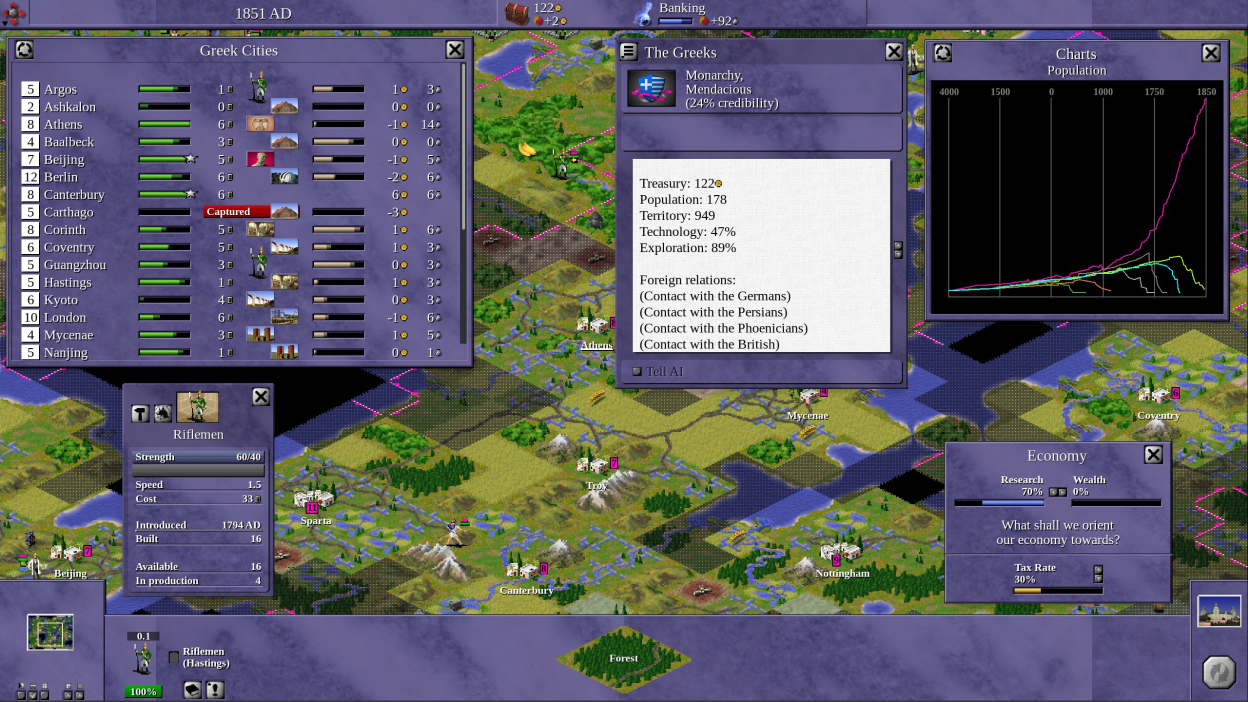
Observed history
| App | Change | Version | When ↑ |
|---|
No observed changes yet.
The initial import establishes a baseline. Future version changes will appear here.
Browse the app catalogue →Upstream releases
Release notes supplied by the developer. These dates are not Flathub package publication times.
1.3.913 Jan 2026
- Added: Enter key confirms battle dialog window.
- Added: Cartwheel map.
- Modified: Initialize InputDlg, MessgDlg and SettingsDlg dialogs dynamically on demand.
- Modified: Automatically set focus to the list of maps and saved books in the start screen.
- Modified: Do not store .png file extension in graphics names in book files. This is for compatibility with older C-evo versions.
- Fixed: Flashing of windows and task bar buttons during new modal windows displaying under Windows.
- Fixed: Do not show background image in windowed mode.
- Fixed: Limit maximum width of negative growth progress bar.
- Fixed: Lazarus 4.x wrong app icon drawing on Linux for sizes 256x256 and higher. Used lower 128x128 instead.
- Fixed: Map objects not drawn beyond city radius in city dialog if fractional scaling active.
- Fixed: Diplayed wrong completed city production if opened from city events and product switched from unit to building.
- Fixed: Wrong unit models opened after click on Military report foreign units.
- Fixed: Automatically create Saved and Maps user data directories if they don't exist yet.
- Fixed: Edit boxes to have black background and blue selection.
- Fixed: Disable auto selection of input text in message dialog.
- Fixed: Potential battle dialog drawing issue.
- Fixed: Better start screen location calculation for lower than 800x600 resolutions to make visible entire window.
- Fixed: Memory overflow in minimap drawing with some higher DPI settings.
- Fixed: Enable map move keys also in editor mode.
- Fixed: Potential mini map loading memory issue if saved map is too big.
- Fixed: Drawing map preview last line.
- Fixed: Do not allow scroll bar to have focus to make function keys working in selection dialog on Windows.
1.3.81 Aug 2025
- Added: Ability to play music in background in start screen and in-game. Used uos as audio library.
- Added: Allow to switch music on/off from game window main menu.
- Added: Music volume option in game settings form.
- Added: Package Music files with option to not install them.
- Added: Allow to move with up, down, page up, page down, home and end keys in selection dialog.
- Added: Open product selection dialog with P key in city dialog.
- Added: Close city dialog with return key.
- Modified: Improved forms painting if resized to bigger dimensions.
- Modified: Auto select newly saved game as last game in previous games list.
- Modified: Evaluate Escape key in Settings dialog.
- Fixed: World size was always set to minimum on start.
- Fixed: Wrong AI brain selection if only one AI available.
- Fixed: Make selected book or map visible in the list on application start.
- Fixed: Repaint start window after language change in settings window.
- Fixed: Fixed unit move style hostile calculation in StdAI. Engineers don't take hostile damage on hostile terrain.
- Fixed: Do not process keyboard input during unit attack on Linux.
- Fixed: Limit world size loaded from registry.
- Fixed: Images in Help window were not found if located under share directory.
- Fixed: Black strip on the bottom of Draft dialog.
1.3.726 Feb 2025
- Added: AppImage packaging files.
- Added: AI upscaled C-evo icon to 1024x1024 resolution.
- Modified: Improved brains libraries enumeration.
- Modified: Detect data files usr/share/c-evo directory on Linux as relative directory to usr/bin directory.
- Modified: Updated french translation.
- Modified: Used larger icon for the executable.
- Fixed: Recalculate unit list size if the main window was resized.
- Fixed: Do not scroll map if mouse is outside of window region.
- Fixed: Restored background transparency in C-evo icons.
- Fixed: Invalidated rectangle in AI tournament was not properly scaled.
- Fixed: Log and AI turnament windows were not shown correctly.
1.3.616 Sept 2024
- Added: Allow to scroll map with Ctrl+arrows/num keys.
- Added: New editor menu action to create filled map from selected tile.
- Added: Allow to rename city with mouse right click on city caption in City screen.
- Added: Spiral of death map.
- Modified: Show windows by default on primary screen if multiple monitors present.
- Modified: Do not use Screen Width and Height values for Offscreen bitmap size initialization to improve multi monitor support.
- Modified: Map scrolling with mouse on window borders instead of screen borders to support mouse scrolling in windowed mode and on multiple monitors.
- Modified: Precalculate scaling coefficients also for from native values conversions for faster speed.
- Modified: Scroll just by single row with mouse wheel in tile units list.
- Fixed: Do not process keyboard input during unit move on Linux.
- Fixed: Resize main window controls on game start if map size changed.
- Fixed: Allow full screen switching in editor and movie mode.
- Fixed: Do not overflow city name text in City screen.
- Fixed: Repaint main screen after city and unit rename.
- Fixed: Rows scrolling of high number of units in single map tile.