
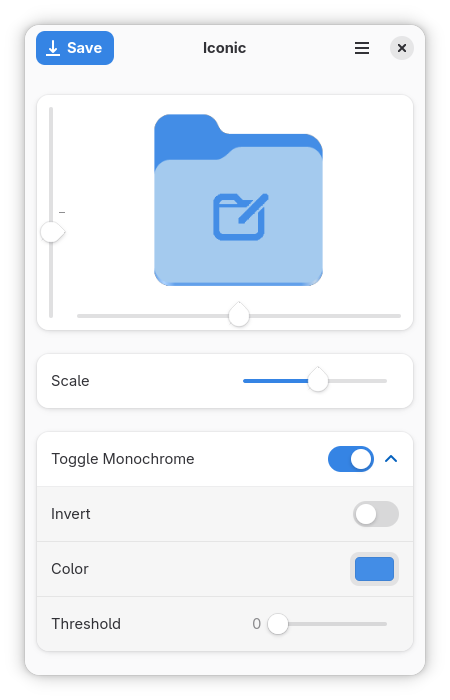
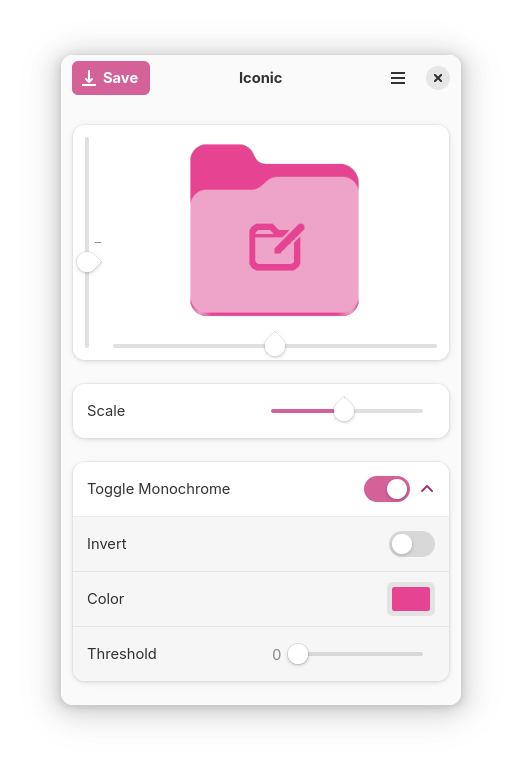
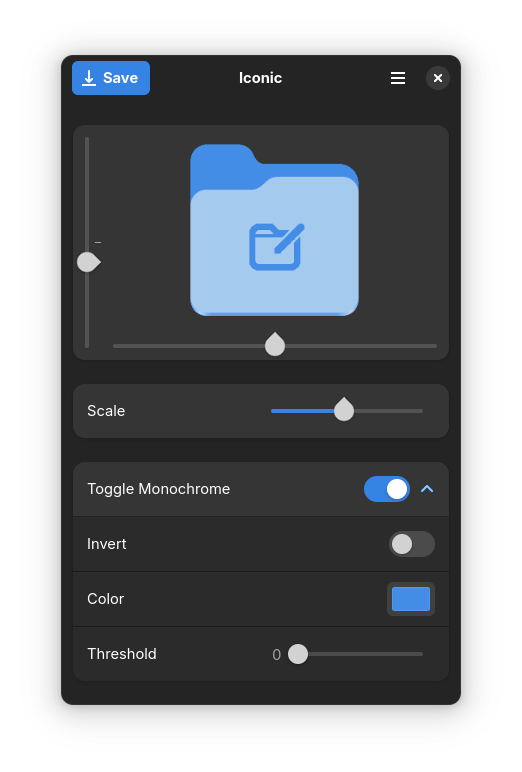
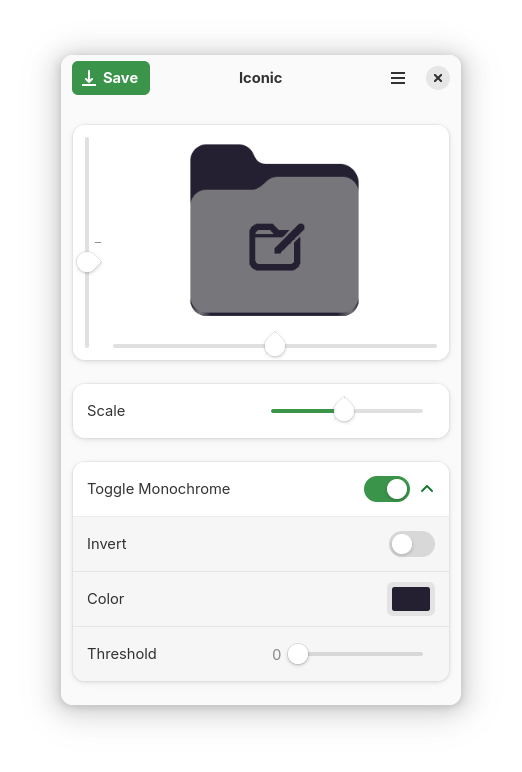
This program allows an easy and intuitive way to add an icon on top of a folder to help you differentiate it better.
This program works best in combination with the app "Icon library" found on flathub and "Adwaita Colors" found on github
This program is written in Rust and Libadwaita and is my first attempt at creating an application
Screenshots
Observed history
| App | Change | Version | When ↑ |
|---|
No observed changes yet.
The initial import establishes a baseline. Future version changes will appear here.
Browse the app catalogue →Upstream releases
Release notes supplied by the developer. These dates are not Flathub package publication times.
2026.8.19 Aug 2026
Another new update for Iconic, wow! A friend of mine was asking for a new feature, but I ignored him. But then another friend asked for the same feature, and you know, I always listen to my friends so went to work implementing this feature. What is this feature you might ask?
Iconic now removed parts of the top image which don't overlap with the bottom image! WOW. This even works for custom bottom images! I did go a bit overboard so now, if you enable advanced mode (press ctrl+a) you can add custom masks, let your creativity flow!! And the best part, I used no AI! All brainpower baby.
I also did some other things like:
- Fixed bug with regenerating custom colored folder
- Cleaned up small parts in the UI
- Remember your advanced mode setting, even after a restart
Yeah,, the other things are not that interesting, sorry. But! I am thinking about making Iconic also work for other desktop environments. So stay tuned for that!
That was all, I hope you have a nice day!!
2026.4.112 Apr 2026
A new update for Iconic, this one is not that special but features some nice improvements. New features:
- Added option to change the folder color using the context window menu in the main window
- Improved Drag and drop speed
- Added support for opening main screen context window using touch screen
- Simplified settings
- Added advanced settings menu
Do not forget that if you encounter any issues, please create an issue!
2025.9.130 Sept 2025
Free Palestine🇵🇸. After a long wait, a new Iconic release is finally here! Featuring fun new features and fixes!
- Updated to Gnome 49
- Updated Regeneration Logic
- Added Kazakh, Russian and Persian language support
- Added ability to reset image
- Added ability to drag images from the browser
- Increased maximum size of top image
- Updated default settings
- Fixed Pop-up informing about accent color change on first run
And many more changes, the full changelog can be found on GitHub!
I hope life has been treating you well :)
2025.3.227 Mar 2025
Here I am, once again. A new update to Iconic is here with the following changes!
- Improved code
- Decrease storage and memory size
- Improved app closing
- Updated to gnome 48
- Improved "About Iconic" dialog
- Removed donation button from hamburger menu
- Added keyboard shortcuts
- Improved accessibility
- Increased translatable elements
I am doing a lot of this because I am planning to apply to gnome circle :)
Remember to let me know if you encounter any bugs!
Have a beautiful day <3