
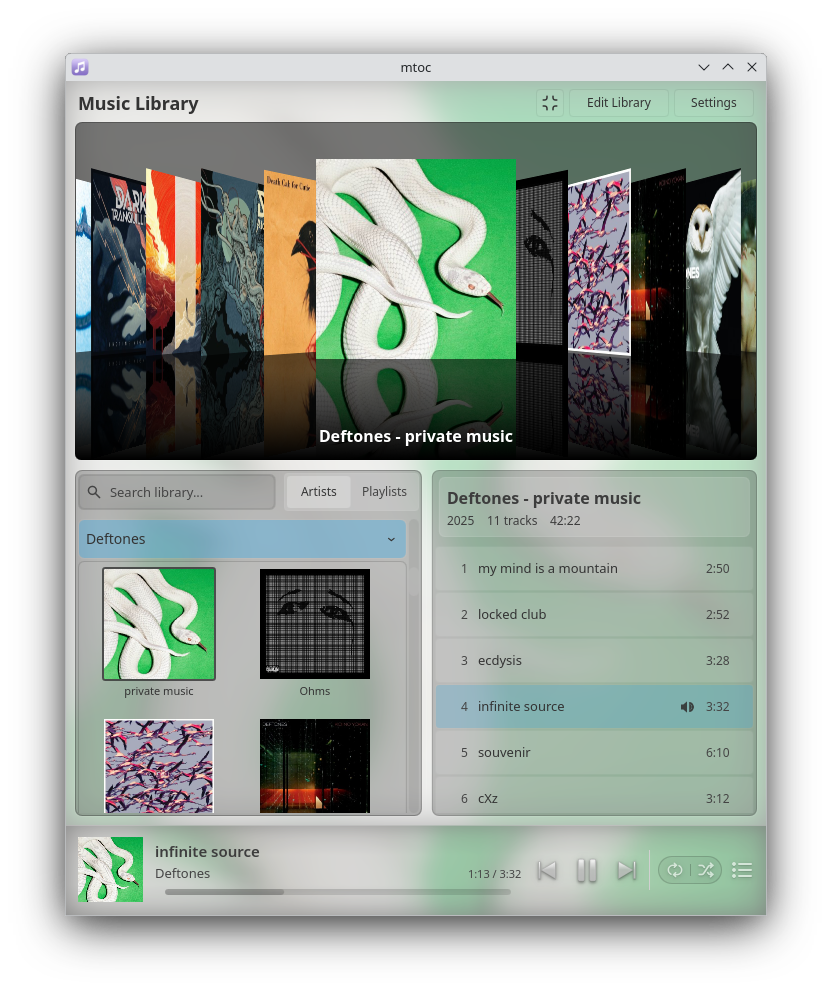
Mtoc is a visually-rich music player and library browser that emphasizes a smooth, continuous experience with album artwork at the forefront.
- Animated, visual browsing made for music fans who enjoy flipping through albums
- Library browsing with smart organization, responsive search, and automatic updates as you add music
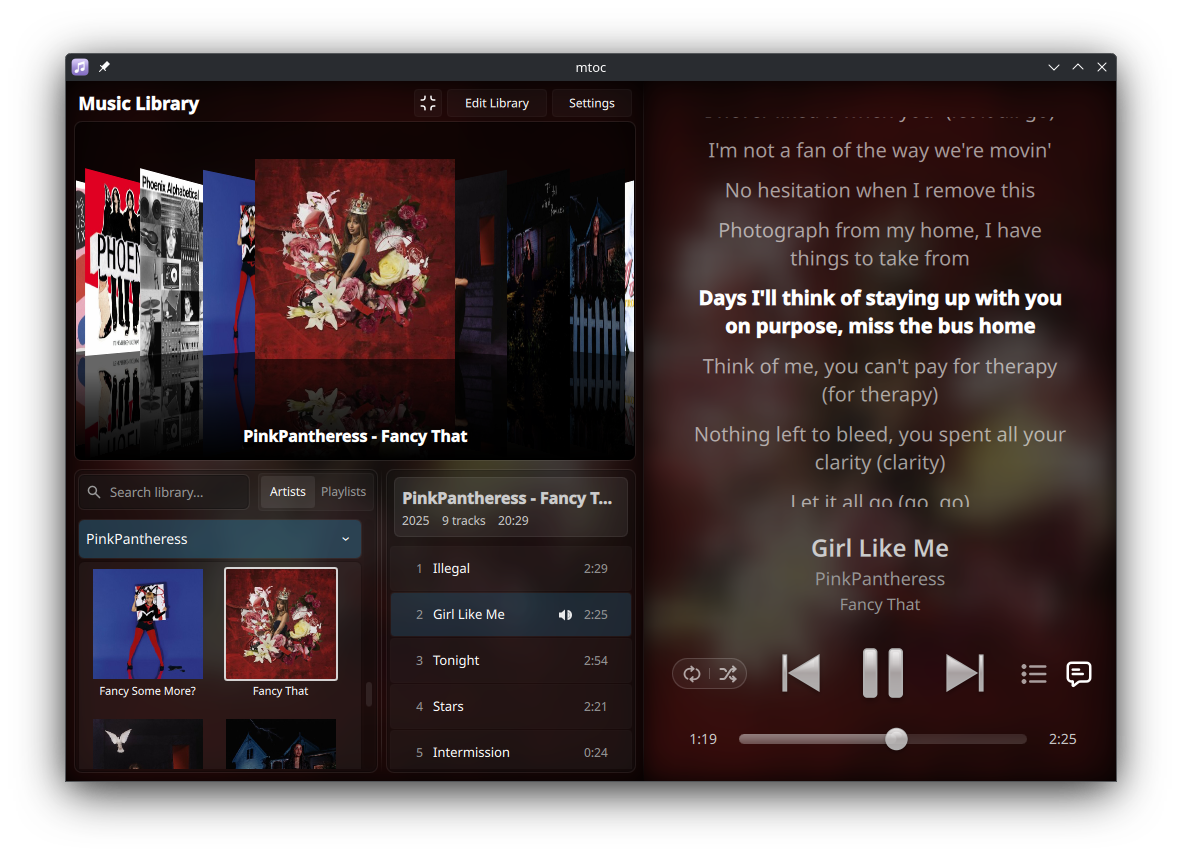
- Lyrics support with synced and unsynced lyrics from embedded metadata and external files
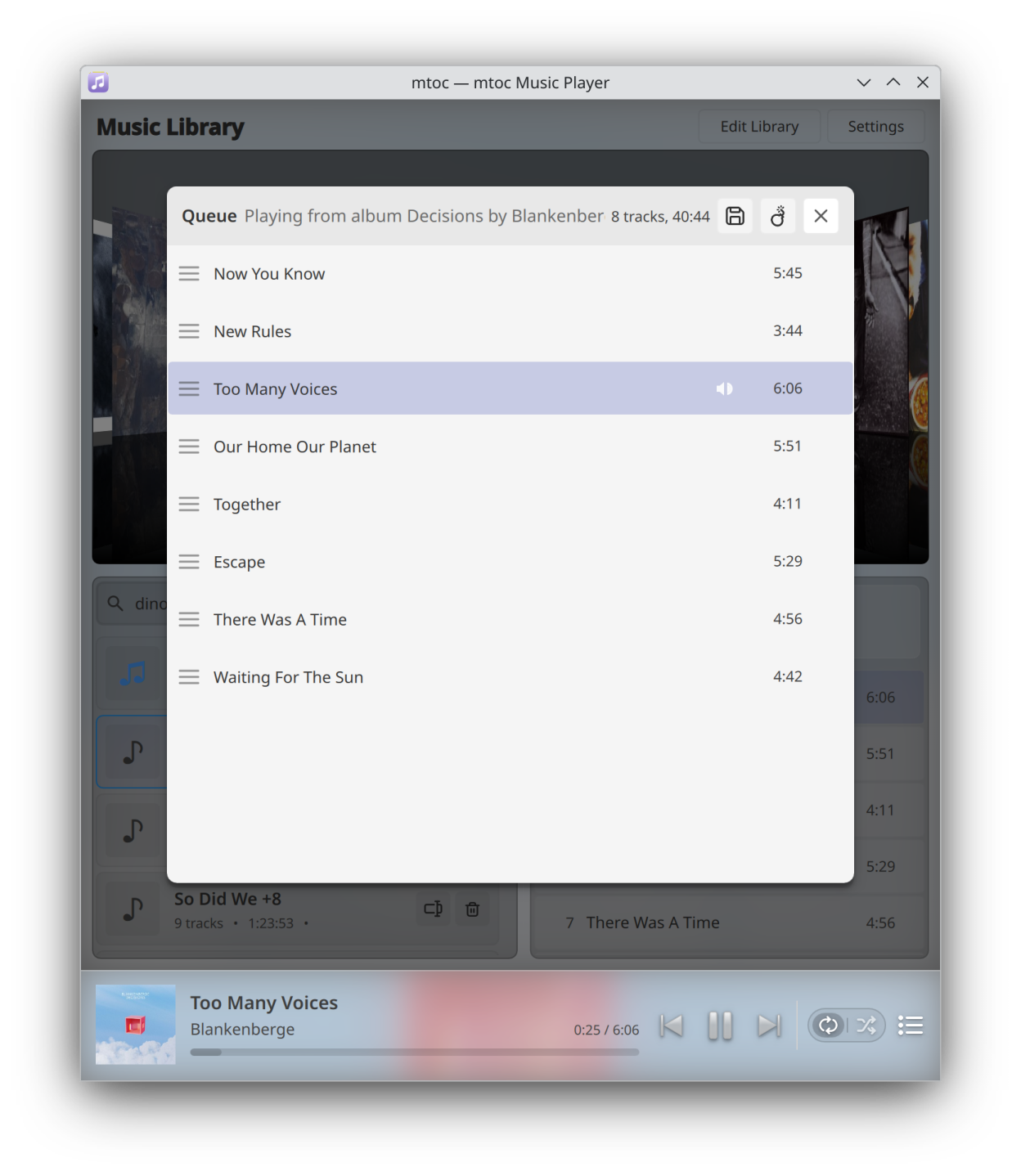
- Advanced queue management and playlist editor
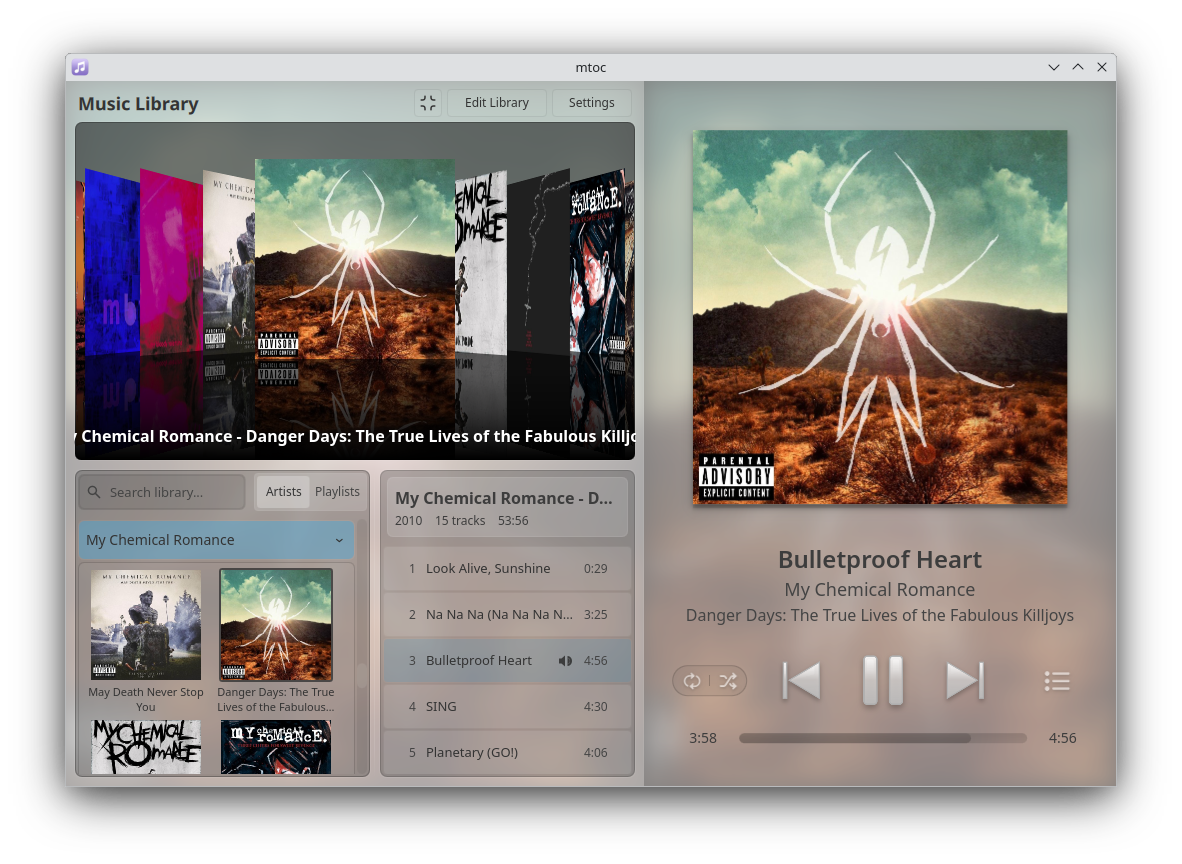
- Wide and compact layout modes fit a variety of display layouts
- Light and dark mode support with tinted blurred backgrounds
- Mini player and desktop integration with full MPRIS 2 support
- Gapless playback and ReplayGain support
Screenshots
Observed history
| App | Change | Version | When ↑ |
|---|
No observed changes yet.
The initial import establishes a baseline. Future version changes will appear here.
Browse the app catalogue →Upstream releases
Release notes supplied by the developer. These dates are not Flathub package publication times.
2.611 Jan 2026
Playback History
- Your plays are now recorded to a history list
- Use history to quickly access recently played tracks
- In addition to the buttons, click to the left and right of the album art to open the history and queue, respectively
- History can be enabled or disabled in settings
2.5.231 Dec 2025
Spacebar shortcut and playlists toggle
- Added spacebar as a keyboard shortcut for play/pause
- Added the option to disable the playlists feature, hiding the Playlists tab and related UI elements and preventing playlist directory creation
2.5.115 Dec 2025
Bug fix for quit behavior with system tray disabled
- This patch fixes a bug where Flatpak build of mtoc would incorrectly remain open after closing the main window even with the "minimize to system tray on close" option disabled.
2.59 Dec 2025
Favorites, expanded options for playlist creation and editing, improved drag-and-drop list editing, new shuffle options
- Added a toggleable favorite button and dynamic favorites playlist
- Albums and tracks can now be added to a new or existing playlist through the right-click context menus in the library
- Drag-and-drop list reordering in the queue and playlist editor has been rewritten with auto-scroll and improved stability
- New context menu option to play an entire artist discography
- Shuffle option in album, artist, and playlist context menu
- Creating a new playlist now reveals it in the list and enables immediate renaming
- New option to auto-disable shuffle after queue replacement