Tailor is an application for writing OS images to USB drives. Pick an OS and edition from the built-in catalog (or supply your own ISO), pick a target drive, and Tailor downloads, verifies, and flashes it.
Screenshots
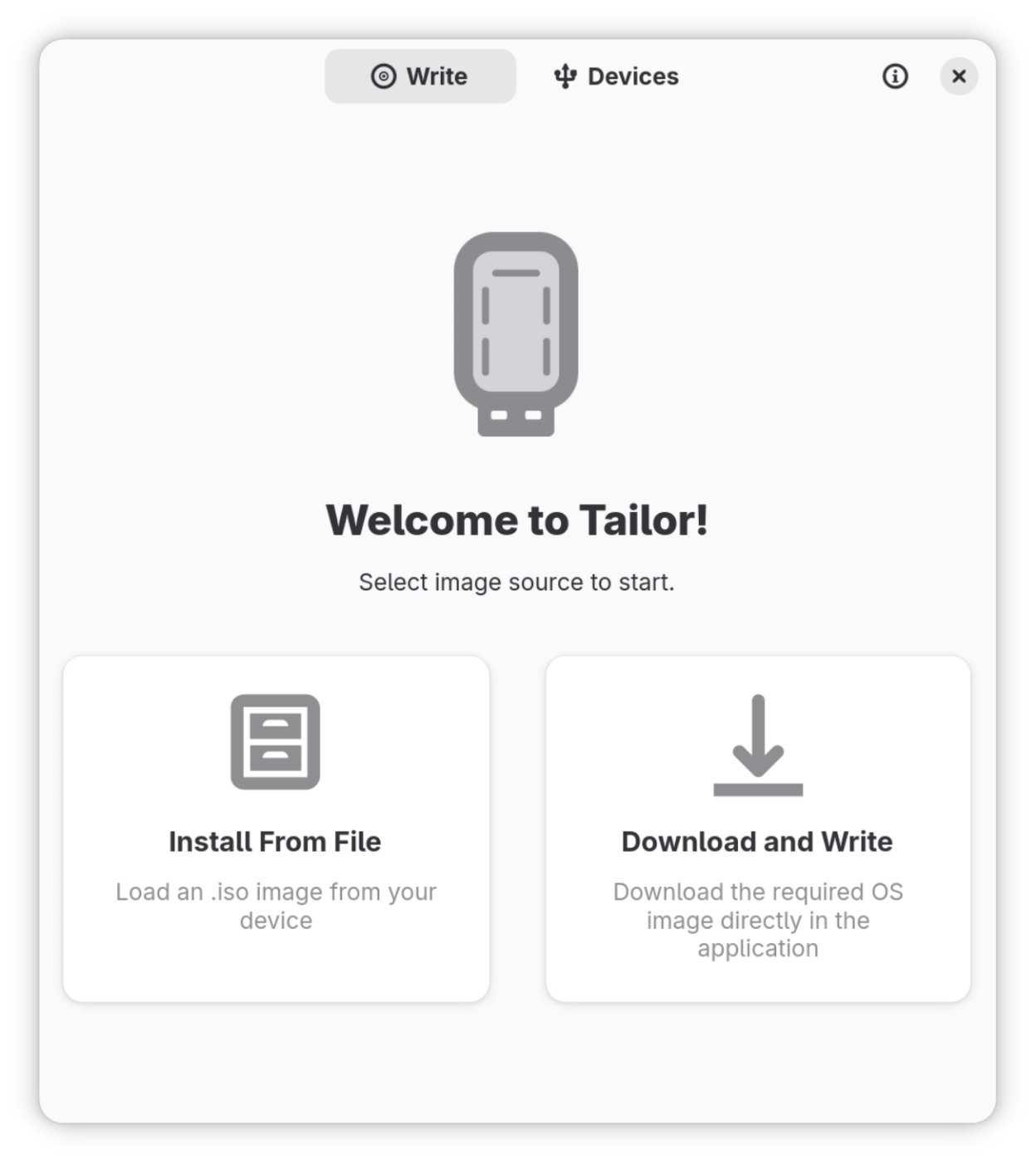
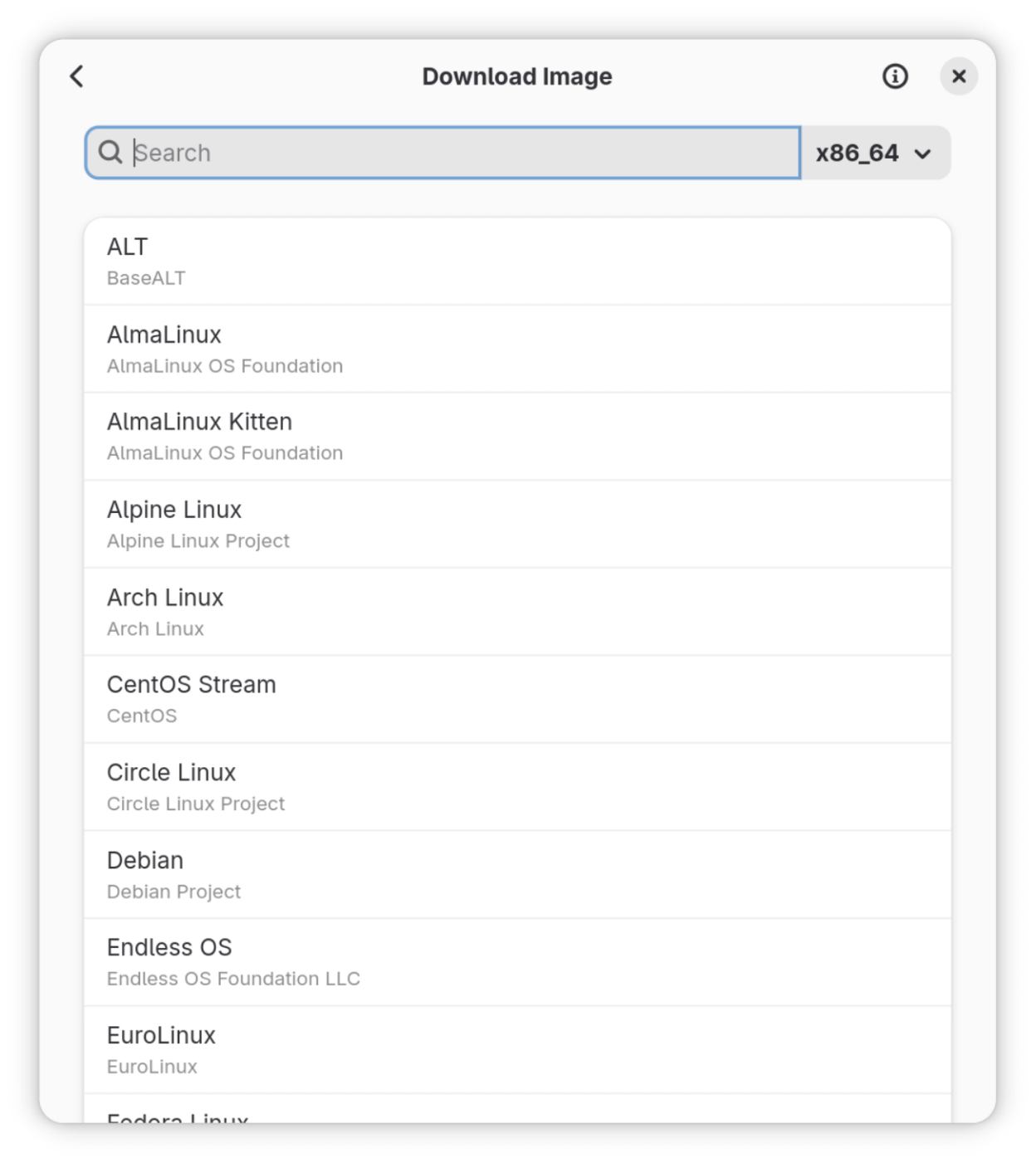
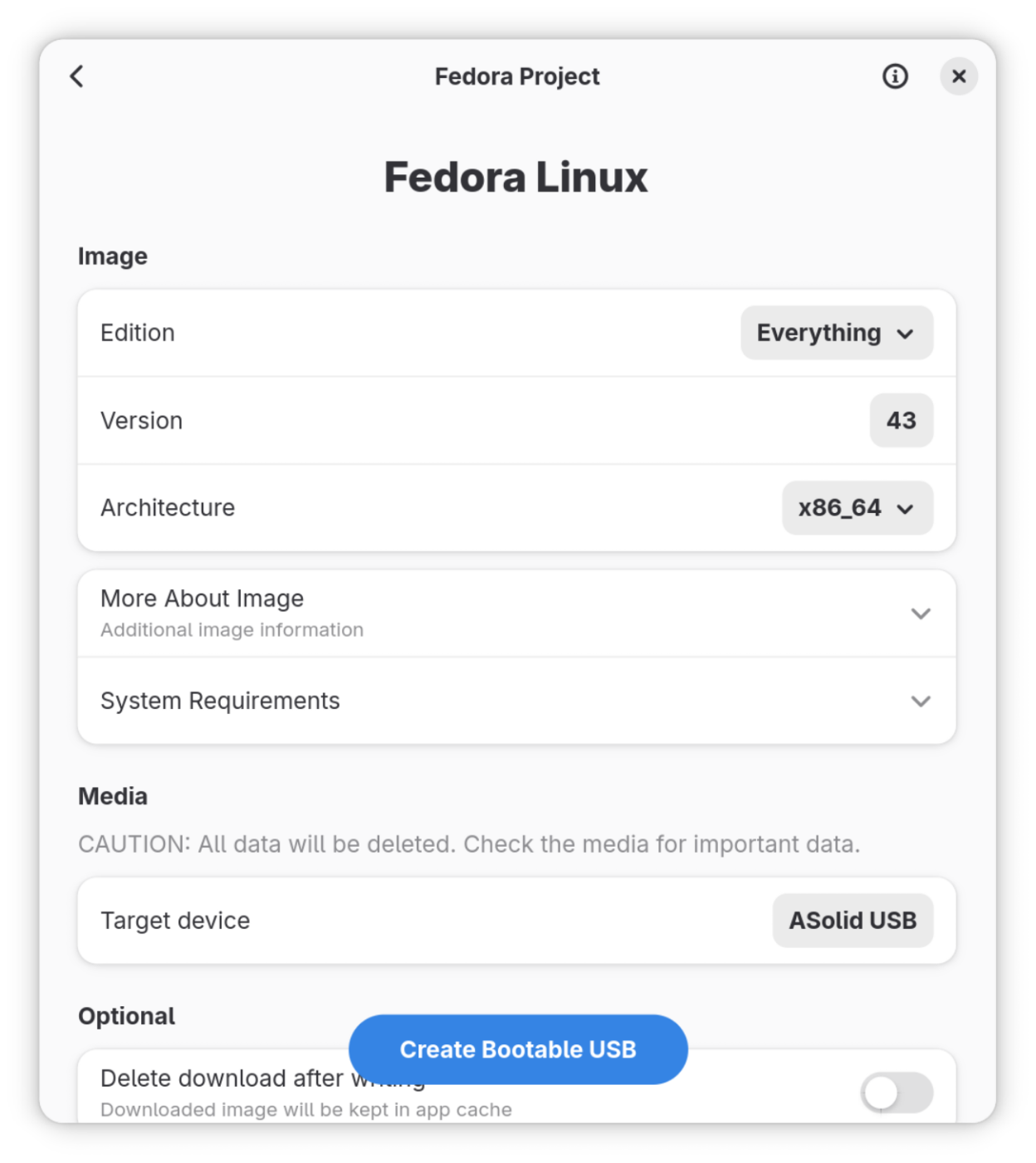
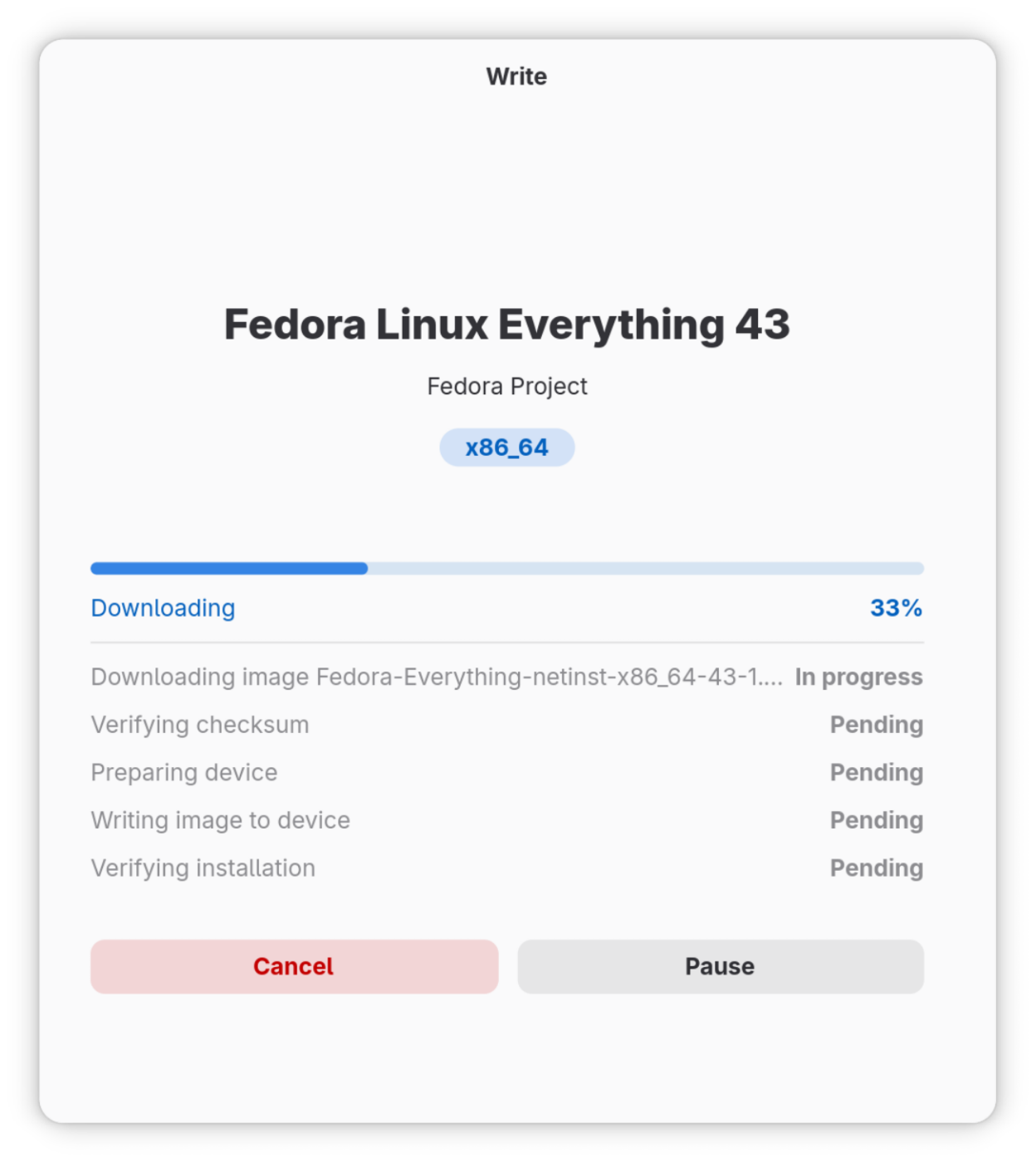
Observed history
| App | Change | Version | When ↓ |
|---|---|---|---|
| updated | 1.1.2 | 25 Sept 2026 |
Upstream releases
Release notes supplied by the developer. These dates are not Flathub package publication times.
1.1.225 Sept 2026
Fixes:
- Use single FD for both writing and verifying. Some software could mount device between writing and verifying. Using single FD for both operations fixes it
- Retry any connection issue, not only stalled
- Bundle icons to application
1.1.116 Sept 2026
New - primary OS translations:
Now Tailor detects OS id in 'primary-os' field and put translatable primary OS title on DownloadPage. If id is not found, Tailor uses fallback 'OS images'.
Fixes:
- Flashing an OS detected from a local ISO file now writes that file directly
- Fixed device staying "busy" after cancelling a flash
1.1.015 Sept 2026
New - OS detection!
Now Tailor can detect an operating system in your .iso file.
Click 'Install from File' and select an image - if Tailor knows that OS, it will navigate you to OsPage to display OS information.
Then create downloadable USB as before.
Changes:
- Tailor can now be translated conveniently! You can see translation progress in Weblate
- Tailor got Nightly release
- Set default window size to 600x680
- New branding scheme in metainfo
- Updated screenshots
Fixes:
- Unknown versions are no longer displayed, e.g. for rolling-release distros like Arch
- OSes with single edition like GNU Guix does not display that single edition
- FlashPage title is now build from non-empty parts
1.0.07 Sept 2026
No release notes supplied.