
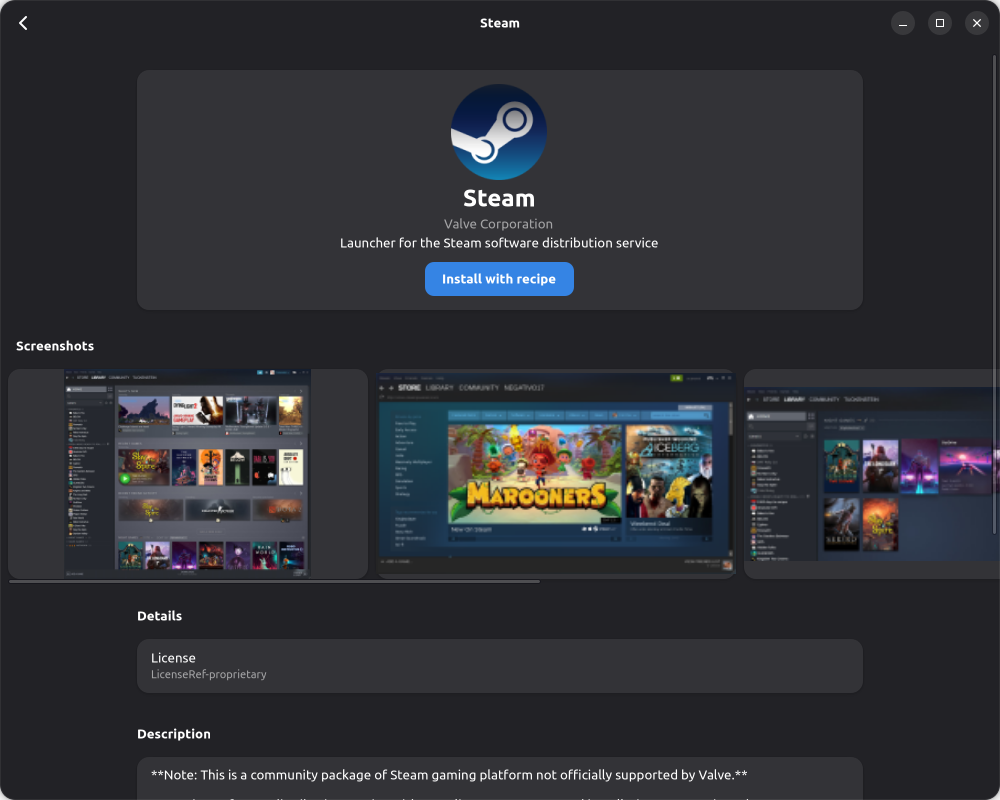
It will help you install Flatpak apps in a user-friendly way. We have recipes for some of them to install them even better.
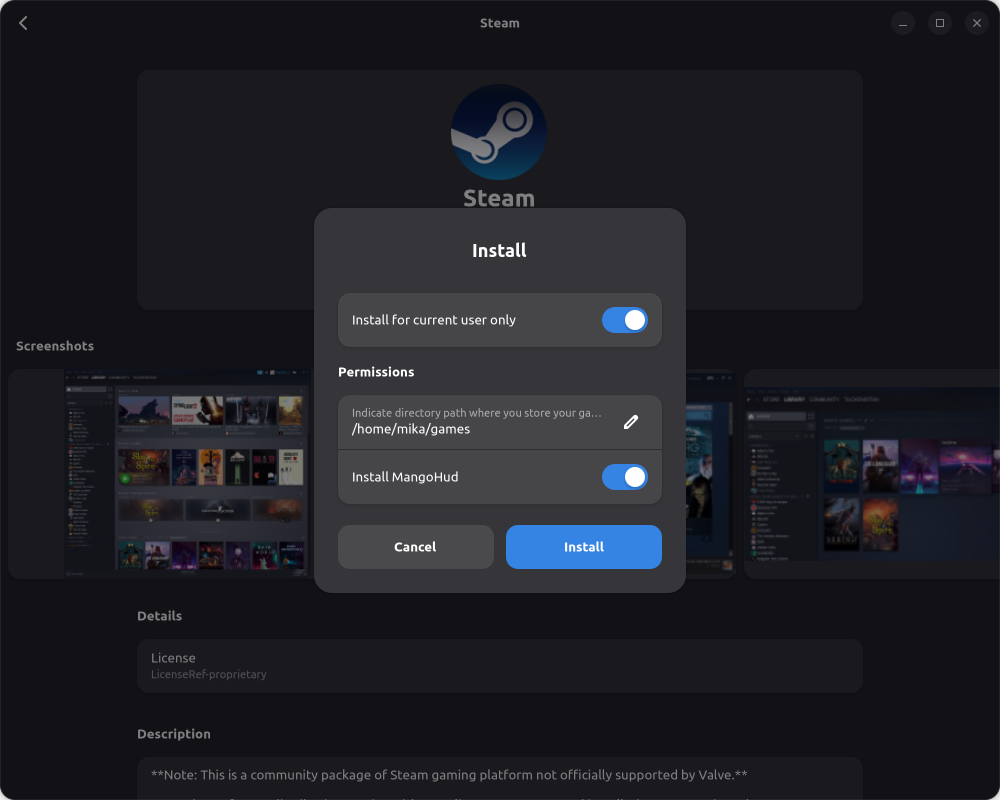
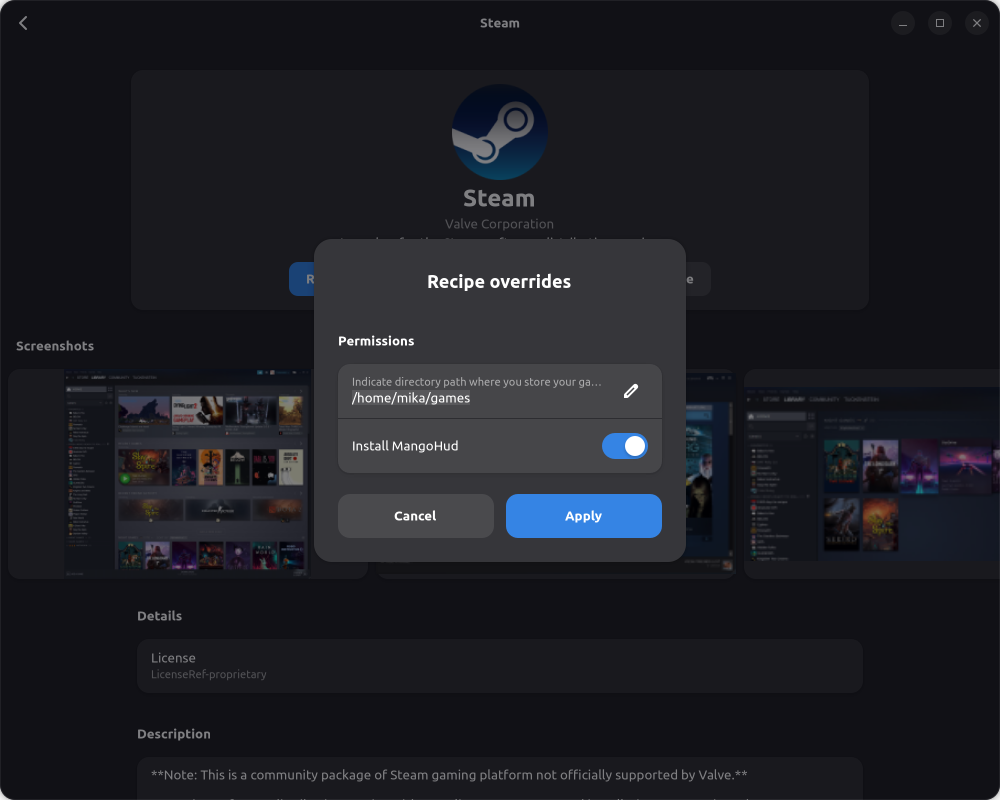
For example, for Steam, it asks the user to choose a folder where they store their games before installation.
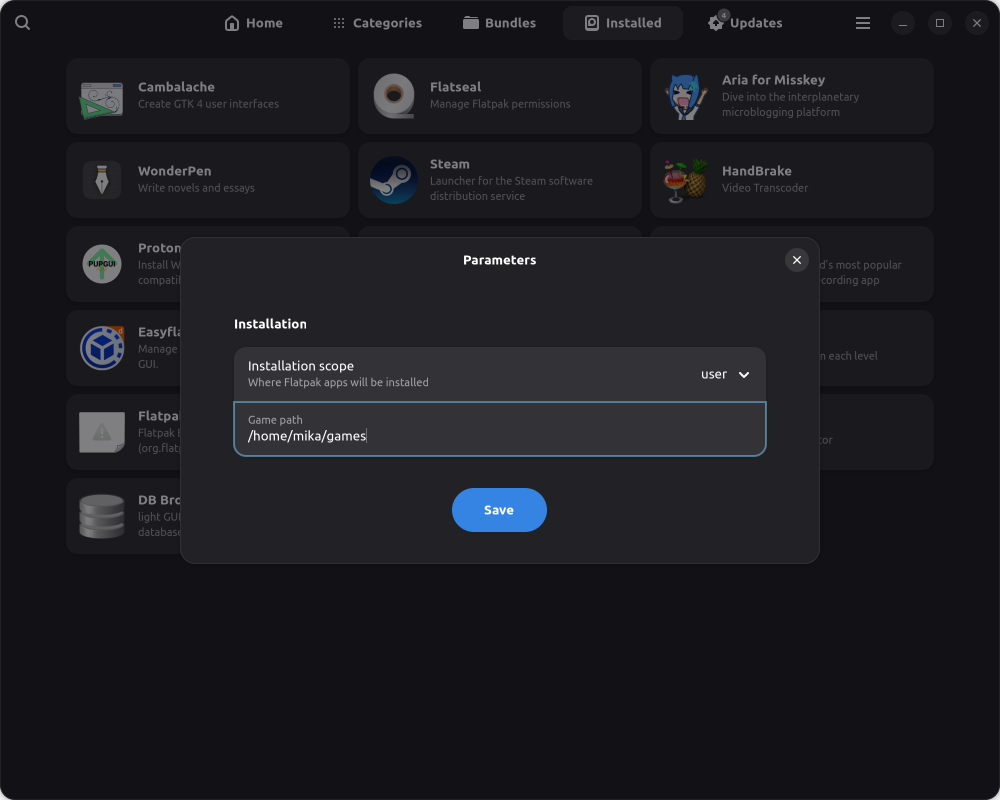
And you can setup this games path in the settings page for all applications which need it (steam,lutris, heroic games launcher, bottles)
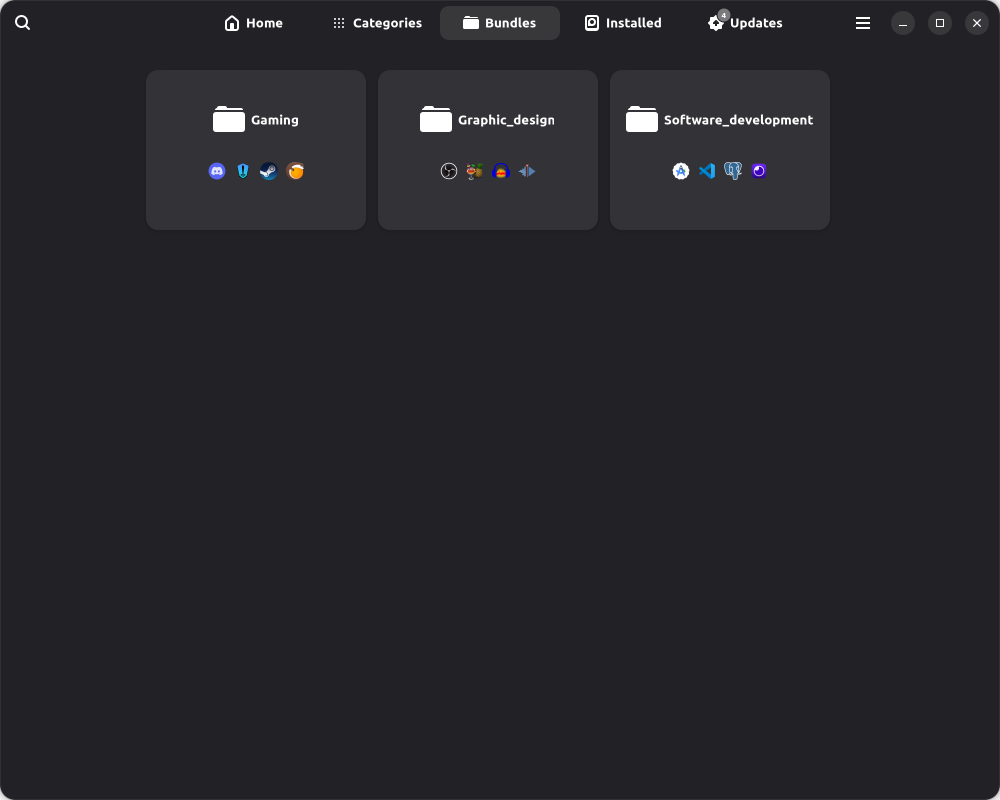
Bundles are available to install multiple applications in same time
You can install your local .flatpak files stored in Downloads directory (application is not allowed to access your other directories)
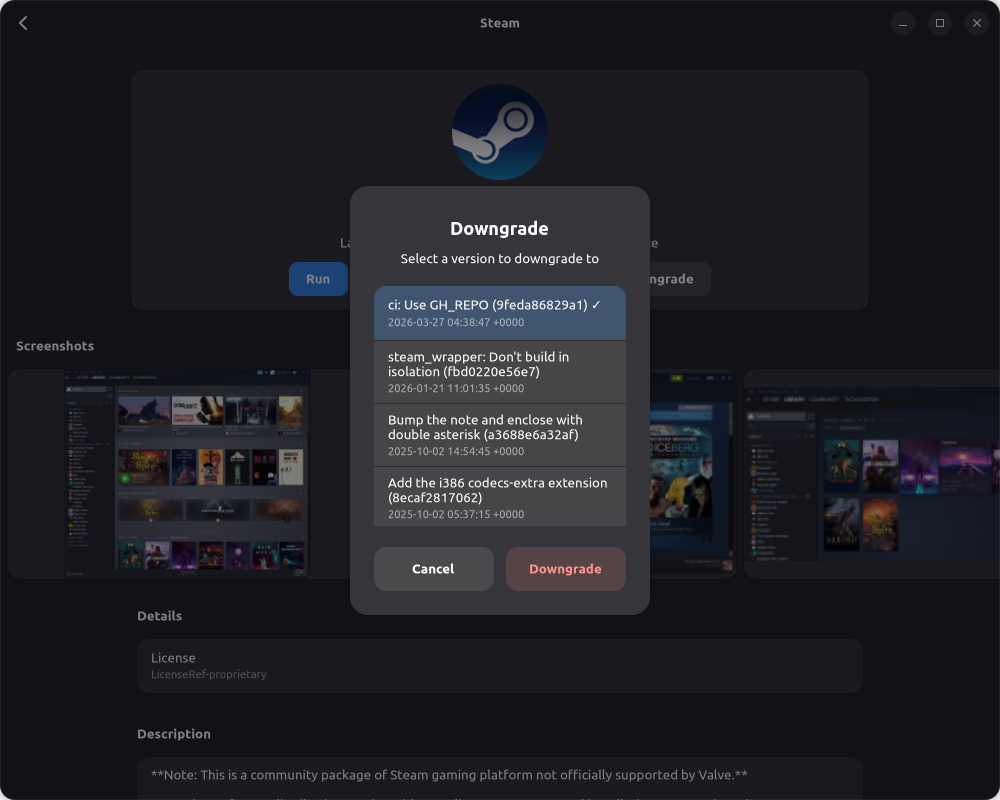
You can downgrade an application version
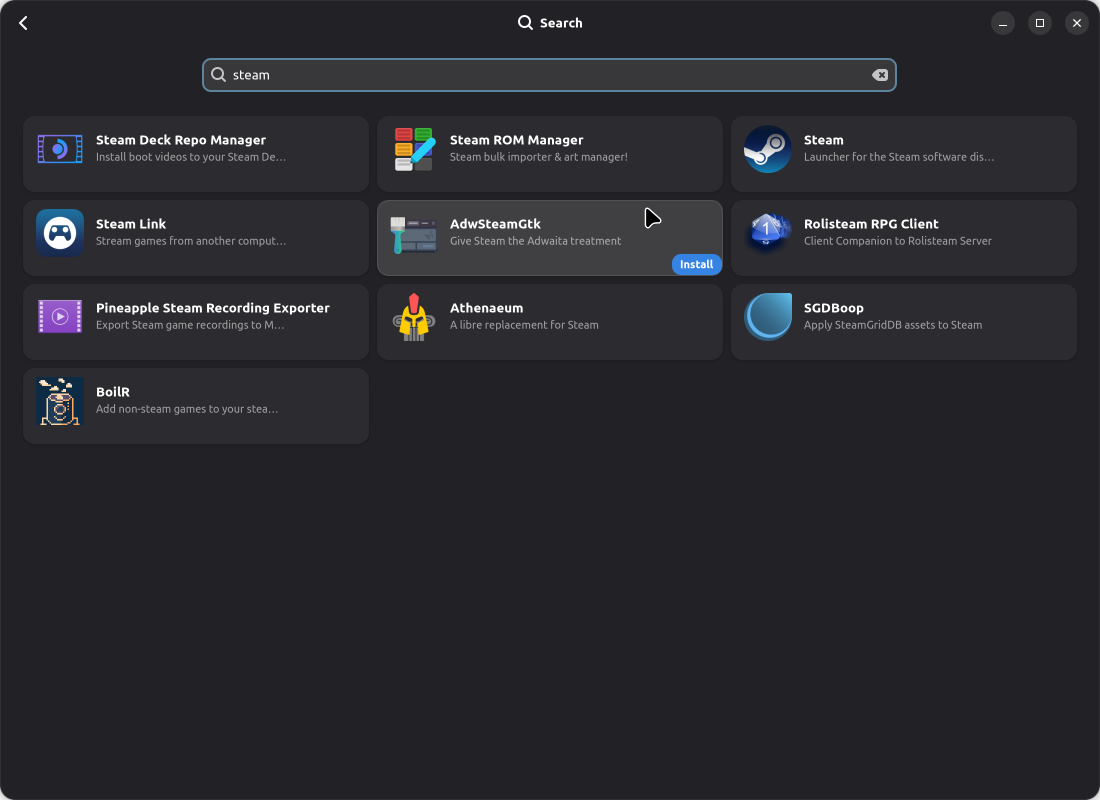
You can click on install button directly on grid list to install directly
You can install many applications in parallel
You can add other flatpak repositories
Available in many languages:
- English
- Spanish
- French
- Italian
- Brazilian
- Arabic
- Romanian
- German
Screenshots
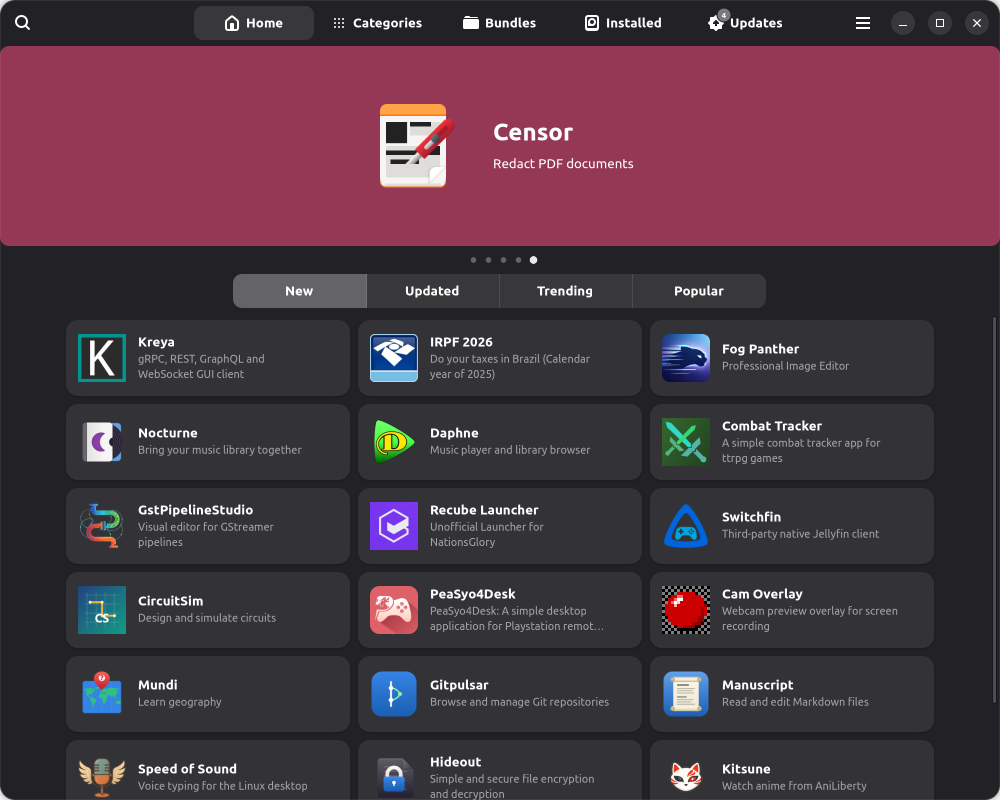
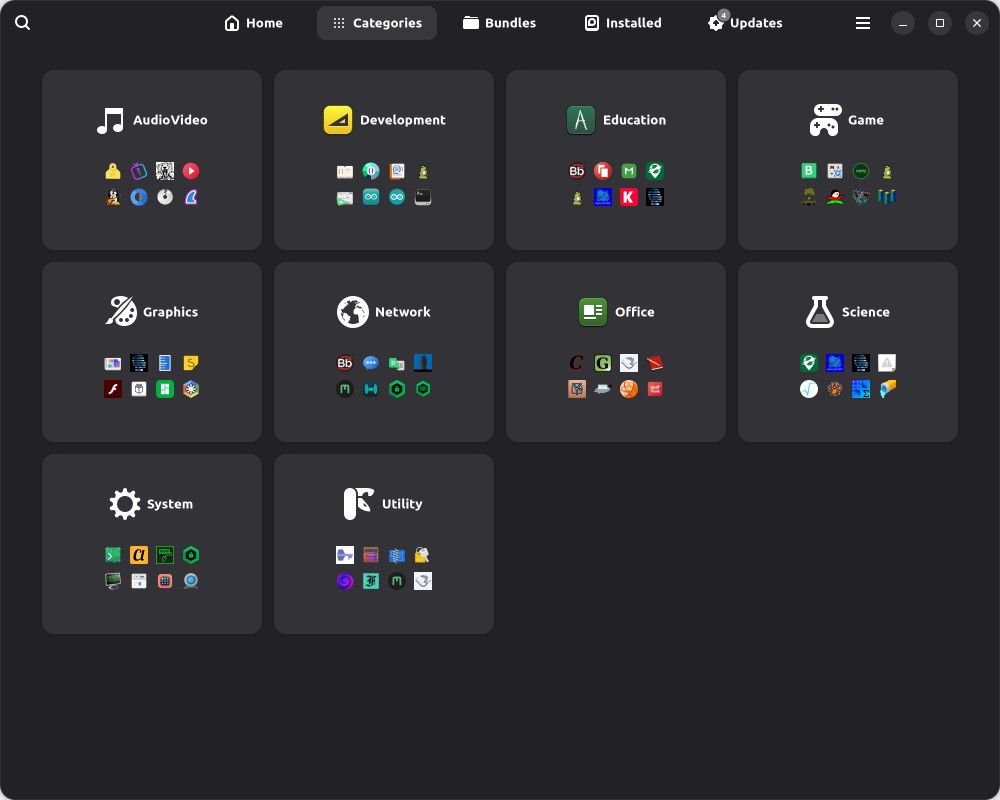
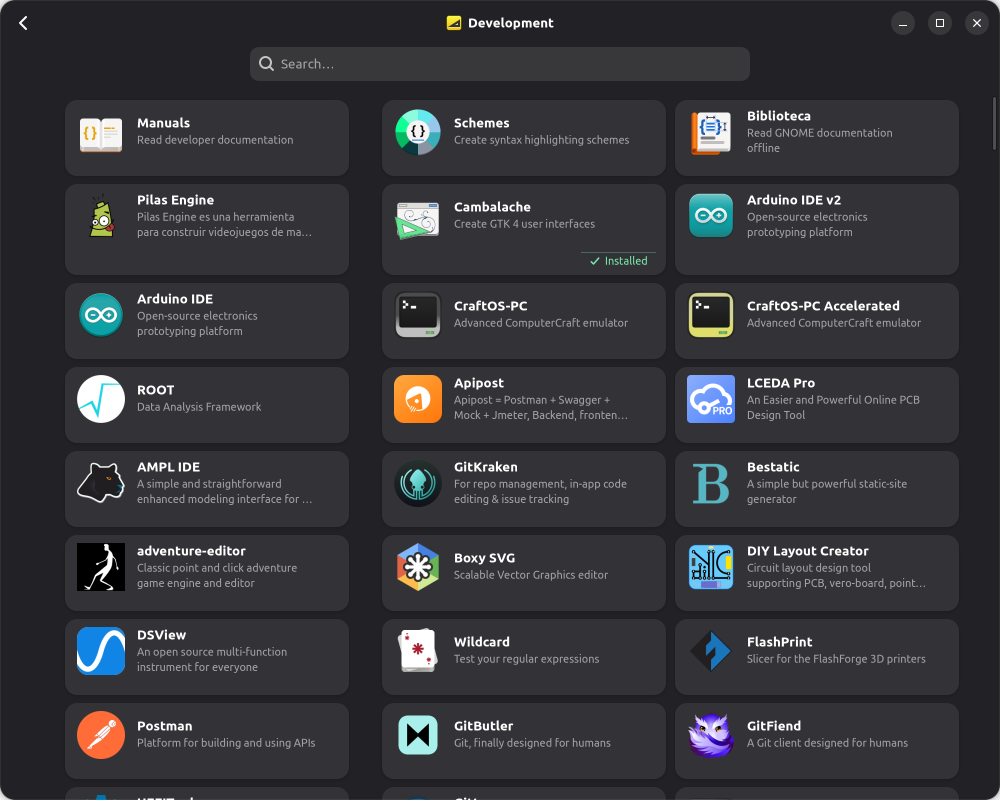
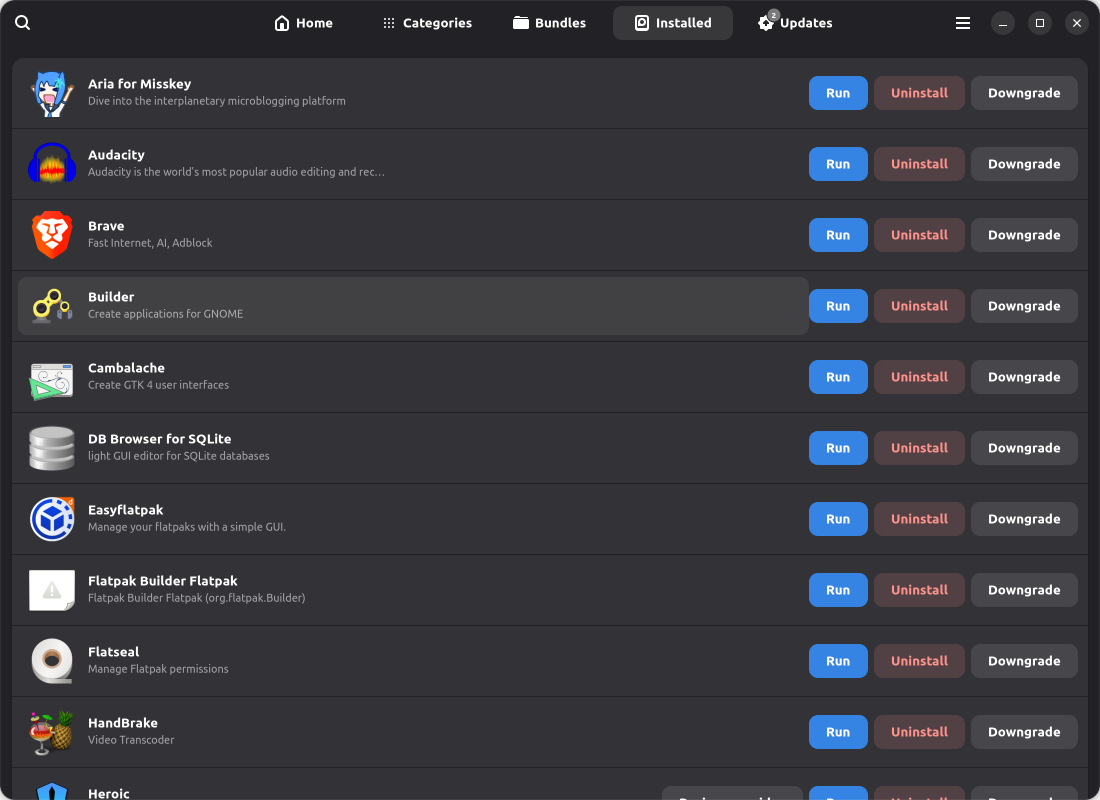
Observed history
| App | Change | Version | When ↑ |
|---|---|---|---|
| updated | 4.7.1 | 27 Sept 2026 |
Upstream releases
Release notes supplied by the developer. These dates are not Flathub package publication times.
4.7.126 Sept 2026
- Improve launch
4.6.711 Sept 2026
- Improve multi repo management
- Bugfixes
- Manage import flatpak with github repo
- Improve import/export local flatpak with github repo
4.5.72 Sept 2026
- Add way to install github flatpak project (with release management)
- Add way to setup other flatpak repo
4.4.1015 Aug 2026
- Add language management for applications summary and description (if available from author)
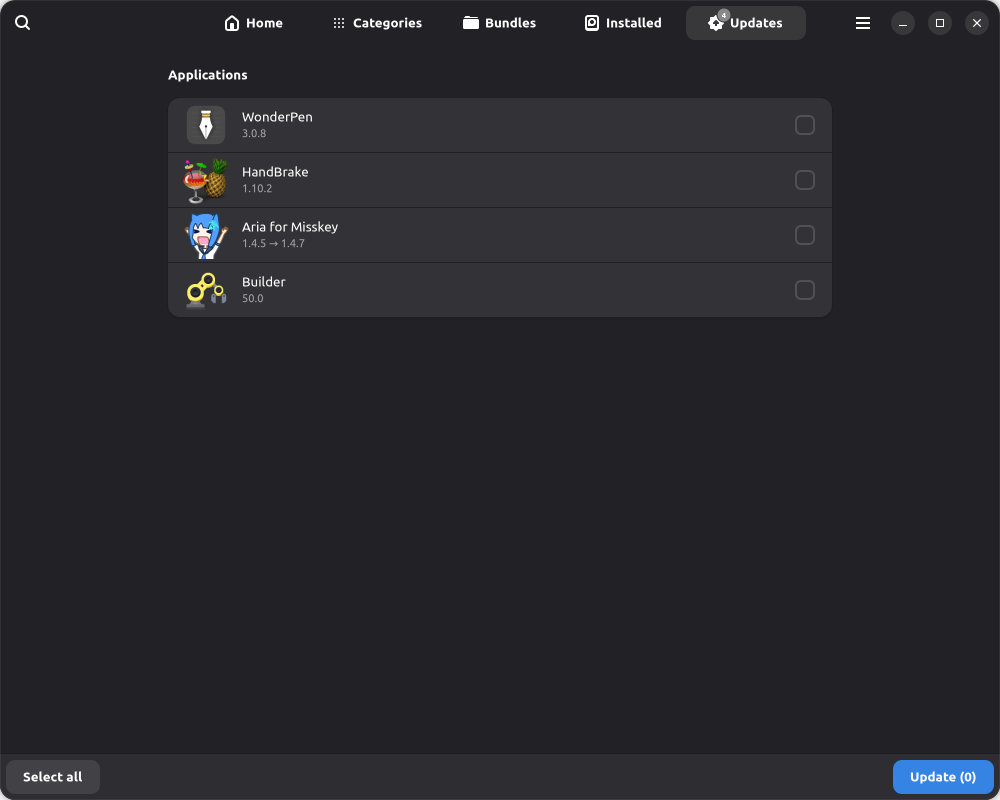
- Add "pin feature" : when you downgrade an applicaiton to a specific version, we store this information and uncheck application in update page
- Add new german language