
GNU Image Manipulation Program
High-end image creation and manipulation
The GIMP team ✓ Verified
org.gimp.GIMPGIMP is an acronym for GNU Image Manipulation Program. It is Community-driven Free Software for high-end image creation and manipulation.
It has many capabilities. It can be used as a paint program, an expert quality photo retouching program, image composition, an online batch processing system, a mass production image renderer, an image format converter, etc.
GIMP is expandable and extensible. It is designed to be augmented with plug-ins and extensions to do just about anything. The advanced scripting interface allows everything from the simplest task to the most complex image manipulation procedures to be easily scripted. GIMP is available for Linux, Microsoft Windows and macOS.
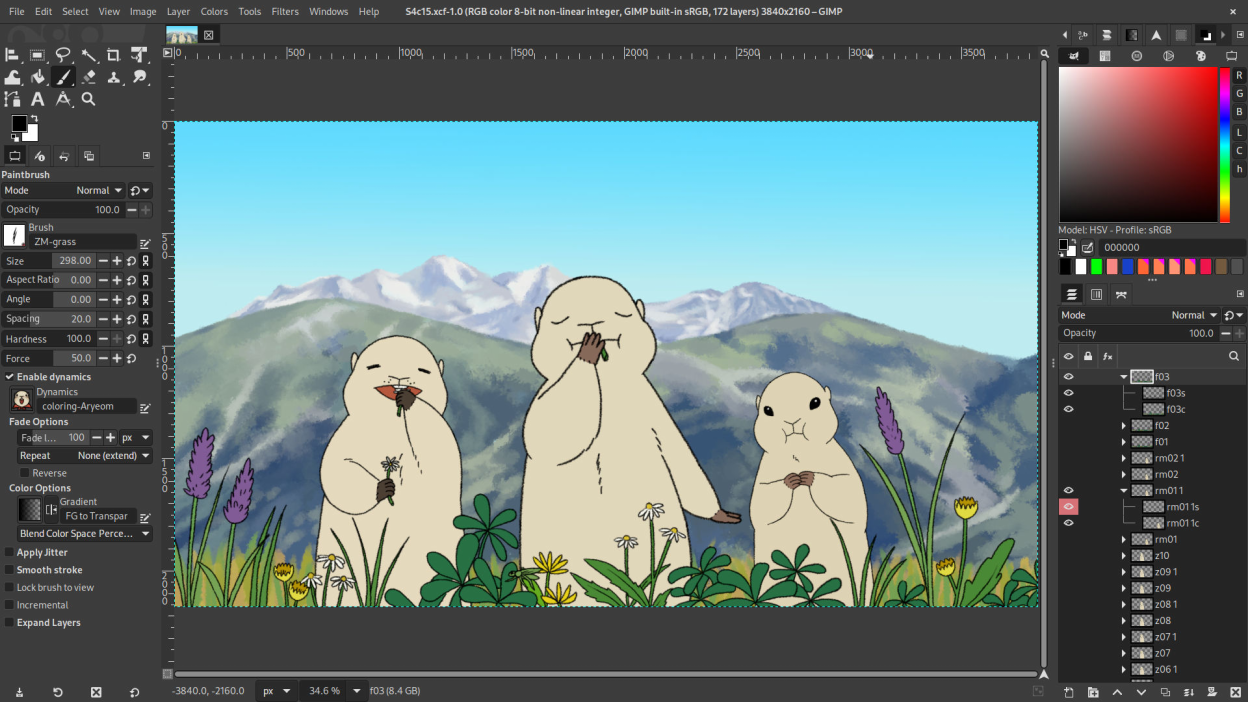
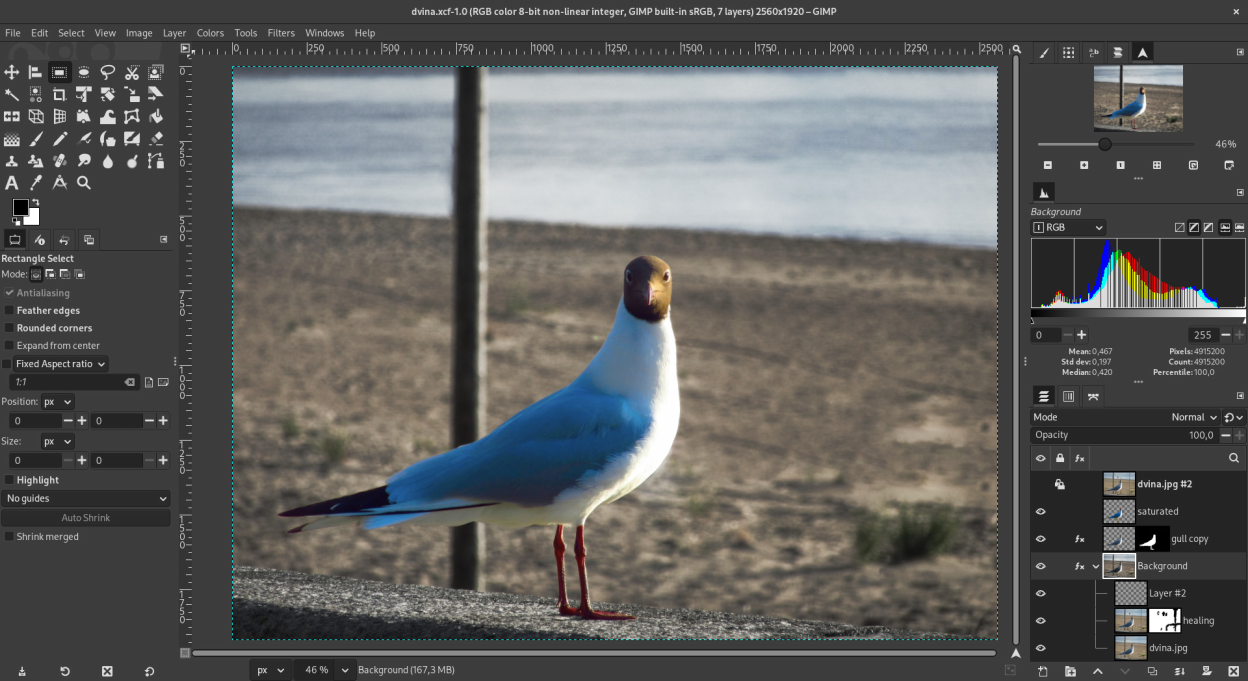
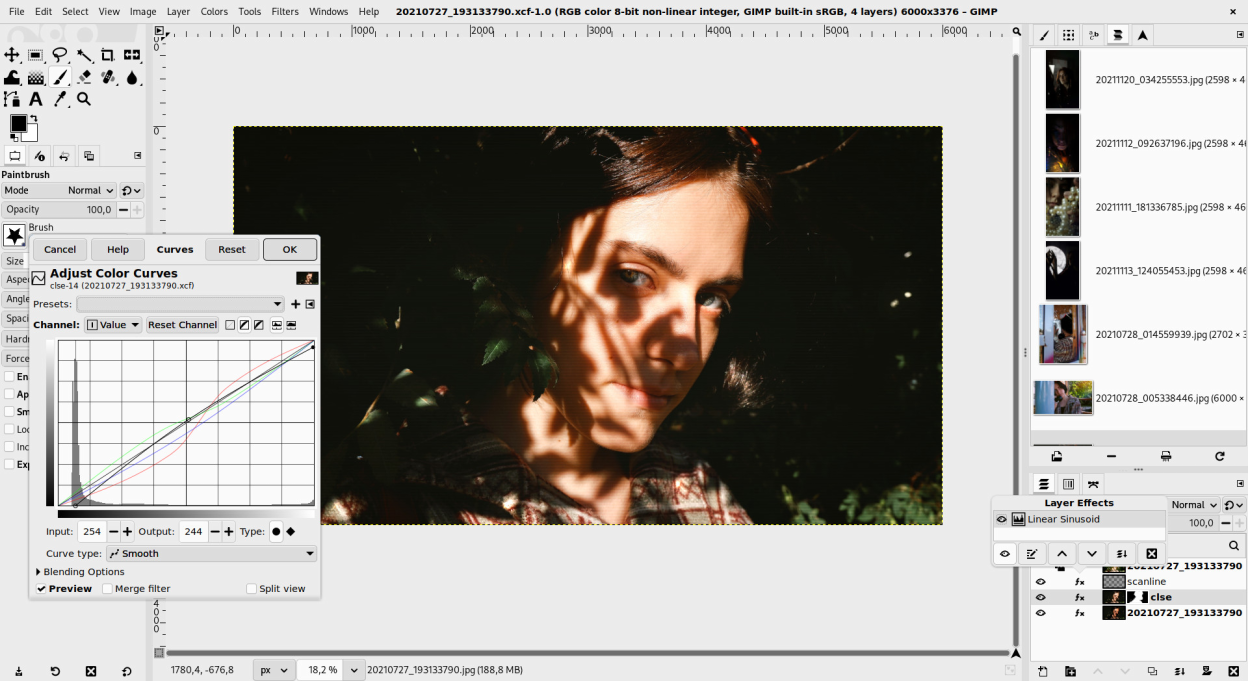
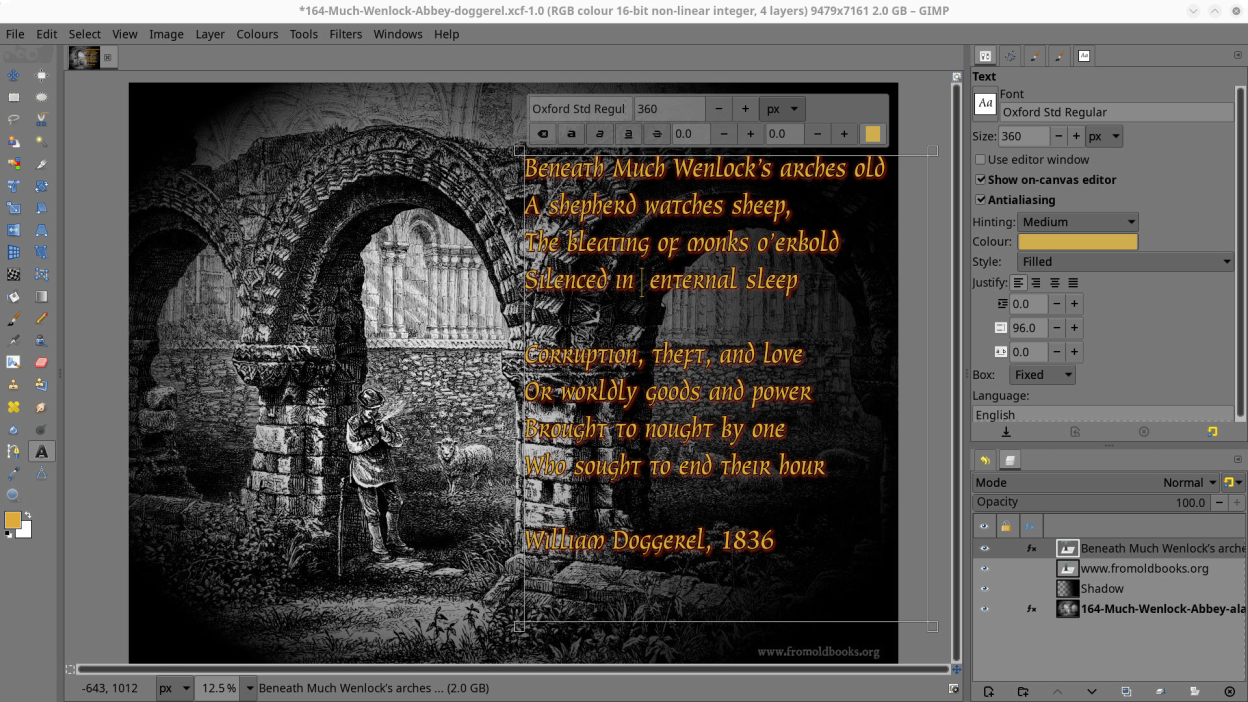
Screenshots
Observed history
| App | Change | Version | When ↑ |
|---|---|---|---|
| updated | 3.2.6 | 8 Oct 2026 |
Upstream releases
Release notes supplied by the developer. These dates are not Flathub package publication times.
3.2.610 Sept 2026
This new bugfix release of GIMP 3.2 brings a whole new level of stability:
- New input axis "Rotation" (a.k.a. "barrel rotation") supported in dynamics
- Bug fixes and usability improvements to recently added features and non-destructive workflows
- A lot of maintenance love happened for the macOS version
- gimptool utility can now compile GEGL operations (filters) and work better on macOS, Windows and AppImage
- Many file formats support improved
- Various vulnerabilities fixed
3.2.417 Apr 2026
The second bugfix release of the GIMP 3.2 series brings it to quite a stable state again as bugs reports are slowing down.
- Bug fixed where GIMP would fail to open some XCF
- When moving a floating layer or selection with a selection tool, marching ants are now disabled
- Improved Text tool, especially regarding prioritizing global actions
- Better temporary folder handling
- Fill actions now behave accordingly to the target item type
- Various file formats support improved
- A new function and a deprecation in the libgimp API for plug-ins
3.2.228 Mar 2026
Here we go! The first bugfix release for the GIMP 3.2 series is here.
- A bug when group layers became invisible in some conditions when children had effects got fixed
- More fixes, especially for the new vector and link layer types, as well as non-destructive effects
- Various file formats support improved
- Themes fixes and improvements
- Support for x86 (32-bit) architecture on Windows was dropped
3.2.014 Mar 2026
GIMP 3.2.0 brings fancy new layer types, hence carrying on its non-destructive abilities, all the while strengthening the groundwork from the 3.0 series. Some of the highlights of this release:
- New type of layers: vector layers.
- New type of layers: link layers.
- Text, link or vector layer must now be explicitly rasterized for direct pixel edits
- New paint mode "Overwrite"
- The Flip tool can now be controlled with arrow keys
- The Shear tool can now be adjusted with arrow keys
- MyPaint brushes version 2 are now supported, with new "Gain" setting
- The MyPaint Brushes tool now supports stylus barrel rotation on relevant brushes
- Text tool: new "Outline Direction" option
- New "Paste unformatted text" action in text tool
- Dragging a file to the image tab bar opens the file as a new image
- New "System" color scheme
- New "Edit mask immediately" checkbox in "Add Layer Mask" dialog
- The Delete button in Layers dialog will delete the layer mask if selected
- The DDS plug-in now supports exporting in BC7 format
- PDF format export will export vector layer as paths
- The OpenEXR plug-in can now import Luminance/Chroma OpenEXR images
- TIFF support improved to handle various unofficial features set by third-party software
- PSD's legacy Drop Shadow, Inner Shadow and Outer Glow layer styles now imported
- Image format import newly supported: APNG, AVCI, JIF, PlayStation TIM, OTA bitmap, PAA textures, Seattle Filmworks photos and HRZ Slow Scan Television Images, hgt.zip
- Image format export newly supported: JPEG 2000, HEJ2, PlayStation TIM, PSB, SVG
- ART is now supported as a RAW loader
- Photoshop's curves files (.acv) and levels files (.alv) can be loaded from the Curves and Levels tools respectively
- Photoshop's RGB and grayscale pattern files now supported
- Palettes can now be exported as Krita's palettes (.kpl)
- Palette swatches from the Procreate art program can now be imported
- Support for many more image file formats improved
- The Welcome dialog will now recognize your standard shortcuts to create or open files
- New checkbox "Compute unique colors" on Histogram dockable
- Total Ink Coverage now displayed in the CMYK color selector
- A new GEGL Filter Browser was added
- Many new API for text, vector and link layers for plug-in developers
- Various fixes and usability updates