A tool for authoring and editing pencil-and-paper style puzzles. Its features include:
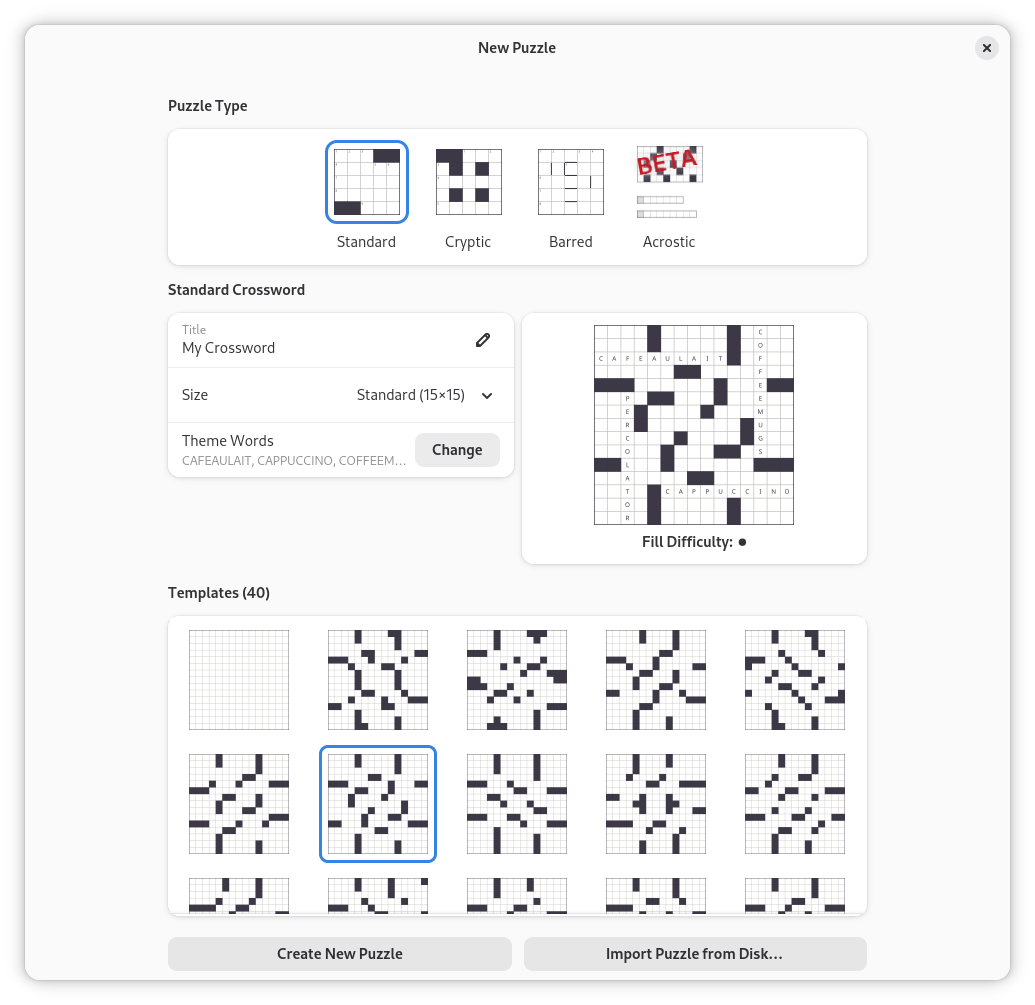
- Supports multiple crossword types, including barred and cryptics
- Loads and saves .ipuz file format
- Style support for individual cells
- Suggests words when creating grids
- Autofill functionality and theme word best-fit
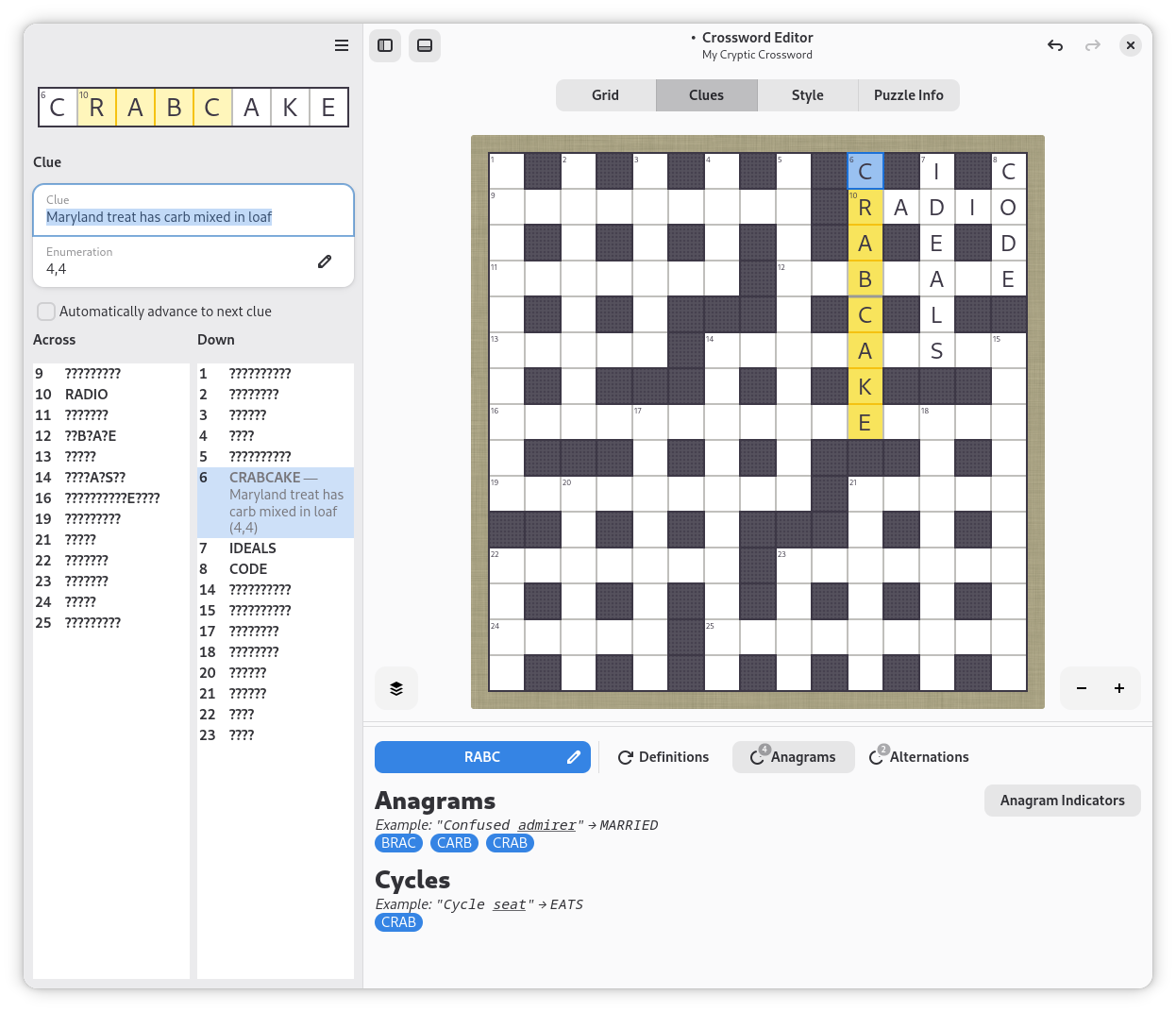
- Word definitions and indicator hints for writing clues
Screenshots
Observed history
| App | Change | Version | When ↓ |
|---|
No observed changes yet.
The initial import establishes a baseline. Future version changes will appear here.
Browse the app catalogue →Upstream releases
Release notes supplied by the developer. These dates are not Flathub package publication times.
0.3.18.114 Jul 2026
New features and improvements in this release:
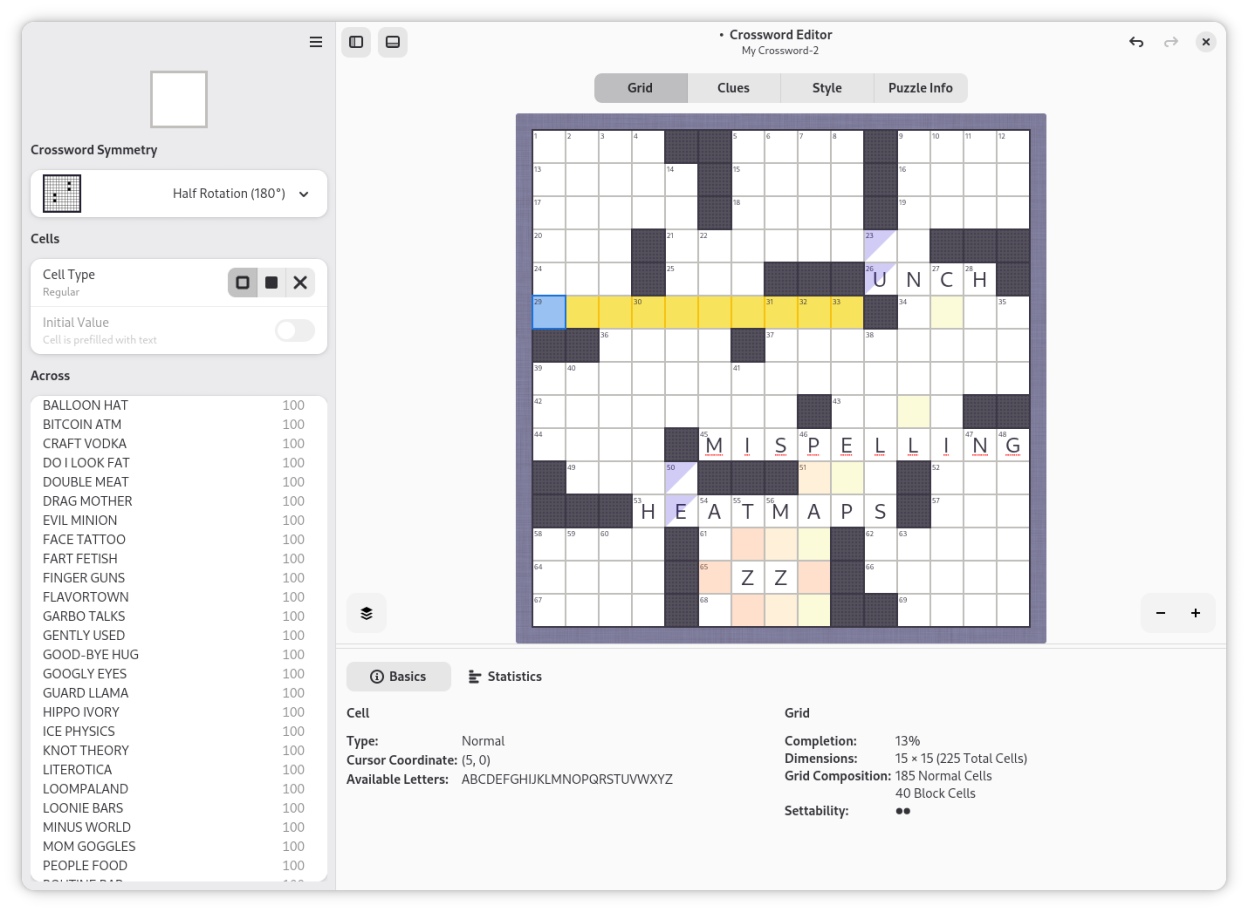
- Added an overlay to the grid editor: Adds spell checking, heatmap, and unch/dead cell checking
- Global skip list that persists across sessions and dictionary changes
- Improved histogram for grid data
- Theme words dialog improvements. Filters out invalid grids
- Magnifier to give a zoomed view of the current cell
- Auto advance during clue entry
- Many small interface improvements
0.3.174 Feb 2026
New features and improvements in this release:
- Expanded library of grid templates, sorted by "settability"
- New dialog and solver for theme word management
- New dialog displaying indicator hints for cryptic crosswords
- Printing support added
0.3.1619 Oct 2025
This release adds the following new features:
- Improved wordlist: better performance, correctness, and appearance
- Drop deprecated GTK widgets in favor of libadwaita variants
0.3.152 Jun 2025
Bugfix and UI improvements:
- Autofill fixes
- Thumbnailer works with arrowwords
- Beta version of Acrostic editor
- Clean up "Save As..." dialog
- Autofill selection vastly improved
- Word list speedups and fixes
- Barred puzzles render better
- Add basic mime sniffing to loading code
- Dividers render correctly
- Cell labels render correctly with complex scripts and rebuses