
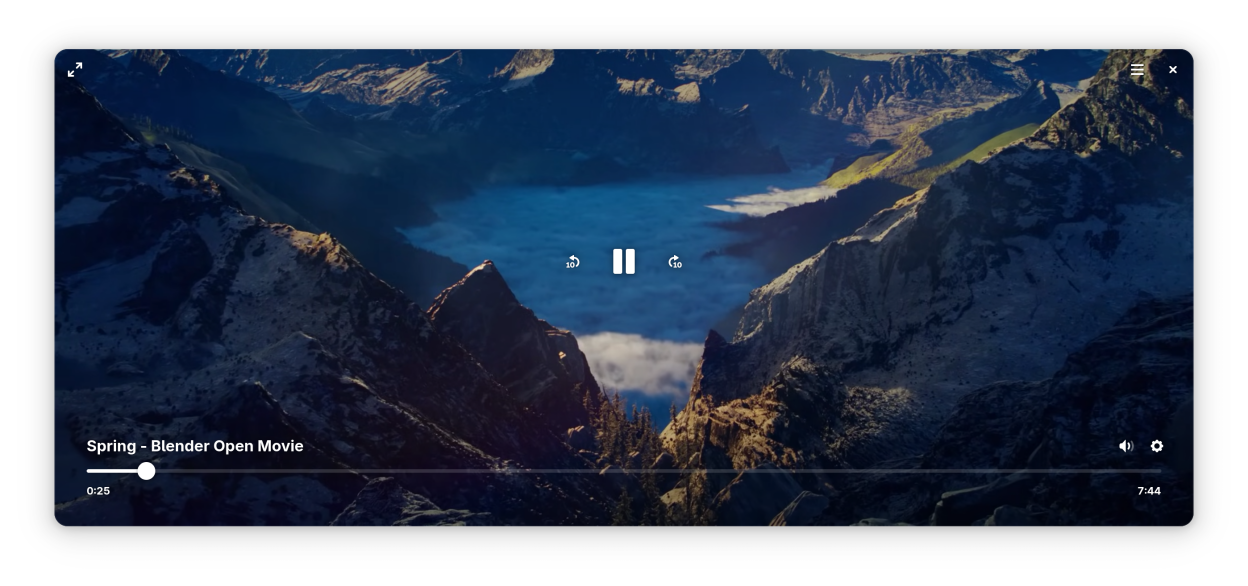
Play your favorite movies and video files without hassle. Video Player features simple playback controls that fade out of your way when you're watching, fullscreen, adjustable playback speed, multiple language and subtitle tracks, and screenshots — everything you need for a straightforward viewing experience.
Screenshots
Observed history
| App | Change | Version | When ↑ |
|---|
No observed changes yet.
The initial import establishes a baseline. Future version changes will appear here.
Browse the app catalogue →Upstream releases
Release notes supplied by the developer. These dates are not Flathub package publication times.
50.014 Mar 2026
- Videos with partially-missing plugins can now be attempted to be played anyway.
- Smaller quality-of-life improvements.
49.122 Nov 2025
- When the window resizes, it will now stay in the center on supported systems.
- Screenshots can now be saved to a directory of your choice. This additionally fixes an issue with translated folder names and improves security.
- The application name should now correctly show up in the Sound panel of Settings.
- Small localization improvements for right-to-left languages.
49.013 Sept 2025
- Playback now resumes after seeking.
- Improved the layout of the options menu.
- The “Repeat” option now persists across a restart of the application.
- Improved the experience when using multiple windows.
- Fixed an issue with reopening the options menu.
- Fixed not being able to seek by scrolling.
- Fixed not being able to play symlinked videos.
- Fixed the previous playback position sometimes not restoring.
- Fixed buttons having too small of a clickable area.
- Tweaked the styling of the interface.
- Various improvements on the backend.
48.13 May 2025
- Improved the styling of the overlay. You should now be able to see more of the video.
- Subtitles now render at the display’s native resolution.
- Moved the spinner for buffering videos to the top right to be less distracting.
- Made sure to pause the video while seeking.
- Fixed the options popover not going away after picking a playback speed.