
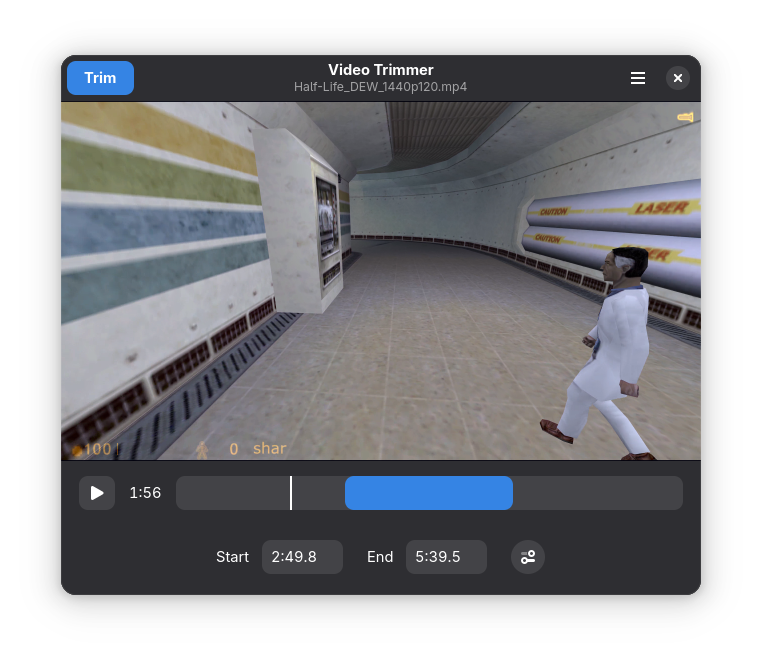
Video Trimmer cuts out a fragment of a video given the start and end timestamps. The video is never re-encoded, so the process is very fast and does not reduce the video quality.
Screenshots
Observed history
| App | Change | Version | When ↓ |
|---|
No observed changes yet.
The initial import establishes a baseline. Future version changes will appear here.
Browse the app catalogue →Upstream releases
Release notes supplied by the developer. These dates are not Flathub package publication times.
26.03.126 May 2026
Fixed known cases of the trimmed video containing earlier frames that only show up in some players (VLC, Firefox).
26.0320 Mar 2026
This release improves the default output file naming and adds command-line options.
- The default output filename now includes start and end timestamps.
- Added command-line flags for start and end timestamps, precise trimming, and removing audio.
- Increased the default window size to make the video 960×540.
- Updated to the GNOME 50 platform.
- Updated translations.
25.0330 Mar 2025
This release makes the trimming options more discoverable.
- Changed the versioning scheme to year.month.
- Moved the accurate trimming and remove audio options from the save dialog to the main window.
- Added , and . shortcuts for short video stepping.
- Updated to the GNOME 48 platform.
- Updated translations.
0.9.030 Sept 2024
This release improves the behavior of shortcuts and does a minor visual refresh for GNOME 47.
- Added I and O shortcuts to set start and end trimming point.
- Made all single-letter shortcuts work even when the time input fields are focused.
- Changed the play/pause Ctrl+Space shortcut to just Space.
- The video now starts paused after opening.
- Updated to the GNOME 47 platform.
- Updated translations.