
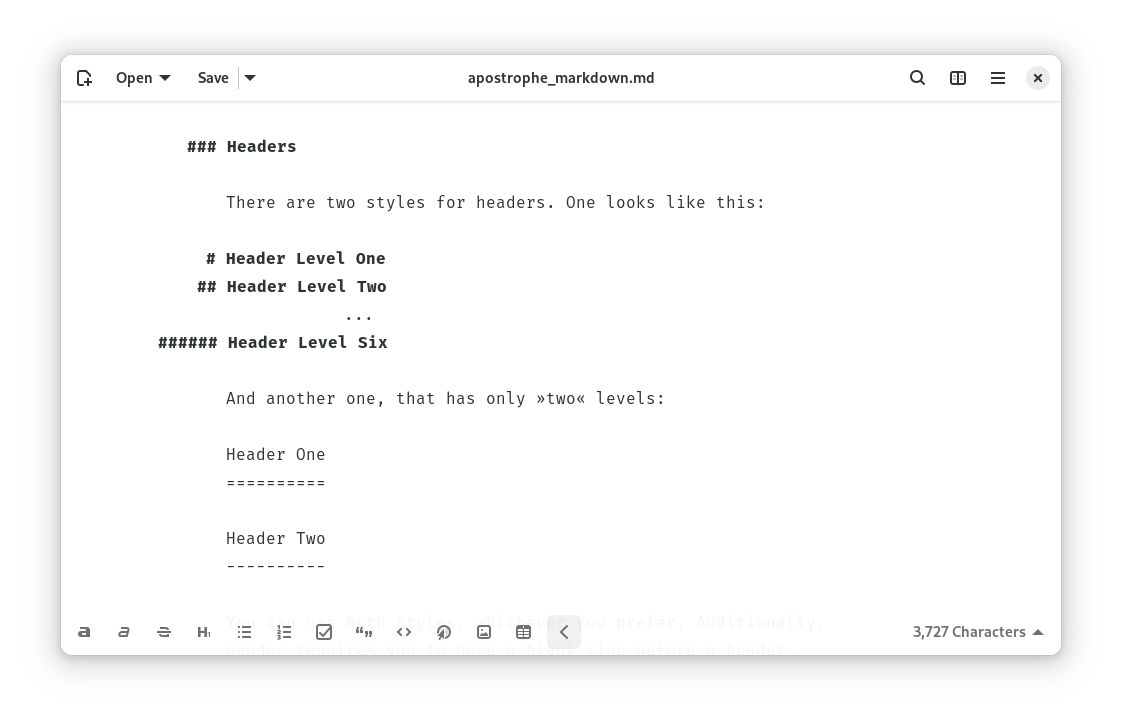
Focus on your writing with a clean, distraction-free markdown editor.
Features:
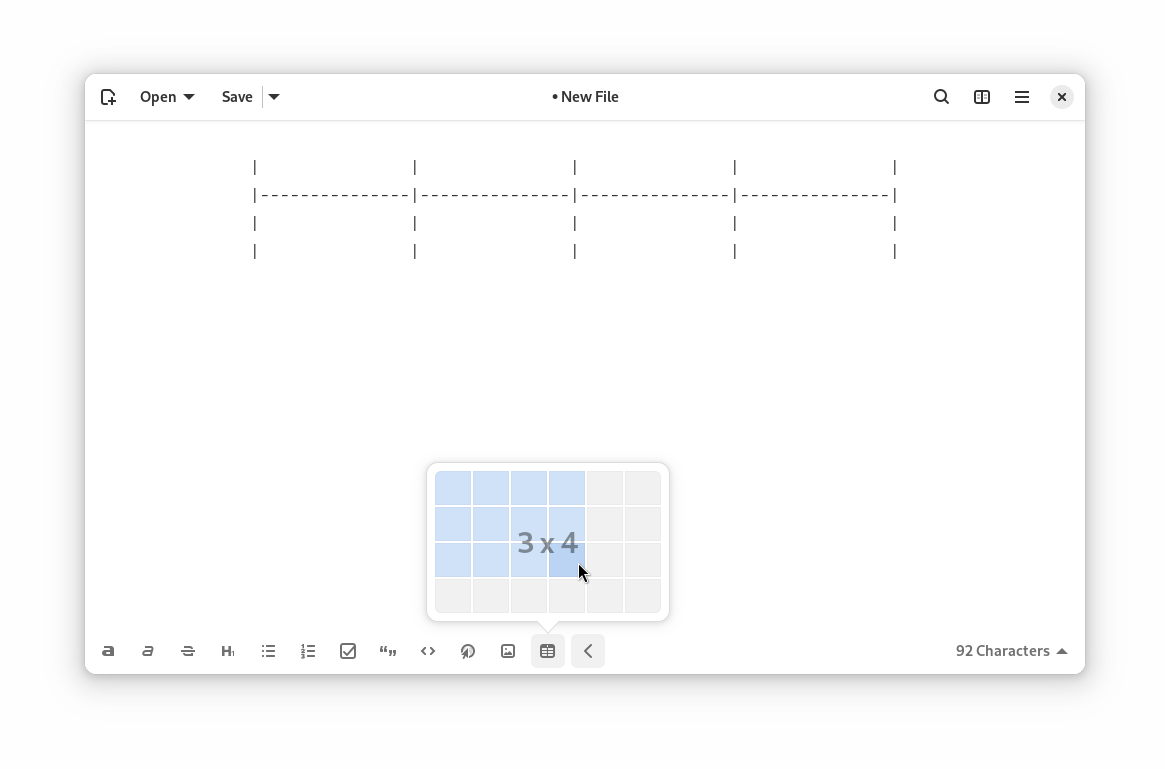
- An UI tailored to comfortable writing
- A distraction-free mode
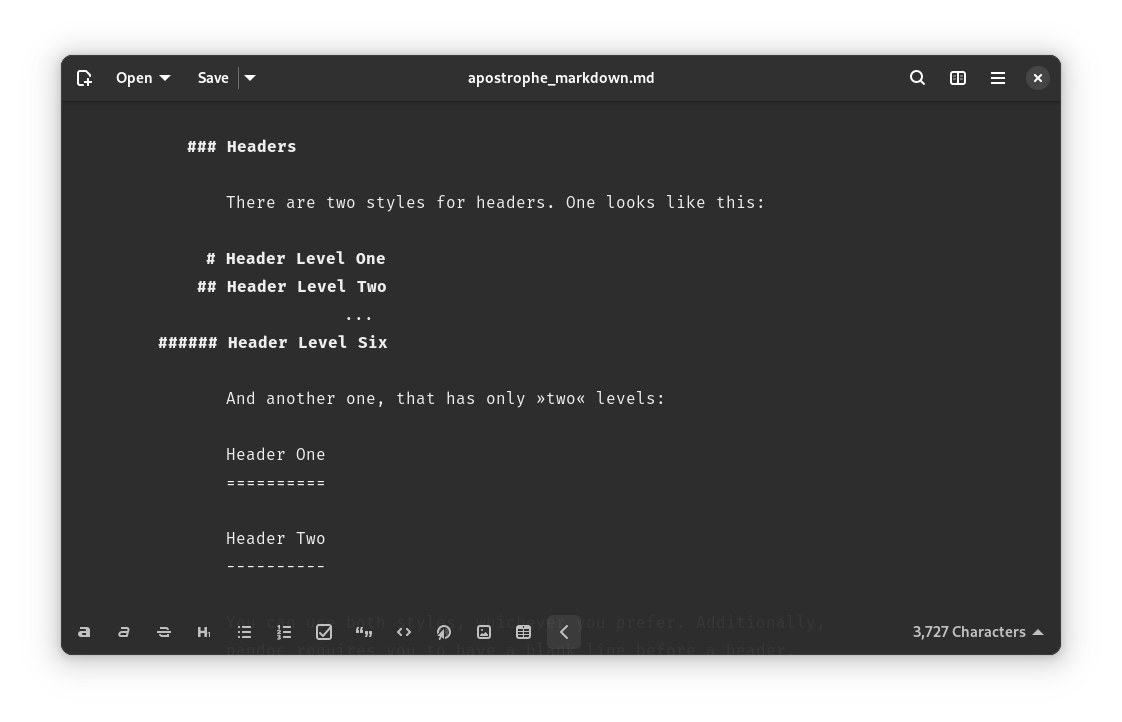
- Dark, light and sepia themes
- Everything you expect from a text editor, such as spellchecking or document statistics
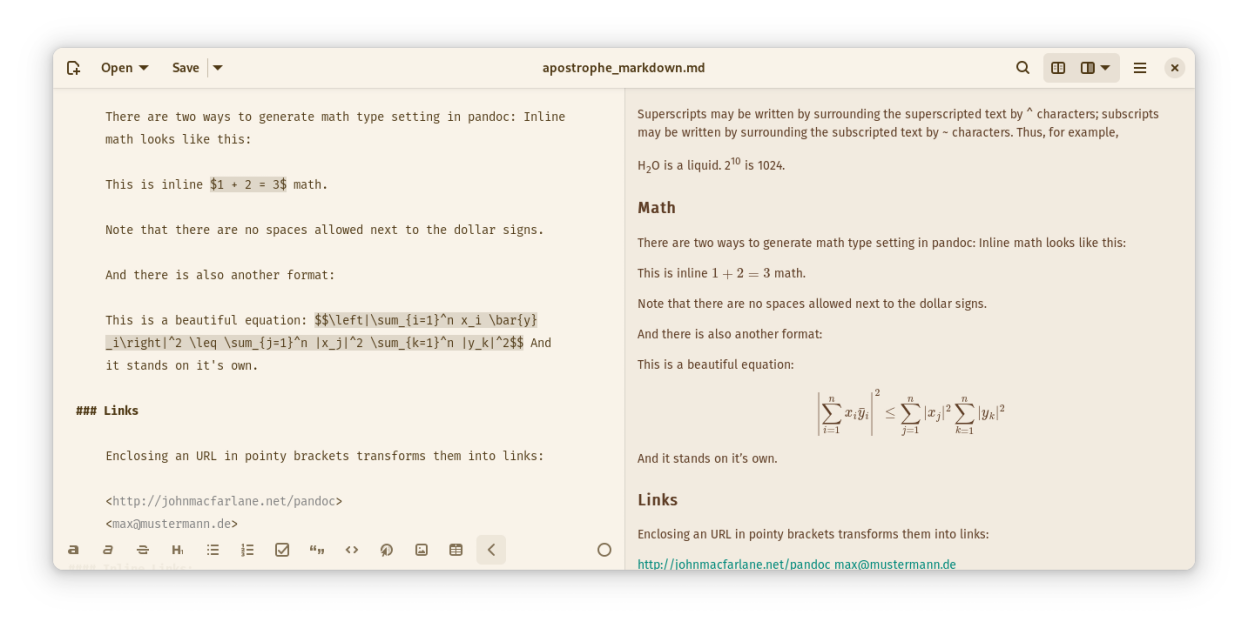
- Live preview of what you write
- Export to all kind of formats: PDF, Word/Libreoffice, LaTeX, or even HTML slideshows
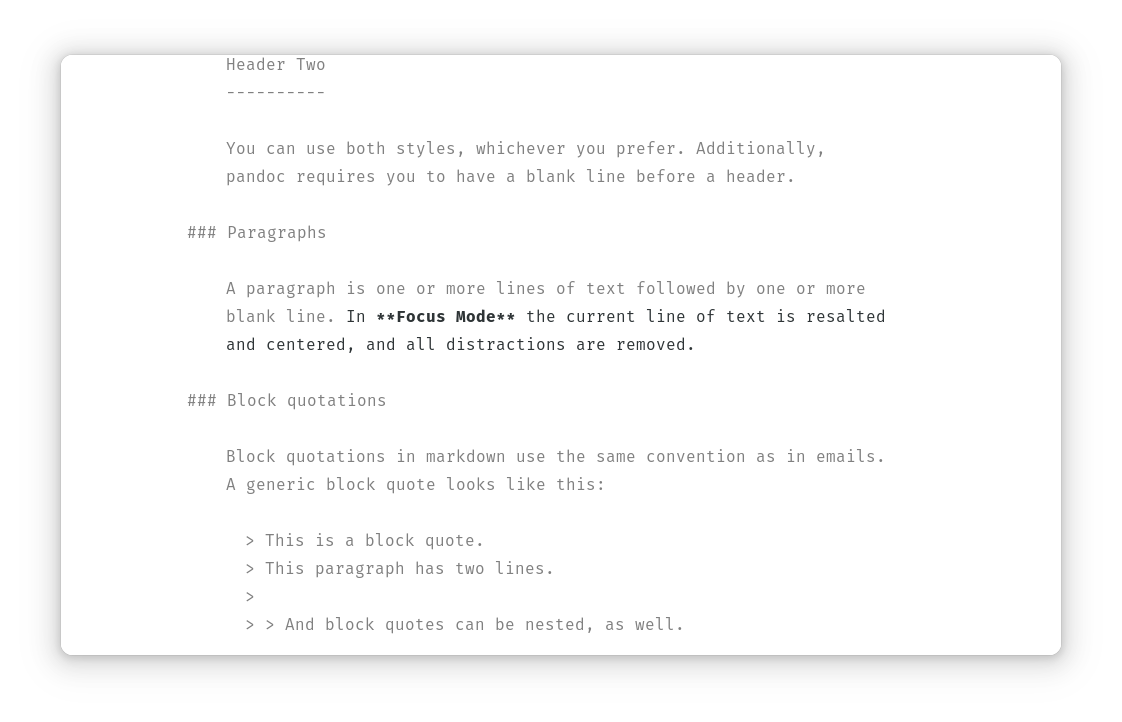
Screenshots
Observed history
| App | Change | Version | When ↓ |
|---|---|---|---|
| updated | 3.5 | 8 Oct 2026 |
Upstream releases
Release notes supplied by the developer. These dates are not Flathub package publication times.
3.58 Oct 2026
The Apostrophe developer fully stands with Palestine and condemns the genocide Israel is enacting on its people right now. Any donation the project receives will be diverted to UNRWA
This release adds the following features:
- Updated dependencies
- Improved export of Chinese and Japanese documents
- Updated translations
This release fixes the following bugs:
- Fixed a bug where the preview wouldn't load under certain conditions
- Fixed a bug where one-word sentences would get deleted
3.430 Sept 2025
The Apostrophe developer fully stands with Palestine and condemns the genocide Israel is enacting on its people right now. Any donation the project receives will be diverted to UNRWA
This release fixes the following bugs:
- Fixed some layout issues in certain locales at narrow sizes
- Fixed an issue where closing and opening Apostrophe with a windowed preview active wouldn't open the editing window the second time
- Updated some dependencies to fix some long-standing issues with GtkTextView
3.310 Sept 2025
The Apostrophe developer fully stands with Palestine and condemns the genocide Israel is enacting on its people right now. Any donation the project receives will be diverted to UNRWA
This release adds the following features:
- Use Typst as the default render engine. LaTeX is no longer needed for exporting PDFs
- Implemented crash recovery/autosaving functionality
- Implemented a narrow mode. Apostrophe works now on mobile devices
- Reimplemented inline previews. Ctrl+click on a word or selecting the "peek" entry in context menus will bring a popover with a preview of images, formulas, web, word definitions and more
- Implemented new CLI options
- The recents popover no longer shows deleted items
- Make search case insensitive in the recents popover
- Improved error dialog
- Improved scroll sync between the editor and the preview panel
- Improved spellchecking: allow different languages in different windows, load system default, persist selected language for each document across restarts
- Use OTF fonts instead of TTF
- Improved styles
- Improved error handling when opening invalid files
- Improved automatic indents and unindents
- Persist window state (window size/fullscreen/maximized) across restarts
- Improved custom widgetry
- Improved touch handling
- Improved the inline markdown rendering, better respecting Pandoc's markdown specification.
This release fixes the following bugs:
- Fixed several codeblocks markup handling bugs
- Fixed incorrect tooltip in the expand toolbar button when it's open
- Fixed IME input
- Fixed "save as" and "export" dialogs not opening the correct folder by default
- Fixed a bug where opening already opened files happened in new windows
- Fixed buggy behaviour with copy-paste buttons when selecting text
This release updates translations.
This release includes the following changes:
- UI/UX small fixes
- Ban of LLM and GenAI contributions
- Updated CoC
3.225 Sept 2024
This release fixes the following bugs:
- Fixed disability flag not being shown in the savebar
- Fixed bold text not working on the live preview
This release adds the following features:
- Updated dependencies
- Updated Basque, Norwegian, Spanish, Turkish, Romanian and Finish translations