
Meld is a visual diff and merge tool targeted at developers. Meld helps you compare files, directories, and version controlled projects. It provides two- and three-way comparison of both files and directories, and supports many version control systems including Git, Mercurial, Bazaar and Subversion.
Meld helps you review code changes, understand patches, and makes enormous merge conflicts slightly less painful.
Screenshots
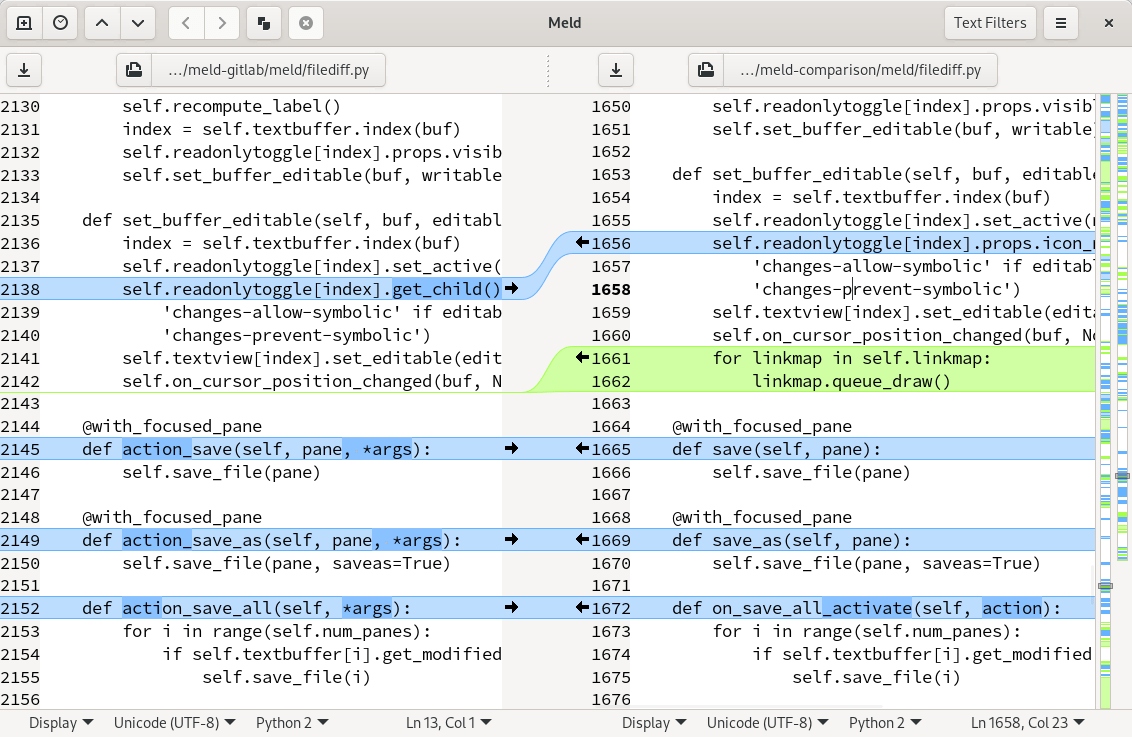
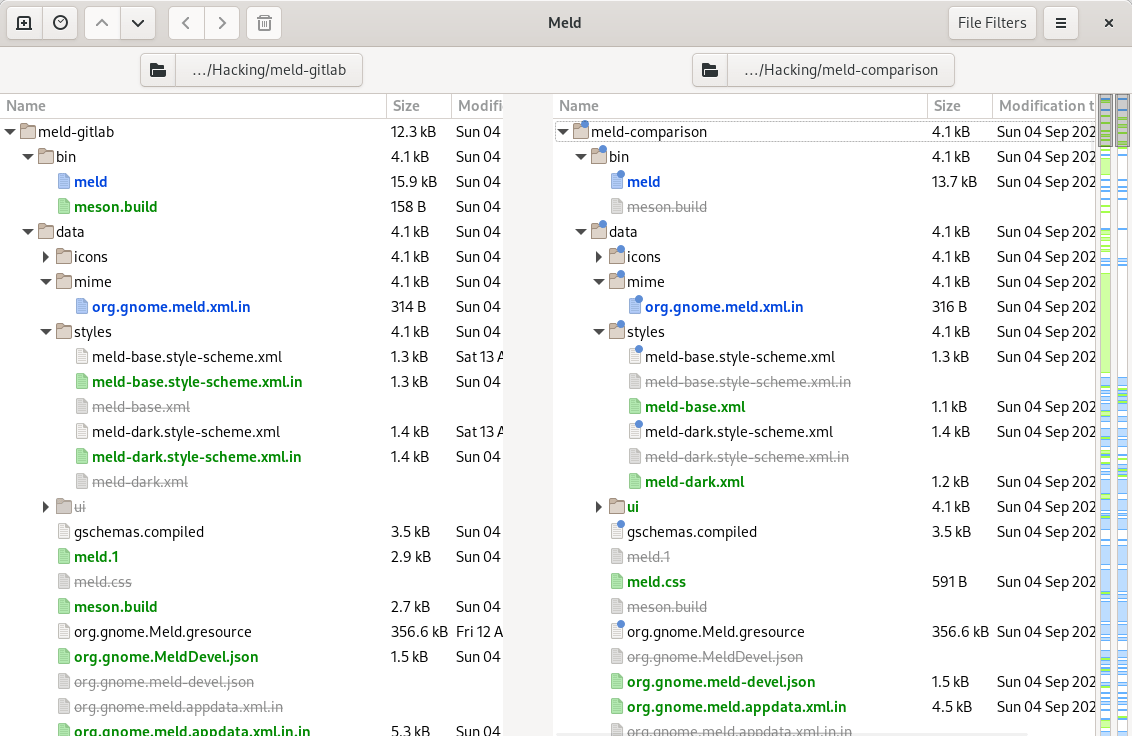
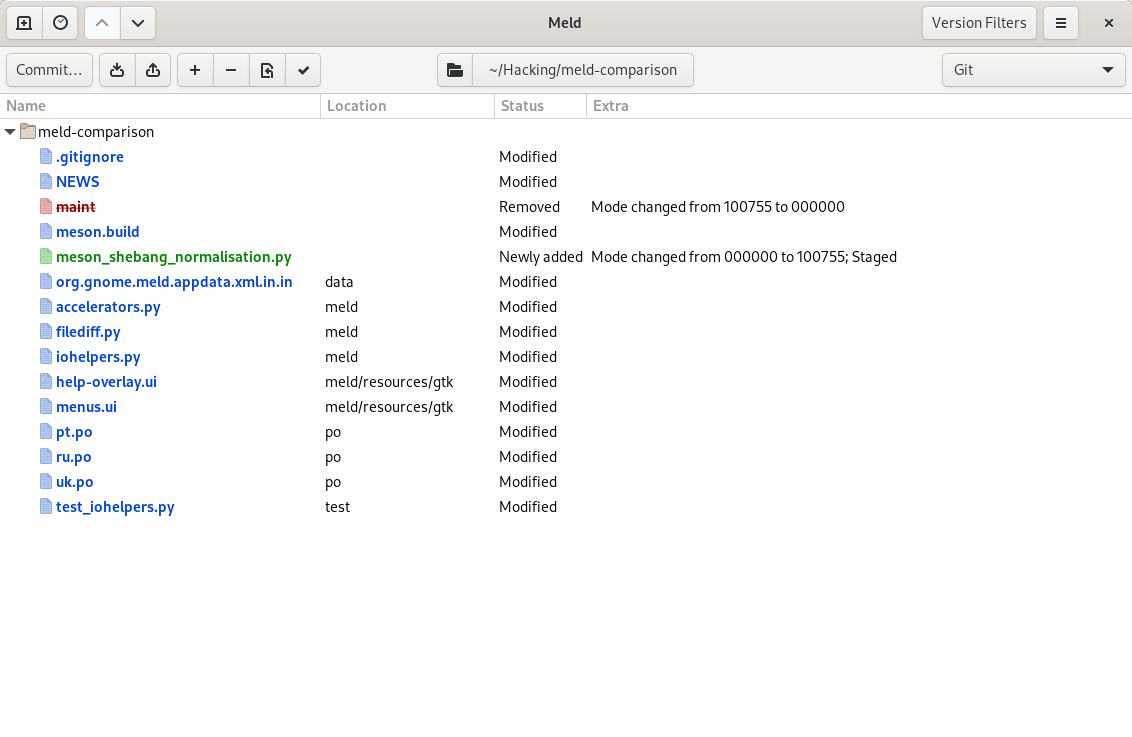
Observed history
| App | Change | Version | When ↓ |
|---|
No observed changes yet.
The initial import establishes a baseline. Future version changes will appear here.
Browse the app catalogue →Upstream releases
Release notes supplied by the developer. These dates are not Flathub package publication times.
3.24.020 Jun 2026
This is a new stable release series. Notable changes compared to 3.22 include:
- Added support for macOS and Python wheel building, and an updated Windows build pipeline
- Side-by-side image comparison
- Updated translations
3.23.131 Dec 2025
This is an unstable release in the 3.23 development series.
- Updated Windows build pipeline
- macOS build pipeline updates
- Fix crash on image comparison with admin:// scheme
- Fix starting a subfolder comparison
- Fix action duplication without cursor movement
- Updated translations
3.23.023 Mar 2025
This is an unstable release in the 3.23 development series.
- New side-by-side image file comparison
- CI build support for macOS
- Version control support for Git unstaging
- New folder comparison option for size-only comparisons
- Updated translations
3.22.04 Sept 2022
This is a new stable release series. Notable changes compared to 3.20 include:
- A big UI refresh to better follow modern GNOME style
- A new widget for displaying comparison paths with better information and manipulation
- Support for comparing different files across panes in folder comparison
- Many minor improvements to actions for manipulating documents, dealing with synchronisation points, rearranging panes, etc.
- Improved support for dark themes
- Updated translations