
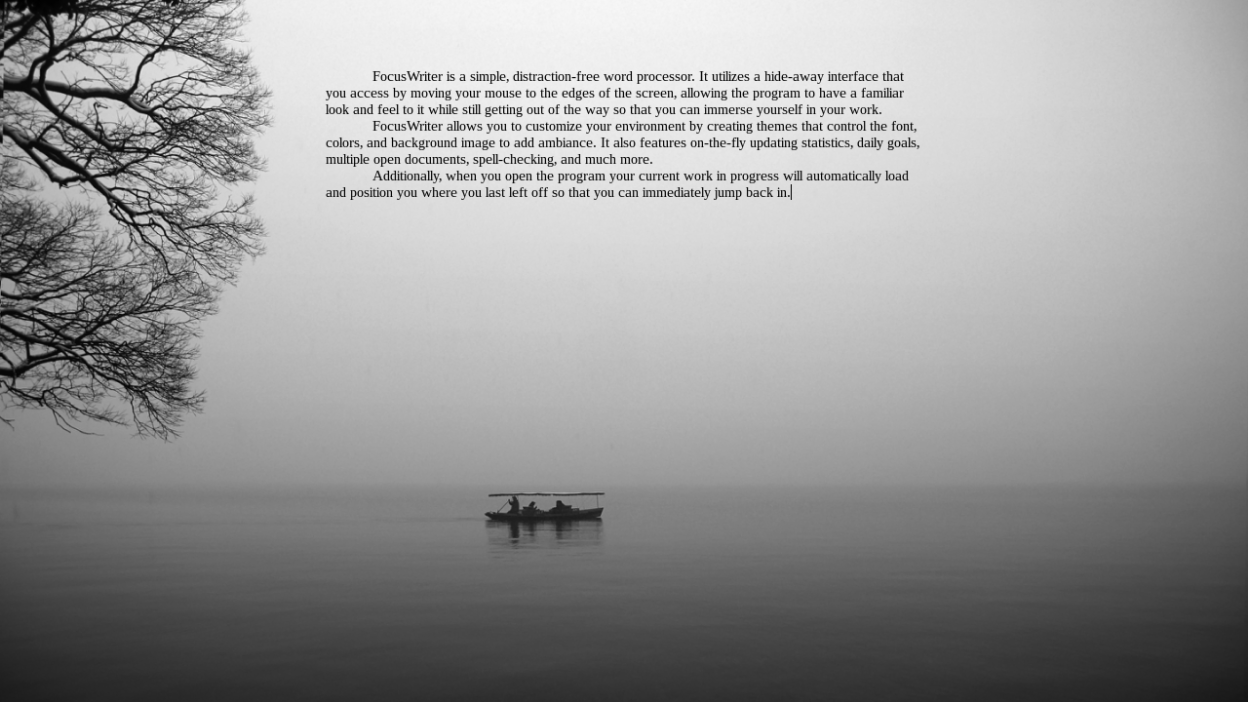
FocusWriter is a simple, distraction-free word processor. It utilizes a hide-away interface that you access by moving your mouse to the edges of the screen, allowing the program to have a familiar look and feel to it while still getting out of the way so that you can immerse yourself in your work.
FocusWriter allows you to customize your environment by creating themes that control the font, colors, and background image to add ambiance. It also features on-the-fly updating statistics, daily goals, multiple open documents, spell-checking, and much more.
Additionally, when you open the program your current work in progress will automatically load and position you where you last left off so that you can immediately jump back in.
Screenshots
Observed history
| App | Change | Version | When ↓ |
|---|
No observed changes yet.
The initial import establishes a baseline. Future version changes will appear here.
Browse the app catalogue →Upstream releases
Release notes supplied by the developer. These dates are not Flathub package publication times.
1.9.123 Jul 2026
- FIXED: Daily progress was sometimes incorrectly shown as negative
- FIXED: Scene list items overlapped on Windows 11
- FIXED: Did not play sound effects for composed text
- Document policy prohibiting the use of AI
- Use strict mode to disable unsafe Qt APIs
- Translation updates: Croatian, Swedish
1.9.010 Feb 2026
- FIXED: Did not play sound effects for smart quotes
- Added keyboard shortcuts for headings
- Clears headings when pressing enter
- Replaced shadowed variable names
- Switched to KDSingleApplication
- Updated link to translations
- Translation updates: Swedish
1.8.1318 Aug 2025
- FIXED: Crash when dragging justified text
1.8.1214 May 2025
- FIXED: Compile error with QString::arg overload for char32_t
- FIXED: Conflict when creating default symbol shortcuts
- FIXED: Columns in symbols dialog were very wide
- Translation updates: Swedish