
gPodder-adaptive
Media aggregator and podcast client for mobile and desktop alike
org.gpodder.gpodder-adaptivegPodder lets you manage your Podcast subscriptions, discover new content and download episodes to your devices.
You can also take advantage of the service gpodder.net, which lets you sync subscriptions, playback progress and starred episodes.
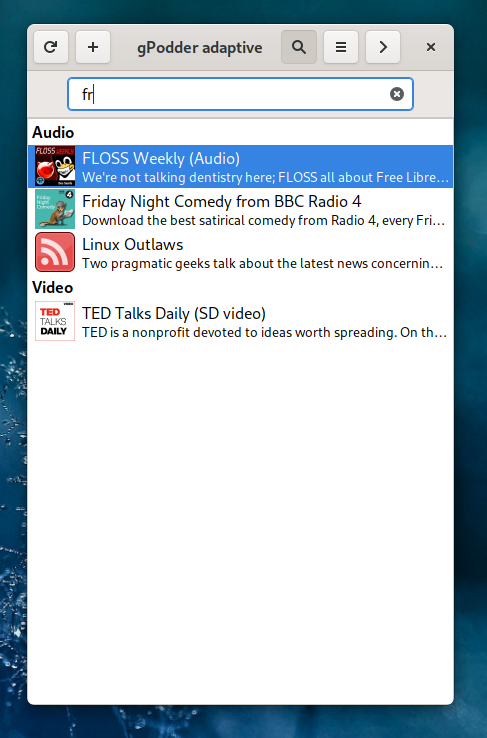
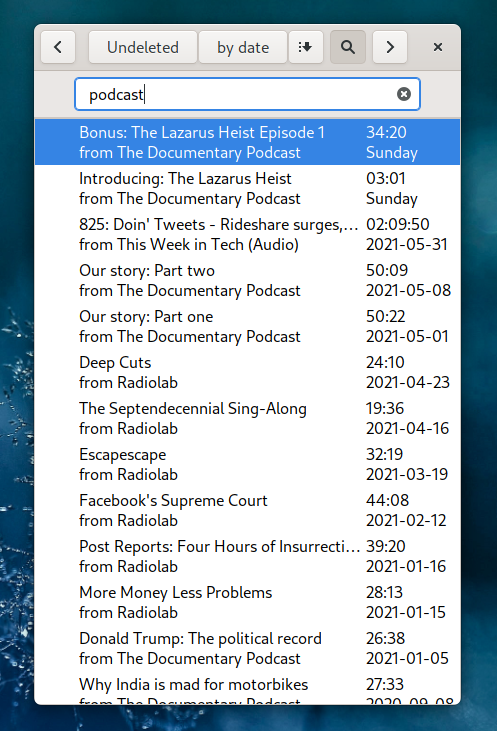
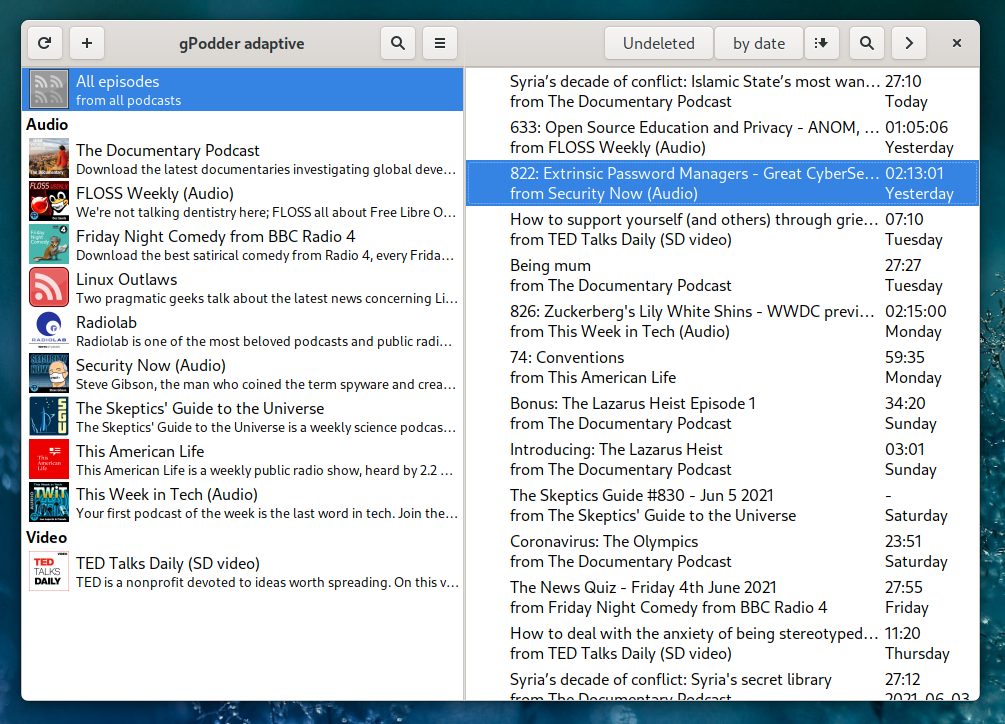
This is a version of gPodder with an adaptive interface meant for both touchscreen devices, like phones and tablets, and desktop and laptop computers.
Screenshots

Observed history
| App | Change | Version | When ↑ |
|---|
No observed changes yet.
The initial import establishes a baseline. Future version changes will appear here.
Browse the app catalogue →Upstream releases
Release notes supplied by the developer. These dates are not Flathub package publication times.
3.11.5+128 Dec 2024
Changes:
- Replace context GtkMenus with GtkPopovers (#1293)
- Add PotPlayer Support For Windows (#1583)
- New subscription statistics extension (#1590)
- Group subscriptions in OPML import/export (#1658)
- Add `path.alternate` setting so users can append to PATH inside gpodder (#1649)
- Limit the length of UTF-8 filenames (#1645)
- Sort episodes by published date when sending to folder (#1624)
- Add view menu podcast and episode list checkboxes to preferences (#1618)
- New podverse search extension (#1615)
- SendTo automatic rename filename (#1620)
- Add socks proxy to settings and network tab in Preferences (#1592)
- Extract YouTube channel ID from URL (#1603)
- Modernize userappsdirs (#1601)
- Add color scheme (dark and light mode) support (#1595)
- Change %d to %ld in Windows launcher (#1589)
- Add forceDownload action to Downloads context menu and toolbar
Changes in adaptive UI:
- Context menus are now identical to classic gPodder
- Use the new design of 'Discover new podcasts' dialog from classic gPodder with small tweaks
3.11.4+112 Oct 2023
This release only updates dependencies in the Windows and Mac builds
3.11.3+15 Oct 2023
Bug fixes and minor improvements
Changes in adaptive UI:
- Add 'Preview' item to download context menu
- Enable text selection in shownotes for non-touchscreen use
3.11.2+118 Aug 2023
Major changes:
- fix crash when syncing
- don't reposition maximised windows