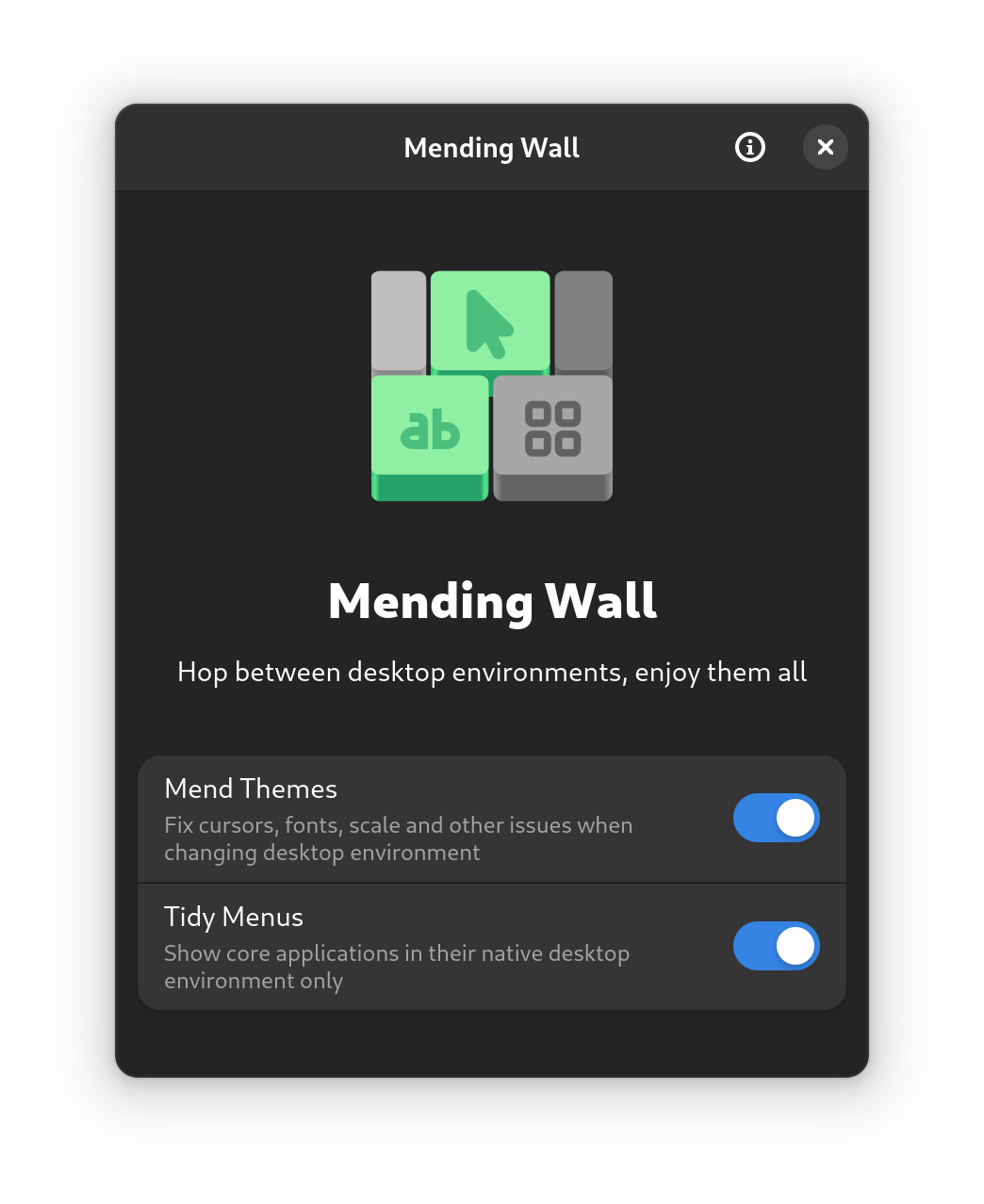
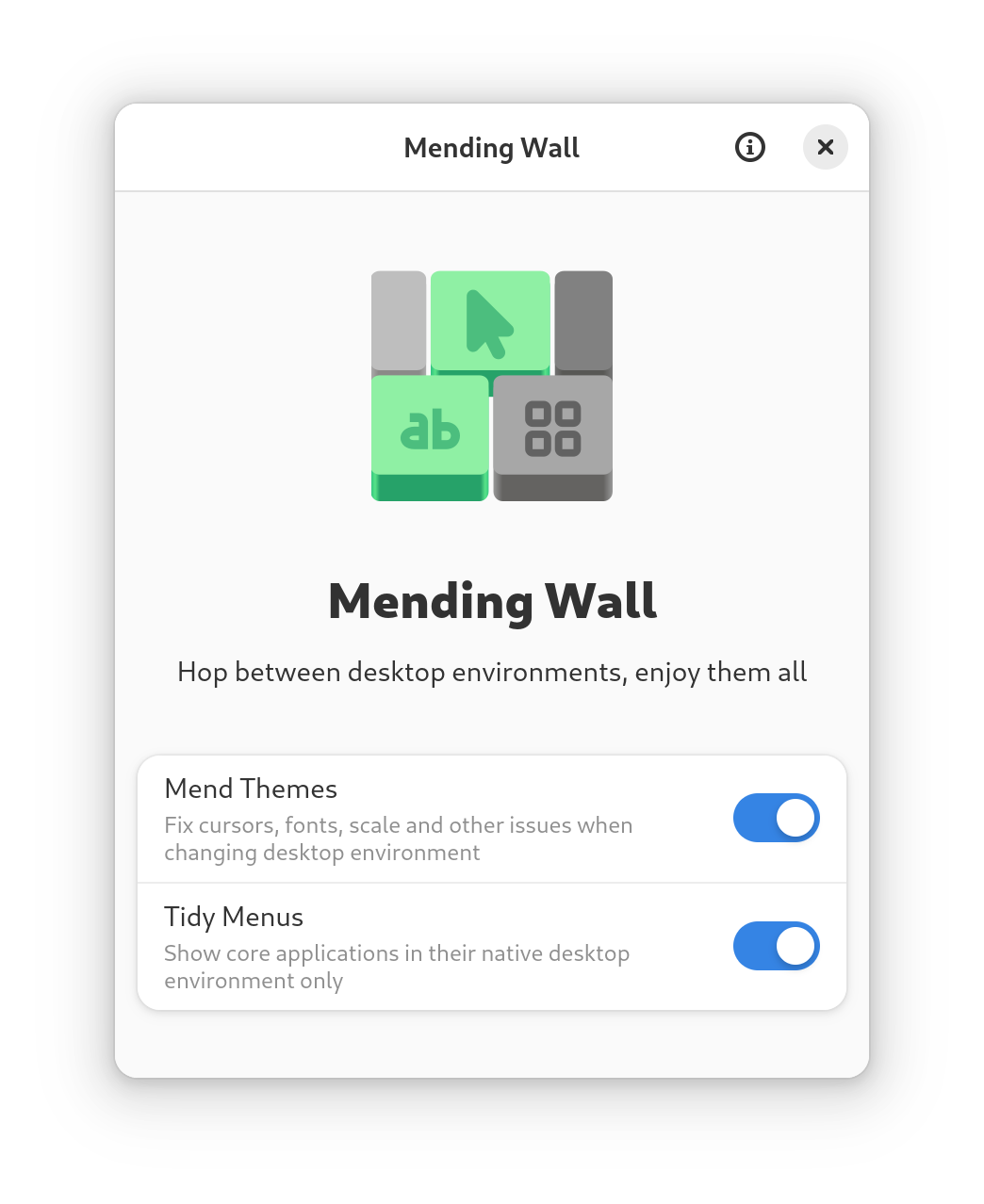
Mending Wall eliminates common problems when using more than one desktop environment (e.g. GNOME, KDE Plasma, Xfce, Cinnamon, COSMIC).
For example, if you use KDE Plasma then switch to GNOME, icon and cursor themes may have changed. When you switch back to KDE Plasma, scaling and light/dark mode may have changed. Meanwhile, menus may become cluttered with several core applications of similar functionality (e.g. terminals, file browsers, text editors).
Mending Wall fixes all this.
To use, simply launch the app and choose one or more features to enable. The best time to enable is before using a second desktop environment, to prevent issues before they occur. Mending Wall will then run in the background to maintain your setup. You can install any desktop environments in the usual way through your package manager, either before or after starting Mending Wall.
Screenshots
Observed history
| App | Change | Version | When ↑ |
|---|
No observed changes yet.
The initial import establishes a baseline. Future version changes will appear here.
Browse the app catalogue →Upstream releases
Release notes supplied by the developer. These dates are not Flathub package publication times.
0.3.917 Nov 2025
- Fixed display scaling not being preserved on GNOME.
- Additional applications added for tidy menus.
0.3.817 Nov 2025
- In KDE Plasma, fixed applications remaining in menu after removal.
- Additional applications added for tidy menus.
0.3.76 Oct 2025
Branding colour tweaks for Flathub quality guidelines.
0.3.62 Oct 2025
Icon and branding colour tweaks for Flathub quality guidelines.